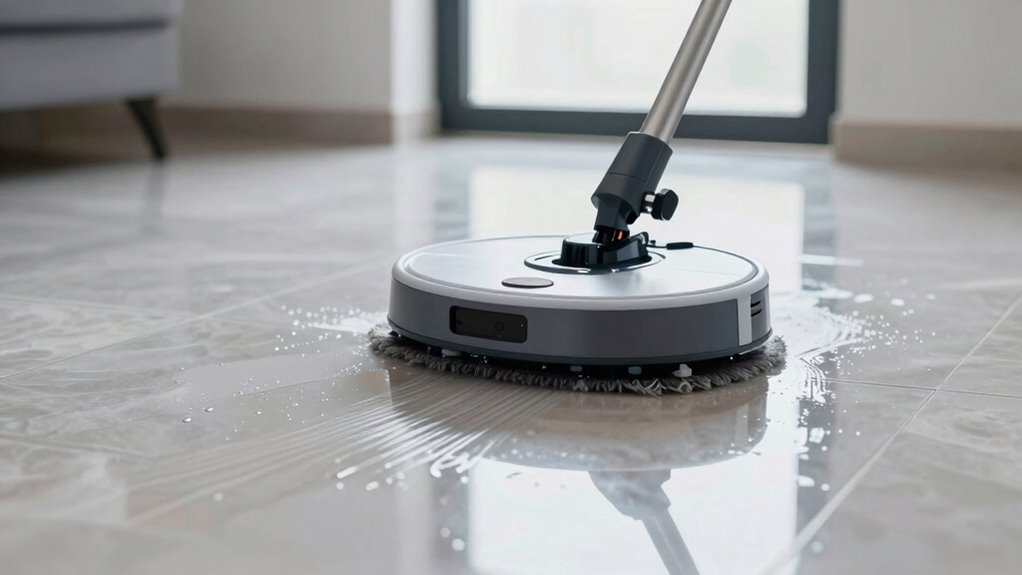

Robot mops leave streaks mainly because of battery issues, navigation errors, or sensor limitations. If your device’s battery is weak or it gets interrupted mid-clean, it can miss spots or cause streaks. Obstructed or dirty sensors can also lead to uneven coverage. Ensuring a full charge, keeping sensors clean, and updating firmware can help. For more tips on preventing streaks and achieving a flawless clean, keep exploring the options available.
Key Takeaways
- Inadequate battery life causes incomplete cleaning, leading to streaks and missed spots.
- Navigation errors from dirty sensors or cluttered floors result in uneven coverage.
- Outdated firmware or software reduces mapping accuracy and cleaning consistency.
- Poor sensor maintenance and obstructed components impair precise navigation.
- Choosing models with advanced sensors and longer-lasting batteries minimizes streaks and improves results.
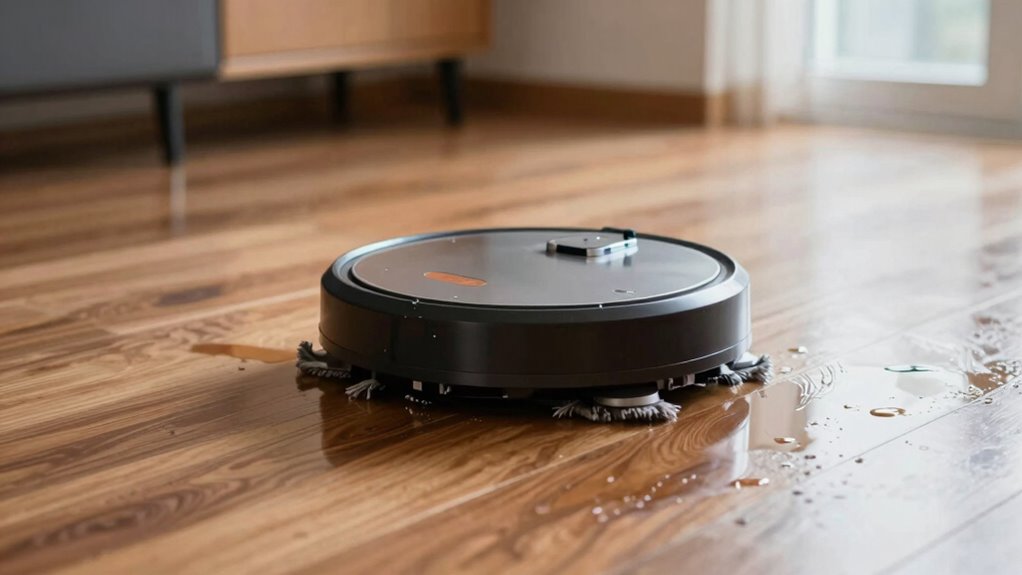
Many robot mops, despite promising to make cleaning easier, often leave streaks behind on hard floors. If you’ve noticed this happening, it’s probably because of how your device manages its battery life and navigation accuracy. When the battery isn’t holding a charge for long enough, the robot might cut its cleaning session short or skip certain areas, leading to uneven streaks or missed spots. Similarly, if the navigation system isn’t precise, the mop may double back over the same spot or miss sections altogether, resulting in streaky, inconsistent cleaning. Recognizing these issues is the first step to fixing them.
Streaks often result from poor battery life or navigation issues; ensuring proper maintenance and upgrades can improve cleaning.
Battery life plays a fundamental role in the effectiveness of your robot mop. Many models don’t sustain power long enough to complete thorough cleaning cycles, especially on larger floors. When the battery runs low, the robot may stop mid-clean or return to its dock prematurely, leaving some areas untouched. This interruption can cause streaks because the mop didn’t have enough time to cover the entire space uniformly. To prevent this, consider choosing a robot mop with a longer-lasting battery or one that can automatically return to its charging station and resume cleaning once recharged. Regularly charging your device and avoiding overuse can also help extend its battery life, guaranteeing it has the power needed to finish the job without leaving streaks. Additionally, maintaining your device’s battery health by following manufacturer recommendations can further improve performance.
Navigation accuracy is equally essential. If your robot’s sensors and mapping technology aren’t precise, it can struggle to navigate your space properly. It might bump into furniture, double back, or miss sections altogether. These navigation errors translate into streaks or uneven cleaning patterns because the mop isn’t covering every inch consistently. To improve this, look for models with advanced sensors and mapping capabilities. Keep the sensors clean and unobstructed, and ensure your floor is free of clutter that could confuse the robot. Some newer models use laser-guided navigation or camera-based systems that can create more accurate maps of your home, reducing the chances of streaks caused by navigation mistakes.
In addition to hardware considerations, software updates can also enhance navigation accuracy. Regularly check for firmware updates from the manufacturer, which often include improvements to mapping algorithms and sensor performance. Properly setting up your robot mop in an open, clutter-free environment before starting a cleaning cycle can also help it create a more accurate map and avoid common pitfalls that lead to streaks.
Being aware of navigation technology and battery management can make a significant difference in the cleaning results, helping you select and maintain a robot mop that keeps your floors spotless without those annoying streaks.

Tikom Robot Vacuum and Mop Combo, 5000Pa Robotic Vacuum Cleaner, 150 Min Max, App & Remote Control, Ideal for Hard Floor, Carpet, Pet Hair, Self-Charge(G8000 Max)
- Strong Suction Power: 5000Pa for deep cleaning
- Vacuum & Mop Combo: Simultaneous cleaning in one pass
- Large Dustbin & Water Tank: 450ml dustbin and 300ml water tank
As an affiliate, we earn on qualifying purchases.
As an affiliate, we earn on qualifying purchases.
Frequently Asked Questions
Can Using Too Much Water Cause Streaks on Floors?
Using too much water can definitely cause streaks on your floors. Excess water leaves behind water residue that’s hard to dry, often resulting in streaky surfaces. Additionally, if you use too much cleaning solutions along with the water, it can create a film that’s tough to remove. To prevent streaks, use the right amount of water and cleaning solutions, and make sure your robot mop is properly maintained and not overfilled.
Are Certain Floor Types More Prone to Streaks?
You should know that certain floor types are more prone to streaks. Smooth surfaces like hardwood and tile are less likely to show streaks if your robot mop’s floor texture is compatible with the mop pad. For best results, match your mop pad with your floor type and avoid rough textures like textured vinyl or uneven surfaces. When you’re on the ball, you’ll keep your floors spotless and streak-free.
How Often Should I Clean My Robot Mop’s Brushes?
You should clean your robot mop’s brushes at least once a week to guarantee peak performance and prevent streaks. Regular maintenance tips, like removing hair and debris, help keep the brushes effective and maintain the machine’s efficiency. Additionally, clean the brushes to extend your robot’s battery lifespan, as buildup can strain the motor. Keeping your brushes clean ensures smooth mopping, reduces streaks, and prolongs the overall life of your device.
Do Robot Mops Work Better on Sealed Floors?
Yes, robot mops work better on sealed floors because sealed surfaces enhance their cleaning efficiency, reducing streaks and ensuring durability. Sealed floors help protect the robot’s brushes and motors, improving robot mop durability and maintaining battery longevity. When you use your robot mop on unsealed or uneven floors, it may struggle, causing more streaks and wear. For peak performance, keep your floors sealed and regularly maintain your device.
Can Changing the Mop Pad Improve Streak-Free Cleaning?
Changing the mop pad can greatly improve streak-free cleaning. Regular mop pad maintenance guarantees your microfiber stays effective, preventing dirt buildup that causes streaks. Opt for high-quality microfiber, which enhances microfiber effectiveness by trapping more debris and distributing water evenly. By frequently replacing or washing your mop pad, you help your robot mop perform better, leaving your floors spotless without streaks. Proper care makes a noticeable difference in cleaning results.

Robot Vacuum and Mop Combo, 90-Day Self Emptying, 10000Pa Strong Suction, dToF Laser Navigation Smart Mapping, 160Min Runtime, Anti-Tangle Robotic Vacuum Cleaner for Hard Floor, Pet Hair, Carpet
- Self-Emptying Dustbin: 3.5L capacity for 13 weeks of debris
- Strong Suction Power: 10,000Pa for thorough cleaning
- Multiple Suction Modes: Power, Standard, Quiet modes
As an affiliate, we earn on qualifying purchases.
As an affiliate, we earn on qualifying purchases.
Conclusion
To keep your robot mop shining like a mirror, always clean the mop pad regularly and use the right cleaning solution. Check that the water tank isn’t overfilled and that the brushes are free of debris. Think of your robot mop as a dance partner—if it’s weighed down by dirt or gunk, it won’t glide smoothly. With these simple steps, you’ll enjoy streak-free floors that sparkle like a fresh coat of paint.
Robot Vacuum and Mop Combo, 90-Day Self Emptying, 10000Pa Strong Suction, dToF Laser Navigation Smart Mapping, 160Min Runtime, Anti-Tangle Robotic Vacuum Cleaner for Hard Floor, Pet Hair, Carpet
- Self-Emptying Dustbin: 3.5L capacity for 13 weeks of debris
- Strong Suction Power: 10,000Pa for thorough cleaning
- Multiple Suction Modes: Power, Standard, Quiet modes
As an affiliate, we earn on qualifying purchases.
As an affiliate, we earn on qualifying purchases.
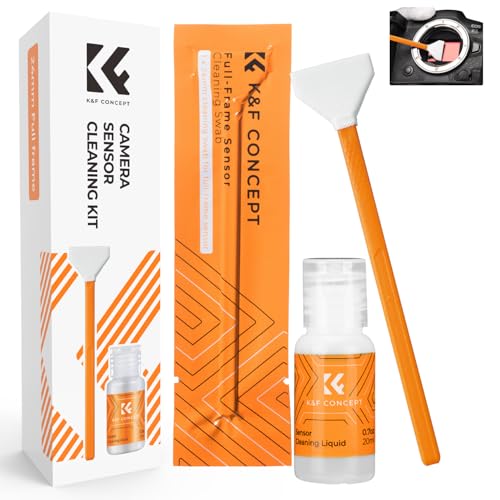
K&F CONCEPT 24mm Full Frame Sensor Cleaning Kits, with 20ml Sensor Cleaner
- Sensor Cleaning Swabs: 6 flexible, lint-free 24mm swabs
- Gentle Cleaning Solution: Colorless, non-irritating, ammonia-free liquid
- Easy Application: Use 1-2 drops for safe cleaning
As an affiliate, we earn on qualifying purchases.
As an affiliate, we earn on qualifying purchases.