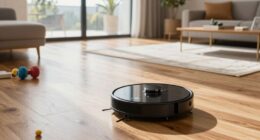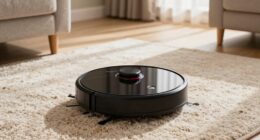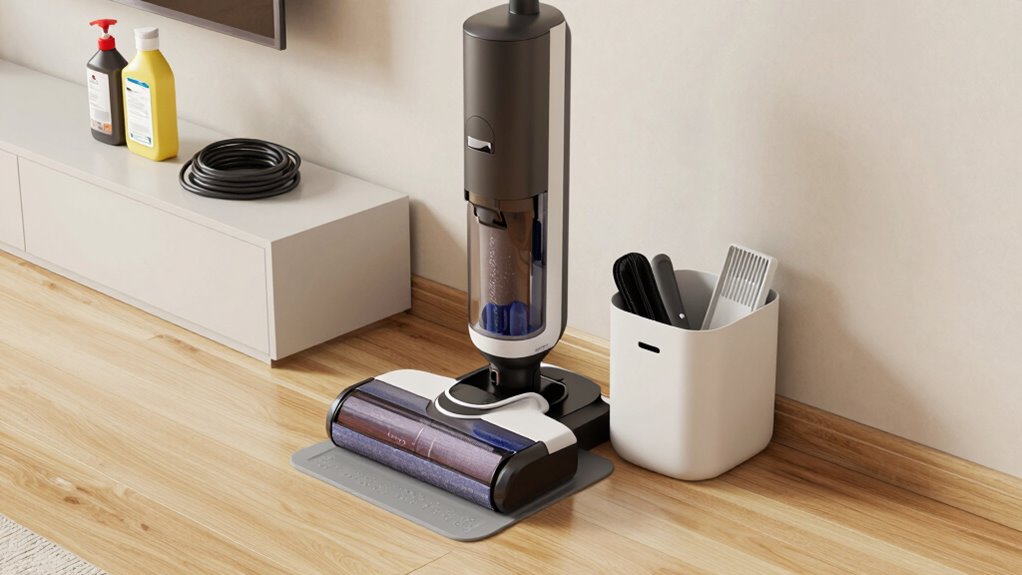
To keep your robot vacuum dock area organized and easy to use, position the dock on a flat, stable surface near a power outlet and avoid tight corners or high-traffic areas. Use cord clips or cable covers to secure cords, and keep the space clutter-free by removing objects and dusting regularly. Label the area for household members and make sure everything is neat and accessible. For more tips on maintaining an efficient dock space, continue exploring effective organization strategies.
Key Takeaways
- Designate a clear, accessible spot for the dock away from high-traffic areas and clutter.
- Use cord clips or covers to keep power cords neat and out of the way.
- Regularly remove objects and debris around the dock to ensure smooth robot navigation.
- Label or mark the docking area for household members to prevent accidental obstruction.
- Maintain a clean, organized environment around the dock to optimize charging efficiency.
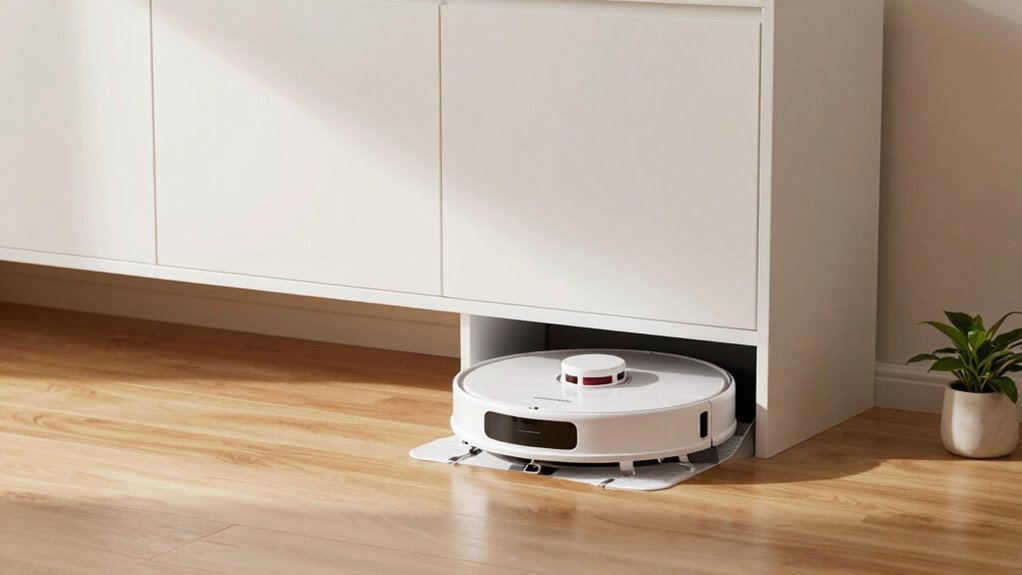
Keeping your robot vacuum dock area organized is essential for smooth, hassle-free cleaning. When it comes to setting up your docking station, placement matters. You want to position it in a spot that’s easily accessible for the robot but doesn’t block doorways or high-traffic paths. Choose a flat, stable surface close to a power outlet, ensuring the station isn’t in a tight corner or tucked away where the robot can’t easily find it. Proper charging station placement guarantees your robot returns effortlessly after each session, minimizing the need for manual intervention.
Place your robot dock in a flat, accessible spot near a power outlet for hassle-free cleaning.
Cord management plays a crucial role in keeping the area tidy and functional. A cluttered space with loose cords can cause accidents or even damage your robot vacuum. Use cord clips or adhesive cable organizers to secure the power cord along the wall or floor, keeping it out of the way. This not only reduces tripping hazards but also prevents the cord from getting caught or pulled when the robot docks or undocks. If possible, hide excess cord length behind furniture or within a cord cover to maintain a clean look and prevent tangling. Proper placement of the charging station also enhances overall safety and efficiency. Additionally, selecting the right power source can help prevent electrical issues and keep the area neat. Ensuring the safe power setup includes a surge protector can further protect your equipment from electrical surges and faults. Regularly inspecting your power connections can also help identify potential issues early. Maintaining a safe environment around the dock area contributes to the longevity of your device and promotes safer operation.
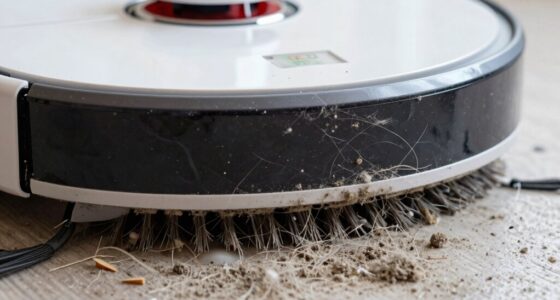
Maintaining a clutter-free environment around your charging station makes it easier for your robot to dock and recharge efficiently. Remove any objects, rugs, or loose items that could obstruct the robot’s path or interfere with its docking process. Keep the area open and clear so the robot can navigate smoothly without bumping into obstacles or getting stuck. Regularly check the space for dust or debris that could block sensors or the charging contacts, ensuring optimal charging performance. Proper cord management not only keeps the area visually appealing but also preserves the longevity of your equipment.
In addition to physical organization, consider labeling or marking the charging station area. This helps household members remember the designated spot, preventing accidental displacement or obstruction. If you have multiple cords or devices plugged into the same outlet, use a power strip with individual switches to turn off unused devices, reducing clutter and potential electrical hazards. Consistently maintaining these small details ensures your robot vacuum’s dock area remains clean, organized, and ready for your next cleaning session.

CIVANA Robot Vacuum Storage Cabinet with Door, Hidden Robot Vacuum Stand Cabinet with Top Shelf, End Side Table for Living Room, Entryway, Bedroom, Home Office
Concealed Storage for Robot Vacuum Dock:Designed to hide your robot vacuum and docking station behind a front door,…
As an affiliate, we earn on qualifying purchases.
As an affiliate, we earn on qualifying purchases.
Frequently Asked Questions
How Often Should I Clean the Robot Vacuum Dock Area?
You should clean your robot vacuum dock area weekly to maintain peak performance. Follow a regular cleaning schedule to prevent dust buildup and guarantee the area stays tidy. Wipe down surfaces, check for dust accumulation, and remove debris from the dock station. Regular cleaning helps prevent dust from spreading and keeps your robot functioning smoothly, making it easier for your vacuum to dock and recharge efficiently.
What Accessories Are Essential for Maintaining the Dock Area?
Think of your dock area as a well-tended garden. You need a few key accessories to keep it thriving. Keep a spare battery handy for quick swaps, ensuring your robot never stalls. Use cord management tools to tame tangled cables, preventing chaos. A cleaning cloth helps maintain the dock’s surface. These essentials make battery maintenance and cord management simple, keeping your robot’s home neat and ready for action.
Can I Customize the Docking Station Placement for Better Accessibility?
Yes, you can customize the docking station placement for better accessibility. Position the dock in a central, open area with minimal obstructions, ensuring it’s on a flat surface. Adjust the dock placement to avoid tight corners or cluttered spots, which can hinder your robot vacuum’s return. Accessibility improvements come from placing the station where the vacuum can easily find and dock without obstacles, making maintenance smoother and your cleaning routine more efficient.
How Do I Troubleshoot Connectivity Issues at the Dock?
Your robot vacuum’s connectivity can feel like a universe of chaos, but it’s usually just wireless interference or power supply issues. To troubleshoot, first move the dock away from Wi-Fi routers, microwaves, or cordless phones—these cause interference. Next, verify the power supply is secure and the outlet isn’t overloaded. Restart your router and vacuum, and check for firmware updates. These simple steps can restore smooth communication and keep your dock functioning flawlessly.
Is It Necessary to Use Specific Storage Solutions for Dock Accessories?
Using decorative storage and space-saving containers for dock accessories isn’t necessary, but it helps keep your area tidy and visually appealing. You can choose containers that match your decor, making the space look organized while protecting accessories like brushes and filters. Space-saving containers maximize limited space, ensuring everything stays within reach without clutter. Ultimately, the right storage solutions make maintenance easier and your dock area more inviting.

Eureka Sanitaire 53574 Vacuum Cord Handle Hook Set – Simple Attaching Hook Clip (3-Pack, Beige)
This is Brand New – Unused Simple attaching hook for Eureka Sanitaire Oreck Kent Powrflite Vacuum Cleaners.
As an affiliate, we earn on qualifying purchases.
As an affiliate, we earn on qualifying purchases.
Conclusion
Keep your robot vacuum dock area tidy and accessible, but don’t get too comfortable just yet. There’s always a chance that one small slip-up could turn your spotless setup into chaos. Stay vigilant, stay organized, and keep an eye on those sneaky clutter spots. The secret to effortless cleaning isn’t just in the setup—it’s in your ongoing attention. Ready to discover the unexpected? Your spotless, stress-free cleaning routine might just be one step away.

Replacement for Roomba Charging Dock, for Roomba Charging Base, Replacement for Roomba Docking Station for Roomba e5 e6 i1 i3 i4 i6 i7 i8 500 600 700 800 900 Series ADF-N1 4452369 17064 17170
Package includes: 1* for Roomba charger dock; 1* US standard cable; 2* Side brush; 2* Double-sided adhesive; 1*…
As an affiliate, we earn on qualifying purchases.
As an affiliate, we earn on qualifying purchases.

GBL Gifts Bracket Compatible With Roomba Robot Vacuum Docking Station (Black)
Material: Made in America!
As an affiliate, we earn on qualifying purchases.
As an affiliate, we earn on qualifying purchases.