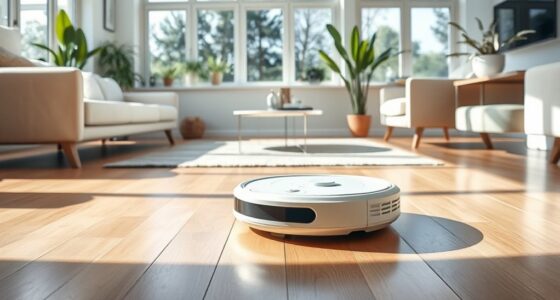

To build trust with your home robots, start by understanding how they work and setting clear expectations about their capabilities. Keep software updated, customize settings to fit your routines, and establish consistent commands. Protect your privacy by enabling security features and monitoring their performance regularly. Engage with your device through hands-on interactions to develop familiarity and confidence. Staying proactive and transparent helps foster trust, and exploring more tips will make your experience even more seamless.
Key Takeaways
- Clearly communicate the robot’s capabilities and limitations to set realistic expectations.
- Establish and enforce usage boundaries to protect privacy and personal space.
- Regularly update firmware and software to ensure optimal performance and security.
- Personalize interaction settings to match routines and preferences, fostering familiarity.
- Maintain transparency about data security and safety measures to build long-term trust.
Understanding How Your Home Robots Work
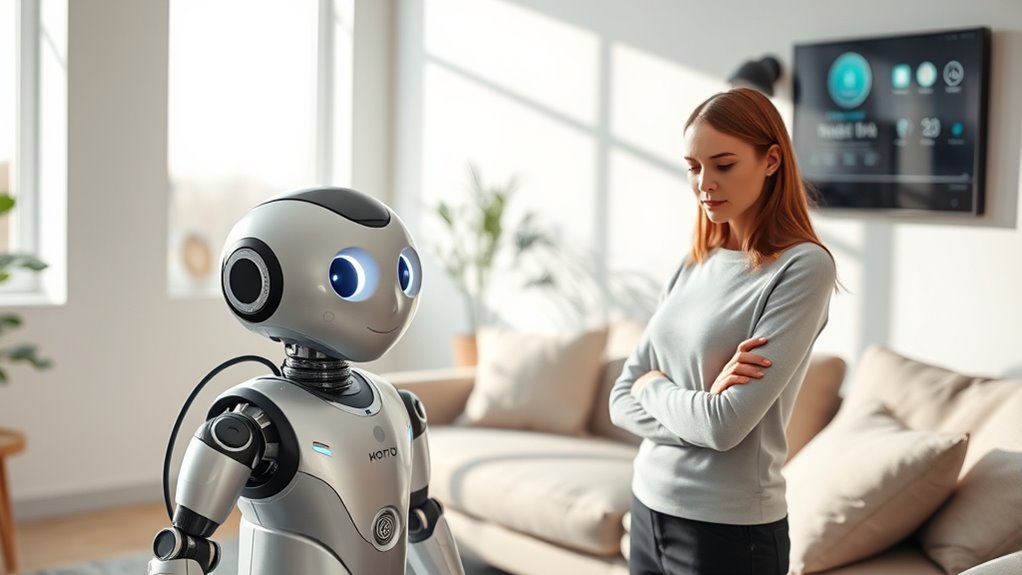
Understanding how your home robots work is essential to building trust and making the most of their capabilities. Robot learning enables your device to improve its functions over time, adapting to your routines and preferences. This process involves algorithms that analyze data collected during operation, allowing the robot to become more efficient and accurate. Sensor integration plays a vital role here, as sensors gather real-time information about your environment—such as obstacles, surfaces, and movement. When these sensors feed data into the robot’s learning algorithms, it can navigate your home more effectively and respond appropriately. By understanding these core mechanisms, you gain confidence in your device’s abilities and can better appreciate how it seamlessly integrates into your daily life.
Setting Clear Expectations for Your Devices
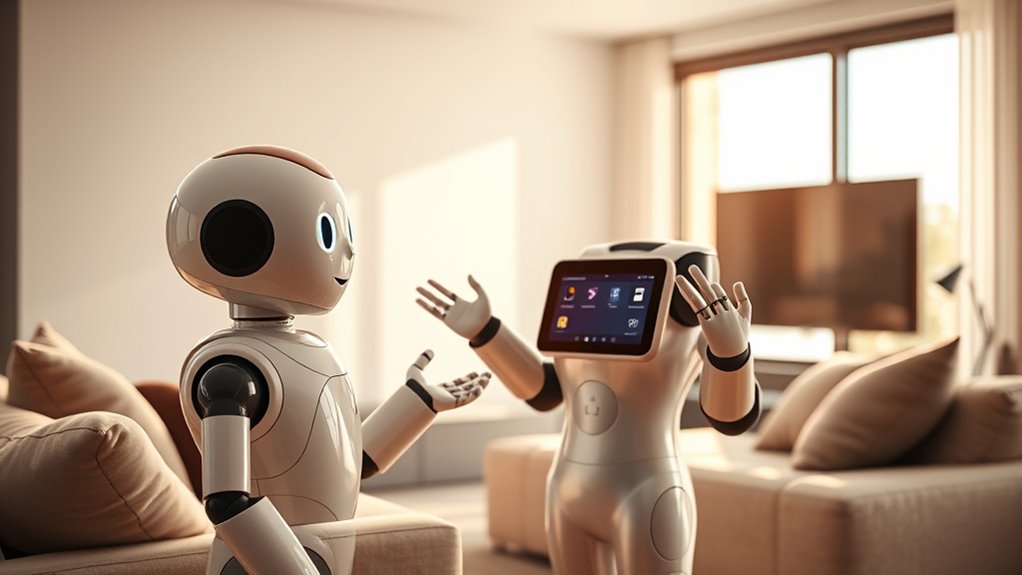
To build trust with your home robots, you need to set clear expectations from the start. Make sure you define what your device can and can’t do, so everyone understands its capabilities. Be honest about its limitations and establish boundaries to prevent misunderstandings or frustrations.
Define Device Capabilities Clearly
Clearly defining your home robot’s capabilities helps set realistic expectations and prevents frustration. Start by understanding the device features and what they can do. Be aware of the capability limits, such as navigation range, task scope, or voice recognition accuracy. Communicate these limits clearly to everyone in your household to avoid misunderstandings. Knowing what your robot can and can’t handle guarantees you use it effectively and reduces disappointment. Keep the device’s capabilities in mind when assigning tasks or troubleshooting issues. Regularly review the manufacturer’s specifications and updates to stay informed about any new features or limitations. By establishing a clear picture of what your home robot can do, you foster trust and create a smoother, more satisfying user experience.
Establish Usage Boundaries Early
Setting boundaries for your home robot early on helps prevent misunderstandings and guarantees it’s used safely and effectively. Clearly define what the robot can and can’t do, especially regarding privacy concerns. Decide which areas it should access and where it should stay out, so you protect your personal space. Establish rules about data sharing and storage to maintain control over your privacy. Recognize that emotional attachment can develop, so set limits to avoid overdependence. Communicating these boundaries from the start helps everyone understand expectations, reducing confusion and building trust. Being proactive ensures your robot complements your lifestyle without creating unforeseen issues or discomfort. Clear boundaries foster a safe, respectful environment, making interactions more comfortable and trustworthy.
Communicate Limitations Honestly
Because home robots are still learning to understand your environment and preferences, conveying their limitations honestly from the start is vital. Practicing robot transparency helps set realistic expectations, reducing frustration and building trust. Be clear about what your device can and cannot do, such as its cleaning range or obstacle detection limits. Honesty about limitations encourages open communication, making it easier to troubleshoot issues and adapt usage. Avoid over-promising or assuming your robot is more capable than it is. When you acknowledge its boundaries, you foster a sense of honesty that strengthens your relationship with your device. Remember, transparency isn’t just about technical specifications—it’s about creating an environment of trust and understanding that benefits both you and your robot.
Regularly Updating Firmware and Software

Regularly updating your home robot’s firmware and software is essential for maintaining its security and functionality. These updates fix bugs, improve performance, and patch vulnerabilities that could be exploited. By staying current with software updates, you guarantee your robot operates smoothly and safely. Good firmware management involves checking for updates regularly and installing them promptly.
Here are some tips to help you stay on top of updates:
- Enable automatic updates whenever possible.
- Visit the manufacturer’s website or app for new firmware releases.
- Schedule regular check-ins to ensure your robot’s software is current.
Keeping your robot up-to-date builds trust, enhances security, and ensures optimal performance every day.
Personalizing Your Robot’s Behavior and Settings

You can make your home robot feel more comfortable by adjusting its settings to suit your preferences. Customizing how it interacts with you helps build trust and makes daily tasks smoother. Take the time to personalize these options so your robot better fits your lifestyle.
Adjust Settings for Comfort
Personalizing your home robot’s settings can considerably enhance its comfort and responsiveness. By adjusting features like voice commands and ergonomic settings, you create a more intuitive experience. For example, you can customize voice commands to suit your preferences, making interactions smoother. Ergonomic adjustments, such as modifying the robot’s height or movement speed, help it better fit your living space and daily routines. To optimize comfort, consider:
- Setting clear voice command routines for easy control
- Adjusting the robot’s height or arm reach to match your environment
- Fine-tuning movement speed for safer, more natural interactions
These tweaks make your robot more responsive and comfortable to use, helping foster trust and seamless integration into your daily life.
Customize Interaction Preferences
To make your home robot truly feel like a part of your daily life, adjusting its interaction preferences allows you to tailor its behavior to suit your habits and comfort. Start by customizing voice recognition settings so it responds accurately to your commands and voice tone. You can also fine-tune its emotional responsiveness, helping it interpret your mood and respond appropriately, fostering a sense of understanding and trust. Personalizing these features guarantees smoother communication and makes interactions feel more natural. By setting preferences that match your routines, you create a more intuitive experience. Regularly update these settings as your needs evolve, helping your robot adapt seamlessly and reinforcing the bond of trust in your shared environment.
Establishing Consistent Routines and Commands

Establishing consistent routines and commands is essential for building trust with home robots, as it helps the robot understand and predict your needs. When your routines are predictable, the robot can operate smoothly and efficiently, boosting your confidence in its abilities. Focus on routine consistency to create a reliable environment, and guarantee command clarity so your instructions are understood accurately. To achieve this, consider:
- Using the same phrases for recurring commands
- Maintaining a regular schedule for robot-assisted tasks
- Avoiding sudden changes that can confuse the robot
Ensuring Privacy and Security Measures Are in Place

Building trust with your home robot isn’t just about consistent routines; safeguarding your privacy and ensuring robust security measures are equally important. To protect your data, make sure your robot uses strong data encryption, which scrambles information so unauthorized users can’t access it. Implement access controls to restrict who can interact with or modify your robot’s settings, preventing potential breaches. Regularly update your robot’s firmware and security software to patch vulnerabilities. Keep passwords complex and unique, avoiding default credentials. Be aware of where your data is stored and how it’s transmitted. These steps help prevent unauthorized access and data leaks, giving you peace of mind that your personal information remains secure. Prioritizing privacy and security builds a foundation of trust between you and your home robot.
Monitoring Performance and Providing Feedback

Monitoring your home robot’s performance is essential to guarantee it functions effectively and safely. Regular performance evaluation helps identify issues early, ensuring your robot operates smoothly. Use clear feedback mechanisms to communicate with your device, making adjustments as needed. This ongoing process builds trust by showing you’re attentive to its functioning. To get the most out of this, consider:
- Checking performance logs for inconsistencies
- Adjusting settings based on feedback insights
- Keeping software updated for peak performance
Building a Relationship Through Hands-On Interaction
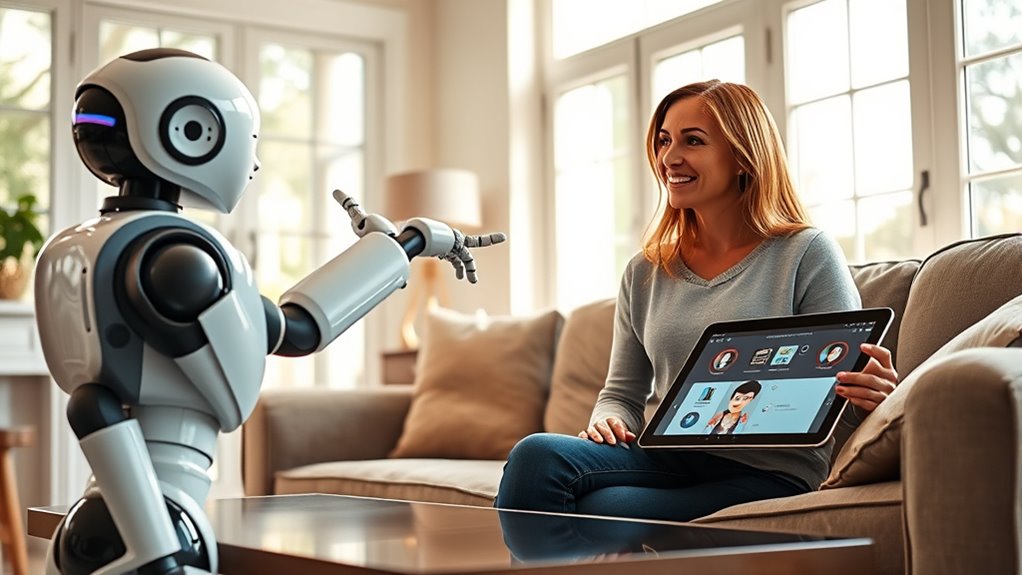
Engaging directly with your home robot through hands-on interactions fosters a stronger bond and enhances trust. This active participation encourages emotional bonding and makes your robot feel more like a social companion. By touching, guiding, or even talking to your device, you create a sense of familiarity that deepens your connection. Here’s how different interactions support this process:
| Interaction Type | Emotional Bonding | Social Bonding |
|---|---|---|
| Using touch controls | Builds comfort | Reinforces familiarity |
| Giving commands | Creates predictability | Boosts cooperation |
| Personalizing settings | Enhances attachment | Promotes engagement |
| Playing games | Sparks joy | Strengthens rapport |
| Providing feedback | Validates interaction | Encourages trust |
Hands-on interaction transforms your robot from a device into a trusted partner.
Frequently Asked Questions
How Can I Troubleshoot Common Issues With My Home Robot?
When troubleshooting your home robot, first check for software updates to guarantee it runs smoothly. If you encounter connectivity issues, restart your Wi-Fi router and reconnect the robot. Make sure the robot’s firmware is up to date and that it’s within range of your network. If problems persist, consult the user manual or contact customer support. Regular updates and good connectivity are key to keeping your robot functioning reliably.
What Safety Precautions Should I Take When Using Home Robots?
Ever wondered how to keep your home robot safe? Start by ensuring robot safety features are activated, like emergency stops and secure wiring. Keep privacy concerns in check by changing default passwords and limiting data sharing. Regularly update software to patch vulnerabilities. Don’t place robots near water or fragile objects. Are you protecting your privacy and safety? Following these precautions helps prevent accidents, secures your data, and builds trust in your smart home.
How Do I Reset My Robot if It Malfunctions?
If your robot malfunctions, start by resetting it through the power button or app controls. Perform routine robot maintenance, like cleaning sensors and checking for loose parts. Make sure your firmware is up to date, as updates often fix bugs and improve performance. If problems persist, consult the user manual or contact customer support. Regular maintenance and firmware updates help keep your robot running smoothly and prevent future malfunctions.
Can I Integrate My Home Robot With Other Smart Devices?
Think of your home as a symphony, where each device plays a essential part. Yes, you can integrate your home robot with other smart devices, creating seamless automation. Just check for device compatibility and compatible platforms. Many robots support popular smart home ecosystems, allowing you to orchestrate lights, thermostats, and security systems effortlessly. This integration turns your home into a harmonious space, making life simpler and more connected.
What Should I Do if My Robot Violates My Privacy Expectations?
If your robot violates your privacy concerns, take action immediately. Reset the device settings and review its privacy options, ensuring you enable consent management features. Contact the manufacturer for support and updates that address security issues. Regularly update your robot’s software to patch vulnerabilities. Trust your instincts—if privacy breaches persist, consider replacing the robot with a more transparent, privacy-conscious model. Your comfort and safety come first.
Conclusion
By nurturing patience and understanding, you create a gentle dance with your home robots, like tending a delicate garden. As you build familiarity through consistent routines and open communication, trust blooms quietly, turning your space into a sanctuary of seamless harmony. Embrace this journey with a light touch, knowing that each interaction deepens your connection. Soon, your smart companions will become reliable friends, quietly weaving themselves into the fabric of your comfortable, tech-cherished home.