
To keep your robot vacuum working efficiently, regularly clean filters, brushes, and sensors by removing dust and hair, and wipe sensors gently. Check and replace the battery if your device isn’t holding a charge well, and update the software when new updates appear. Empty the dustbin after each use to prevent odor or clogs. Following these steps helps guarantee consistent performance. If you want to learn more detailed tips, continue exploring how to maintain your vacuum properly.
Key Takeaways
- Regularly empty the dustbin and clean filters to maintain suction and prevent clogs.
- Remove hair and debris from brushes using scissors or cleaning tools for optimal performance.
- Wipe sensors and charging contacts with a soft, damp cloth to ensure proper obstacle detection and charging.
- Check and replace the battery if the vacuum’s runtime declines or it returns to dock prematurely.
- Keep software updated via the manufacturer’s app or website for improved navigation and bug fixes.
Essential Maintenance Tips for Your Robot Vacuum
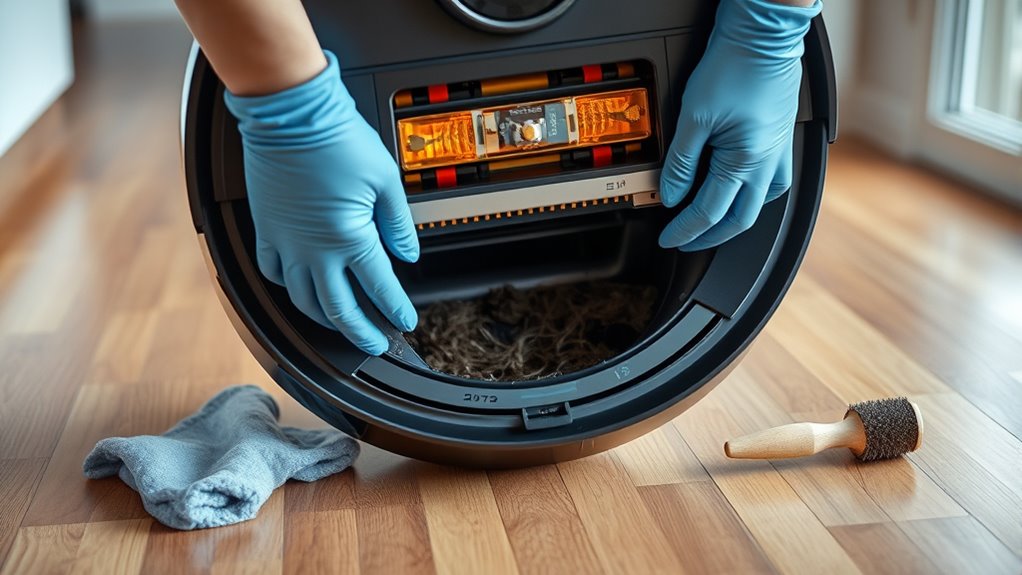
Regular cleaning and maintenance are essential to keep your robot vacuum performing at its best. One of the most important aspects of this is ensuring that the device’s battery remains in good condition. Over time, the battery’s capacity diminishes, which can lead to shorter cleaning cycles and decreased efficiency. If you notice your robot vacuum isn’t holding a charge or is returning to its dock prematurely, it might be time for a battery replacement. Replacing the battery is straightforward: turn off the device, remove the old battery, and insert a compatible new one, making sure it’s securely connected. This simple step can restore your vacuum’s runtime and keep it cleaning effectively. Additionally, many models benefit from regular software updates, which often include performance improvements, bug fixes, and new features. Check the manufacturer’s app or website periodically for available updates, and follow their instructions to install them. Updating the software ensures your robot vacuum runs smoothly and can better navigate your home, avoid obstacles, and maximize cleaning routes.
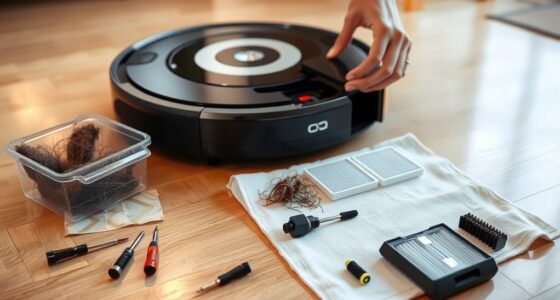
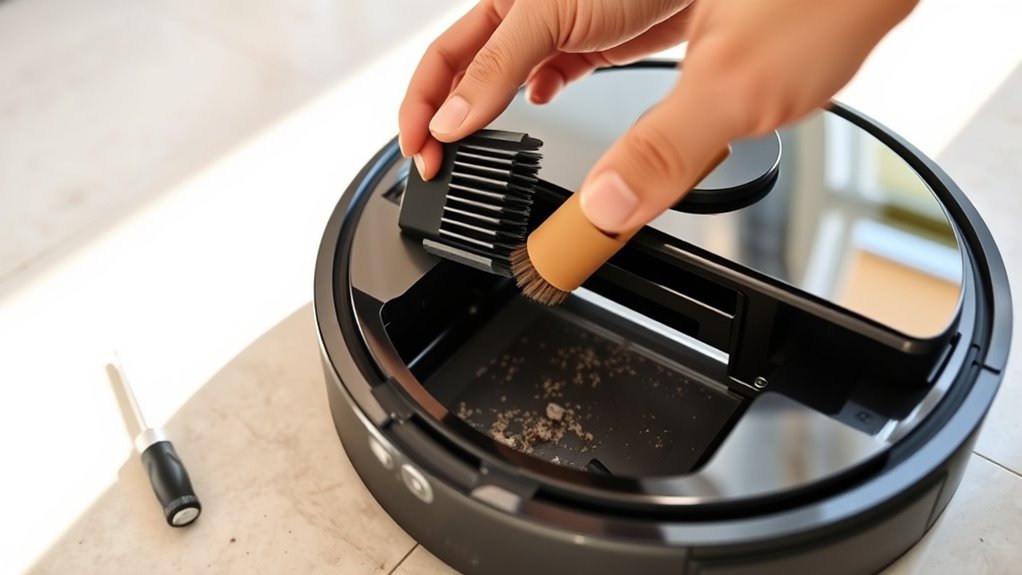
Beyond battery and software, you should routinely inspect and clean the device’s filters, brushes, and sensors. Dust and debris clogging the filters reduce suction power, while hair and particles wrapped around brushes can impair their rotation. Remove and wash filters according to the manufacturer’s guidelines, and clear any tangled hair from brushes with scissors or a cleaning tool provided. Sensors are critical for navigation; dust buildup can interfere with obstacle detection, causing the vacuum to bump into furniture or miss spots. Gently wipe sensors with a soft, damp cloth to keep them functioning properly. Keeping the interior and exterior of your robot vacuum free from dirt also helps prevent overheating and mechanical issues.
Finally, always follow the manufacturer’s maintenance schedule, but don’t forget to do a quick weekly check yourself. Empty the dustbin after each use, and confirm the wheels and charging contacts are clean and unobstructed. Proper maintenance extends your vacuum’s lifespan, saves you money on repairs, and ensures consistent, thorough cleaning. Remember, your robot vacuum is a smart device that benefits from regular attention, just like any other appliance. By replacing the battery when needed and keeping the software up to date, you’re setting the stage for superior performance. Couple this with routine cleaning and inspections, and your robot vacuum will serve you well, maintaining a tidy home with minimal effort on your part.
Frequently Asked Questions
How Often Should I Replace the Robot Vacuum Filters?
You should replace your robot vacuum filters roughly every 2 to 3 months, depending on the filter lifespan and usage. Regularly check the filters for dirt and wear, and follow the recommended replacement schedule to maintain peak performance. If you notice reduced suction or increased debris buildup, it’s a good sign it’s time to swap out the filters sooner. Proper maintenance ensures your vacuum runs efficiently and lasts longer.
Can I Use Water to Clean the Robot’s Brushes?
You shouldn’t use water to clean your robot’s brushes, as it can damage the motor and electronics. Did you know that regular brush maintenance improves cleaning efficiency by up to 30%? For water cleaning, carefully remove the brushes and wipe them with a damp cloth, ensuring they dry completely before reinstallation. Stick to dry cleaning methods to keep your robot vacuum functioning well and prolong its lifespan.
What Should I Do if My Robot Vacuum Gets Stuck Frequently?
If your robot vacuum gets stuck frequently, check for navigation issues and obstacle detection problems. Clear any debris or objects blocking its path, and guarantee sensors are clean and unobstructed. Adjust furniture or objects that might confuse its sensors. You can also recalibrate the navigation system if needed. Regularly updating the firmware might improve obstacle detection, helping your vacuum avoid getting stuck and clean more efficiently.
Is It Necessary to Calibrate My Robot Vacuum Regularly?
Yes, you should calibrate your robot vacuum regularly to maintain ideal battery life and navigation accuracy. Calibration helps your device better understand its environment, reducing the chances of getting stuck and improving cleaning efficiency. When you notice erratic movements or decreased battery performance, it’s time to recalibrate. This simple step ensures your vacuum stays effective, prolongs its lifespan, and keeps your home spotless without frequent interruptions.
How Do I Update the Firmware of My Robot Vacuum?
You update your robot vacuum’s firmware by connecting it to your Wi-Fi network, then opening the companion app. Check for software updates, and if available, tap to download and install. This process helps troubleshoot connectivity issues and keeps your device running smoothly. Make sure your app and firmware are always current, ensuring your vacuum navigates better, cleans more effectively, and stays compatible with the latest features.
Conclusion
By regularly cleaning and maintaining your robot vacuum, you’ll keep it running smoother than a lightning bolt, saving you time and frustration. Remember to empty the bin, clean the brushes, and check the filters often. With just a few simple steps, your robot will outperform even the fastest sports cars in efficiency. Stay consistent, and your device will reward you with spotless floors and a long, happy life. Keep it maintained, and you’ll never miss a speck of dust again!