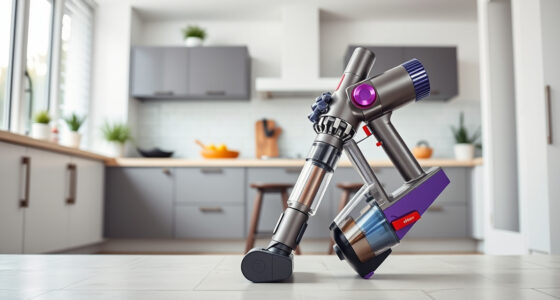
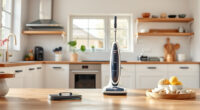
If your Dyson V15 Detect™ Origin Cordless Vacuum is experiencing rapid battery drain, it can be frustrating and hinder your cleaning routine. Fortunately, most battery-related issues are fixable with some simple troubleshooting steps. This guide provides practical, safe, and effective methods to restore your vacuum’s battery life and ensure it works efficiently.

Get home appliances delivered free with Prime
- Fast, free delivery on millions of items
- Prime Video, Amazon Music and more included
- Member-only deals all year
Before starting, ensure you have the necessary tools, replacement filters, and optional attachments to enhance your cleaning experience. Follow these steps carefully for the best results.
Key Takeaways
| Identify the cause of battery drain | Battery age, clogged filters, or faulty components can cause quick drain. |
| Replace filters regularly | Dirty filters reduce suction and strain the battery. |
| Check for obstructions and debris | Blockages in the cleaner head or wand can overwork the motor. |
| Maintain optimal usage | Avoid letting the battery completely drain and store properly. |
Step 1: Fully Charge Your Vacuum
- Ensure the vacuum is turned off and connected to a working charger.
- Plug in and leave it to charge for at least 3-4 hours or until the LCD indicates full charge.
- Do not use the vacuum during charging to avoid unnecessary battery stress.
Step 2: Clean or Replace the Filters
- Remove the pre-filters and V10 filters as applicable, following Dyson’s instructions.
- Rinse filters thoroughly with water, wring out excess, and let them air dry completely (at least 24 hours).
- Replace filters if they are damaged or excessively dirty to restore optimal airflow and reduce motor strain.
Step 3: Check for Blockages
Inspect the cleaner head, wand, and brush bar for debris, hair, or obstruction. Clear any blockages carefully to prevent motor overload and excessive battery use.
Step 4: Optimize Usage and Storage
- Use the power trigger efficiently, only applying full power when necessary.
- Avoid letting the battery fully drain; recharge when the LCD shows low power.
- Store the vacuum in a cool, dry place to preserve battery health.
Additional Tips and Warnings
- Replace the filters every 2-3 months for sustained suction and battery efficiency.
- If problems persist, consider replacing the battery or contacting Dyson support.
- Always disconnect the vacuum from power before cleaning or maintaining internal components.
The Products in This Guide

Dyson V15 Detect™ Origin Cordless Vacuum
- ✔ Battery Life: 60 min
- ✔ Power Mode: Adaptive
- ✔ Filter Type: Pre Filter & V10 filter

LANMU Crevice Tool Vacuum Attachments Compatible
- ✔ Compatibility: Multiple Dyson models
- ✔ Design: Slim & flexible
- ✔ Application: Corners & upholstery
Dyson V15 Detect™ Origin Cordless Vacuum
The Dyson V15 Detect™ Origin Cordless Vacuum offers impressive suction power and intelligent debris detection, making it a top choice for whole-home cleaning. Its LCD screen provides useful real-time data, including particle count and maintenance alerts.
Pros:
- Powerful suction with 100% more power
- Long 60-minute runtime
- Smart LCD display with real-time info
- Two advanced cleaner heads for versatile cleaning
Cons:
- Battery life can decline over time
- Filters may require regular replacement
- Heavier than some handheld models
Best for: Deep cleaning, pet hair removal, hard floors and carpets
Not ideal for: Light cleaning tasks or extended use without charging
Bottom line: A powerful, smart vacuum ideal for deep and versatile cleaning needs.
LANMU Crevice Tool Vacuum Attachments Compatible
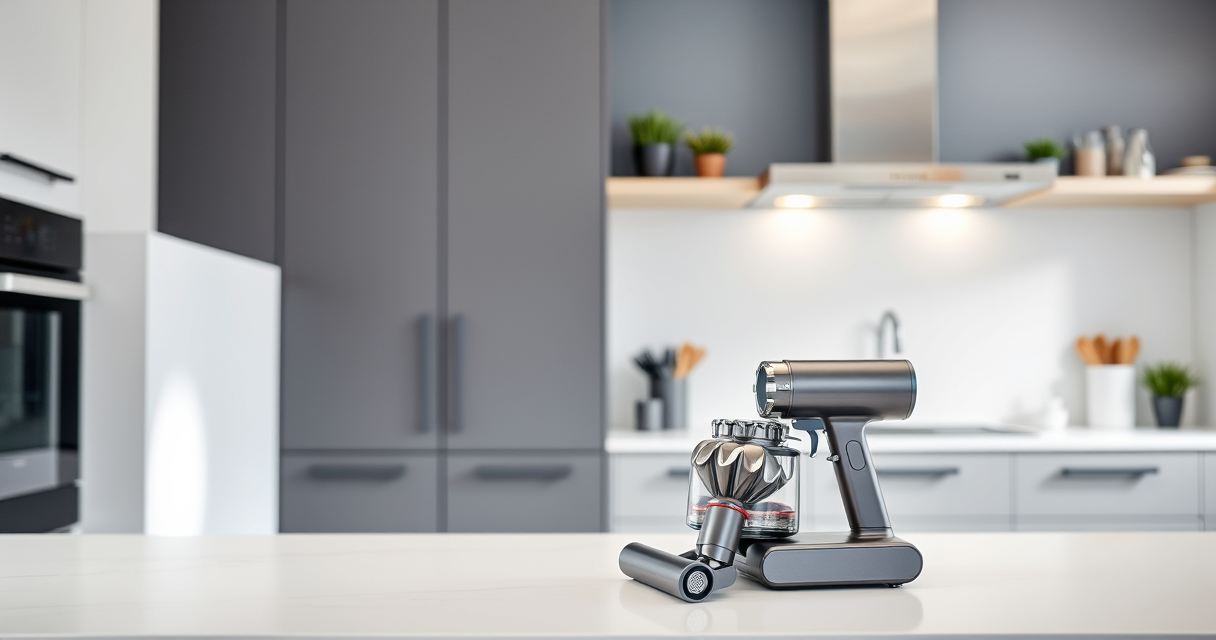
The LANMU Crevice Tool Vacuum Attachments are compatible with various Dyson models, including the V15. Its narrow and flexible design helps access hard-to-reach areas like corners, gaps, and upholstery, enhancing your cleaning efficiency.
Pros:
- Narrow, flexible nozzle
- Compatible with multiple Dyson models
- Easy to attach and use
- Ideal for cars and tricky corners
Cons:
- May not fit older Dyson models
- Less effective for large debris
- Requires careful handling
Best for: Cleaning tight spots, car interiors, and edges
Not ideal for: Large debris or heavy-duty cleaning
Bottom line: A versatile attachment that makes reaching tight spots effortless.
Frequently Asked Questions
Why does my Dyson V15 battery drain so quickly?
Battery drain can be caused by clogged filters, obstructions, or overuse of high power modes. Replacing filters and maintaining the vacuum can improve battery life.
How often should I replace the filters?
Filters should be replaced or cleaned every 2-3 months depending on usage to maintain optimal performance and battery efficiency.
Can I upgrade the battery?
Dyson does not typically offer official battery upgrades. If your battery no longer holds a charge, consider replacing it with a compatible new one or contacting Dyson support for assistance.
Is it safe to rinse the filters?
Yes, rinse the filters with water and let them air dry completely before reinstalling. Avoid using detergents or putting filters in a dryer, as this can damage them.
Keep Your Dyson V15 Running at Its Best
Regular maintenance, including cleaning or replacing filters and checking for blockages, can significantly improve your Dyson V15’s battery life. By following these steps and tips, you can extend your vacuum’s runtime and keep your home spotless without frequent interruptions.
If issues persist after troubleshooting, consider consulting Dyson support or replacing the battery for continued performance.
Affiliate disclosure: As an Amazon Associate we earn from qualifying purchases. Prices and availability are accurate as of the time of publishing.
NFL season / tailgating Picks
team gear
As an affiliate, we earn on qualifying purchases.