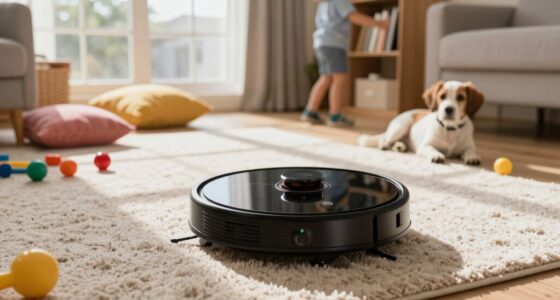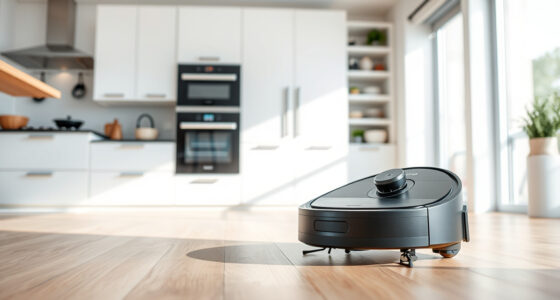
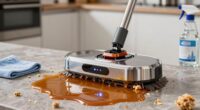
To make a single robot vacuum work across multiple floors, guarantee it has multi-floor mapping and advanced navigation features. Set up and store separate maps for each level, and use virtual boundaries to block off unsafe areas. Place charging stations in central locations on each floor for quick recharging, and regularly update the vacuum’s firmware and maps. Managing home layout and obstacles helps it adapt better. Keep these tips in mind, and you’ll discover how to optimize your vacuum’s multi-floor performance.

Get home appliances delivered free — and shop member deals
- Fast, free delivery on millions of items
- Access to Prime Big Deal Days deals on October 6–7
- Prime Video, Amazon Music and more included
Key Takeaways
- Choose a robot vacuum with multi-floor mapping and navigation capabilities for seamless switching between levels.
- Set up and regularly update unique maps for each floor to maintain accuracy.
- Place charging stations strategically on each floor for efficient recharging and continuous cleaning.
- Use virtual boundaries and no-go zones to prevent the vacuum from entering unsafe or off-limits areas.
- Perform regular maintenance and update firmware to ensure optimal multi-floor navigation performance.
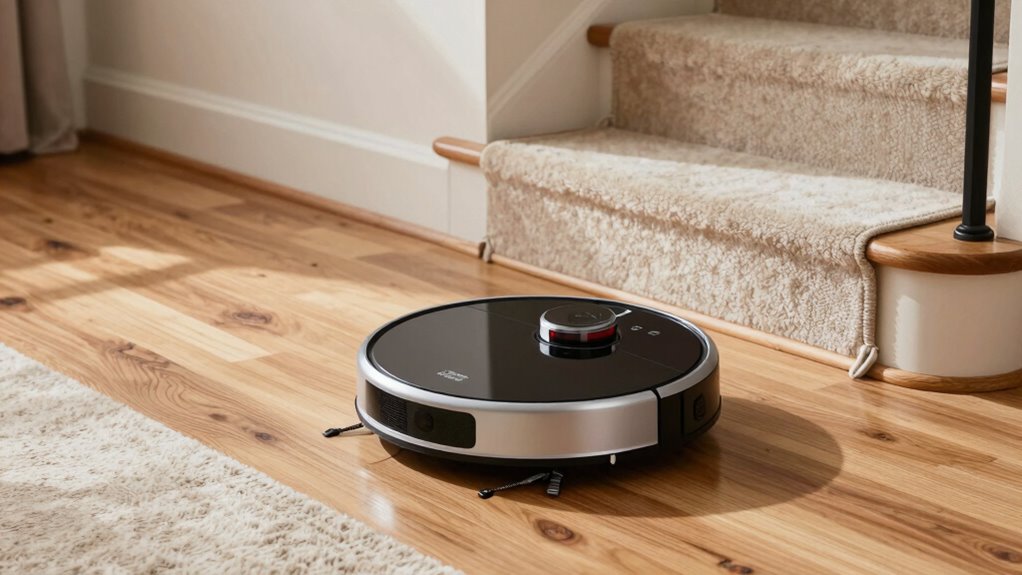
If you want to save money and avoid constantly switching your robot vacuum between floors, you’re not alone. Many homeowners face the challenge of cleaning multiple levels without investing in a separate device for each. The key to making one robot vacuum work across multiple floors lies in understanding its navigation capabilities and how well it can handle multi-floor mapping. Modern robot vacuums come equipped with advanced sensors and mapping technology that can learn and adapt to different layouts. To maximize their potential, you need to ensure your vacuum’s navigation system is optimized for multi-floor use.
Maximize your robot vacuum’s potential with multi-floor mapping and smart navigation for effortless, multi-level cleaning.
First, check if your robot vacuum supports multi-floor mapping. Not all models have this feature, but those that do can store different maps for each level of your home. When you set up multi-floor mapping, the vacuum can recognize different areas and switch between them seamlessly. Some models allow you to assign specific maps to particular floors and select which map to activate when cleaning. This way, your vacuum doesn’t get confused or waste time re-mapping each time it moves to a new level. Keep in mind that the more sophisticated the navigation system, the better it will handle complex layouts and obstacles, ensuring thorough cleaning without missing spots.
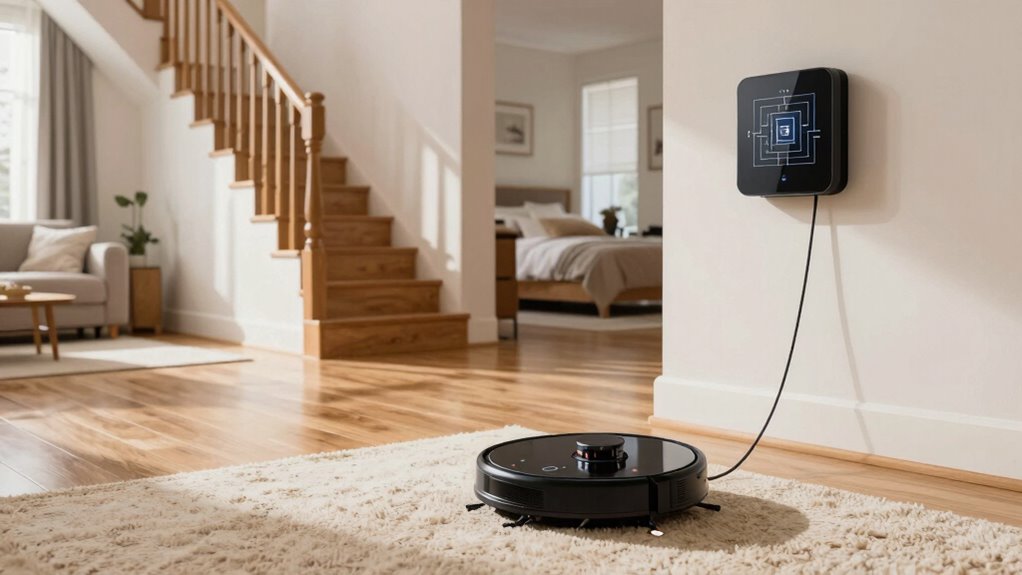
To make the most of multi-floor mapping, you should also set up virtual boundaries or no-go zones to prevent your vacuum from venturing into areas where it shouldn’t go, like stairs or cluttered spaces. Many robot vacuums allow you to create these virtual barriers via their app, which helps in managing the cleaning process across different levels. Additionally, placing your charging station on a central, accessible location on each floor can help your vacuum recharge more efficiently and reduce the chances of it losing its way. Ensuring your vacuum’s navigation system supports multi-floor mapping is essential for seamless operation across your entire home. It’s also helpful to periodically update firmware and maps to keep the system functioning optimally as your home layout changes. Incorporating advanced navigation technology can further enhance the vacuum’s ability to adapt to changes and obstacles, making multi-floor cleaning even more efficient. Regularly reviewing the home layout and obstacle placement can help maintain optimal navigation performance over time.
robot vacuum with multi-floor mapping
As an affiliate, we earn on qualifying purchases.
As an affiliate, we earn on qualifying purchases.
Frequently Asked Questions
Can a Robot Vacuum Detect Different Floor Types Automatically?
Yes, many robot vacuums can detect different floor types automatically through floor detection technology. They use sensors to identify surfaces like hardwood, tile, or carpet and then adjust their suction power and cleaning mode accordingly. This automatic adjustment helps guarantee efficient cleaning without you needing to manually change settings. Keep in mind, the effectiveness of floor detection varies with different models, so check the specifications before purchasing.
How Does a Robot Vacuum Handle Stairs or Ledges?
A robot vacuum handles stairs and ledges with stair detection and ledge avoidance. It uses sensors like cliff sensors and ultrasonic or infrared detectors to recognize edges and prevent falls. When it approaches a ledge or stairs, it instinctively stops, reverses, or turns away. This guarantees safety and prevents damage, giving you peace of mind. Regularly check sensors for dirt or obstructions to maintain effective stair detection and ledge avoidance.
What Is the Battery Life Impact When Switching Floors Frequently?
Switching floors frequently can impact your robot vacuum’s battery life, mainly due to increased charging cycles that accelerate battery degradation. Moving it between floors often means more frequent recharging, which can shorten its overall lifespan. To minimize this, strategically place your charging station in a central, accessible spot on each floor. This way, your vacuum can quickly recharge without overworking the battery, maintaining ideal performance longer.
Are There Accessories to Improve Multi-Floor Cleaning?
Yes, there are accessories that can enhance your robot vacuum’s multi-floor cleaning. Look for models with accessory compatibility, such as additional brushes or filters tailored for different surfaces. Multi-floor mapping features help your vacuum recognize and adapt to various levels, improving efficiency. Using these accessories and advanced mapping technology, you can optimize cleaning performance across all your floors, reducing manual intervention and ensuring thorough cleaning on each level.
How Do I Prevent My Robot Vacuum From Getting Lost?
To prevent your robot vacuum from getting lost, guarantee it has advanced navigation algorithms and sensor technology. These features help the vacuum map your space accurately and detect obstacles, reducing the chances of it losing direction. Keep sensors clean and update the vacuum’s firmware regularly. Clear the area of clutter, especially near edges and stairs, so the sensors function effectively. This way, your vacuum navigates efficiently across multiple floors without getting lost.
automatic robot vacuum with virtual boundaries
As an affiliate, we earn on qualifying purchases.
As an affiliate, we earn on qualifying purchases.
Conclusion
By following these simple steps, you can seamlessly switch your robot vacuum between floors, saving time and toning down trouble. Keep the settings steady, mark the map meticulously, and maintain the machine regularly. With a little bit of planning and patience, your vacuum will work wonderfully across multiple levels, making your home cleaner and your life easier. Remember, with a little bit of effort, multi-floor mastery is much more manageable than you might imagine!
As an affiliate, we earn on qualifying purchases.
multi-floor robot vacuum charging station
As an affiliate, we earn on qualifying purchases.
As an affiliate, we earn on qualifying purchases.
NFL season / tailgating Picks
team gear
As an affiliate, we earn on qualifying purchases.