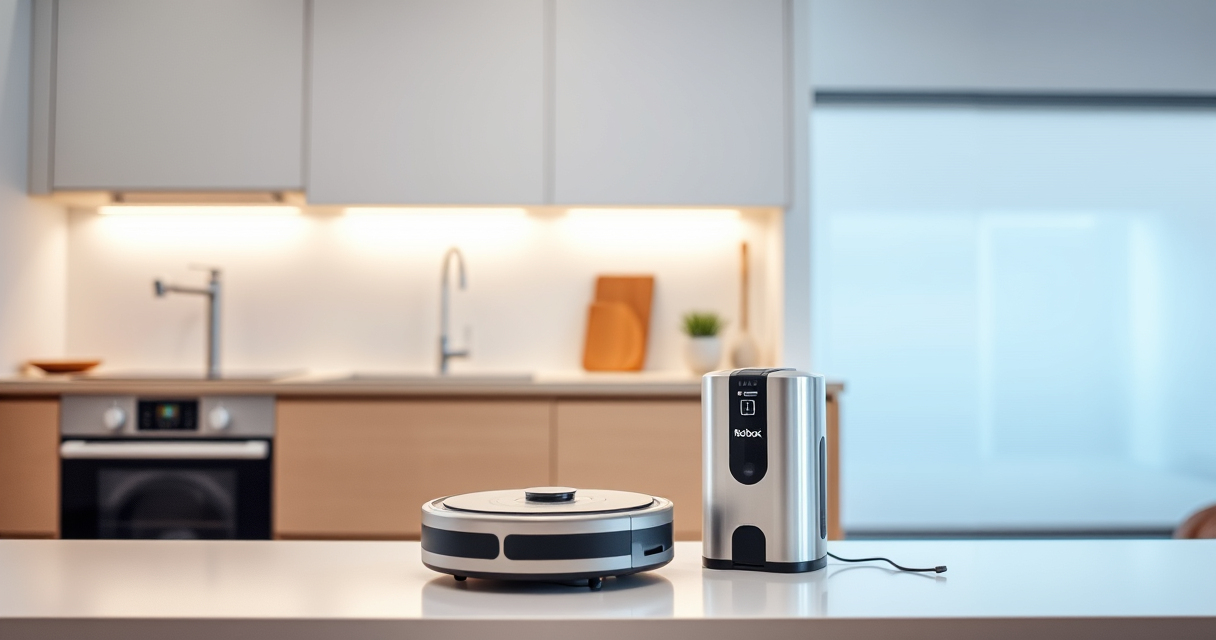
If your Roborock Q10 S5+ isn’t mopping as expected, it can be frustrating. This guide walks you through common causes and simple, safe fixes to get your robot back to sparkling floors. Whether the mopping system isn’t activating or is skipping spots, these troubleshooting steps will help you restore full functionality.
Before proceeding, ensure your robot vacuum is properly set up, the mop cloth is correctly installed, and the water tank is filled if applicable. Let’s dive into the causes and fixes for mopping issues.
Key Takeaways
| Check water and mop cloth | Ensure water tank is filled and mop cloth is properly attached. |
| Inspect mopping system | Look for blockages or dirt in the VibraRise mechanism. |
| Verify app settings | Confirm mopping mode is enabled in your Roborock app. |
| Clean sensors and brushes | Dirty sensors or brushes can hinder mopping function. |
| Perform software update | Update firmware to fix bugs affecting mopping. |

roborock Q10 S5+ Robot Vacuum and Mop, 10,000Pa Suction
- Long-Lasting Self-Emptying: 70 days of maintenance-free cleaning
- Powerful Suction: 10,000 Pa for deep cleaning
- Anti-Tangle Dual System: Reduces hair tangling for smooth operation
As an affiliate, we earn on qualifying purchases.
Ensure Water Tank and Mop Cloth Are Properly Installed
- Remove the water tank from your Roborock Q10 S5+ and check if it’s filled with clean water.
- Reinstall the water tank securely, making sure it clicks into place.
- Attach the microfiber mop cloth correctly, ensuring it’s flat and snug for optimal contact.
Clean the Mopping System Components
- Inspect the VibraRise 2.0 system for any dirt or debris. Wipe gently with a damp cloth.
- Check the dual-zone sonic mopping system for blockages or buildup.
- Clean the mop cloth and replace if it’s worn or overly dirty.
Verify App Settings and Mopping Mode
- Open the Roborock app and navigate to your device’s cleaning settings.
- Ensure the mopping mode is turned on and appropriately scheduled.
- Check if the robot is set to perform a mopping cycle during its cleaning routine.
Perform a Firmware Update and Reset
- Connect your robot to Wi-Fi and check for firmware updates via the app.
- If an update is available, install it and restart your device.
- If problems persist, perform a soft reset or factory reset following the user manual instructions.
Regular Maintenance Tips
- Clean the side brushes and main brush regularly to prevent tangles that could affect mopping.
- Replace or wash mop pads every 1-3 months for optimal performance.
- Ensure sensors are free of dust and dirt to maintain proper navigation and mopping accuracy.
The Products in This Guide

roborock Q10 S5+ Robot Vacuum and Mop
- ✔ Model: Q10 S5+
- ✔ Color: Black
- ✔ Charging Time: 4 hours

4 Pack Washable Filter
- ✔ Pack: 4 filters
- ✔ Compatibility: Multiple models
- ✔ Filter Type: HEPA
roborock Q10 S5+ Robot Vacuum and Mop
The Roborock Q10 S5+ Robot Vacuum and Mop offers powerful suction, obstacle avoidance, and a self-emptying station that keeps your home spotless with minimal effort. Its sonic mopping system ensures deep cleaning on sealed floors.
Pros:
- Powerful 10,000 Pa suction
- Self-emptying station with 70-day capacity
- Obstacle avoidance technology
- Dual anti-tangle system
Cons:
- Higher price point
- Requires regular mop pad maintenance
- Water tank needs refilling for mopping
Best for: Pet owners and busy households seeking hands-free cleaning
Not ideal for: Users who prefer lightweight, simple robots without mopping features
Bottom line: A high-performance robot ideal for pet owners and busy households needing both vacuuming and mopping.
4 Pack Washable Filter
This 4-pack of washable filters ensures your Roborock Q5 series stays effective and cost-efficient over time. Easy to install and clean, these filters help maintain optimal suction and air quality.
Pros:
- Compatible with multiple models
- Washable and reusable
- True HEPA filtration
- Cost-effective
Cons:
- Not OEM, but performance is comparable
- Requires regular cleaning
Best for: Users wanting to reduce filter replacement costs
Not ideal for: Those seeking OEM-certified parts only
Bottom line: A cost-effective, reusable filter pack that helps keep your Roborock performing at its best.
Frequently Asked Questions
Why is my Roborock Q10 S5+ not mopping?
Possible causes include an improperly installed mop cloth, empty water tank, clogged VibraRise system, or incorrect app settings. Follow the troubleshooting steps to identify and fix the issue.
How often should I clean the mop cloth?
It’s recommended to wash the microfiber mop cloth every 1-3 months, or more frequently if used heavily, to maintain effective cleaning.
Can I use other mop pads with the Roborock Q10 S5+?
Yes, compatible microfiber mop pads like the ones from the VIEWALL 6 Pack can be used, provided they fit your model and are made of suitable material.
How do I update the firmware?
Connect your robot to Wi-Fi, open the Roborock app, and check for firmware updates in the device settings. Follow on-screen instructions to install any available updates.
Keep Your Roborock Q10 S5+ Mopping Smoothly
Regular maintenance and careful setup are key to ensuring your Roborock Q10 S5+ performs optimally in mopping mode. By following these troubleshooting steps, you can quickly resolve common issues and enjoy spotless floors with minimal effort. Stay proactive with cleaning and updates, and your robot will be a reliable cleaning companion for years to come.
Affiliate disclosure: As an Amazon Associate we earn from qualifying purchases. Prices and availability are accurate as of the time of publishing.