
Poor placement of your charging station, like cramped corners or cluttered spots, can cause frequent docking issues and reduce cleaning efficiency. Failing to calibrate sensors or keep them clean leads to navigation errors and missed spots. You also risk the vacuum getting stuck or bumping into obstacles. These mistakes can shorten your robot’s lifespan and waste battery life. To avoid this, guarantee proper setup and maintenance—more tips ahead that can help you maximize your robot’s performance.

Get home appliances delivered free — and shop member deals
- Fast, free delivery on millions of items
- Access to Prime Big Deal Days deals on October 6–7
- Prime Video, Amazon Music and more included
Key Takeaways
- Placing the charging station in cramped or cluttered areas causes docking issues and reduces cleaning efficiency.
- Improper sensor calibration leads to navigation errors and missed spots.
- Failing to maintain and update sensors decreases obstacle detection and collision avoidance.
- Ignoring the recommended clearance around the charging station hampers automatic docking.
- Neglecting regular sensor cleaning and recalibration compromises navigation accuracy and thoroughness.
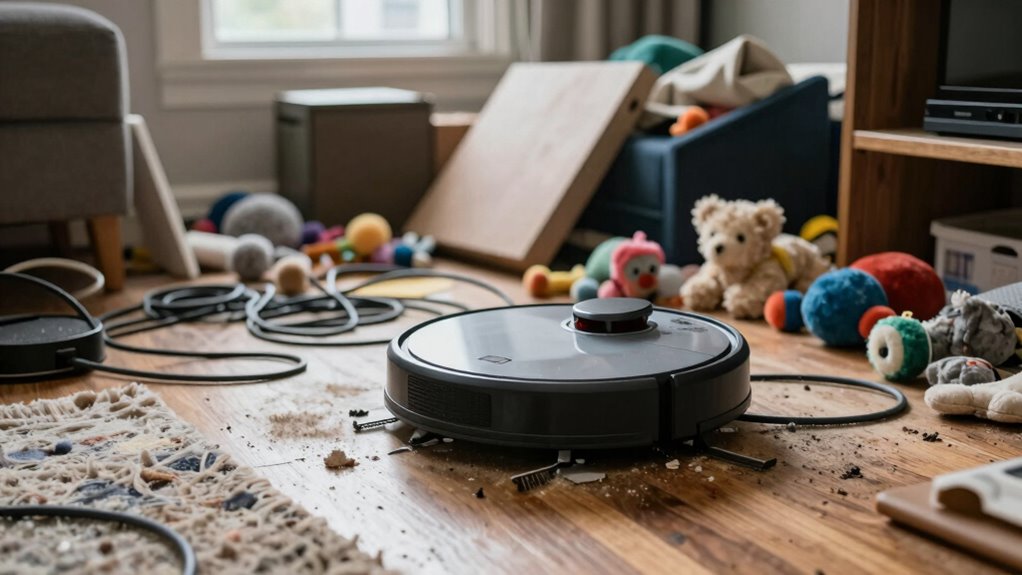
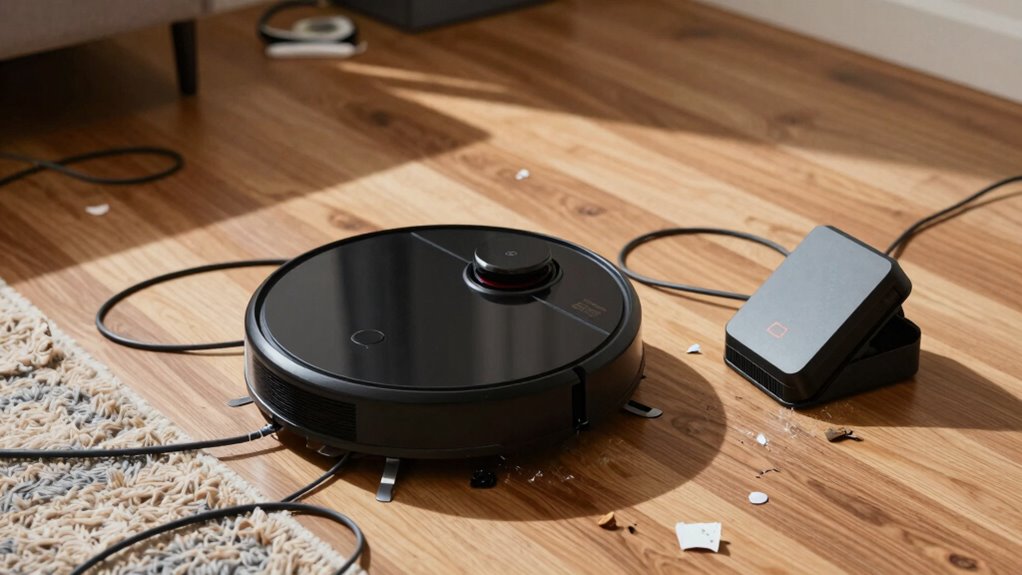
Setting up your robot vacuum might seem straightforward, but small mistakes during the initial setup can lead to frustrating issues later on. One of the most critical aspects is choosing the right charging station placement. If you place it in a cramped corner or somewhere that’s difficult for the vacuum to access easily, your robot will struggle to dock properly. Make sure the charging station is on a flat, stable surface and is positioned against a wall with enough clearance—at least 3 feet in front and a few inches on each side. This allows the robot to find and connect to the station without unnecessary hassle. Avoid placing it near clutter, cords, or thick rugs, as these can interfere with docking and charging. Proper placement ensures your robot can automatically return to recharge without getting stuck or losing connection, which directly impacts cleaning efficiency.
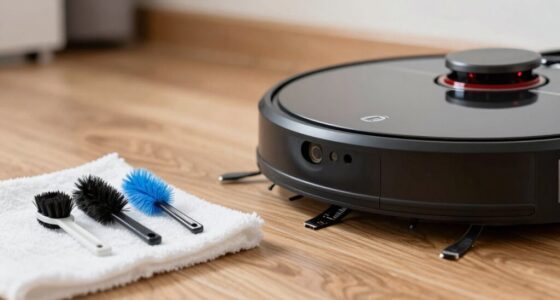
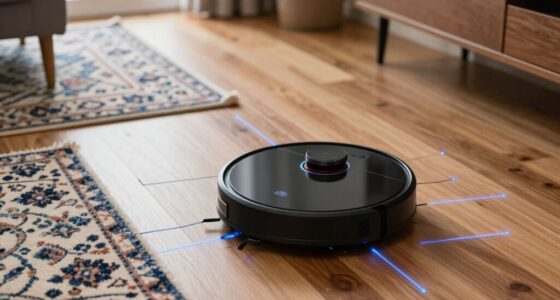
Additionally, sensor calibration is often overlooked but is essential for optimal performance. Your robot relies on sensors to navigate around obstacles, avoid drop-offs like stairs, and clean efficiently. To ensure sensors are calibrated properly, start by cleaning the sensors with a soft cloth to remove dust and debris that can impair their function. Then, follow the manufacturer’s instructions for calibration—this might involve placing the robot on a level surface or running a calibration routine. Keep in mind that environmental factors, such as bright sunlight or reflective surfaces, can confuse sensors, so adjusting or recalibrating them periodically can improve navigation. Regularly maintaining sensor health by cleaning and recalibrating can significantly enhance your robot’s ability to map your space accurately, avoid obstacles, and clean more thoroughly without unnecessary collisions or missed spots. It’s also helpful to update the home layout in the robot’s map after furniture rearrangements, as this can optimize its navigation path. Neglecting these setup details can cause your robot vacuum to underperform. Poor charging station placement might lead to frequent docking issues, reducing overall cleaning time and battery life. Improper sensor calibration can result in poor navigation, missed areas, or repeated bumping into furniture. Both mistakes undermine the efficiency of your cleaning routine and can cause frustration, especially when you notice your robot getting stuck or failing to complete its task. Taking the time to carefully position the charging station and properly calibrate sensors at the outset saves you headaches down the line. It ensures your vacuum operates smoothly, cleans thoroughly, and maximizes its lifespan. Small investments during setup—like choosing the right station spot and maintaining sensor health—pay off by delivering a more reliable and effective cleaning experience.
robot vacuum charging station placement
As an affiliate, we earn on qualifying purchases.
As an affiliate, we earn on qualifying purchases.
Frequently Asked Questions
How Often Should I Replace the Robot Vacuum’s Filters?
You should replace your robot vacuum’s filters every 2 to 3 months as part of regular filter maintenance. Following a consistent replacement schedule guarantees peak cleaning performance and helps prevent dust buildup that can clog the system. Keep an eye on the filter’s condition, and if it looks dirty sooner, replace it earlier. Proper maintenance not only extends your vacuum’s lifespan but also keeps your home cleaner.
Can I Set up My Robot Vacuum on Uneven Floors?
Setting up your robot vacuum on uneven floors is like teaching a dog to navigate stairs—you can do it with proper preparation. Make sure you perform floor calibration so the vacuum understands your surfaces, and check obstacle navigation settings. While most models handle uneven floors, placing the device on a flat surface first helps it adapt better. Regular calibration and obstacle adjustments improve cleaning, even on tricky, uneven terrain.
Is It Necessary to Update the Robot Vacuum’s Firmware Regularly?
Yes, it’s necessary to update your robot vacuum’s firmware regularly. Firmware updates are vital because they improve performance, fix bugs, and add new features, enhancing the overall cleaning experience. Ignoring firmware importance can lead to decreased efficiency or even malfunctioning. By keeping your device’s firmware current, you guarantee peak operation and longevity, making your cleaning routine smoother and more effective.
What Accessories Enhance the Robot Vacuum’s Cleaning Efficiency?
To boost your robot vacuum’s cleaning efficiency, consider accessories like extra brushes and specialized filters. Regular battery maintenance guarantees consistent power, prolonging runtime and cleaning performance. Noise reduction accessories, such as sound-insulating pads or quieter brush heads, make your vacuum operate more quietly, enhancing your experience. These upgrades help your vacuum clean more thoroughly and efficiently, saving you time and effort while maintaining a quieter, more effective cleaning routine.
How Do I Troubleshoot Connectivity Issues During Setup?
To troubleshoot connectivity issues during setup, start by ensuring your Wi-Fi troubleshooting steps are complete—restart your router and modem. Check your device’s app connectivity by updating the app and reinstalling it if needed. Make sure your robot vacuum is within range of your Wi-Fi network. If problems persist, reset the vacuum’s network settings and reconnect, ensuring your Wi-Fi network is stable and compatible with your device.
robot vacuum sensor calibration kit
As an affiliate, we earn on qualifying purchases.
As an affiliate, we earn on qualifying purchases.
Conclusion
Now that you’re aware of these common setup mistakes, imagine your robot vacuum working at its full potential—cleaning every corner flawlessly. But what if one simple misstep is holding it back? Will you catch it in time? The secret to perfect cleaning lies in your hands. Take a moment, double-check your setup, and unleash the true power of your robot vacuum. The spotless home you’ve been dreaming of is just a quick fix away—are you ready to discover it?
robot vacuum obstacle detection sensors
As an affiliate, we earn on qualifying purchases.
As an affiliate, we earn on qualifying purchases.
robot vacuum docking station clearance
As an affiliate, we earn on qualifying purchases.
As an affiliate, we earn on qualifying purchases.
NFL season / tailgating Picks
team gear
As an affiliate, we earn on qualifying purchases.