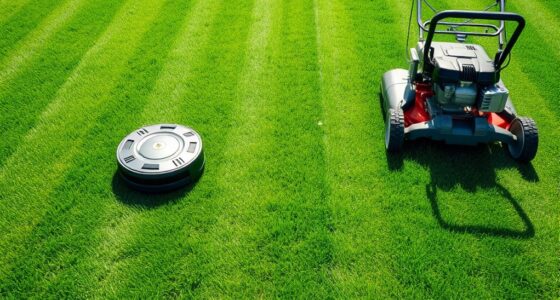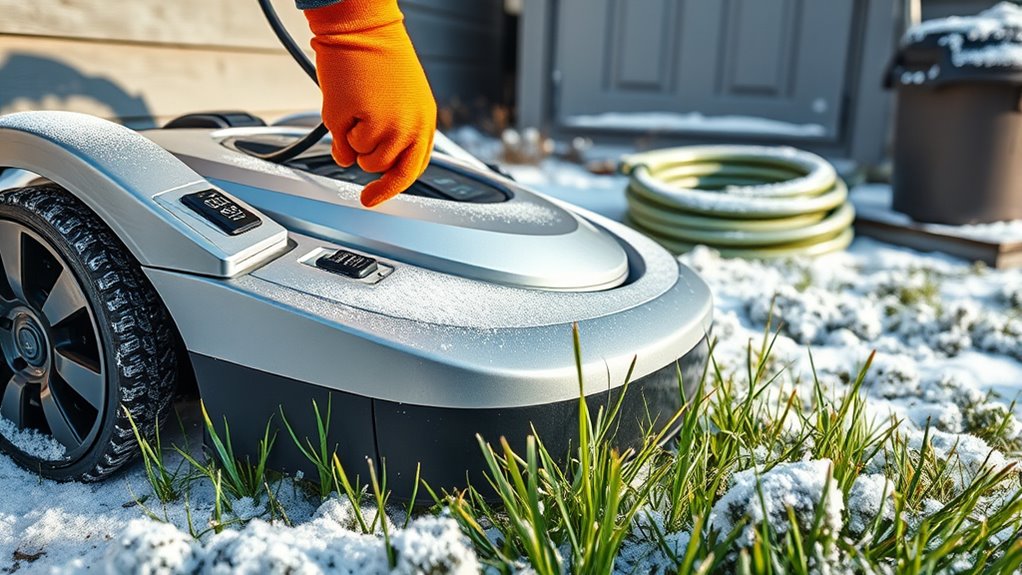

To winterize your robotic lawn mower, you should clean and inspect all moving parts for damage, then sharpen or replace dull blades. Remove the battery, fully charge it, and store it in a cool, dry place. Protect the mower from moisture by thoroughly drying it and storing it in a sheltered area. Check boundary wires, secure the charging station, and plan for spring maintenance. Following these steps guarantees your mower stays in great shape for the upcoming season, so continue to discover more tips.
Key Takeaways
- Clean and inspect blades, wheels, and moving parts; sharpen or replace blades as needed.
- Remove and fully charge the battery; store it in a cool, dry place away from the mower.
- Check boundary wires for damage; repair, re-bury, and calibrate boundary settings.
- Clean and dry the mower thoroughly; store in a sheltered, dry location with waterproof covers.
- Update firmware and software before storage; plan spring maintenance for optimal performance.
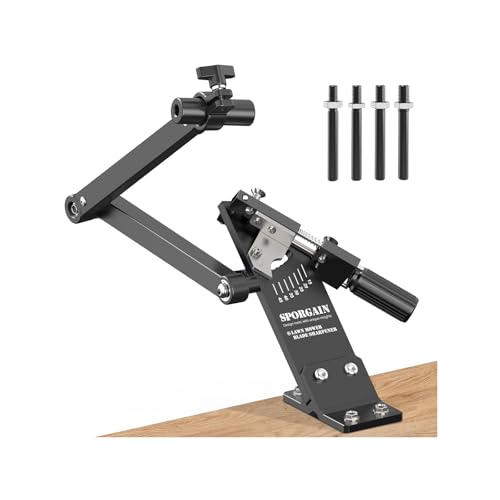
SporGain [Updated Lawn Mower Blade Sharpener 15°-45° Adjustable Frame
- [ Updated ] Lawn Mower Blade Sharpener: SporGain mower blades sharpener suitable…
- Fits 1.65"–3.60" Mower Blades: lawn mower blade sharpener jig…
- High-Quality Construction: This lawnmower blade sharpener jig…
As an affiliate, we earn on qualifying purchases.
As an affiliate, we earn on qualifying purchases.
Cleaning and Inspecting Before Storage
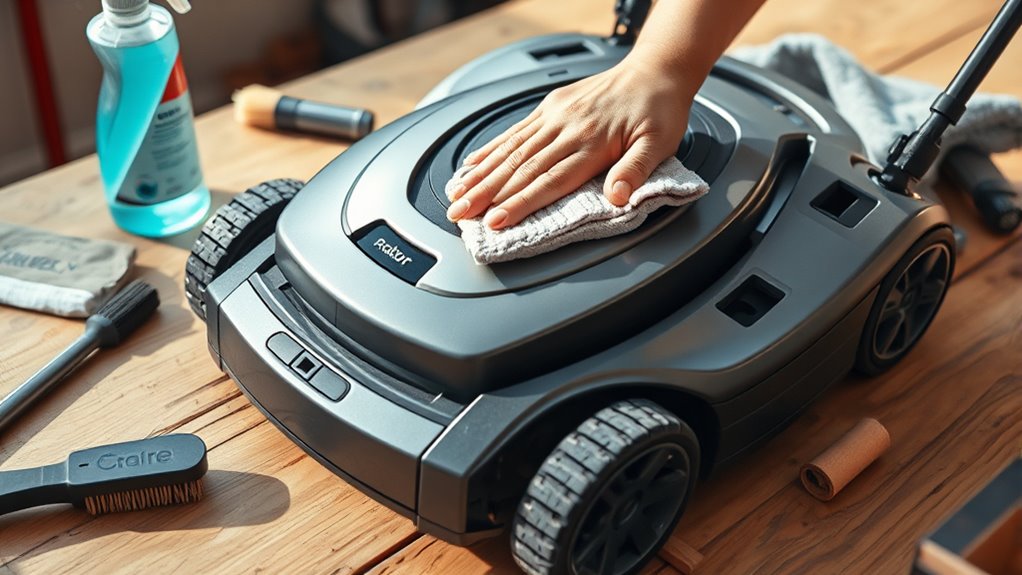
Before storing your robotic lawn mower for winter, proper cleaning and inspection are essential. Start by removing any grass clippings, dirt, and debris from the blades and body. This prevents rust and keeps your mower in good condition for next season. While cleaning, check for any damage or wear, especially around the blades and wheels. If you have seasonal planting or outdoor furniture nearby, ensure the area is clear of any plant matter that could interfere with storage. Cleaning the mower thoroughly also helps prevent pests or mold from developing during downtime. Take a moment to inspect the charging port and wiring for corrosion or damage. A clean, well-maintained mower will be ready to go when spring arrives, saving you time and effort later.
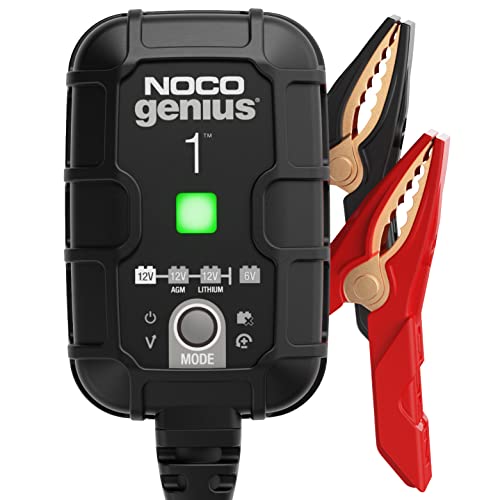
NOCO GENIUS1: 1A 6V/12V Smart Battery Charger – Automatic Maintainer, Trickle Charger & Desulfator with Overcharge Protection & Temperature Compensation – for Lead-Acid & Lithium Batteries
- Compact and Powerful: 35% smaller, 35% more power
- Versatile Compatibility: Supports 6V/12V lead-acid and lithium batteries
- All-in-One Charging: Charger, maintainer, trickle charger, desulfator
As an affiliate, we earn on qualifying purchases.
As an affiliate, we earn on qualifying purchases.
Removing and Charging the Battery
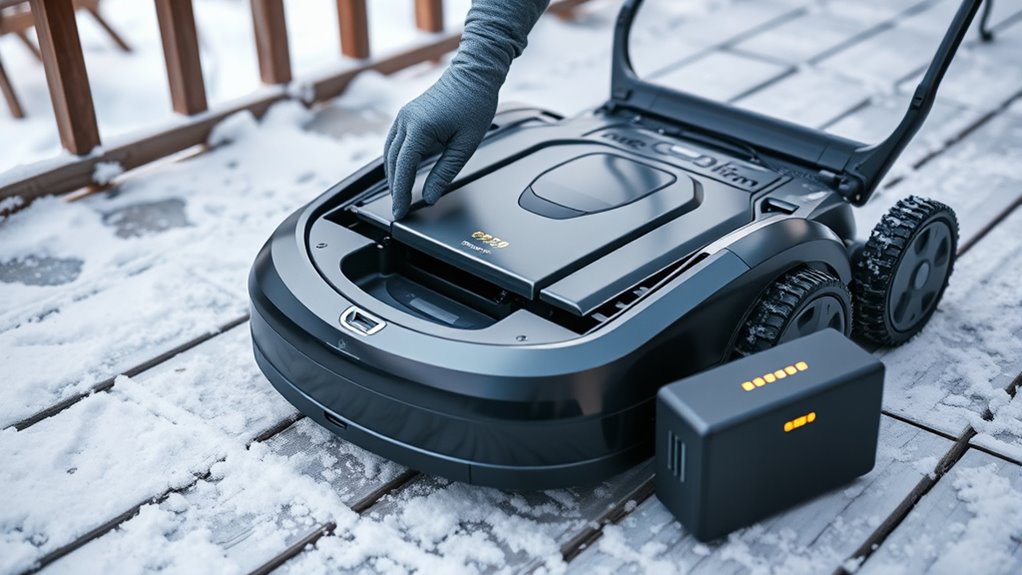
Wondering how to guarantee your robotic lawn mower’s battery stays healthy during winter storage? The key is proper battery maintenance. First, remove the battery from your mower and clean any dirt or debris. Next, fully charge the battery to ensure it’s at ideal capacity before off season storage. A fully charged battery reduces the risk of capacity loss and damage caused by deep discharges. Store the battery in a cool, dry place away from direct sunlight and extreme temperatures. Periodically check its charge level throughout the winter, recharging if needed to keep it healthy. Avoid leaving the battery in the mower during off season storage, as this can lead to deterioration. Proper removal and charging help extend your battery’s lifespan and ensure your mower is ready to go in spring.

Himal Outdoors Push Lawn Mower Cover Waterproof Lawnmower Cover, Black
- Universal Fit: Fits most walk-behind lawnmowers up to 25×74 inches
- Durable Material: Made from 600D oxford cloth with double stitching
- Waterproof Protection: Double waterproof coating for all-weather use
As an affiliate, we earn on qualifying purchases.
As an affiliate, we earn on qualifying purchases.
Checking and Replacing Blades
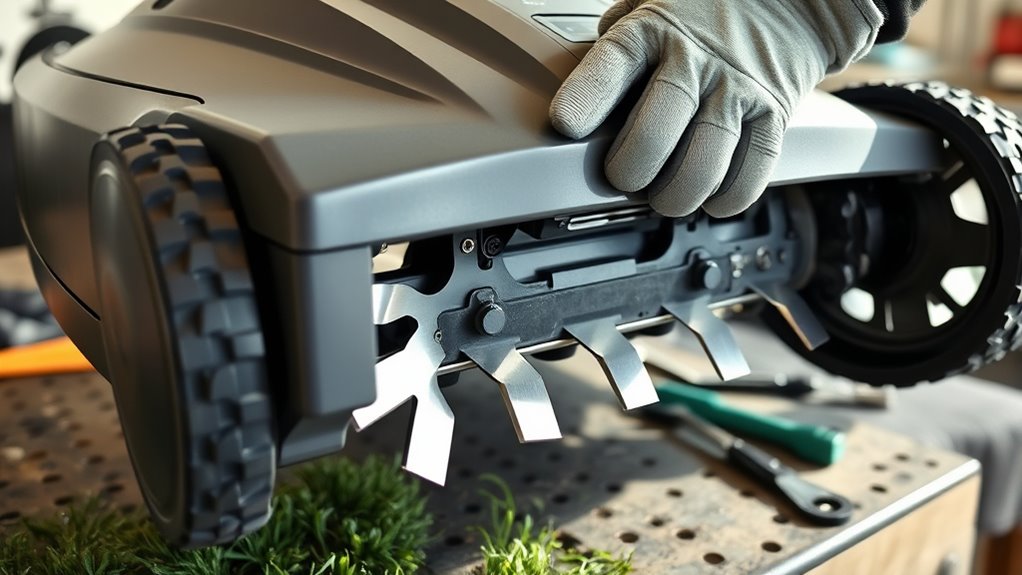
Checking and replacing the blades is a crucial step to guarantee your robotic lawn mower operates efficiently during the next season. Dull blades reduce cutting quality and strain the motor, so inspecting blade sharpness is necessary. If your blades are chipped, bent, or dull, consider blade replacement to restore ideal performance. Regularly maintaining sharp blades ensures clean cuts and healthier grass.
- Remove the blades carefully following the manufacturer’s instructions
- Check for blade dullness or damage
- Sharpen blades if they’re just dull, or replace if damaged
- Ensure blades are balanced after sharpening or replacement
- Reinstall securely to prevent wobbling or noise
Proper blade care keeps your mower running smoothly and extends its lifespan.
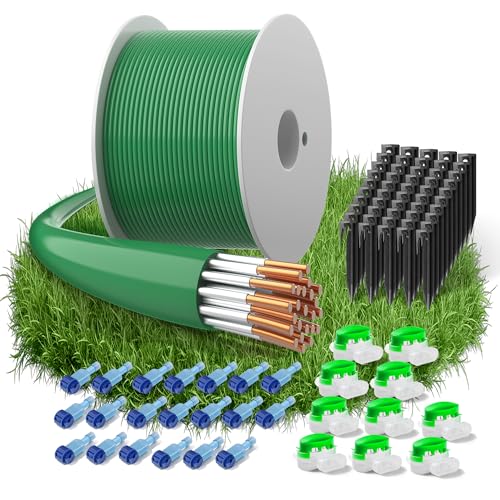
150m/492ft Boundary Cable for Robot Lawnmower, Garden Wire Accessory Set, with 50 Pegs, 10 Cable Connectors, 20 Sets of Connection Terminal, Universal Boundary Wire, Compatible with Husqvarna/Worx
- Compatibility: Compatible with various robotic mowers
- Complete Accessory Kit: Includes wire, pegs, connectors, terminals
- High-Quality Material: Made of tinned copper-clad aluminum
As an affiliate, we earn on qualifying purchases.
As an affiliate, we earn on qualifying purchases.
Protecting the Mower From Moisture
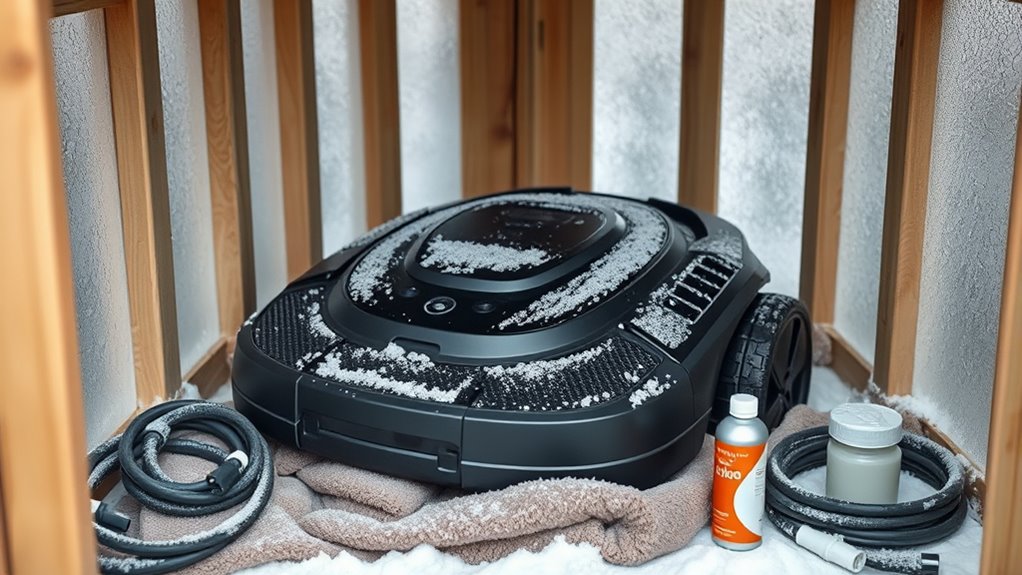
Moisture is one of the biggest threats to your robotic lawn mower during the off-season, as it can cause rust, corrosion, and electrical issues. To prevent this, focus on moisture prevention by applying waterproofing techniques. Start by cleaning and drying your mower thoroughly to remove any residual moisture. Consider using a silicone spray or a waterproof sealant on vulnerable parts like electrical connections and joints. Store the mower in a dry, sheltered area to minimize exposure to humidity and rain. Using protective covers or waterproof casings can also help shield it from moisture when not in use. Regularly inspect seals and waterproofing measures to ensure they remain effective. These steps will help extend your mower’s lifespan and keep it in excellent condition during the winter months.
Storing in a Suitable Location

Choosing the right location for storing your robotic lawn mower is essential to protect it from harsh winter conditions. You want a space that keeps it dry, stable, and safe from potential damage. Avoid storage areas near garden furniture or outdoor lighting that might be exposed to moisture or freezing temperatures. Instead, select a sheltered spot, like a garage or shed, with good ventilation. Ensure the area is clean and free of debris to prevent pests. Consider elevating the mower off the floor to avoid contact with cold or damp surfaces. Keep the storage area secure and away from fluctuating temperatures. This careful placement helps preserve your mower’s battery and electronic components throughout the winter.
Updating Firmware and Software

Before storing your mower for winter, you should check for any available updates. Installing the latest firmware guarantees your mower runs smoothly and safely when you restart it. Don’t forget to schedule a software refresh to keep everything current and ready for the next season.
Check for Updates
Have you checked if your robotic lawn mower has the latest firmware and software updates? Staying current guarantees it runs smoothly during seasonal gardening and keeps your outdoor decor looking sharp. Regular updates can improve efficiency, fix bugs, and add new features that enhance your mowing experience. Before storing it for winter, take a few minutes to verify the latest version.
- Connect to the app or control panel to check for updates
- Visit the manufacturer’s website for firmware release notes
- Enable automatic update notifications if available
- Ensure your Wi-Fi connection is stable during updates
- Keep your user manual handy for troubleshooting
Install Latest Firmware
Once you’ve confirmed that your robotic lawn mower has the latest updates available, it’s time to install the firmware. Firmware updates ensure your mower runs smoothly and addresses any bugs or security issues. Make sure your device is connected to Wi-Fi or your computer as required by the manufacturer’s instructions. During installation, pay attention to software compatibility to avoid conflicts that could hinder performance. Follow the on-screen prompts or the app instructions carefully to prevent interruptions. Updating firmware regularly keeps your mower optimized for the upcoming season and ensures compatibility with new features or accessories. Once completed, restart your mower if prompted, and verify that the firmware version is current. Proper installation helps prevent potential issues during winter storage and ensures your mower is ready for the next season.
Schedule Software Refresh
Scheduling regular software refreshes guarantees your robotic lawn mower stays up-to-date with the latest features, security patches, and performance improvements. Proper update management guarantees smooth operation and reduces the risk of bugs or vulnerabilities. To keep your mower current, set up automatic software scheduling if available, or check for updates weekly. Make sure your mower is connected to Wi-Fi during updates to avoid interruptions. Remember to back up your settings before updating, in case you need to restore them later. Staying on top of updates also extends your mower’s lifespan and improves efficiency.
- Enable automatic updates if your model supports it
- Manually check for updates regularly
- Keep your Wi-Fi connection stable during update processes
- Review update release notes for new features
- Schedule updates during off-peak hours to minimize disruptions
Securing the Charging Station
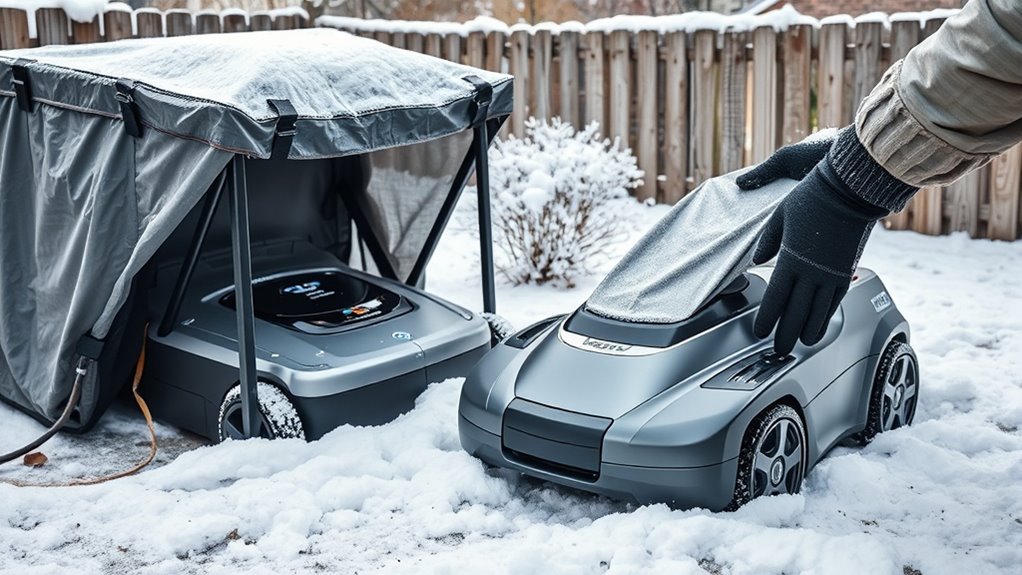
Securing your robotic lawn mower’s charging station is essential to prevent damage from harsh winter weather. Start by implementing proper security measures, such as anchoring the station firmly to the ground or mounting it against a sturdy surface. This prevents strong winds or snow accumulation from knocking it over or shifting its position. When considering station placement, choose a sheltered location that offers some protection from snow, rain, and ice. Avoid areas prone to flooding or excessive moisture, which can cause corrosion or electrical issues. Make sure the station is accessible for maintenance but tucked away enough to shield it from winter elements. Properly safeguarding and positioning the charging station helps ensure your mower remains functional and safe during the off-season.
Preparing the Perimeter Wires
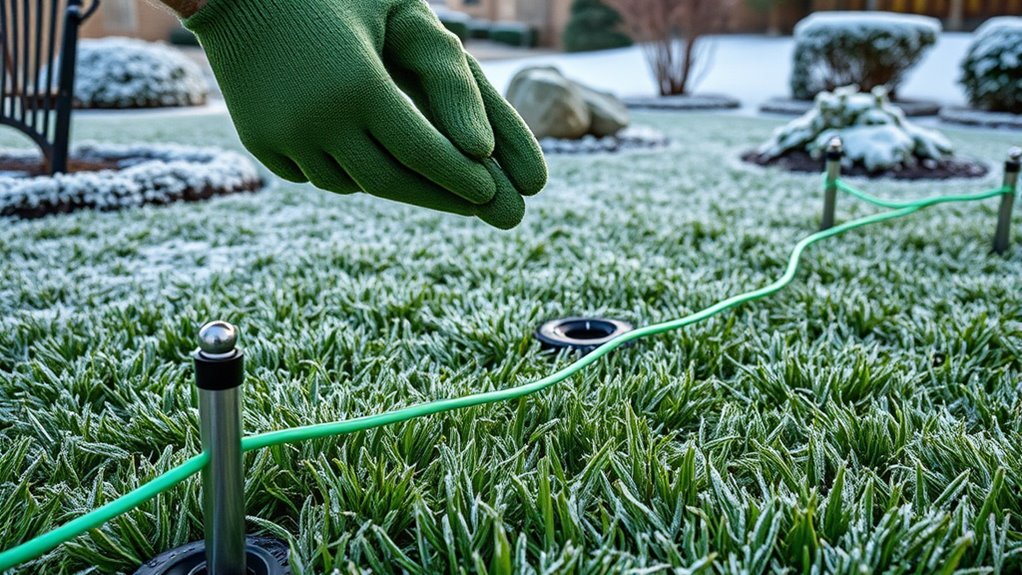
Start by inspecting your perimeter wires for any damage or loose connections to make certain they stay intact during the winter. Next, adjust your boundary settings if needed to keep your mower within safe limits and prevent it from wandering. Taking these steps helps protect your equipment and keeps your yard properly maintained.
Check Wire Integrity
Before storing your robotic lawn mower for winter, verifying the integrity of the perimeter wires is essential, as damaged or loose wires can cause operational issues when you restart it in spring. Check for any signs of wire damage, such as cuts, frays, or corrosion, which can lead to connection issues. Make certain all wires are securely connected to the boundary terminal and buried properly to prevent movement during the off-season. Loose or broken wires can interfere with the mower’s navigation, causing it to miss areas or stop unexpectedly. Taking time to inspect and repair your perimeter wires now saves you headaches later.
- Look for visible wire damage or wear
- Tighten loose connections
- Re-bury any exposed wires
- Use waterproof connectors if needed
- Test the boundary signal strength
Adjust Boundary Settings
To guarantee your robotic lawn mower operates smoothly in spring, it’s important to adjust the boundary settings by preparing the perimeter wires properly. First, perform a boundary calibration to ensure the mower recognizes its limits, preventing it from wandering into unwanted areas. Check that the perimeter wires are taut and correctly positioned, fixing any loose or broken sections. For zone adjustment, review your mower’s settings to confirm the designated mowing areas are accurate and aligned with your yard’s layout. Properly prepared perimeter wires help the mower detect boundaries reliably, especially after winter storage. Taking these steps ensures your mower’s boundary signals are clear, reducing the risk of misalignment and ensuring efficient, off-season maintenance.
Lubricating Moving Parts
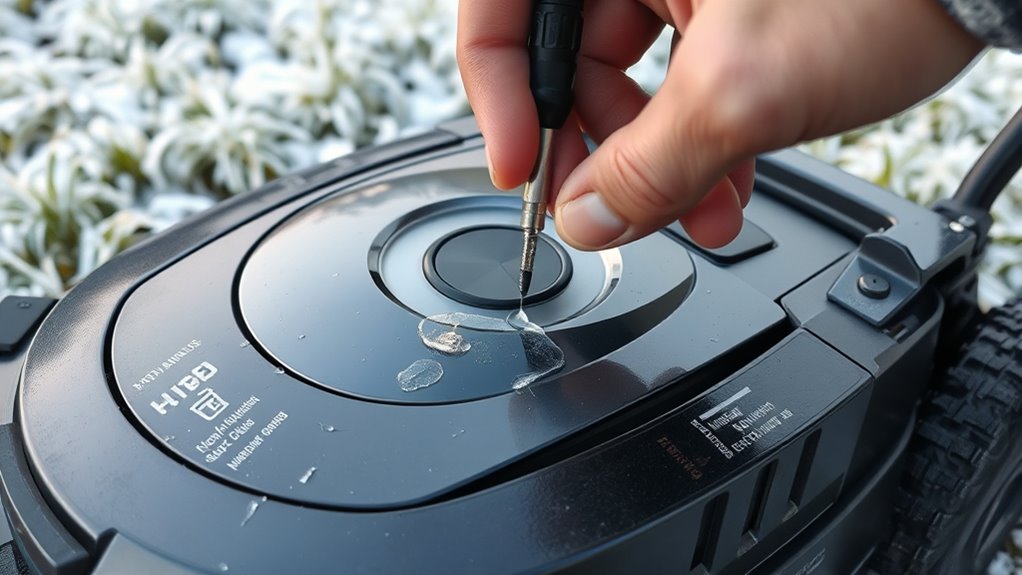
Lubricating the moving parts of your robotic lawn mower is essential for ensuring smooth operation during the off-season. Proper lubrication maintenance prevents rust, reduces wear, and keeps everything running efficiently. Before storing, check all joints, hinges, and wheels, and apply a quality lubricant to each. This helps avoid stiffness and corrosion over the winter months. Don’t forget to sharpen the blades beforehand for ideal cutting performance when you restart. Regular lubrication also extends the lifespan of your mower’s moving parts. Keep in mind, lubrication isn’t just about ease of movement — it’s about protecting your investment and ensuring it’s ready for spring. Here are some key areas to focus on:
- Blade sharpening
- Wheel axles
- Hinge points
- Gear mechanisms
- Cutting deck joints
Planning for Spring Maintenance

As spring approaches, it’s time to get your mower ready for the season. You should inspect and clean the blades, replacing any that are worn or damaged. Don’t forget to verify the battery storage and replace any worn parts to ensure smooth operation.
Inspect and Clean Blades
Before storing your robotic lawn mower for winter, it’s essential to inspect and clean the blades thoroughly. Check the blade sharpness; dull blades cut unevenly and strain the motor. Remove debris, grass clippings, and dirt from the blades to prevent rust and corrosion. Examine the blades for signs of damage or wear; damaged blades should be replaced promptly. Make sure the blades are securely attached and balanced to avoid vibrations during operation. Use a soft brush or cloth to wipe away any buildup. This maintenance step helps guarantee your mower is ready for the upcoming season and keeps it running efficiently. Regular inspection now can save you time and trouble when spring arrives.
Replace Worn Parts
Since worn or damaged parts can impair your mower’s performance come spring, it’s important to identify and replace them now. Check the blades for dullness or nicks and perform blade replacement if needed to ensure a clean cut. Sharp blades cut more efficiently and reduce strain on the motor. Also, inspect gear adjustments; if gears are slipping or making unusual noises, tighten or realign them to prevent further damage. Replacing worn parts now helps avoid breakdowns during the mowing season and ensures your mower operates smoothly. Take this opportunity to thoroughly examine all moving components, and replace any that show signs of excessive wear. Proper maintenance now saves you time and money when spring arrives.
Check Battery Storage
To guarantee your robotic lawn mower is ready for spring, it’s important to check the battery storage now. Proper storage temperature is key to maintaining battery longevity and ensuring your mower performs well when you need it. If the mower has been in storage, inspect the battery for any signs of damage or corrosion. Make sure the battery is stored in a cool, dry place, ideally between 50-77°F (10-25°C). Avoid extreme heat or cold, which can shorten battery life. Before storing, fully charge the battery to prevent capacity loss. Regularly check the battery condition during off-season storage. Proper care now will help extend battery lifespan and ensure your mower starts smoothly when the grass starts growing again.
- Store in a cool, dry location
- Keep the battery fully charged but not overcharged
- Avoid extreme temperature fluctuations
- Check for corrosion or damage
- Recharge if the battery discharges during storage
Frequently Asked Questions
How Often Should I Inspect My Robotic Mower During Winter?
You should inspect your robotic mower at least once a month during winter to guarantee it stays in good condition. Regular seasonal maintenance helps prevent issues caused by moisture or debris, especially if stored outdoors. Check for any damage, clean the blades, and make sure the charging station is working properly. Adjust storage frequency based on your climate; more frequent checks are recommended in wetter or harsher conditions.
Can I Leave the Battery in the Mower During Storage?
Absolutely, you can leave the battery in your mower during storage, but proper battery maintenance is key. Make sure the battery is partially charged—around 50-70%—to prevent damage from deep discharges or overcharging. For storage safety, keep your mower in a cool, dry place away from moisture and extreme temperatures. Regularly check the battery’s condition and recharge if needed, ensuring your mower remains ready for the spring season.
What Are Signs of Internal Damage After Winter Storage?
After winter storage, you should look for signs of internal damage like corrosion or motor malfunction. If you notice rust or corrosion on electrical contacts, it indicates internal corrosion. Additionally, if the mower struggles to start or the blades don’t spin smoothly, it’s a sign of motor malfunction. These issues suggest the mower needs inspection or repairs before you use it again to avoid further damage.
Is It Necessary to Remove the Mower’s Blades Before Winter?
When it comes to winterizing, it’s better to be safe than sorry, so removing the blades is a smart move. You avoid potential damage during storage and make blade maintenance easier. Plus, it’s a key safety precaution to prevent injuries if someone accidentally powers up the mower. Take out the blades, clean them thoroughly, and store separately to keep everything in tip-top shape for spring.
How Do I Prevent Pests From Nesting in the Mower?
To prevent pests from nesting in your robotic lawn mower, you should regularly clean and dry it before storing. Use pest prevention techniques like sealing any small openings with nesting deterrents such as mesh covers or foam inserts. Store your mower in a dry, cool place, and consider applying natural repellents like peppermint oil around storage areas. These steps help keep pests out and guarantee your mower stays in good condition.
Conclusion
By following these winterizing tips, you’ll guarantee your robotic mower stays in pristine condition and is ready to conquer your lawn again next season. Think of it as giving your machine a luxurious spa treatment—protecting it from the harshest elements and extending its lifespan far beyond expectations. When spring arrives, you’ll be greeted with a mower that performs flawlessly, making yard work feel effortless and almost magical. Your lawn will thank you for this investment in its future!