

If you’re looking for the best digital photo frames that send photos via email in 2025, I recommend checking out models like the TOLOVE 10.1 Inch WiFi Frame, Frameo 10.1 Inch, and Skylight Frame. These frames offer high-resolution touchscreens, large storage, and easy email sharing. They make remote photo transfers simple and secure, perfect for family or gifting. Keep exploring to find the perfect fit for your needs.
Key Takeaways
- Many high-quality digital photo frames support email uploads, enabling easy remote sharing of photos in 2025.
- Models with WiFi and app integrations facilitate quick, secure photo transfers via email, ideal for family and friends.
- Frames featuring cloud storage options like Skylight simplify photo sharing and management through email or app uploads.
- User-friendly interfaces with quick setup processes make email photo sharing accessible for all users.
- Larger screens (up to 15.6 inches) and ample storage support high-resolution images and frequent email-based updates.
TOLOVE 10.1 Inch WiFi Digital Photo Frame with HD Touch Screen
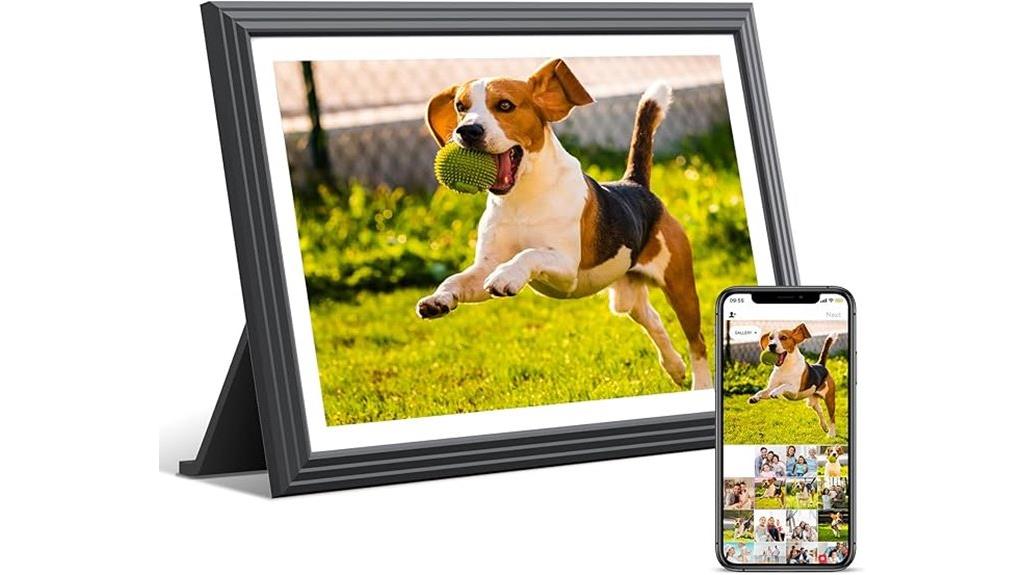
If you’re looking for a digital photo frame that’s perfect for staying connected with family and friends, the TOLOVE 10.1 Inch WiFi Digital Photo Frame with HD Touch Screen is an excellent choice. It features a bright 1280×800 IPS display that delivers vivid, clear images in both landscape and portrait modes. With WiFi connectivity, you can easily share photos and videos via the Vphoto app from Android or iOS devices. The frame also offers customizable settings like slideshow timing, brightness, and sleep mode. Plus, its sleek design makes it a stylish addition to any space, making it ideal for both personal use and gifting.
Best For: those seeking a user-friendly, WiFi-enabled digital photo frame to share and enjoy photos and videos with family and friends remotely, especially suitable for elderly users or as a thoughtful gift.
Pros:
- High-definition 1280×800 IPS touch screen delivers vivid, clear images in both landscape and portrait modes
- Easy photo and video sharing via WiFi and the Vphoto app from Android/iOS devices
- Customizable settings including slideshow timing, brightness, sleep mode, and show/hide images for a personalized experience
Cons:
- Limited internal storage of 16GB may require Micro SD cards for extensive media collections
- Dependence on WiFi connectivity; performance may vary based on network quality
- Slightly larger and heavier size may require dedicated space for placement
32GB 10.1 Inch WiFi Digital Picture Frame
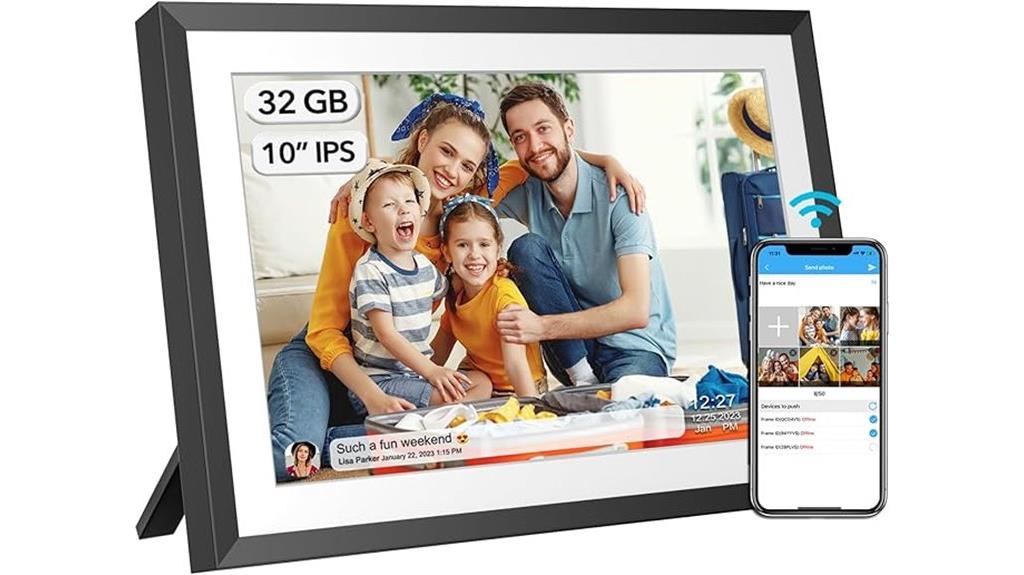
The GB 10.1 Inch WiFi Digital Picture Frame is an excellent choice for those who want a versatile and user-friendly way to display their cherished photos and videos. It features 32GB of internal storage, expandable via USB or SD card, making it easy to manage large collections. The 10.1-inch IPS HD touch screen offers clear visuals from any angle, supporting various image and video formats, including 1080p videos. With functions like slideshows, music, weather updates, and alarms, it’s perfect for any setting. Its auto-rotation and wall-mount design add convenience, making it ideal for sharing moments privately or as a thoughtful gift.
Best For: those seeking a user-friendly, versatile digital photo frame to display cherished memories with large storage, clear visuals, and multiple viewing options.
Pros:
- Large 32GB internal storage with expandable options via USB and SD card for easy management of extensive photo and video collections
- High-quality 10.1-inch IPS HD touch screen provides clear visuals from any angle, supporting 1080p videos and various image formats
- Rich feature set including slideshows, music, weather updates, alarms, auto-rotation, and wall-mount capability for versatile placement
Cons:
- Limited connection code validity (12 hours), requiring reconfiguration for long-term use
- Maximum video size of 200MB may restrict longer video playback without compression
- Requires WiFi connection for some functions, which might be a limitation in low-signal areas
Frameo 10.1 Inch WiFi Digital Picture Frame
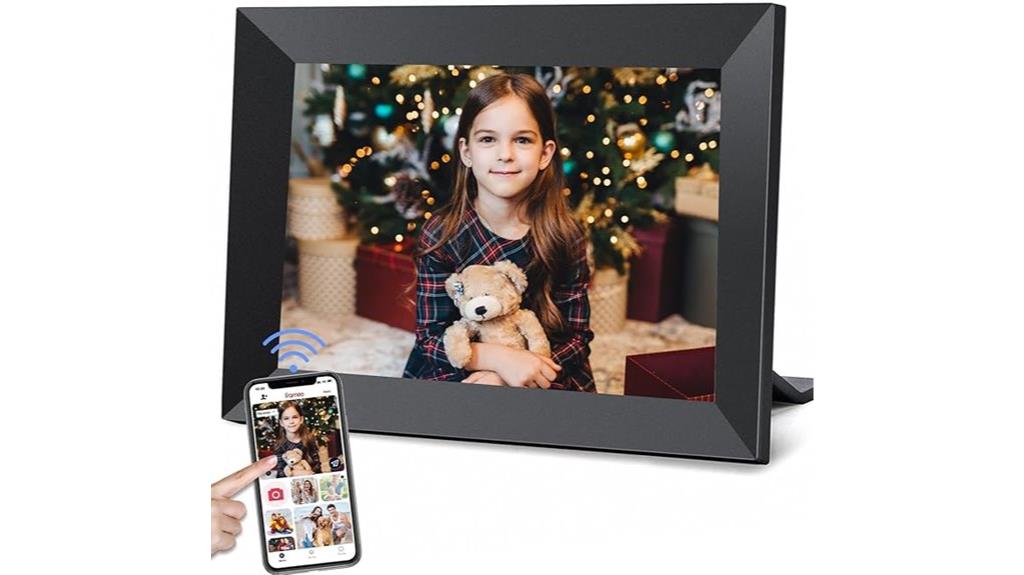
The Frameo 10.1 Inch WiFi Digital Picture Frame stands out as an excellent choice for families seeking a simple, user-friendly device to stay connected through photos and videos. Its 10.1-inch IPS HD touch screen offers crisp visuals from any angle, with auto-rotate for portrait or landscape viewing. The frame supports multiple formats and expandable storage, holding over 40,000 photos. Using the Frameo app, family and friends can securely send photos and short videos directly to the frame from anywhere. Its intuitive controls, customizable display options, and wall-mount capability make it a versatile, meaningful gift that keeps loved ones close.
Best For: families, grandparents, and loved ones seeking an easy-to-use digital photo frame to share and display memories securely from anywhere.
Pros:
- User-friendly touch screen with intuitive controls and auto-rotate feature for flexible viewing.
- Supports a wide range of photo and video formats with expandable storage for thousands of images.
- Secure, instant sharing via the Frameo app allows loved ones to send updates from anywhere.
Cons:
- Limited to 15-second videos, which may be short for some users.
- Requires WiFi connection for sharing, which may be inconvenient in low-signal areas.
- The 16GB built-in storage might be insufficient for users with large media libraries without expansion.
PhotoSpring 10in WiFi Digital Picture Frame with Touch Screen and Video Playback

For families seeking an easy and reliable way to share memories, the PhotoSpring 10-inch WiFi Digital Picture Frame stands out with its user-friendly touch screen and seamless sharing capabilities. It’s perfect for gifting or keeping family memories alive, supporting email, app, web uploads, and USB import. The award-winning interface makes setup a breeze—just five minutes—and offers customizable photo displays, albums, and shuffle options. With 32GB of storage and HD video playback, it delivers a rich visual experience. Made in the USA, it’s a dependable choice for quick, wireless sharing from anywhere, strengthening family bonds effortlessly.
Best For: families and loved ones seeking an easy, wireless way to share and display cherished photos and videos effortlessly.
Pros:
- User-friendly touch screen interface with easy setup in just five minutes
- Supports multiple sharing methods including email, app, web uploads, and USB import
- HD photo and video playback with ample 32GB storage capacity
Cons:
- Limited to displaying files up to 1GB, approximately 5 minutes of video
- May require WiFi connection for seamless media transfer, which could be a challenge in weak signal areas
- No mention of additional features like weather updates or smart home integration
Skylight Frame WiFi Digital Picture Frame
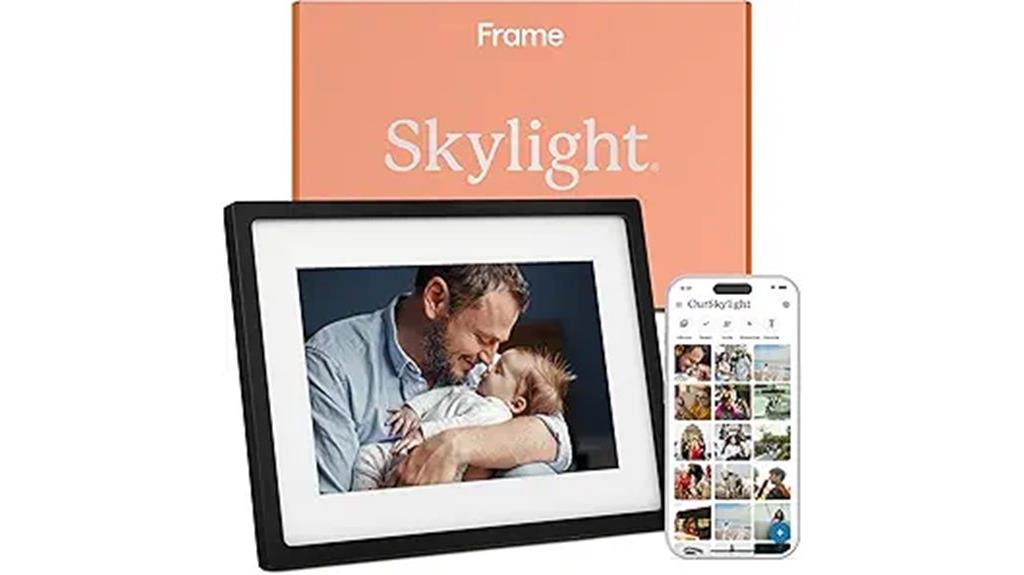
If you want a digital photo frame that’s easy to set up and keeps your loved ones connected, the Skylight Frame WiFi Digital Picture Frame is an excellent choice. Just plug it in, connect to Wi-Fi, and select your unique Skylight email address. Sharing photos and videos is instant from anywhere. Its 10-inch color touch screen with 1280×800 resolution guarantees vibrant visuals. Cloud storage removes the need for SD cards, making access simple. It’s perfect for gifting, capturing moments, and bridging generations. Plus, features like Gift Mode and offline viewing make it versatile, ensuring your memories are always close and easy to share.
Best For: families and individuals seeking an easy-to-use digital photo frame to stay connected and share memories effortlessly across generations.
Pros:
- Easy plug-and-play setup with Wi-Fi connectivity for instant sharing
- Vibrant 10-inch touch-screen display with high-resolution visuals
- Cloud-based storage eliminates the need for SD cards and offers convenient access
Cons:
- Offline mode requires Wi-Fi for new uploads and updates, limiting use without internet
- May not offer advanced customization features found in high-end digital frames
- The display size and features might be less suitable for those wanting a larger or more feature-rich frame
Frameo 15.6″ Digital Picture Frame with WiFi (1920×1080 IPS Touch Screen)
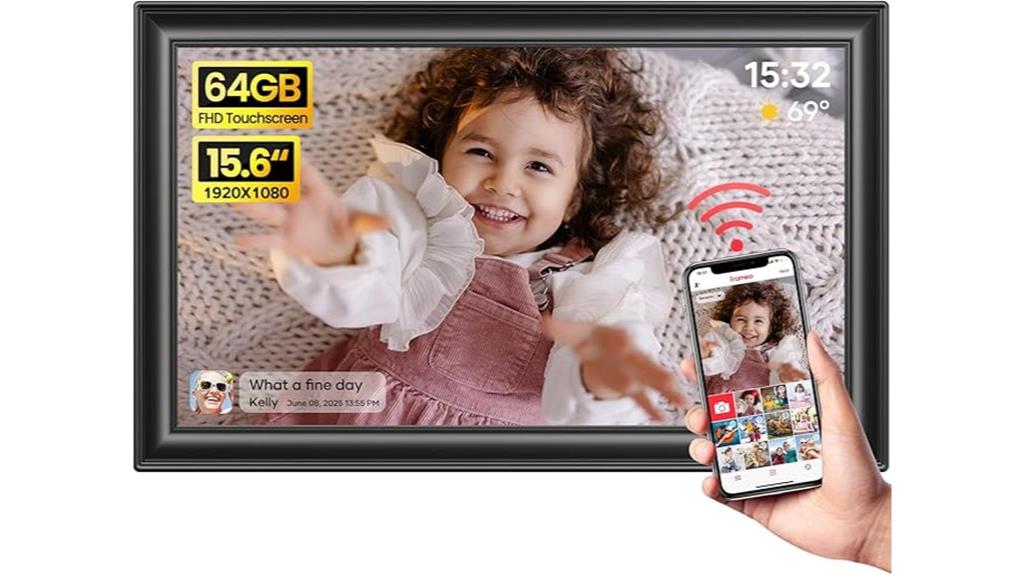
With its vibrant 15.6-inch IPS touchscreen and Full HD resolution, the Frameo 15.6″ Digital Picture Frame is ideal for those who want a seamless way to share and display memories. It supports multiple image formats and auto-rotates photos for landscape or portrait viewing. The 64GB internal memory stores around 100,000 photos, expandable via SD card or USB. Wi-Fi connectivity allows friends and family to send images remotely through the Frameo app, with a reply feature for interaction. Its user-friendly touch interface, customizable settings, and versatile placement options make it a popular choice for preserving and sharing moments effortlessly.
Best For: families and friends who want an easy, digital way to share and display photos and videos remotely, enhancing connection and preserving memories effortlessly.
Pros:
- Vibrant 15.6-inch Full HD IPS touchscreen with auto-rotate for versatile viewing angles
- Large 64GB internal storage supporting approximately 100,000 photos, expandable via SD card and USB
- Wi-Fi connectivity with the Frameo app enabling secure, remote sharing and interactive replies
Cons:
- Limited video length support (up to 15 seconds) when uploaded via the mobile app
- USB port supports flash drives but not direct transfer from computers
- Requires Wi-Fi (2.4GHz) connection, which may limit use in areas with poor network coverage
SSAWiFiFrame 32GB 10.1 Inch WiFi Digital Picture Frame
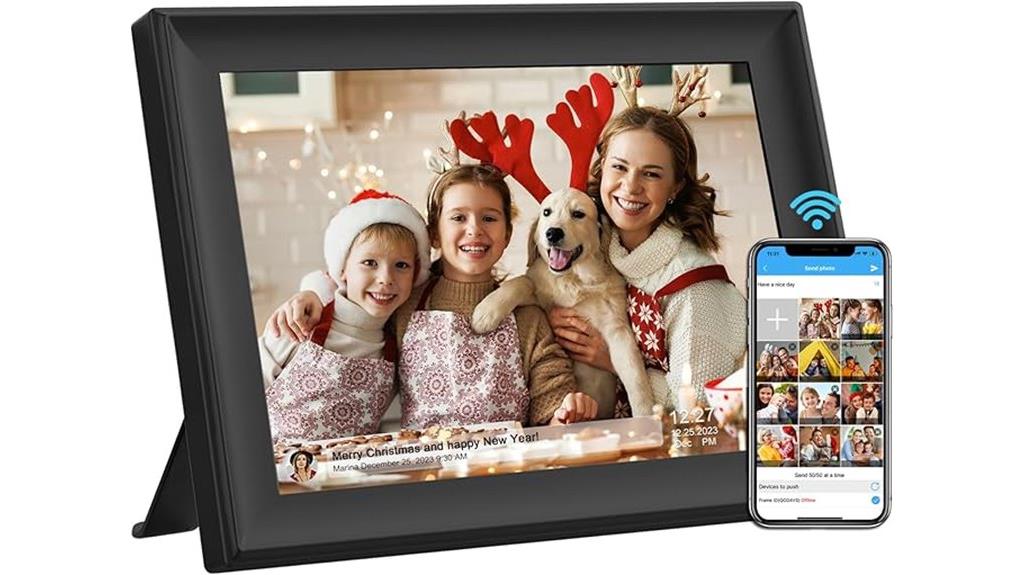
The SSAWiFiFrame 32GB 10.1 Inch WiFi Digital Picture Frame stands out as an excellent choice for anyone seeking a versatile and user-friendly display. Its 1280×800 HD IPS touch screen provides clear visuals from any angle, and auto-rotation ensures peak viewing. With built-in 32GB storage plus support for USB and SD card extensions, I can easily import and share photos and videos. The frame allows private, secure sharing via app or email, with the ability to send up to 50 photos at once. It also offers useful features like calendar, weather, alarm, and music, making it perfect for any occasion.
Best For: families and individuals who want an easy-to-use digital photo frame for sharing and displaying cherished memories, birthdays, and special occasions.
Pros:
- High-definition 1280×800 IPS touch screen with auto-rotation for clear, flexible viewing angles
- Supports multiple media formats including photos, videos, and music, with ample 32GB storage and extension options
- Secure private sharing via app or email, allowing instant sharing with friends and family
Cons:
- Limited to a 10.1-inch display, which may be small for some preferences
- Videos are capped at 1920×1080 resolution and 30FPS, which might limit high-quality video playback
- Some users may find setup or connectivity features requiring a learning curve for non-tech-savvy individuals
Akimart 32GB 10.1 Inch WiFi Digital Picture Frame

Akimart’s 32GB 10.1 Inch WiFi Digital Picture Frame stands out for its seamless connectivity and easy media sharing. With a sharp 1280×800 HD IPS touch screen, it displays photos and videos clearly from multiple angles. Its WiFi feature lets me send images and videos securely via app or email from anywhere in the world, supporting up to 50 images per transfer and videos up to 200MB. The built-in 32GB storage, plus support for USB and SD cards, makes importing media simple. Its user-friendly interface, auto-rotation, and adjustable brightness make it perfect for gifting or personal use, turning digital memories into a beautiful display effortlessly.
Best For: anyone looking for an easy-to-use digital photo frame with WiFi connectivity to share memories remotely and display photos and videos in high definition.
Pros:
- Supports multiple media formats including images and videos for versatile display options
- WiFi connectivity allows secure remote sharing from anywhere in the world
- User-friendly touchscreen interface with auto-rotation and adjustable brightness
Cons:
- Limited to 50 images per transfer, which may require multiple uploads for large collections
- Video size limit of 200MB could restrict higher-resolution or longer videos
- Setup code validity of only 12 hours may necessitate reconfiguration for some users
Dragon Touch 10-inch WiFi Digital Photo Frame with Touch Screen and 32GB Storage

If you’re looking for a digital photo frame that combines ease of use with ample storage, the Dragon Touch 10-inch WiFi Digital Photo Frame stands out. It features a high-resolution 1280×800 IPS touchscreen, auto-rotate, and flexible wall-mount options for portrait or landscape display. With 32GB internal storage, it can hold around 80,000 photos, plus support for SD cards and USB drives for expanded capacity. Wireless sharing via Wi-Fi (2.4 GHz) makes sending photos and videos quick and simple through an app, email, or cloud. Its intuitive setup and user-friendly interface make it ideal for all ages, including seniors and tech novices.
Best For: families, seniors, and anyone seeking an easy-to-use digital photo frame with ample storage and wireless sharing capabilities.
Pros:
- High-resolution 1280×800 IPS touchscreen provides clear, vibrant images.
- Large 32GB internal storage supports around 80,000 photos, with expandable options via SD cards and USB drives.
- User-friendly interface and quick setup make it accessible for all ages, including seniors and tech novices.
Cons:
- Only supports Wi-Fi at 2.4 GHz, which may limit faster connection options.
- Slightly larger and heavier than some other frames, which could impact wall-mounting or portability.
- Limited to a 10-inch display; larger or more versatile screens may be preferred for some users.
Digital WiFi Digital Photo Frame with Nixplay 10.1
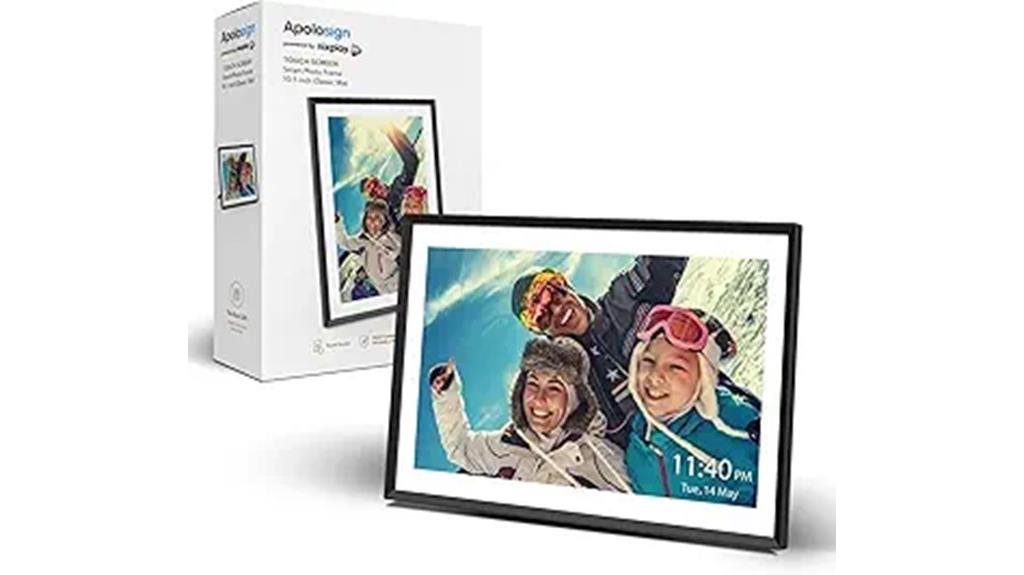
For anyone seeking a seamless way to share and display photos across multiple devices, the Nixplay 10.1 WiFi Digital Photo Frame stands out. Setting it up is quick and easy through the Nixplay app or web, allowing multiple users to upload photos effortlessly. You can connect several frames to share moments across devices or email photos directly to the frame. With cloud storage, you don’t need SD cards—your photos are safe and easy to manage. Its sleek 10.1-inch HD IPS touchscreen delivers vibrant, wide-angle images, and smart features like auto-rotation and voice control make it a versatile, family-friendly gift that keeps loved ones connected.
Best For: families and loved ones who want to effortlessly share, display, and enjoy photos across multiple devices with a stylish, easy-to-use digital frame.
Pros:
- Easy setup via Nixplay app or web, supporting multiple users and seamless photo sharing
- Supports cloud storage, eliminating the need for SD cards and ensuring safe, organized photo management
- Smart features like auto-rotation and voice control enhance versatility and user convenience
Cons:
- Limited to a 10.1-inch display, which may be small for some larger spaces or group viewing
- No SD card support, potentially restricting local storage options for some users
- Requires WiFi connection for full functionality, which may be a limitation in areas with unstable internet
Factors to Consider When Choosing a Digital Photo Frame (Send Photos via Email)
When choosing a digital photo frame that lets you send photos via email, I consider several key factors. Compatibility with email and ease of setup are essential, along with enough storage and the right size for your space. I also look at display quality, sharing features, and how intuitive the connectivity and user interface are to guarantee a smooth experience.
Email Compatibility and Setup
Choosing a digital photo frame with email compatibility makes sharing memories effortless, but it’s vital to guarantee the setup process is straightforward. I look for frames that support direct email photo transfer from any device, simplifying sharing. Ensuring the frame’s email account is unique and easy to configure during setup helps avoid confusion later. I also check if the frame requires a specific app or platform for managing emails, as this can streamline the process. Security features like encryption or privacy controls are essential to keep shared photos safe. Additionally, I prefer frames that can receive images from multiple senders, so family and friends can effortlessly share moments without hassle. A seamless, secure setup makes the experience enjoyable and stress-free.
Storage Capacity and Size
Selecting a digital photo frame that supports email sharing also means considering its storage capacity and size. A larger storage capacity lets you keep more photos and videos without constantly uploading or deleting files. If you want flexibility, look for frames with expandable storage options like SD cards or USB drives, which make managing large media collections easier. The size of the frame should match its storage; bigger screens often support more extensive libraries. Cloud storage options also offer the convenience of accessing and updating your collection remotely, reducing reliance on onboard memory. Keep in mind the balance between storage capacity and portability—if you plan to move the frame frequently, a smaller, more portable device with sufficient storage might be best.
Display Quality and Resolution
A key factor in picking the right digital photo frame is its display quality and resolution, which directly affect how vibrant and sharp your images look. I recommend choosing a frame with at least 1280×800 resolution, as higher resolutions ensure clearer, more detailed images without pixelation. IPS screens are a great choice because they offer wider viewing angles and more accurate colors, making your photos look great from any position. Matching the resolution to your original photos prevents stretching or cropping, keeping images crisp and vibrant. Additionally, pay attention to aspect ratio—16:10 or 16:9 typically work well—to avoid distortion. In conclusion, consider brightness and contrast settings to ensure your images stand out, especially in varying lighting conditions.
Sharing Features and Apps
When considering display quality and resolution, it’s also important to think about how you’ll share your photos. Look for digital frames that support email photo sharing, making remote uploads simple from anywhere. Check if the frame has dedicated apps or web portals that help you send and organize images easily. Compatibility with popular email services is key, especially if you want to send multiple photos at once. Security features like password protection or encryption are important for private sharing. Additionally, see if the frame automatically displays shared photos and offers notifications for new uploads. These features ensure a seamless, secure, and efficient sharing experience, so your favorite moments are always just a few emails away from being displayed.
Connectivity and User Interface
Connectivity and user interface are crucial factors that determine how smoothly you can send and manage photos on a digital photo frame. A reliable WiFi connection ensures seamless photo transfers from anywhere, making remote sharing effortless. An intuitive user interface with simple navigation menus makes it easy to send, view, and organize images without frustration. Compatibility with mobile apps and web platforms allows direct uploads via email or cloud services, streamlining the process. Secure login and privacy settings are essential to protect your shared memories from unauthorized access. Additionally, support for multiple email accounts or user profiles helps families or groups manage their photos efficiently. Overall, a well-designed connectivity setup paired with a user-friendly interface enhances your experience and keeps your digital photo frame effortlessly connected and easy to use.
Frequently Asked Questions
How Secure Are Email Photo Transfers on These Digital Frames?
Email photo transfers on these digital frames are generally secure, but it depends on the device and your email security. Most frames use encryption to protect your images during transfer, which adds a layer of safety. I recommend using strong, unique passwords and enabling two-factor authentication for your email accounts. Staying cautious with your network Wi-Fi and firmware updates also helps keep your photo sharing private and secure.
Can Multiple Users Send Photos to the Same Digital Frame?
Yes, multiple users can send photos to the same digital frame. Most modern frames support this feature through dedicated apps or shared email addresses, allowing friends and family to contribute easily. I find this really convenient because it keeps everyone involved without needing to access the frame directly. Just make sure the frame’s settings are configured to accept emails from multiple addresses, and you’re all set to enjoy a shared slideshow.
Do These Frames Support Multiple Email Accounts?
Yes, many of these frames support multiple email accounts, allowing different users to send photos directly. I’ve found that models with this feature are especially convenient for families or shared spaces, as everyone can easily contribute images without hassle. Just make sure to check the specific device’s specs — some frames handle multiple accounts seamlessly, while others may have limitations. It’s a great way to keep your display lively and inclusive!
What Is the Maximum Email Attachment Size Supported?
The maximum email attachment size supported varies by model, but most frames handle between 10MB and 25MB. I recommend checking each frame’s specifications because some high-end models support larger attachments, making it easier to send full-resolution photos. Keep in mind that sending very large files might slow down the process or cause delivery issues. For smooth operation, stick to images within the recommended size limits.
Are There Any Subscription Fees for Email Photo Sending Services?
Yes, some digital photo frames charge subscription fees for email photo sending services. I’ve found that many premium models offer unlimited uploads or extra features through a monthly or yearly fee. However, there are also free options with basic email capabilities. It’s best to check each frame’s details, as costs vary. I recommend weighing the benefits of paid plans against free ones to find what suits your needs best.
Conclusion
So, there you have it—your ultimate list of digital photo frames that actually send photos via email in 2025. Because nothing says “cutting-edge technology” like fuss-free photo sharing, right? Whether you’re a tech newbie or a seasoned digital nomad, these frames make it way too easy to bombard your loved ones with selfies and vacation snaps. Happy gifting, or should I say, happy endlessly updating your digital gallery!