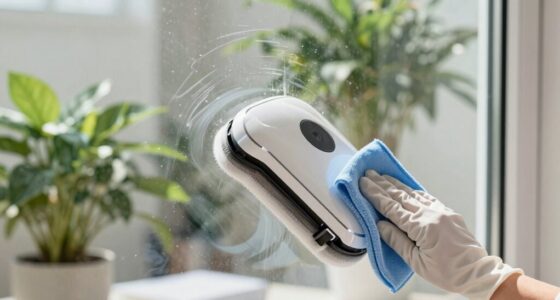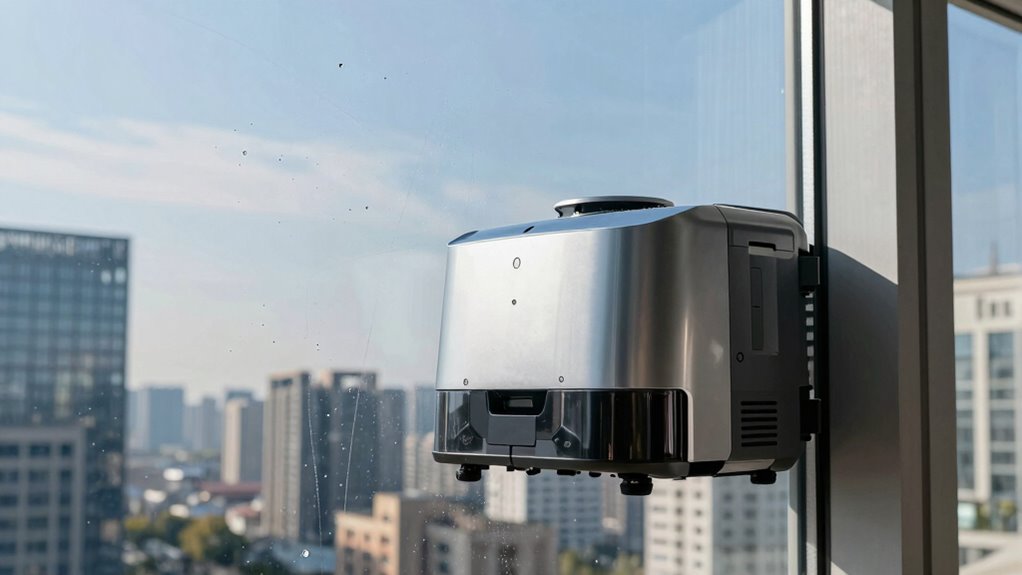

You should use a window cleaning robot whenever you notice dirt, smudges, or environmental buildup affecting your windows’ clarity and appearance. High-traffic areas, pets, or pollution-heavy environments may need more frequent runs—every couple of weeks—while less dusty spaces might only require monthly cleanings. Monitoring your robot’s sensors and brushes helps optimize its performance. Keep in mind, your specific environment influences how often you should clean—continue on to find tips for setting the perfect schedule.

Get home appliances delivered free with Prime
- Fast, free delivery on millions of items
- Prime Video, Amazon Music and more included
- Member-only deals all year
Key Takeaways
- Clean windows every 2 weeks in high-traffic or pet areas; monthly in less busy environments.
- Increase cleaning frequency in polluted or pollen-heavy areas, possibly weekly.
- Monitor device wear and environmental conditions to adjust cleaning schedule accordingly.
- Regularly inspect and maintain brushes and sensors to ensure optimal performance.
- Consider window size and robot battery life to plan effective cleaning intervals.
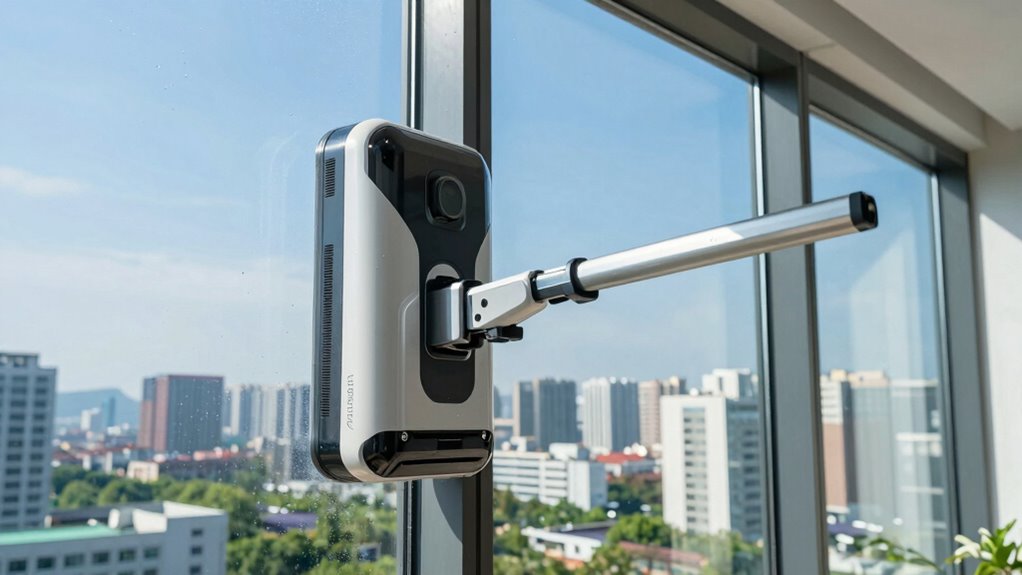
Using a window cleaning robot can save you time and effort, but knowing how often to run it depends on several factors. One key consideration is interior maintenance. Even if your windows are mostly protected from the elements, dust, indoor pollutants, and fingerprints can accumulate over time. If you notice smudges or a film forming on your glass, it’s a good sign you should schedule a clean. For spaces with high traffic or pet activity, you might need to run the robot more frequently—perhaps once every couple of weeks. Conversely, if your environment stays relatively dust-free and you prefer less frequent cleanings, once a month could suffice. Regular use prevents buildup, minimizes the need for intensive manual cleaning, and keeps your windows looking clear and bright. Additionally, considering store hours and return policies can be helpful if you need to purchase replacement parts or schedule maintenance for your robot.
Another vital factor is the robot’s battery life. Most window cleaning robots are designed to operate efficiently for a set period, typically around 20 to 30 minutes per charge. If you run the robot too often, especially in larger windows or multiple stories, you could risk depleting the battery before completing the task. This might lead to incomplete cleaning cycles or the need for multiple recharges, which can be inconvenient. To optimize both cleaning frequency and battery longevity, consider your robot’s specifications and the size of your windows. Smaller, more accessible windows may only need cleaning every few weeks, while larger or more heavily used windows might require weekly attention. Battery capacity is an important consideration when planning your cleaning schedule. Additionally, keeping an eye on device maintenance can help prevent unexpected issues and ensure consistent performance. Regularly inspecting and cleaning the robot’s brushes and sensors can also help maintain its efficiency and prolong its lifespan.
Environmental conditions also influence how often you should run your robot. In areas prone to pollution, pollen, or dust storms, windows tend to get dirty faster. During allergy seasons or in urban environments, more frequent cleanings—perhaps weekly—can prevent stubborn grime from settling. On the other hand, if you live in a rural or cleaner environment, monthly or bi-monthly sessions might be enough. It’s also worthwhile to keep an eye on the robot’s sensors and brushes; if they start to show signs of wear or the robot struggles to grip the glass, it’s time for a thorough manual cleaning or a break from frequent runs. Regular inspections can help extend the lifespan of your device and ensure optimal performance. Proper sensor calibration can improve the robot’s efficiency and cleaning results over time. Being aware of environmental factors can help tailor your cleaning routine to suit your specific needs and maintain the clarity of your windows.
Products Worth Considering

Shark Clean & Empty Cordless Stick Vacuum with Auto-Empty System, BU3521

eufy Security SoloCam E42 4-Camera Kit, 4K Solar Security Cameras with HomeBase 3

Bose SoundLink Flex (2nd Gen) Portable Bluetooth Speaker, Black
As an affiliate, we earn on qualifying purchases.
Frequently Asked Questions
Can Window Cleaning Robots Damage Window Screens or Frames?
Window cleaning robots are designed to be safe, but if you’re not careful, they can cause screen damage or frame wear. Make sure the robot’s pads are clean and properly aligned to avoid scratching screens or harming frames. Also, use the robot on the right surfaces, and avoid applying excessive pressure. Regularly inspect your screens and frames for any signs of wear, especially after using the robot, to prevent potential damage.
Do Different Weather Conditions Affect How Often I Should Use the Robot?
Weather conditions do influence how often you should run your window cleaning robot. In seasonal maintenance, you might need to clean more frequently during rainy or dusty seasons. Extreme weather, like storms or heavy winds, can hinder robot placement and efficiency, so wait until conditions improve. Regularly check your robot’s sensors and brushes, and adjust cleaning frequency based on how quickly dirt or debris accumulates on your windows.
Is It Safe to Leave the Robot Unattended During Operation?
Leaving your window cleaning robot unattended during operation generally isn’t safe. For robot safety, always stay nearby and monitor its progress. Most models have safety features that stop operation if issues arise, but unattended operation can risk damage or accidents if something goes wrong. It’s best to supervise the process, especially during initial use or in tricky conditions, ensuring both your safety and the robot’s proper functioning.
How Do I Maintain and Clean My Window Cleaning Robot Regularly?
To maintain your window cleaning robot, regularly clean the brushes, squeegees, and sensors to guarantee peak performance. Check the battery life and recharge it as needed, especially before long cleaning sessions. Follow a consistent cleaning schedule—once a week or as needed—to prevent dirt buildup. Always consult the manufacturer’s instructions for specific maintenance tips. Proper upkeep keeps your robot functioning efficiently and extends its lifespan.
Should I Use a Window Cleaning Robot on Tinted or Reflective Windows?
You can use a window cleaning robot on tinted windows and reflective surfaces, but proceed with caution. Tinted windows may require gentle cleaning to avoid damage, so choose a robot with a soft, non-abrasive pad. Reflective surfaces can be cleaned effectively with most robots, but verify they’re compatible and don’t interfere with the robot’s sensors. Always check your robot’s manufacturer guidelines for specific recommendations on tinted or reflective glass.
Conclusion
In summary, using your window cleaning robot about once every 4-6 weeks keeps your windows sparkling and streak-free. Remarkably, a survey found that 70% of homeowners feel more relaxed and happier when their windows are spotless. So, by sticking to this routine, you’ll enjoy clearer views and a brighter home atmosphere. Plus, with modern robots, cleaning is quick and effortless—making it easier than ever to maintain a pristine, inviting space.