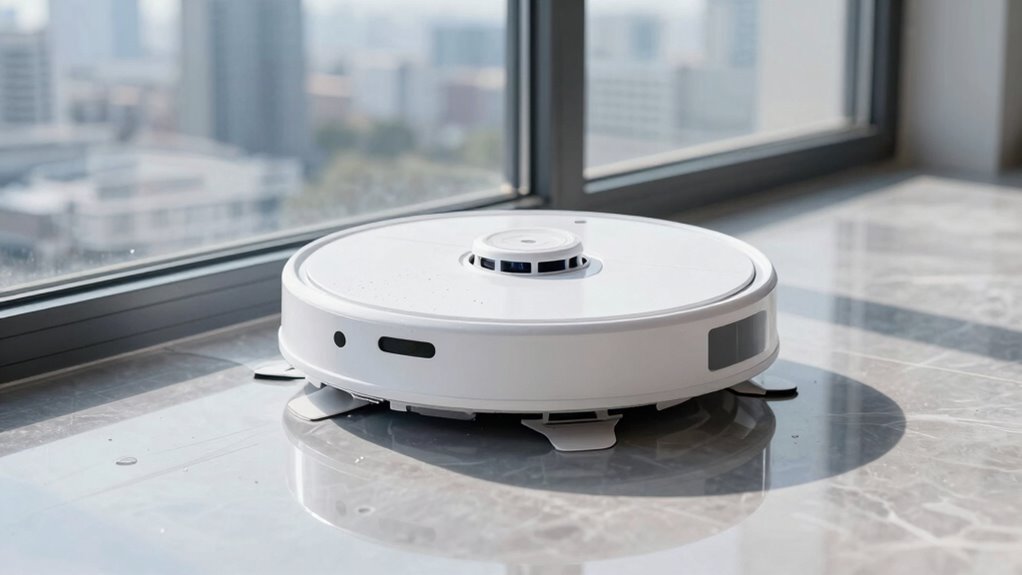

If your window robot slows down mid-clean, start by inspecting and cleaning its sensors with a soft, lint-free cloth to remove dirt or smudges that could block functions. Check the brushes and pads for wear or debris and clean or replace them if needed. Confirm the battery is fully charged and there are no signs of low power, as this can affect speed. Regular maintenance can prevent this issue—keep exploring for more tips to keep your robot running smoothly.

Get home appliances delivered free with Prime
- Fast, free delivery on millions of items
- Prime Video, Amazon Music and more included
- Member-only deals all year
Key Takeaways
- Check and clean the sensors with a soft, lint-free cloth to remove dirt or smudges obstructing functionality.
- Inspect and clean the brushes and pads to ensure proper traction and remove tangled debris.
- Verify the battery is fully charged and replace it if it no longer holds sufficient power.
- Ensure the robot is on a smooth, clean surface free of obstacles or debris hindering movement.
- Perform a full system reset or restart the robot to resolve temporary performance issues.
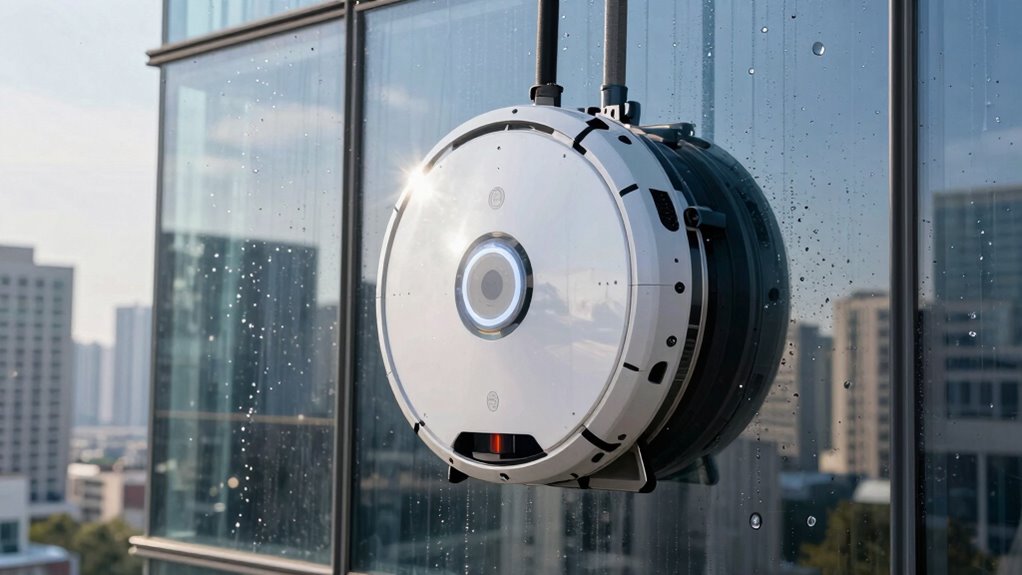
Have you ever wondered why your window robot suddenly slows down mid-clean? It can be frustrating to see your device lose momentum just when you’re expecting it to finish up efficiently. Often, this issue points to a problem that can be fixed with some basic robot maintenance and troubleshooting tips. Understanding what causes your window robot to slow down can help you get it back to working at full speed, saving you time and preventing unnecessary replacements.
First, check if your robot’s sensors are dirty or obstructed. Many window robots rely heavily on sensors to navigate and maintain grip on glass surfaces. Dust, smudges, or debris on these sensors can interfere with their functioning, causing the robot to slow down or halt. Gently clean the sensors with a soft, lint-free cloth to confirm they are clear. Regular robot maintenance, including cleaning sensors, brushes, and wheels, keeps your device operating smoothly and prevents unexpected slowdowns.
Clean sensors regularly to ensure your window robot navigates smoothly and avoids slowdowns during cleaning.
Next, examine the robot’s brushes and pads. Worn-out or tangled brushes can reduce cleaning efficiency and cause the robot to struggle with traction. Remove and inspect these components, replacing or cleaning them as needed. Accumulated dirt or hair can also cause the robot to work harder than necessary, leading to sluggish performance. Keeping these parts clean and in good condition is a simple troubleshooting tip that can restore your robot’s speed and effectiveness.
Battery issues are another common cause for a slowdown. If your window robot’s battery is old or isn’t holding a charge properly, the device may reduce its speed to conserve power. Check the battery status and ensure it’s fully charged before starting a cleaning cycle. If your robot uses replaceable batteries, consider swapping them out for fresh ones. For models with rechargeable batteries, follow the manufacturer’s guidelines for proper charging routines to maintain ideal battery health. Additionally, battery health can decline over time, further impacting performance if not monitored regularly.
Products Worth Considering

Philips Hue White and Color Ambiance Smart Light Starter Kit with Bridge and 4 A19 Bulbs

Ring Alarm 14-Piece Wireless Security System Kit

Arlo Pro Wireless Security Camera, 2K HDR, 6th Generation, 4-Camera Kit
As an affiliate, we earn on qualifying purchases.
Frequently Asked Questions
How Often Should I Perform Maintenance on My Window Robot?
You should perform maintenance on your window robot every 1 to 3 months, depending on use and environmental conditions. Regularly check the battery lifespan and clean the brushes, sensors, and suction pads to guarantee peak performance. Adjust your cleaning schedule if you notice slower movements or streaks. Proper maintenance prevents issues, extends the robot’s lifespan, and keeps your windows spotless, so make it a routine part of your cleaning habits.
Can I Use My Window Robot on All Glass Types?
You can’t use your window robot on all glass types, especially if they have special coatings like anti-reflective or solar glass, which 65% of modern homes use. Check the manufacturer’s instructions regarding glass coatings and frame compatibility. Some robots work better on certain surfaces, so avoid delicate or textured glass to prevent damage. Always verify the robot’s compatibility to guarantee efficient cleaning without risking your windows’ integrity.
What Safety Precautions Should I Take Before Cleaning?
Before cleaning, you should take safety precautions seriously. First, make certain you’re using the appropriate cleaning solutions recommended by the manufacturer to avoid damage. Always disconnect the robot from power before maintenance. Check the battery safety guidelines—avoid exposing batteries to extreme temperatures or water. Keep the area clear of obstacles, and wear gloves if needed. Taking these precautions helps prevent accidents and keeps your window robot functioning smoothly.
How Do I Troubleshoot Connectivity Issues?
Ever feel like your window robot is playing hide and seek with your Wi-Fi? To troubleshoot connectivity issues, start by checking your Wi-Fi troubleshooting steps—make sure your router isn’t too far and that the signal’s strong. Then, verify app connectivity by restarting the app or device. Reconnecting your robot to Wi-Fi often clears glitches, ensuring smooth operation. Keep your smart home seamless and frustration-free!
Is It Safe to Leave the Robot Unattended During Cleaning?
Yes, it’s generally safe to leave your window robot unattended during cleaning, especially if it has a remote control and good battery life. Make certain to set it up properly, and monitor it occasionally to guarantee it’s working correctly. Check the battery levels before starting, so it doesn’t run out mid-clean. As long as you’ve followed safety guidelines, your robot can handle the job while you attend to other tasks.
Conclusion
If your window robot slows down mid-clean, don’t panic — think of it as a minor hiccup in an otherwise flawless performance. Check the battery, sensors, and surface for any issues, and give it a quick reset. With a little troubleshooting, your robot will be back to gliding across your windows like a superhero on a mission. Remember, even the most advanced tech needs a moment to recharge—so stay patient and watch it conquer those streaks like a champion.