
Before using your robot vacuum, you should clear the floor of obstacles like toys, clothing, and clutter to prevent jams and missed spots. Check and clean brushes, wheels, and filters regularly to keep suction strong. Confirm the charging station is unobstructed and the sensors are dust-free for proper navigation. Properly preparing your space and maintaining the device will help it perform at its best. Keep going to discover more tips for smooth, efficient cleaning.
Listen free for 30 days with Audible
Thousands of audiobooks and originals — cancel anytime.
As an affiliate, we earn on qualifying purchases.
Key Takeaways
- Clear the floor of toys, clothing, and debris to ensure unobstructed navigation.
- Manually check and clean brushes, wheels, and filters for optimal suction and performance.
- Empty the dustbin and verify the charging station is accessible and unobstructed.
- Wipe sensors gently with a soft cloth to maintain accurate obstacle detection.
- Perform routine maintenance and updates to keep the robot vacuum functioning efficiently.
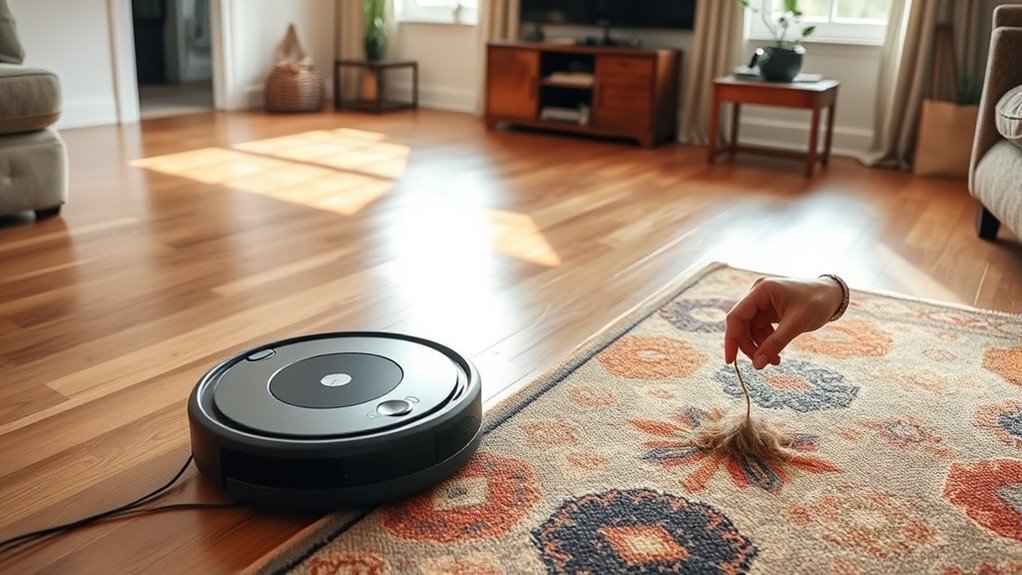
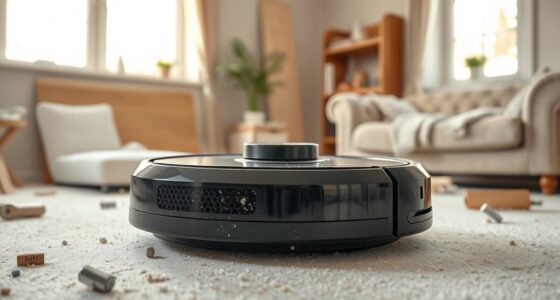
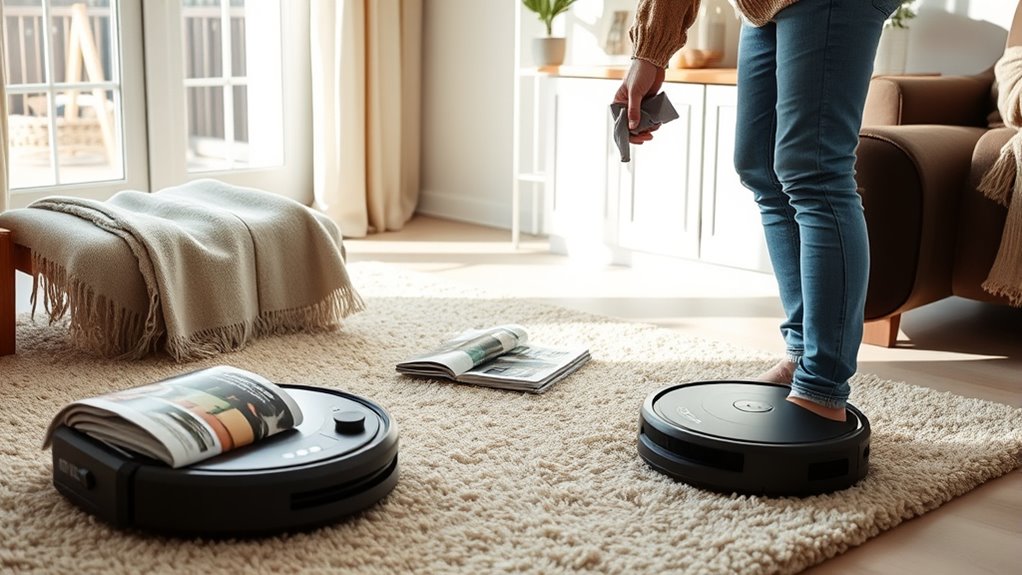
Getting your home ready for a robot vacuum guarantees it works efficiently and avoids potential issues. Before you press that start button, there are a few chores you should handle yourself to set your device up for success. Proper robot vacuum maintenance begins with clearing the floor of obstacles that could hinder its navigation or cause damage. Pick up toys, clothing, and other clutter, especially small items that could get tangled in the brushes or jam the wheels. Moving furniture slightly or shifting lightweight rugs can help the vacuum reach every corner without getting stuck. While robot vacuums are designed to handle everyday messes, they aren’t a substitute for thorough cleaning, so your manual efforts beforehand make a significant difference.
Alongside clearing the space, you need to perform basic manual cleaning tips to keep your robot vacuum running smoothly. Check the vacuum’s brushes and wheels regularly, removing hair, string, or debris that may have accumulated. This simple task is crucial for robot vacuum maintenance because tangled hair or dirt can reduce suction power and impair navigation. Empty the dustbin before each use—clogged bins force the vacuum to work harder and decrease its cleaning efficiency. Also, inspect the filters and replace them as recommended by the manufacturer; clean filters ensure ideal airflow and better dirt capture. These routine checks can extend your robot’s lifespan and improve overall cleaning performance.
Regularly check brushes and filters to maintain optimal robot vacuum performance.
Don’t forget to review your robot vacuum’s sensors and charging base. Dust and dirt on sensors can cause the device to misjudge obstacles or miss spots, so gently wipe them clean with a soft cloth. Ensure the charging station is in a clear, unobstructed spot so the vacuum can dock and recharge without difficulty. Regularly updating the vacuum’s firmware (if applicable) can also enhance its capabilities and fix bugs that may affect operation. All these steps—manual cleaning tips and consistent maintenance—may seem minor but have a cumulative impact on your robot vacuum’s longevity and efficiency.
In addition, familiarize yourself with the user manual’s specific guidelines for maintenance routines and troubleshooting. Performing these manual tasks yourself reduces the chances of mechanical failures and ensures your robot vacuum can do its job effectively. While it’s tempting to rely solely on automation, taking a few minutes for these chores guarantees your device performs at its best, saving you time and preventing frustration later. Proper preparation and upkeep make your robot vacuum an efficient cleaning companion, keeping your floors spotless with minimal effort on your part. Regularly checking the navigation and mapping features can help optimize cleaning routes and prevent missed spots.
robot vacuum brush cleaning tool
As an affiliate, we earn on qualifying purchases.
As an affiliate, we earn on qualifying purchases.
Frequently Asked Questions
How Often Should I Manually Clean My Robot Vacuum’s Filters?
You should manually clean your robot vacuum’s filters every 2 to 4 weeks, depending on how often you use it and your home’s dust level. Regular filter maintenance guarantees peak performance and prolongs your vacuum’s lifespan. Check your manufacturer’s cleaning frequency recommendations, and if you notice reduced suction or increased dust, clean the filters sooner. Don’t forget to gently tap out debris and wash filters if they’re washable for best results.
Can I Schedule My Robot Vacuum to Clean After Chores?
Sure, you can schedule your robot vacuum to clean after chores—because who wouldn’t want their floors swept right after sweeping? Just set the robot vacuum scheduling to match your chore timing, and it’ll do the dirty work while you relax. Think of it as your smart assistant, ensuring your home stays pristine without lifting a finger. Now, sit back, enjoy, and let technology do the chore-timing for you.
What Should I Do if My Robot Gets Stuck Frequently?
If your robot gets stuck frequently, first check its obstacle navigation and clear any debris or clutter blocking its path. Make certain the sensors are clean and properly calibrated to improve obstacle detection. You might also want to map out problem areas and rearrange furniture or objects that cause frequent obstructions. Regular sensor maintenance and environment adjustments help your robot vacuum navigate smoothly and reduce getting stuck.
Is It Necessary to Move All Small Objects Before Vacuuming?
Did you know that clutter can reduce your robot vacuum’s efficiency by up to 50%? It’s wise to remove small objects before vacuuming, as it prevents jams and guarantees thorough cleaning. Small object removal helps your robot navigate smoothly, saving time and avoiding damage. For clutter management, tidy up high-traffic areas regularly, so your robot can do its job effectively without getting stuck or missing spots.
How Do I Update or Troubleshoot My Robot Vacuum’s Software?
To update or troubleshoot your robot vacuum’s software, start by checking the app or device settings for software updates. Make sure your Wi-Fi connection is strong. If issues persist, restart the vacuum and reconnect it. Troubleshooting tips include resetting the device, clearing the app cache, or reinstalling the app. Keeping your software current guarantees peak performance and helps fix bugs or compatibility issues.
As an affiliate, we earn on qualifying purchases.
Conclusion
Getting your home ready for a robot vacuum makes the cleaning process smoother and more effective. Remember, even with smart tech, you’ll still need to do some chores yourself—like decluttering and spot-cleaning—to guarantee the best results. Did you know that 85% of robot vacuum users report better overall cleaning satisfaction when they prepare their space beforehand? So, take a few extra minutes to prep, and enjoy a cleaner home with less effort!
As an affiliate, we earn on qualifying purchases.
unobstructed charging station for robot vacuum
As an affiliate, we earn on qualifying purchases.
As an affiliate, we earn on qualifying purchases.
Fall Picks
fall essentials
As an affiliate, we earn on qualifying purchases.