
When your cleaning robot starts malfunctioning, consider repairing simple issues like battery or software upgrades first, as they’re usually low-cost and extend its life. If repairs are expensive or the device is old, replacing it might be more practical. Evaluate whether repair costs are worth the device’s age and features. To make the best choice, explore more tips that can help you decide whether to fix or replace your robot.

Get home appliances delivered free — and shop member deals
- Fast, free delivery on millions of items
- Access to Prime Big Deal Days deals on October 6–7
- Prime Video, Amazon Music and more included
Key Takeaways
- Start with simple fixes like battery replacement or software updates to restore functionality cost-effectively.
- Evaluate the robot’s age and condition; older models may not justify costly repairs.
- Compare repair costs to the price of a new device to determine financial practicality.
- Consider repair expenses versus benefits of upgraded features and longer lifespan in newer models.
- Opt for repair if costs are low and it prolongs device life; replace if repairs are extensive or outdated.

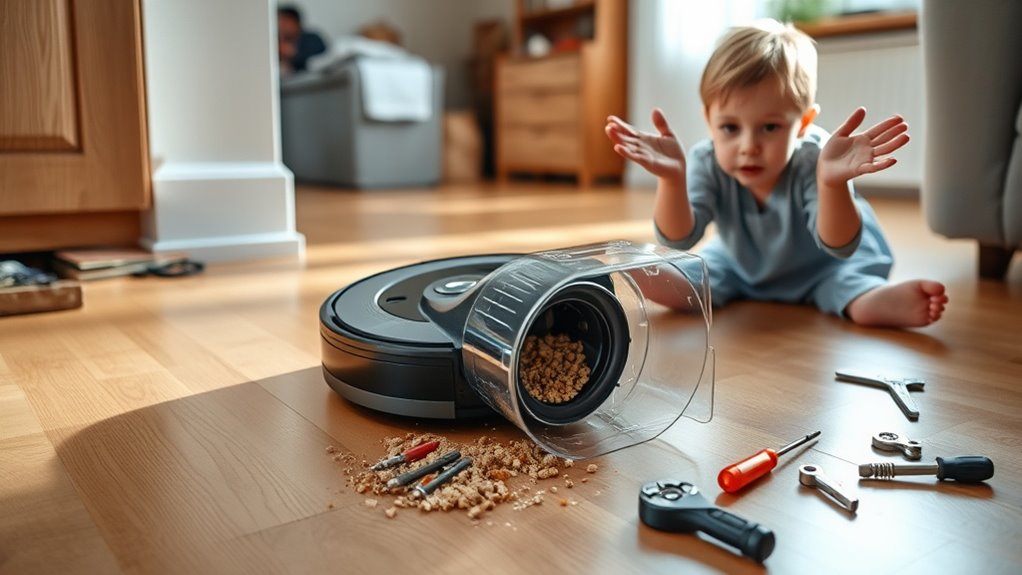
When your cleaning robot breaks down, deciding whether to repair or replace it can feel overwhelming. You might wonder if fixing it is worth the cost or if it’s time to invest in a new model. The first thing to contemplate is whether the issue is something simple, like a need for a battery replacement, or if it’s more complex, such as outdated software or hardware failures. Often, a quick battery replacement can breathe new life into your device, especially if it’s losing suction or struggling to go the distance. Replacing the battery is usually affordable and straightforward, making it a sensible first step before considering a replacement.
A simple battery replacement can often revive your robot’s performance before considering a full replacement.
Another common reason your robot might malfunction is outdated software. Performing a software update can resolve many glitches, improve navigation, and enhance overall performance. Check the manufacturer’s app or website for available updates, as they can often fix bugs that cause the robot to stop working properly. Updating the software is typically free and easy to do, often just requiring a few taps on your phone. It’s a cost-effective way to extend the lifespan of your device without jumping straight to replacement.
If these steps don’t solve the problem, then you need to evaluate whether the expense and effort are justified for repair. Think about the age of your robot—if it’s several years old, it might be more practical to replace it rather than keep investing in repairs. Newer models tend to have better features, longer battery life, and more advanced navigation systems, making them a worthwhile upgrade. On the other hand, if your robot is relatively new and the repair costs are low, fixing it can save you money and reduce waste.
When deciding, weigh the costs of repairs against the price of a new device. If a battery replacement and software update don’t restore full functionality, and the repair cost approaches or exceeds the price of a new model, replacing it makes sense. But if those steps restore performance at a fraction of the cost, it’s worth repairing. Remember, sometimes a simple software update or battery replacement can extend your robot’s life considerably. Ultimately, your choice should balance cost, convenience, and the age of your device, ensuring you get the best value for your investment. Additionally, considering long-term durability can help you make a more informed decision about whether to repair or replace.
robot vacuum battery replacement
As an affiliate, we earn on qualifying purchases.
As an affiliate, we earn on qualifying purchases.
Frequently Asked Questions
How Long Should a Cleaning Robot Typically Last?
A cleaning robot typically lasts about 3 to 5 years, depending on your maintenance schedule and battery lifespan. To maximize its longevity, you should regularly clean its brushes, filters, and sensors. Keep an eye on the battery health, as it usually starts to decline after about 1 to 2 years. Proper care and timely battery replacements can help your robot serve you well for years to come.
Are There Warranty Options for Repair Services?
Think of your cleaning robot like a trusty steed—warranty options can be your armor. Yes, many brands offer extended warranties that include repair services, giving you peace of mind. These plans typically cover parts and labor, making repairs less stressful and more affordable. When your robot falters, check if your purchase includes an extended warranty or consider acquiring one to guarantee swift, reliable repair service, keeping your home spotless.
Can I Fix My Robot Myself or Need Professional Help?
You can attempt DIY repairs if you’re comfortable with basic troubleshooting and follow your robot’s manual carefully. However, for complex issues or if you’re unsure, it’s best to seek professional servicing. DIY repairs might save time and money, but professional help guarantees proper fixes and prevents further damage. Always weigh your skill level and the robot’s warranty before deciding whether to fix it yourself or consult an expert.
What Are the Signs Indicating a Replacement Is Necessary?
You should consider replacing your cleaning robot if you notice persistent sensor issues or frequent battery replacement needs. If it struggles to navigate properly or drains quickly despite charging, these signs point to deeper problems. When repairs become costly or ineffective, replacing the device ensures better performance. Don’t ignore these signs; opting for a new robot can save you time and frustration in the long run.
How Do Repair Costs Compare to Buying a New Robot?
You’ll find repair costs often lower than buying a new robot if issues like battery replacement or software updates fix the problem. However, if repairs become frequent or expensive, replacing might be more cost-effective. Consider the age of your robot and whether it’s still supported with updates. Sometimes, investing in a new model with better features saves money long-term, especially if repairs no longer make sense financially.
robot vacuum software update kit
As an affiliate, we earn on qualifying purchases.
As an affiliate, we earn on qualifying purchases.
Conclusion
When your cleaning robot stops working, it’s like trying to fix a treasured but aging tool—you weigh the cost of repair against replacing it. Think of it like a loyal pet: sometimes, repairing keeps the bond alive; other times, it’s kinder to let go and welcome a new companion. According to recent data, repair costs often outweigh replacement after a certain point. Trust your instincts, but remember, sometimes starting fresh clears the way for a cleaner, hassle-free home.
As an affiliate, we earn on qualifying purchases.
As an affiliate, we earn on qualifying purchases.
Fall yard work Picks
leaf blowers
As an affiliate, we earn on qualifying purchases.