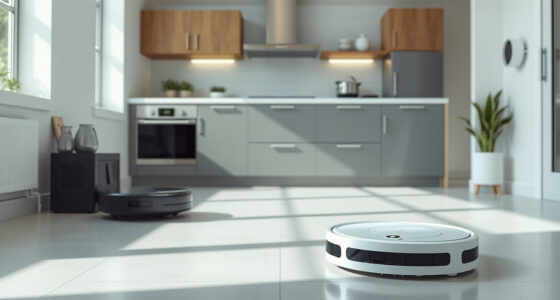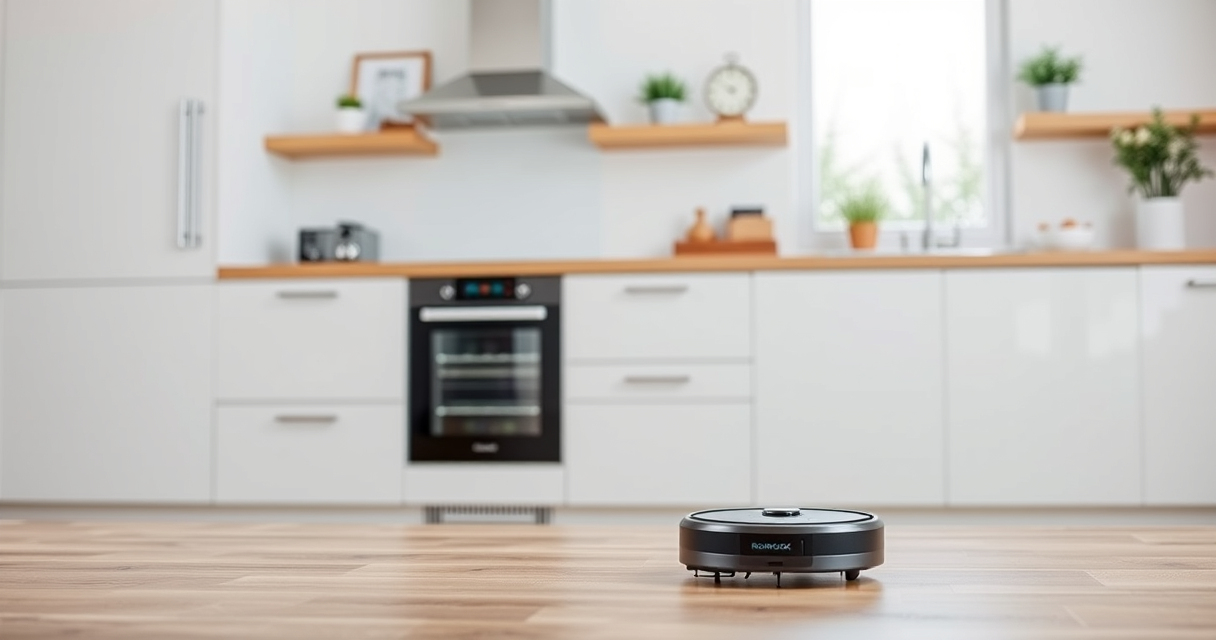
If your Roborock Q7 M5+ robot vacuum keeps getting stuck during cleaning, it can be frustrating and disrupt your home’s cleanliness. This guide provides clear, safe steps to troubleshoot and resolve common causes of getting stuck, helping you restore your vacuum’s performance efficiently.

Get home appliances delivered free with Prime
- Fast, free delivery on millions of items
- Prime Video, Amazon Music and more included
- Member-only deals all year
Before starting, ensure your vacuum is charged, and keep your home’s floor clear of obstacles that might interfere with navigation.
Key Takeaways
| Identify common causes | Obstacles, tangled brushes, or navigation errors |
| Check for obstacles | Remove clutter and small objects from the floor |
| Inspect brushes and wheels | Remove hair and debris that may cause jams |
| Update firmware and map | Ensure your Roborock has the latest software for optimal navigation |
| Adjust cleaning paths | Use app features to limit problem areas or create no-go zones |
Step 1: Clear Obvious Obstacles
- Inspect the floor in the vacuum’s usual path for objects like cords, small toys, or rugs with fringes.
- Remove or relocate any items that might block or trap the vacuum.
- Check for loose cables or wires that could snag the brushes or wheels.
Step 2: Clean and Inspect Brushes and Wheels
- Turn off and unplug the vacuum before maintenance.
- Remove the main brush and side brushes to check for tangled pet hair, string, or debris.
- Use scissors or a brush cleaning tool to free trapped hair and debris.
- Inspect the wheels for dirt or hair wrapping around axles and clean thoroughly.
Step 3: Reset Navigation and Update Firmware
- Open the Roborock app and check if there is a firmware update available; install if needed.
- Run a map reset or recalibration if your vacuum’s navigation seems off or inconsistent.
- Follow app instructions to re-map your space for better navigation.
Step 4: Use App Settings to Prevent Getting Stuck
- Access the app’s no-go zones or invisible walls feature to restrict problematic areas.
- Set boundary strips or virtual barriers if your model supports them.
- Schedule cleaning during times when obstacles are less likely to be present.
Tips and Warnings
- Regularly clean brushes and wheels to prevent tangling and ensure smooth movement.
- Avoid using the vacuum on uneven or cluttered surfaces without proper boundary controls.
- Be cautious when resetting navigation—recalibrate only if necessary to avoid losing map data.
The Products in This Guide

roborock Q7 M5+ Robot Vacuum and Mop
- ✔ Weight: 7.7kg
- ✔ Runtime: Up to 150 mins
- ✔ Capacity: 2.7L dust bag

4 Pack Washable Filter
- ✔ Material: HEPA
- ✔ Quantity: 4
- ✔ Washable: Yes
roborock Q7 M5+ Robot Vacuum and Mop
The Roborock Q7 M5+ offers powerful 10000Pa suction and a dual anti-tangle system, making it a reliable choice for homes with pets or high debris. Its PreciSense LiDAR navigation ensures accurate mapping and smooth movement.
Pros:
- Strong suction power
- Effective anti-tangle design
- Long self-emptying cycle
- App control and mapping
Cons:
- May require occasional brush cleaning
- Navigation can struggle with very cluttered floors
Best for: Pet owners and homes with mixed flooring
Not ideal for: Very cluttered or obstacle-rich environments without boundary controls
Bottom line: A high-performance robot vacuum that balances power and smart navigation.
4 Pack Washable Filter
This 4-pack of washable HEPA filters fits a range of Roborock models including the Q7 and Q5 series, ensuring your vacuum maintains optimal suction and air quality.
Pros:
- Effective filtration
- Reusable and washable
- Easy to install
- Cost-effective
Cons:
- Filters may need replacement after extended use
- Not OEM but compatible
Best for: Maintaining filtration efficiency and reducing replacement costs
Not ideal for: If seeking OEM-specific filters for guaranteed fit
Bottom line: A practical and affordable way to keep your vacuum’s filtration system effective.
Frequently Asked Questions
Why does my Roborock get stuck on the same spot?
It could be due to obstacles, tangled brushes, or outdated maps. Check for obstructions, clean the brushes, and consider recalibrating or updating the map via the app.
How often should I clean the brushes?
For optimal performance, clean the brushes weekly or more often if you have pets or a lot of debris on your floors.
Can I prevent my Roborock from getting stuck?
Yes, by setting no-go zones, boundary strips, and regularly clearing the floor of obstacles. Using the app to customize cleaning paths helps avoid problem areas.
Is firmware update necessary?
Updating firmware ensures your vacuum has the latest navigation improvements and bug fixes, reducing the chances of getting stuck.
Keep Your Roborock Moving Smoothly
By following these troubleshooting steps—clearing obstacles, maintaining brushes, updating firmware, and adjusting app settings—you can significantly reduce your Roborock’s chances of getting stuck. Regular maintenance and smart mapping are key to maintaining optimal cleaning performance. With proper care, your robot vacuum will keep your home spotless with minimal interruptions.
Affiliate disclosure: As an Amazon Associate we earn from qualifying purchases. Prices and availability are accurate as of the time of publishing.
NFL season / tailgating Picks
team gear
As an affiliate, we earn on qualifying purchases.