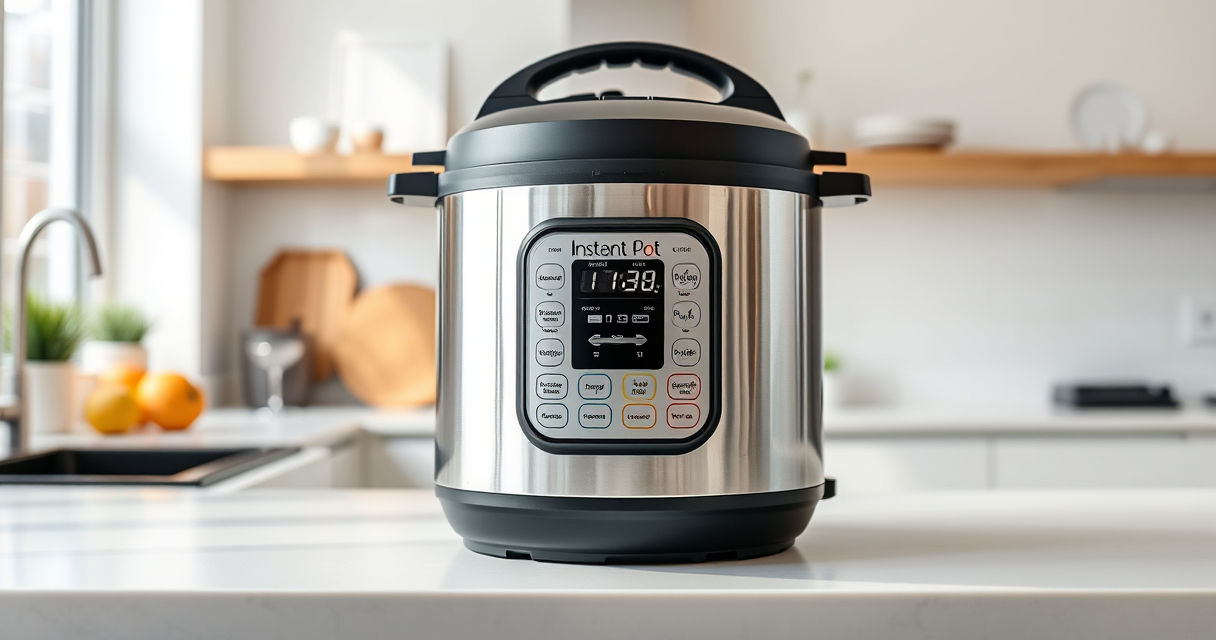

If your Instant Pot 4QT RIO Mini keeps displaying a burn error, it can be frustrating and disrupt your meal prep. This common issue usually relates to food or liquid levels, sealing, or the inner pot. Fortunately, with careful troubleshooting, you can resolve the problem and get your cooker working smoothly again.

Get home appliances delivered free with Prime
- Fast, free delivery on millions of items
- Prime Video, Amazon Music and more included
- Member-only deals all year
Below are clear, safe steps to identify and fix the burn error, helping you continue cooking without issues.
Key Takeaways
| Check for food stuck to the bottom | Food residue can trigger burn errors; clean thoroughly. |
| Ensure proper liquid levels | Insufficient liquid may cause overheating and burn warnings. |
| Verify sealing ring placement | A misplaced or damaged sealing ring can cause pressure issues. |
| Use the right cooking functions | Certain functions or overfilling can lead to burn errors. |
| Perform a thorough cleaning | Residue buildup is a common cause of burn errors. |
Step 1: Turn Off and Unplug the Instant Pot
- Press the ‘Cancel’ button to stop the current cycle.
- Unplug the cooker from the power outlet for safety.
Step 2: Release Pressure and Open the Lid
- Allow the pressure to release naturally or use the quick-release method.
- Once safe, open the lid carefully, avoiding hot steam.
Step 3: Check and Clean the Inner Pot and Sealing Ring
- Remove the inner pot and inspect the bottom for food residue or burn marks.
- Clean the inner pot thoroughly with warm soapy water.
- Remove and clean the sealing ring, ensuring it’s correctly seated and not damaged.
Step 4: Verify Liquid Levels and Food Placement
- Make sure there is enough liquid (generally at least 1 cup of water or broth).
- Distribute ingredients evenly to prevent sticking or burning.
Step 5: Reset and Test the Cooker
- Reassemble the parts properly, ensuring the sealing ring is in place.
- Close the lid securely and set the cooker to pressure cook mode with appropriate time and pressure settings.
- Start the cycle and monitor for any issues.
The Products in This Guide

Instant Pot 4QT RIO Mini 7-in-1 Multi-Cooker
- ✔ Capacity: 4 Quarts
- ✔ Functions: 7-in-1
- ✔ Material: Black, durable

AOZITA Steamer Basket
- ✔ Material: Stainless Steel
- ✔ Capacity: 6-8 Quart
- ✔ Design: Stackable
Instant Pot 4QT RIO Mini 7-in-1 Multi-Cooker
The Instant Pot 4QT RIO Mini 7-in-1 Multi-Cooker offers multiple cooking modes in a compact design, perfect for small households and quick meals. Its anti-spin feature ensures steady stirring and sautéing, making troubleshooting of burn errors easier.
Pros:
- Versatile with 7 functions
- Compact and easy to store
- Sturdy anti-spin design
- Makes food faster
Cons:
- Limited capacity for large families
- Requires careful sealing to prevent errors
- May need frequent cleaning of the inner pot
Best for: Small households, quick meal prep, versatile cooking options
Not ideal for: Large families or those needing larger capacity
Bottom line: A reliable, multifunctional small cooker ideal for everyday quick meals.
AOZITA Steamer Basket
Adding a steamer basket like the AOZITA 2-TIER Stackable Stainless Steel Basket can help prevent burn errors by keeping ingredients elevated and separated from the bottom. It’s especially useful for steaming vegetables, eggs, or layered dishes, reducing residue buildup.
Pros:
- Multiple layers for versatile cooking
- Made of stainless steel
- Easy to clean
- Fits 6 and 8 quart models
Cons:
- Additional accessory purchase needed
- Requires extra space inside the cooker
- May require adjustment for smaller models
Best for: Steaming vegetables, eggs, layering foods
Not ideal for: Cooking large quantities or for very small models
Bottom line: A practical accessory to improve your steaming results and prevent burn errors.
Frequently Asked Questions
What causes the burn error on my Instant Pot?
Burn errors typically occur when food sticks to the bottom, there’s insufficient liquid, or the sealing ring isn’t seated properly.
How do I prevent the burn error from happening again?
Ensure enough liquid is used, avoid overfilling, and keep the bottom of the inner pot clean before cooking.
Can I still cook if I get a burn error?
Yes, by releasing pressure, cleaning the pot, and adjusting ingredients, you can often resume cooking.
Is it safe to keep using my Instant Pot after a burn error?
Yes, but make sure to thoroughly check and clean the components before continuing to ensure safe operation.
Mastering Your Instant Pot for Flawless Cooking
Burn errors are common but manageable with proper troubleshooting. Regularly cleaning your inner pot, maintaining adequate liquid levels, and ensuring proper sealing can greatly reduce the chances of errors. With these steps, you’ll keep your Instant Pot running smoothly and enjoy delicious meals without interruption.
Affiliate disclosure: As an Amazon Associate we earn from qualifying purchases. Prices and availability are accurate as of the time of publishing.
Cold & flu season Picks
humidifiers
As an affiliate, we earn on qualifying purchases.