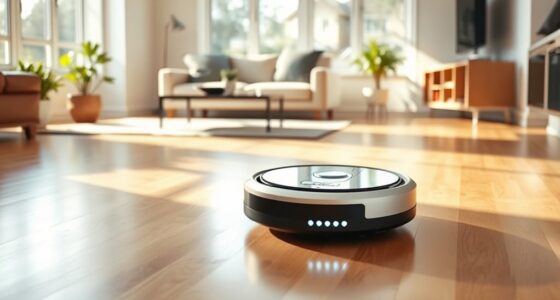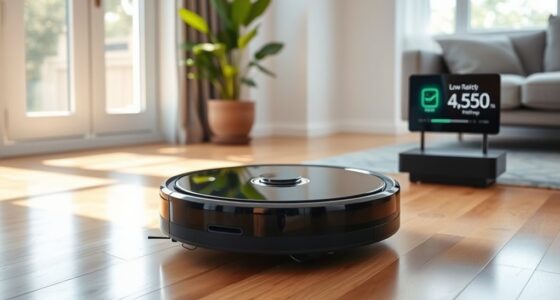

By setting timers for your home robots, you create a fully automated schedule that handles daily chores effortlessly. You can program devices to start cleaning, watering plants, or adjust lighting at specific times, reducing manual effort. Timers guarantee routines happen consistently, saving you time and effort. Plus, maintenance reminders keep your systems running smoothly over the long term. Continue exploring to discover how to tailor timers for your home’s unique needs and maximize automation benefits.
Key Takeaways
- Set specific on/off times for home robots to ensure consistent daily cleaning or maintenance routines.
- Use timers to automate device activation based on sunset, sunrise, or predefined schedules for efficiency.
- Program timers to trigger specific actions, such as watering plants or adjusting climate controls, at optimal times.
- Incorporate maintenance reminders within timers to prompt filter cleaning, bin emptying, or software updates.
- Combine timers with voice commands for seamless, hands-free control of all home automation devices.
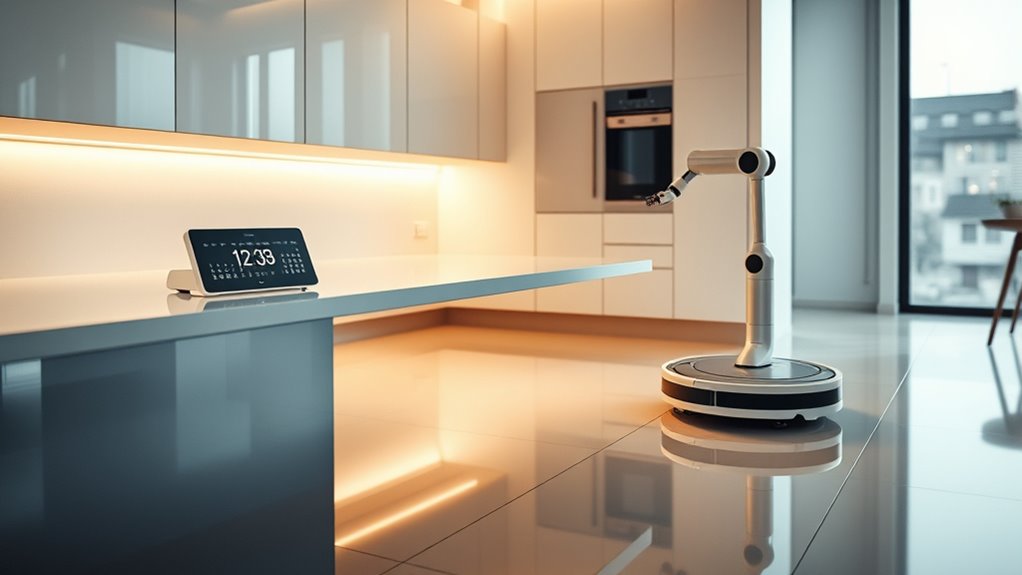
Have you ever wished your daily schedule could run itself? With the right setup, it’s entirely possible to automate much of your home routine using timers and smart technology. Imagine telling your home what to do once and then letting it handle the rest. By integrating voice commands and automation timers, you can create a seamless, hands-free environment that responds to your needs without constant oversight. This approach not only saves you time but also ensures your home stays organized and efficient.
Using voice commands is one of the easiest ways to control your home robots and automation systems. Whether you have a smart speaker or a voice assistant, you can instruct your devices to start cleaning, water plants, or adjust the thermostat on command. These voice commands can be programmed to trigger specific actions at certain times, making your home feel more intuitive and responsive. For instance, you might say, “Start vacuuming at 9 am,” and the robot will activate automatically. This eliminates the need to manually start or stop devices, giving you more freedom to focus on other tasks.
Timers are essential tools for creating a fully automated schedule. They allow you to set specific times for your home devices to turn on or off, ensuring routines happen consistently without your intervention. For example, you can program your smart lighting to turn on at sunset and turn off at bedtime. Your robotic cleaner can be scheduled for regular cleaning sessions, and watering systems can be timed to operate early in the morning or late in the evening. Using timers means you don’t have to remember to activate these devices daily—your schedule takes care of it for you.
In addition to basic automation, incorporating maintenance reminders into your schedule keeps your home robots running smoothly. These reminders alert you when it’s time to clean filters, empty bins, or perform software updates. With these prompts, you prevent breakdowns and extend the lifespan of your devices. Many smart systems can send notifications directly to your phone or smart speaker, so you’re always aware of what needs attention. This proactive approach helps maintain top performance without the need for constant manual checks, making your automated system truly hands-free.
Regular maintenance and accessibility considerations are also important to ensure your automation setup remains effective and easy to use for everyone in your home.
Frequently Asked Questions
Can Timers Be Synchronized Across Multiple Home Robots?
Yes, timers can be synchronized across multiple home robots, but you might face interference issues and synchronization challenges. You’ll need to guarantee all devices use the same time source or network protocol to stay aligned. It’s helpful to use centralized control systems or smart home hubs, which reduce interference problems and improve synchronization. Without proper setup, your robots might run out of sync, causing missed tasks or overlaps.
What Safety Features Prevent Timer Malfunctions?
To prevent timer malfunctions, safety features focus on ensuring timer accuracy through precise calibration and regular updates. Safety protocols include built-in safeguards like manual override options and automatic shutoff if irregularities are detected. These measures help you avoid accidents caused by timer errors, ensuring your home robots operate safely and reliably. Always keep your systems updated and monitor timer performance to maintain peak safety and functionality.
How Customizable Are the Automation Schedules?
Think of your automation schedule as a blank canvas, ready for your personal masterpiece. You have incredible schedule flexibility, allowing you to tailor timings and tasks to fit your lifestyle perfectly. User customization options let you paint in broad strokes or fine details, ensuring your home robots work precisely when and how you want. This adaptability makes your smart home feel truly yours, seamlessly blending convenience with your unique rhythm.
Are There Compatibility Issues With Different Robot Brands?
You won’t face major compatibility issues with different robot brands if they support cross-brand compatibility standards. However, guarantee your robots’ firmware is up-to-date, as updates often improve integration and fix bugs. Stay informed about each brand’s compatibility features and firmware releases, so your automated schedule runs smoothly across various devices. Regular updates and choosing compatible brands make automation seamless and efficient for your smart home.
What Is the Typical Setup Time for a Fully Automated Schedule?
The setup duration for a fully automated schedule typically takes about 30 minutes to an hour, depending on your home’s complexity. You’ll appreciate the schedule flexibility, as you can customize timers for different routines. During this time, you’ll configure your robots, connect them to your network, and test the system to make certain everything runs smoothly. Once set, your home automation becomes seamless and efficient.
Conclusion
By setting up a fully automated schedule with timers, you can save up to 20% on your energy bills while keeping your home running smoothly. Imagine waking up to freshly brewed coffee and a tidy house—all without lifting a finger. Automating your home robots isn’t just convenient; it’s a smart way to maximize efficiency and comfort. Embrace this technology, and you’ll find your daily routine becomes simpler and more enjoyable.