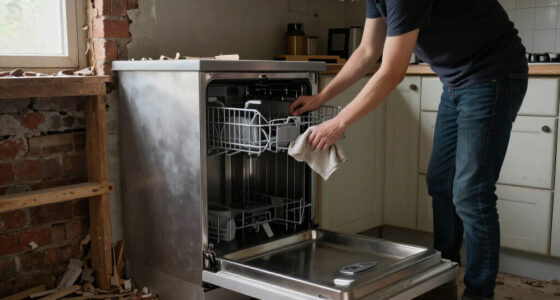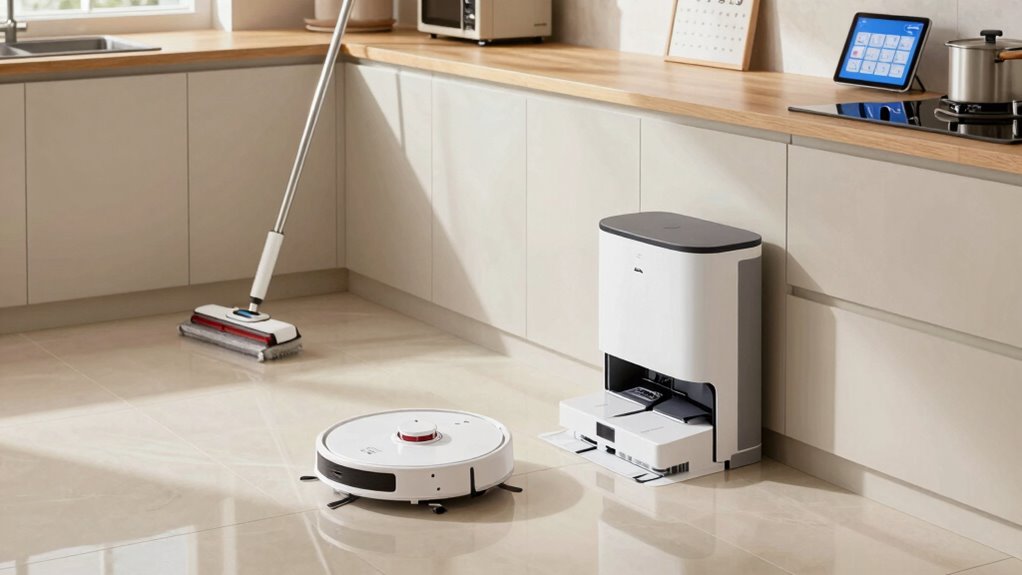

To turn household robotics into a simple weekly system, start by choosing devices that match your home needs and guarantee they work with your smart home platform. Program them on a schedule, automate routines to handle multiple chores, and control everything remotely through an app. Regularly check for updates and perform maintenance to keep devices running smoothly. If you keep these steps in mind, you’ll make managing your robots easier and more efficient—more tips follow to help you get started.

Get home appliances delivered free with Prime
- Fast, free delivery on millions of items
- Prime Video, Amazon Music and more included
- Member-only deals all year
Key Takeaways
- Select compatible robotic devices suited to your household needs and integrate them with your smart home platform.
- Program devices with weekly schedules and automate routines for combined chores.
- Regularly check and update device firmware and software for optimal performance and security.
- Establish specific days for maintenance tasks like cleaning filters and emptying bins.
- Use centralized apps or hubs to remotely control, monitor, and adjust device operations easily.
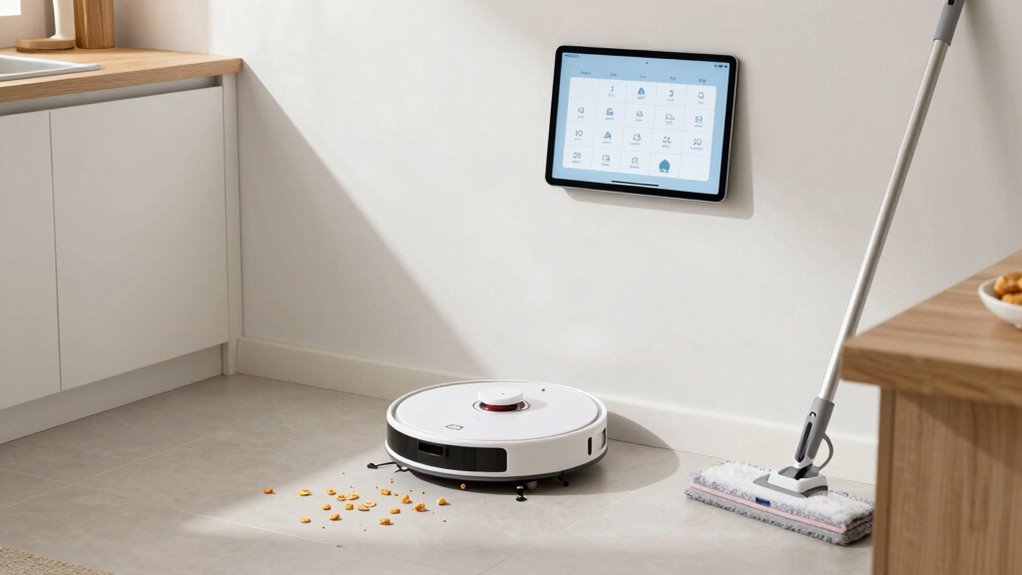
A household robotics system is transforming the way you manage daily chores, making home maintenance more efficient and less time-consuming. Instead of spending hours cleaning, tidying, or doing routine tasks, you can leverage robotic automation to handle many chores seamlessly. To turn this into a simple weekly system, start by selecting the right robotic devices that fit your home’s needs. Robotic vacuums, mops, and even robotic lawnmowers can be programmed to operate on a weekly schedule, reducing the effort you put into regular upkeep. Once you’ve chosen these devices, the key to their efficiency lies in smart device integration. Connecting your robots to a central app or smart home hub allows you to control and monitor them from anywhere. With a few taps, you can schedule cleaning sessions, check the status of your devices, and make adjustments as needed.
Creating a routine is crucial. Dedicate a specific day or time each week to review and update your robot’s schedules. For example, set your robotic vacuum to run every Sunday morning, while your robotic lawnmower can operate every Saturday afternoon. The beauty of smart device integration is that it automates much of this process, so you don’t need to manually turn devices on or off. Instead, you can set preferences and let the system handle the rest. Additionally, compatibility with popular smart home platforms can further streamline your automation routines, making the entire process more intuitive and reliable. Over time, you’ll learn which tasks require more frequent attention and can modify schedules accordingly, making your weekly routine more efficient. Regularly checking for software updates** ensures your devices stay compatible with new features and security improvements. Incorporating device maintenance into your routine can prevent unexpected breakdowns and prolong their lifespan. Furthermore, selecting devices with good sensor quality** can improve their accuracy and effectiveness in your home environment.
Establish a weekly routine to review, update, and automate your robotic device schedules for maximum efficiency.
To keep everything running smoothly, confirm your smart devices stay updated with the latest firmware and software. Manufacturers often release updates that improve performance and add new features—keeping your system optimized reduces the chance of malfunctions. Also, periodically clean and maintain your robotic devices. Simple tasks like emptying dustbins or replacing filters can greatly extend their lifespan and effectiveness. Incorporating contrast ratio considerations into your device selection can ensure your robot’s sensors and cameras perform well in different lighting conditions, further enhancing their efficiency. Additionally, incorporate these maintenance steps into your weekly routine so they become second nature.
Finally, take advantage of automation routines. Many smart home platforms allow you to create custom routines that combine multiple tasks. For instance, you can set a routine to start your robotic vacuum and turn on smart lights when you leave the house. These integrations streamline your weekly chores further, saving you time and mental effort. With the right combination of robotic automation and smart device integration, your household system becomes a reliable, hands-off solution that keeps your home clean and maintained with minimal effort on your part.
robotic vacuum cleaner with scheduling
As an affiliate, we earn on qualifying purchases.
As an affiliate, we earn on qualifying purchases.
Frequently Asked Questions
How Much Does a Basic Household Robotics System Typically Cost?
A basic household robotics system typically costs between $200 and $500. You can customize your robot to suit your needs, which might influence the price. To make an informed decision, do a cost comparison between brands and features, considering additional expenses like maintenance or upgrades. Remember, investing in a versatile, customizable robot can save money over time by handling multiple household tasks efficiently.
Can Existing Home Appliances Be Integrated Into a Robotics System?
Yes, you can integrate existing home appliances into a robotics system using voice control and custom programming. Many appliances now support smart technology, allowing you to connect them to your home network. With voice commands, you can control lights, thermostats, or even coffee makers. Custom programming lets you automate routines, ensuring your appliances work together seamlessly, making your home more efficient and convenient without replacing your current devices.
What Safety Precautions Should I Take With Household Robots?
Think of household robots as trusted allies in your home’s symphony. To guarantee their safe performance, prioritize robot safety by keeping their pathways clear and avoiding water or extreme heat. Regularly follow maintenance schedules to catch issues before they grow. Never attempt repairs without unplugging the device, and keep children and pets away during operation. These precautions help your robotic partners serve smoothly, protecting both your home and their longevity.
How Often Do Household Robots Require Maintenance?
You should perform robot maintenance weekly to keep your household robots running smoothly. Regularly check for dust, debris, or tangled brushes, and replace batteries when needed. Troubleshooting tips include resetting the robot and inspecting sensors for dirt or damage. Keeping up with routine maintenance prevents breakdowns, extends your robot’s lifespan, and guarantees peak cleaning or task performance. Staying proactive with maintenance makes your robotic helpers more reliable and efficient over time.
Are There Privacy Concerns With Smart Household Robots?
Think of your smart household robot as a friendly spy with a notepad—while it’s helpful, it’s also gathering data. Yes, privacy concerns exist, but with strong data security and privacy protection, you control what it learns. Stay vigilant by updating firmware and adjusting settings. This way, you keep your personal information safe, ensuring your robotic helper remains a trusted assistant rather than an unwelcome eavesdropper.
smart home compatible robotic mop
As an affiliate, we earn on qualifying purchases.
As an affiliate, we earn on qualifying purchases.
Conclusion
Think of your household robotics system as a well-tended garden. With a little planning and regular care, each robot becomes a loyal gardener, tending to your home’s needs week after week. Just like watering and pruning, maintaining your system keeps everything flourishing smoothly. Before you know it, your home will run as effortlessly as a thriving garden—beautiful, organized, and effortlessly cared for, all thanks to your simple weekly routine.
robotic lawnmower with app control
As an affiliate, we earn on qualifying purchases.
As an affiliate, we earn on qualifying purchases.
As an affiliate, we earn on qualifying purchases.
Fall yard work Picks
leaf blowers
As an affiliate, we earn on qualifying purchases.