When introducing home robots to someone who hates new tech, be patient and empathetic. Acknowledge their concerns and reassure them that the technology is meant to help, not complicate life. Start small, using familiar tasks or casual interactions, and show how easy controls and customization options work. Celebrate small successes and offer ongoing support. Keep the experience comfortable and gradually build confidence. If you want more tips, there’s plenty more to explore.
Key Takeaways
- Approach with patience, acknowledge concerns, and reassure that gradual adoption makes technology less intimidating.
- Customize the robot to their specific routines to increase comfort and demonstrate its personal usefulness.
- Use simple, user-friendly controls and demonstrate basic functions in a low-pressure environment.
- Start with familiar tasks like entertainment or daily chores to build confidence gradually.
- Celebrate small successes and provide ongoing support to foster acceptance and curiosity.
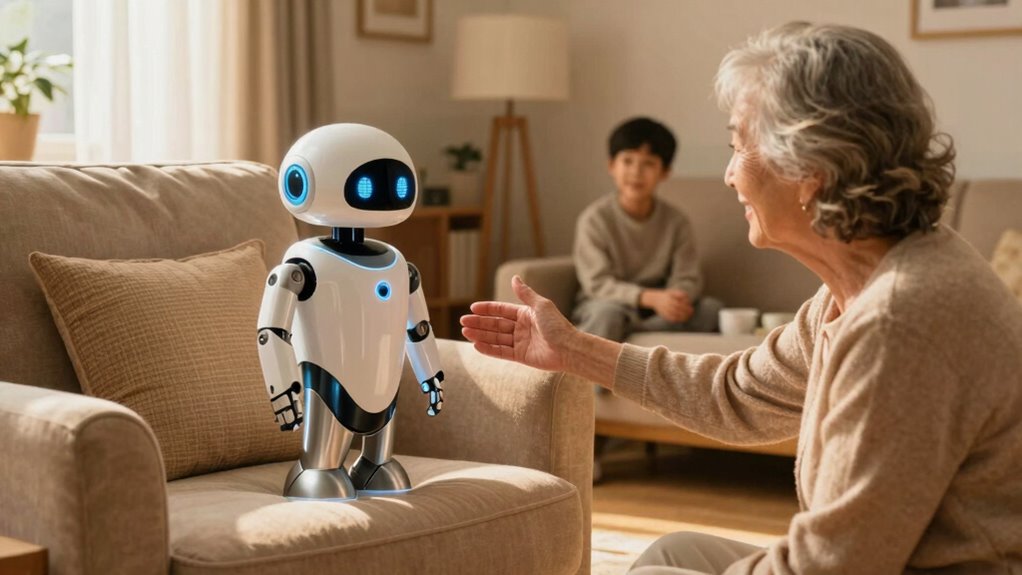
If you’re trying to introduce home robots to someone who’s wary of new technology, it’s important to start with patience and understanding. Many people feel overwhelmed or skeptical about adopting new gadgets, especially when they’re unfamiliar with how they work. Your first step should be to acknowledge their concerns without dismissing them. Show empathy, and reassure them that technology can be a helpful addition rather than a source of stress. Focus on making the experience as comfortable and approachable as possible.
One effective way to ease their worries is to highlight how flexible and personalized the robots can be through robot customization. When you explain that these devices can be tailored to fit their specific needs and routines, it becomes less intimidating. Emphasize that they don’t have to accept a one-size-fits-all solution, and that the robot can adapt over time to their preferences. This personal touch helps them see the robot as a tool designed to assist them, rather than just another complicated gadget.
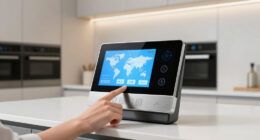
Another key factor is demonstrating how user-friendly interfaces make interaction simple and intuitive. Many home robots are designed with accessibility in mind, featuring straightforward controls and clear instructions. Show them how easy it is to operate the robot, whether through voice commands, a simple app, or touch screens. By walking them through the basic functions and letting them try it out in a low-pressure setting, you can build their confidence. When they realize that using the robot doesn’t require technical expertise, their apprehension tends to lessen.
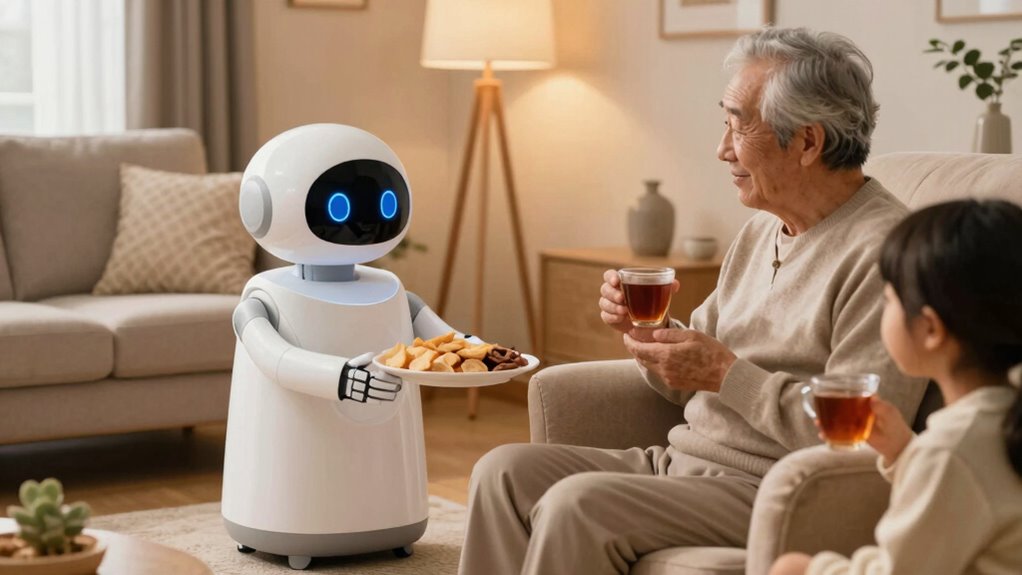
It’s also helpful to start small. Introduce the robot in a familiar context, such as helping with daily chores or providing entertainment. Let them see the robot in action, assisting with something tangible and useful. As they become more comfortable, you can explore additional features, like robot customization options or advanced capabilities. This gradual approach prevents them from feeling overwhelmed and fosters a sense of control and familiarity.
Throughout the process, remain patient and positive. Celebrate small victories, like them successfully giving a command or adjusting settings. Offer reassurance that it’s okay to take time to get used to the robot, and be available to answer questions or troubleshoot problems. By focusing on their comfort and showing how user friendly interfaces make everything easier, you help turn initial resistance into curiosity and eventually acceptance. Remember, introducing new technology is a journey, and with persistence and empathy, you’ll help them see the benefits of home robots.
Additionally, understanding that emerging trends in digital publishing and technology can be leveraged to provide educational resources and tutorials can make the learning curve less steep for newcomers.

iRobot Roomba 105 Vac Robot Vacuum – Easy to use, Intense Power-Lifting Suction, LiDAR Navigation, Multi-Surface Cleaning, Cleans in Neat Rows, Self-Charging
- Powerful Suction: 70X more power-lifting suction
- Multi-Surface Cleaning: Cleans various floor types effectively
- LiDAR Navigation: Smart mapping and obstacle avoidance
As an affiliate, we earn on qualifying purchases.
As an affiliate, we earn on qualifying purchases.
Frequently Asked Questions
How Can I Ensure My Privacy With Home Robots?
To guarantee your privacy with home robots, focus on data encryption and user access controls. Always enable encryption settings to protect your data from unauthorized access. Regularly update the robot’s firmware for security improvements. Limit user access by creating unique profiles and passwords, so only trusted individuals can control or view your robot’s activity. These steps help safeguard your personal information and maintain control over your smart home environment.
Are Home Robots Difficult to Set Up?
You’ll find that setting up home robots is quite manageable, with most taking about 15-30 minutes. Only 10% of users face compatibility issues, but robot maintenance can be straightforward with regular updates. Modern robots come with user-friendly apps, guiding you step-by-step. While initial setup may seem complex, manufacturers design them to be accessible, making integration into your home easier than you might expect.
Will Home Robots Replace Human Interaction?
Home robots won’t replace human interaction, but they can enhance social impact by supporting emotional connections. They’re designed to assist, comfort, and provide companionship, helping you stay connected with loved ones even when apart. While some may fear losing human touch, these robots serve as tools to strengthen relationships, not replace them. Your engagement and emotional bonds remain essential, with robots acting as helpful additions to your social life.
How Much Do Home Robots Typically Cost?
Pricing plans for home robots vary widely, depending on features and sophistication. Typically, costs can range from affordable, budget-friendly options around a few hundred dollars to premium models costing several thousand. Many manufacturers offer flexible affordability options, like financing or subscription services, making it easier to embrace robotic assistance. You can find a robot that fits your budget and needs, transforming technology into a manageable, meaningful part of your daily life.
Are There Health Risks Associated With Home Robots?
You might worry about health concerns with home robots, but they’re designed with robot safety in mind, minimizing risks. Most modern robots undergo rigorous testing to prevent accidents, like injuries or electrical hazards. While small concerns about data privacy or malfunction exist, overall, home robots are safe to use. To ease fears, start with simple, user-friendly models, and guarantee they’re properly maintained to keep safety and health concerns at bay.

EMOPET AI Desk Robot Companion – ChatGPT Enabled with Voice Commands & Dance Feature, Interactive Robot Pet with Personality, Comes with Charging Home Station
- Interactive AI Desk Robot: ChatGPT-enabled with voice recognition
- Voice Command Functionality: Control EMO with built-in voice commands
- Dance and Play Features: Dance to music and engage in games
As an affiliate, we earn on qualifying purchases.
As an affiliate, we earn on qualifying purchases.
Conclusion
So, when introducing home robots to someone wary of new tech, start small and focus on benefits. Imagine showing your hesitant grandma how a robot vacuum can save her time and effort—she begins to see it as a helpful friend, not a stranger. With patience and relatable examples, you can help them embrace technology that makes life easier, turning skepticism into curiosity and even appreciation.

Anki Vector 2.0 AI ChatGPT Connected Robot Companion – Smart Autonomous Home Robot with Face Recognition and Voice Conversations – ChatGPT Subscription Required (Black)
- Autonomous Navigation: Navigates and recognizes faces independently
- ChatGPT Integration: Engages in natural, intelligent conversations
- Complex Question Answering: Provides insightful responses to questions
As an affiliate, we earn on qualifying purchases.
As an affiliate, we earn on qualifying purchases.

Back 2 Basics For Elderly Parents : The Perfect Guide to Help You Operate Your New Cell Phone (The Robot Phone Book)
As an affiliate, we earn on qualifying purchases.
As an affiliate, we earn on qualifying purchases.