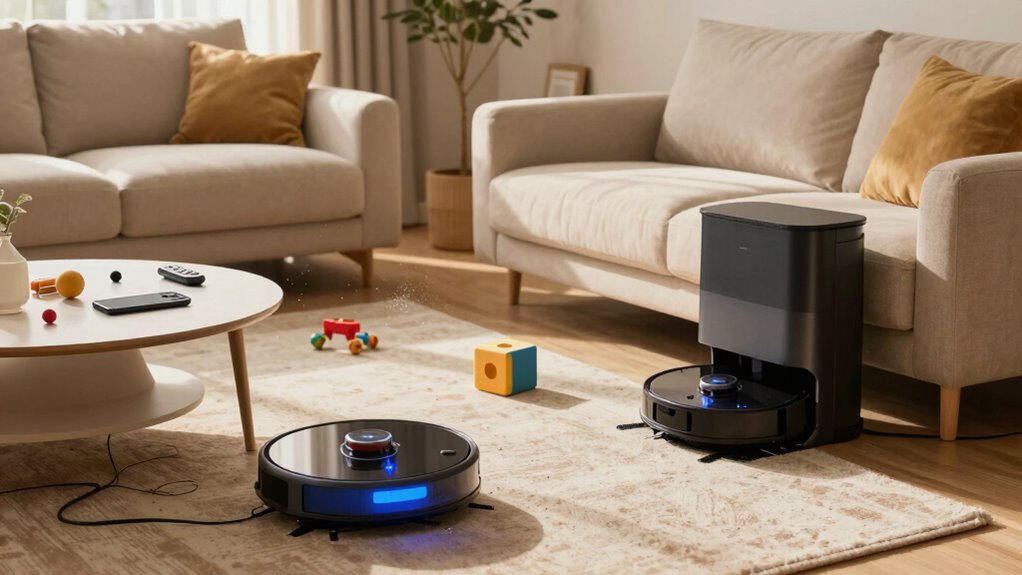

When managing multiple cleaning robots, you might overlook regular maintenance like cleaning filters, emptying dustbins, and updating software, which can reduce efficiency. Scheduling can also be tricky, risking overlaps or missed spots, especially if routines change. Boundaries are essential to prevent wandering into restricted areas or accidents with pets. Plus, keeping an eye on potential issues early can save time and costs. Staying vigilant ensures your robots work smoothly—if you want to optimize your setup, there’s more to take into account.

Get home appliances delivered free with Prime
- Fast, free delivery on millions of items
- Prime Video, Amazon Music and more included
- Member-only deals all year
Key Takeaways
- Neglecting regular sensor and filter cleaning can impair navigation and cleaning efficiency.
- Failing to update schedules promptly leads to overlaps and missed cleaning areas.
- Overlooking boundary reassessment causes robots to enter restricted or fragile zones.
- Ignoring routine maintenance like filter and brush checks reduces device lifespan.
- Lack of proactive troubleshooting can result in undetected issues and system failures.

Have you ever wondered how to efficiently manage multiple cleaning robots in your home? Juggling several devices sounds straightforward at first, but it can quickly become complicated if you’re not careful. One of the biggest issues you might overlook is robot maintenance. Each robot needs regular care—cleaning brushes, emptying dustbins, checking for software updates, and guaranteeing sensors are clear. When you have multiple robots, it’s easy to forget or delay these tasks, which can lead to performance drops or even device breakdowns. Skipping routine maintenance might seem minor, but over time, it causes inefficiencies, forcing you to spend more time troubleshooting or replacing parts.
Managing multiple cleaning robots requires regular maintenance to prevent performance issues and device breakdowns.
Scheduling challenges are another common oversight. Coordinating cleaning times for several robots can be tricky, especially if they operate on different schedules or have overlapping routes. Without a clear plan, robots might bump into each other, wasting battery life or causing damage. You might also find yourself manually starting each device, which defeats the purpose of automation. Proper scheduling requires setting up routines that maximize coverage while minimizing overlaps and downtime. Unfortunately, many homeowners neglect to create these schedules or fail to update them when household routines change, leading to missed spots or unnecessary battery drain. Additionally, understanding battery life helps in planning effective cleaning schedules and avoiding mid-clean power depletion. Proper robot battery management techniques can extend the operational lifespan of each device and improve overall efficiency.
You might also overlook the importance of proper placement and boundary management. Each robot needs a designated cleaning zone, and without clear boundaries, they might wander into areas where they shouldn’t go—like pet feeding stations or delicate furniture. This oversight can result in repeated entanglements or damage, reducing the lifespan of your devices. Ensuring your home layout is optimized for multiple robots involves more than just setting boundaries; it also means periodically reassessing as your household evolves. Incorporating boundary setting features effectively can prevent unnecessary interruptions and promote smoother operation. Additionally, understanding the sensor functionality of each robot is crucial for effective navigation and avoiding mishaps.
Another aspect often ignored is monitoring and troubleshooting. When you have several robots, it’s easy to assume they’ll operate smoothly without supervision. However, issues such as stuck wheels, sensor errors, or software glitches can go unnoticed if you don’t regularly check their status. Proactive monitoring helps catch problems early, saving you time and money. Without this vigilance, minor issues can escalate into major repairs or replacements, which are costly and inconvenient.
Ultimately, managing multiple cleaning robots successfully involves more than just pressing start buttons. You need to think about maintenance routines, scheduling, boundary setup, and ongoing monitoring. Overlooking these aspects can lead to inefficiencies, higher costs, and frustration. Staying organized and proactive ensures your robots keep your home clean without becoming a source of stress or frustration.
Products Worth Considering

Philips Hue Secure Starter Kit with Contact Sensors, Motion Sensor, Bridge, and Color Smart Bulbs

Ring Alarm 14-Piece Kit

Dyson V8 Cyclone Cordless Vacuum
As an affiliate, we earn on qualifying purchases.
Frequently Asked Questions
How Do I Prevent Robots From Working Over the Same Area?
To prevent robots from working over the same area, you should optimize their scheduling and use mapping features to improve area coverage. Set boundary zones or virtual walls to limit overlap, and guarantee each robot has a specific section to clean. Regularly update their maps, so they recognize which areas are already covered. This strategy minimizes robot overlap, saves time, and ensures efficient cleaning of your entire space.
What Is the Best Way to Coordinate Different Robot Brands?
Imagine you have a robotic vacuum from Brand A and a mop from Brand B; to coordinate them seamlessly, focus on robot compatibility and brand integration. Use apps or smart home systems that support multiple brands, like Apple HomeKit or Google Home, to synchronize schedules and zones. Regularly update firmware and set clear boundaries in your app. This guarantees smooth operation and maximizes your cleaning efficiency across different robot brands.
How Often Should I Update Each Robot’s Software?
You should update each robot’s software as soon as updates become available, ideally every few weeks. Regular robot maintenance, including software updates, guarantees ideal performance and addresses security vulnerabilities. Keep an eye on software compatibility issues, especially if you use different brands. Prompt updates prevent glitches, improve cleaning efficiency, and extend your robots’ lifespan, making your smart cleaning system more reliable and effective over time.
Can Multiple Robots Operate Simultaneously in Small Spaces?
Yes, multiple robots can operate simultaneously in small spaces if you set proper robot scheduling and guarantee they have effective obstacle avoidance. You should program their schedules to prevent overlaps and collisions. Make sure each robot’s sensors work well to detect obstacles, so they don’t bump into each other or furniture. Regularly updating their software helps maintain smooth operation and improves obstacle avoidance, making multitasking in tight areas more efficient.
How Do I Troubleshoot Connectivity Issues Between Robots?
When troubleshooting connectivity issues between robots, you should first check your robot network. Make sure your Wi-Fi signal is strong and stable, as weak signals cause disruptions. Restart your routers and robots to refresh connections. Use connectivity troubleshooting steps like resetting the robots’ network settings or updating firmware. Keep the network clear of interference, and make certain all robots are within range. These actions help maintain a smooth, reliable connection between your cleaning robots.
Conclusion
Managing multiple cleaning robots can feel like juggling flaming torches—you need to stay alert and coordinated. Overlooking their schedules, maintenance, or how they interact can turn your spotless home into a chaotic dance. By paying close attention and keeping everything in sync, you’ll turn your fleet of robots into a well-choreographed team. When you master this, your home stays cleaner and your peace of mind stays intact—making your cleaning routine a breeze rather than a storm.