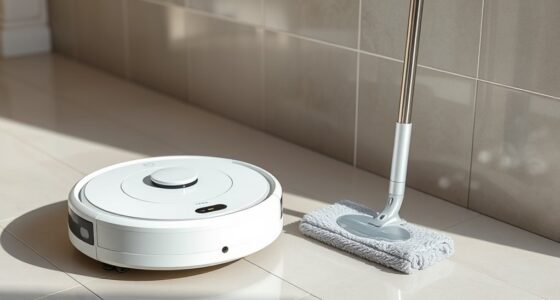
Your robot mop might keep missing the same spots if its sensors are miscalibrated or dirty, causing it to misjudge obstacles or cleaning areas. Over time, battery wear can reduce its power and navigation accuracy, or obstructions might block its sensors. Regular calibration, sensor cleaning, and monitoring battery health can improve its performance. If these steps haven’t helped, there’s more to contemplate to get your cleaner back on track.

Get home appliances delivered free — and shop member deals
- Fast, free delivery on millions of items
- Access to Prime Big Deal Days deals on October 6–7
- Prime Video, Amazon Music and more included
Key Takeaways
- Misaligned or improperly calibrated sensors can cause the robot to overlook specific areas repeatedly.
- Dust, dirt, or obstructions on sensors may impair their accuracy, leading to missed spots.
- Moving or bumping the robot can disrupt sensor calibration, resulting in consistent missed zones.
- Deteriorating batteries can reduce cleaning performance, causing the robot to skip certain areas.
- Lack of regular maintenance and sensor cleaning can decrease the robot’s ability to detect and cover all spots.
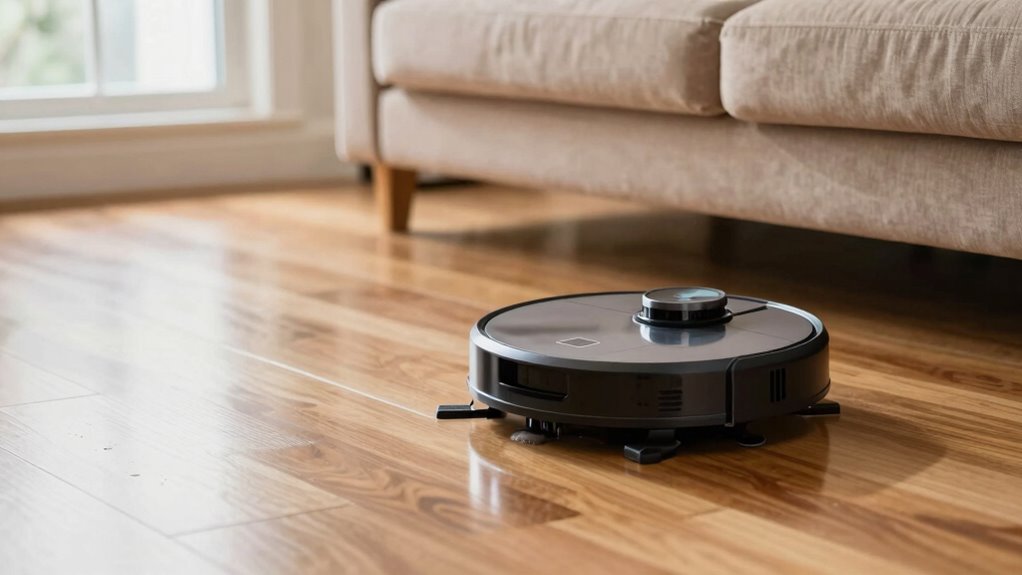
Have you ever noticed your robot mop repeatedly missing the same spots? It’s frustrating, especially since you rely on it to keep your floors spotless. Often, this issue comes down to two main factors: sensor calibration and battery health. When your robot’s sensors aren’t properly calibrated, it can misjudge its surroundings, causing it to overlook certain areas. Sensors are what help your robot map your space, detect obstacles, and navigate efficiently. Over time, dust, dirt, or accidental bumps can throw off their calibration. If the sensors aren’t aligned or calibrated correctly, your robot might think it’s already cleaned a spot or that there’s an obstacle where there isn’t one, leading it to skip those areas.
To fix this, start by checking your robot’s calibration settings. Many models have a simple calibration process you can follow through the app or on the device itself. Running a calibration routine ensures the sensors are correctly aligned and functioning as intended. This small step can dramatically improve your robot’s accuracy, preventing it from missing spots during its cleaning cycle. Remember, sensor calibration isn’t a one-time fix. Regularly recalibrating your robot, especially after moving it or bumping it into furniture, helps maintain peak performance. Additionally, proper maintenance of sensors can prevent calibration issues from recurring, ensuring consistent cleaning results. In some cases, dust and dirt buildup can also interfere with the sensors’ ability to function correctly, so cleaning them regularly is recommended. Furthermore, ensuring that the sensor environment remains clear of obstructions can help improve their responsiveness.
Battery health also plays an essential role in consistent cleaning. If your robot’s battery is deteriorating, it might shut down prematurely or not have enough power to complete a full cleaning session. When the battery can’t hold a proper charge, the robot might stop mid-clean, leaving behind missed spots. Over time, batteries degrade naturally, and if you notice your robot taking longer to complete cycles or needing to recharge more frequently, it could be time for a replacement or a battery health check. Maintaining good battery health involves not letting the device drain completely too often and charging it regularly. Some models offer battery health diagnostics through their app, so take advantage of those features to monitor its condition.
robot mop sensor calibration kit
As an affiliate, we earn on qualifying purchases.
As an affiliate, we earn on qualifying purchases.
Frequently Asked Questions
Can Software Updates Fix the Missing Spots Issue?
Yes, software updates can fix the missing spots issue. They often address software glitches that cause navigation errors and improve update compatibility with your robot’s hardware. By installing the latest firmware, you help your robot mop better recognize obstacles and cover all areas efficiently. Keep your device updated regularly to guarantee it functions at its best and minimizes missed spots, providing a thorough clean every time.
Does the Type of Flooring Affect Robot Mop Performance?
Think of your robot mop as a chameleon—its performance varies with the surface it encounters. The type of flooring truly matters; some models excel on tile but struggle on plush carpets. Check the floor compatibility to guarantee your mop can handle surface sensitivity. If incompatible, it might miss spots or damage your floors. Adjust settings or upgrade to a model designed for your specific flooring for maximum cleaning.
How Often Should I Replace the Robot Mop’s Brushes?
You should replace your robot mop’s brushes every 3 to 6 months for effective cleaning. Regularly check the brushes for wear, especially if your device’s battery life decreases or if the dust sensor signals that cleaning isn’t as thorough. Worn brushes can hinder performance and cause missed spots. Replacing them keeps your robot functioning efficiently and guarantees your floors stay clean, regardless of the type of flooring.
Do Robot Mops Work Well in Cluttered Rooms?
Like a skilled dancer maneuvering a crowded floor, your robot mop can work well in cluttered rooms if you do proper maintenance. Clear larger objects and tidy cords to avoid obstructions. Regular robot mop maintenance, including cleaning sensors and brushes, helps it perform better. Keep an eye on battery life, as it impacts navigation and cleaning efficiency. With these steps, your robot mop will handle cluttered spaces more effectively.
Is There a Way to Customize Cleaning Patterns?
Yes, you can customize your robot mop’s cleaning patterns. Many models let you set specific cleaning schedules, so you choose when and where it cleans. You can also adjust patterns to focus on problem areas, helping avoid missed spots. Keep in mind, customizing may impact battery life, so plan your cleaning schedule accordingly. Regularly update your settings to make sure your robot works efficiently without draining its battery too quickly.
As an affiliate, we earn on qualifying purchases.
Conclusion
Think of your robot mop like a diligent but forgetful friend—it’s trying hard, but sometimes misses the mark. Just like a friend who forgets your favorite coffee spot, your robot can struggle with certain areas. Regularly clean its sensors and update its map, and it’ll learn better routes. With patience and a few tweaks, you’ll soon see it covering every inch, turning your cleaning routine from a frustrating game of hide-and-seek into a spotless success.
As an affiliate, we earn on qualifying purchases.
robot mop battery health monitor
As an affiliate, we earn on qualifying purchases.
As an affiliate, we earn on qualifying purchases.
Fall yard work Picks
leaf blowers
As an affiliate, we earn on qualifying purchases.