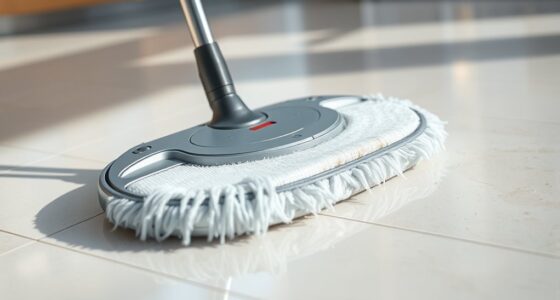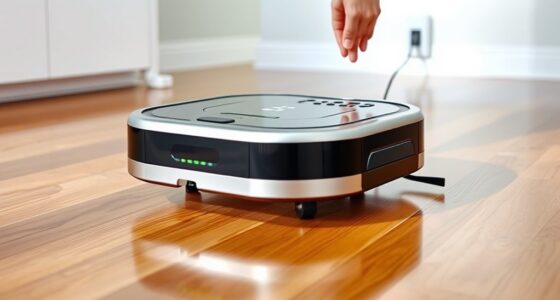
Robot mops need more maintenance than most people expect because they depend on sensitive sensors, batteries, and moving parts that require regular care to work well. You must check batteries, clean brushes, and update software often to keep them performing at their best. Dirt or debris can clog sensors and hinder navigation. If you wanna discover how to keep your robot mop in top shape and avoid surprises, there’s more to learn below.
Key Takeaways
- Robot mops have numerous sensors and moving parts that require regular cleaning and inspection to prevent malfunctions.
- Battery health directly impacts performance, necessitating frequent checks and proper charging practices.
- Software updates are essential for optimal function but require user intervention, unlike traditional cleaning devices.
- Worn brushes and clogged components need routine replacement to maintain cleaning efficiency.
- Advanced features and technology advancements demand ongoing maintenance to ensure reliable operation over time.
Regular maintenance is essential to keep your robot mop functioning efficiently and extending its lifespan. Unlike traditional mops, robot mops are complex devices with various components that need consistent attention. One of the key aspects is guaranteeing your robot’s battery life remains ideal. Over time, batteries can degrade, which reduces run time and charging efficiency. To prevent this, you should regularly check the battery status and follow manufacturer guidelines for charging cycles. Avoid letting the battery drain completely or stay fully charged for long periods, as both can hasten wear. Properly maintaining your battery not only prolongs its life but also ensures your robot is ready when you need it, avoiding inconvenient downtime.
Regularly check and maintain your robot mop’s battery to ensure optimal performance and longevity.
Another critical area often overlooked is keeping the software up to date. Manufacturers frequently release software updates to improve performance, fix bugs, and add new features. Ignoring these updates can leave your robot vulnerable to glitches or decreased cleaning effectiveness. Regularly connecting your device to Wi-Fi, or following your brand’s update instructions, keeps the software current. These updates can include enhancements that maximize power consumption, which directly impacts battery life, and improvements that refine navigation and cleaning patterns. Staying on top of software updates ensures your robot operates at peak efficiency and adapts to changing environments, making your cleaning routine more effective. Additionally, some updates may incorporate filter monitoring features that help you track when filters need cleaning or replacing, further supporting optimal performance. Paying attention to sensor maintenance can also improve navigation and obstacle avoidance, preventing unnecessary wear and tear on your device.
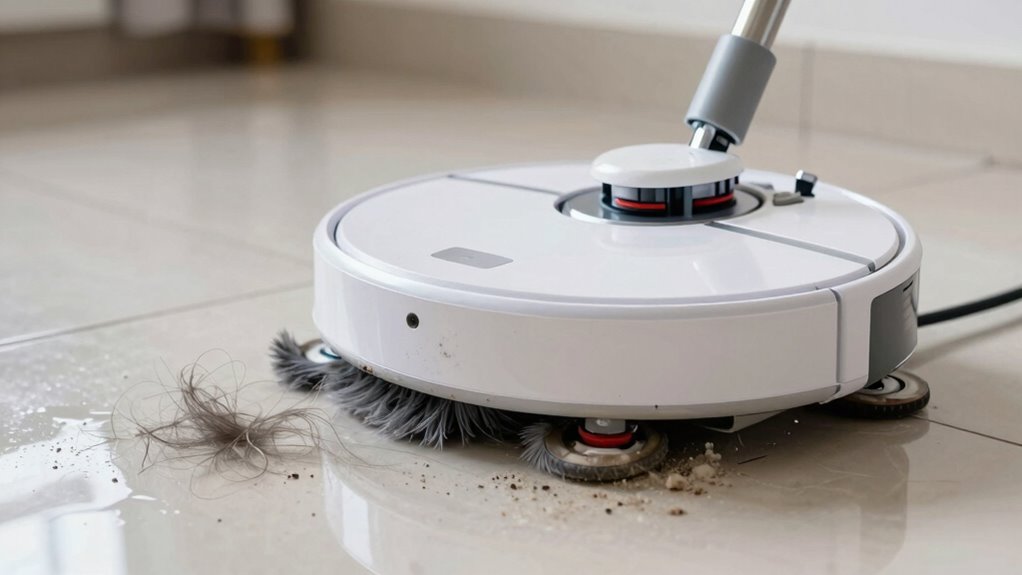
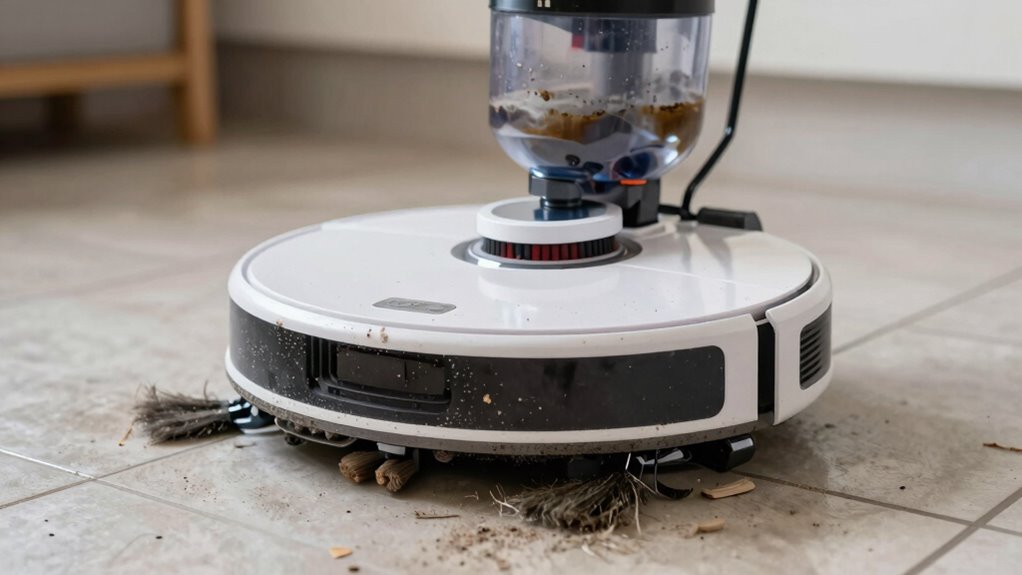
Beyond battery and software, your robot needs regular physical maintenance. Clearing out hair, dust, or debris from brushes and sensors helps prevent clogs and malfunctions. Check the wheels and sensors to ensure they’re free of obstructions, as dirty sensors can impair navigation, leading to missed spots or even collisions. Also, replace worn-out brushes or pads as recommended by the manufacturer. Keeping your device physically clean supports its electronic components and maintains peak cleaning performance. Regular component inspection can also help identify potential issues before they become major problems. Additionally, understanding how neural interfaces could enhance future robot technology emphasizes the importance of staying updated with innovations that could improve device maintenance and operation. Incorporating regular inspections into your routine can significantly extend the lifespan of your robot mop and ensure consistent performance.

Tenergy 7.2V 2000mAh Replacement Battery for iRobot® Braava® 380 380t 390 390t & Mint® 5200 5200B 5200C
- Compatibility: Fits iRobot Braava and Mint models
- Cycle Life: Up to 500 charge cycles
- Fast Charging: Recharges in 4 hours
As an affiliate, we earn on qualifying purchases.
As an affiliate, we earn on qualifying purchases.
Frequently Asked Questions
How Often Should I Replace the Robot Mop’s Batteries?
You should replace your robot mop’s batteries every 1 to 2 years, depending on usage. Battery lifespan varies based on how often you use the device and how well you maintain it. Keep an eye on its performance; if it starts losing power quickly or doesn’t hold a charge, it’s time for a replacement. Regular checks guarantee peak cleaning and prevent unexpected breakdowns.
What Are Signs My Robot Mop Needs Repair?
Think of your robot mop as a diligent but aging sailor. When you notice erratic movements, it’s like a compass out of calibration—sensor calibration issues. If the brush looks tangled or worn, it’s akin to frayed sails needing repair. These signs indicate your robot needs attention. Regularly inspect the brushes and recalibrate sensors to keep your “sailor” sailing smoothly through your floors.
Can I Use Any Cleaning Solution With My Robot Mop?
You can’t use any cleaning solution with your robot mop. Always check your device’s cleaning schedules and detergent compatibility before adding a solution. Many robot mops work best with plain water or specific, manufacturer-recommended cleaners. Using the wrong detergent can damage the sensors or mechanical parts, leading to more maintenance. Stick to recommended solutions to keep your robot mop functioning smoothly and extend its lifespan.
How Do I Troubleshoot Connectivity Issues?
Did you know 30% of connectivity issues stem from wireless interference? To troubleshoot, first check your Wi-Fi signal strength and minimize interference from other devices. Restart your robot mop and guarantee firmware updates are installed, as outdated software can cause connection problems. Reset your Wi-Fi connection if needed. By keeping firmware updated and reducing interference, you’ll improve your robot mop’s connectivity and performance.
Is Professional Maintenance Required Periodically?
Yes, professional maintenance is recommended periodically to keep your robot mop in top shape. During these sessions, technicians handle battery care, guaranteeing your device’s power lasts longer and performs efficiently. They also provide user training, teaching you proper cleaning routines and troubleshooting tips. Regular professional checkups help prevent breakdowns, extend your robot’s lifespan, and ensure you get the best cleaning results every time.

Robot Vacuum and Mop with Mapping: 6000Pa LIDAR Navigation Self Emptying Robotic Vacuum,3-in-1 Robot Vacuum for 90 Days Hands-Free Cleaning, Alexa/APP Control Ideal for Pet Hair Hard Floor Carpet Home
- Advanced LiDAR Navigation: 360° home mapping and multi-level support
- Long-Lasting Hands-Free Cleaning: 90 days with large-capacity dustbin
- 3-in-1 Cleaning Functionality: Sweeps, vacuums, and mops in one pass
As an affiliate, we earn on qualifying purchases.
As an affiliate, we earn on qualifying purchases.
Conclusion
So, next time you marvel at how your robot mop effortlessly cleans your floors, remember it’s not a set-it-and-forget-it miracle. Behind that shiny exterior lies a little machine that demands quite a bit of TLC—more than you’d think. Ironically, the very device saving you time and effort often requires just as much maintenance as traditional mopping. So, enjoy the convenience, but don’t forget: even robots need a bit of human care.

Replacement Parts for MAMNV BR151, for ZCWA BR151, for MANVINS G20, for Kilgone G20, for ONSON BR151, for MANVN BR151, for ZC WAS BR151, for iMartine BR151 Robot Vacuum,6 Side Brush,4 Mop Pad,4 Filter
- Compatible Models: Fits various robot vacuum models
- Complete Replacement Set: Includes brushes, filters, and mop pads
- High-Quality Materials: Durable and easy to install
As an affiliate, we earn on qualifying purchases.
As an affiliate, we earn on qualifying purchases.

KKI Window Cleaning Robot Replacement Ring, Mop Holder,Black
- Compatibility: Universal with X2 and X3 robots
- Material Quality: Made from durable ABS and PC
- Easy Maintenance: Quick replacement and cleaning
As an affiliate, we earn on qualifying purchases.
As an affiliate, we earn on qualifying purchases.