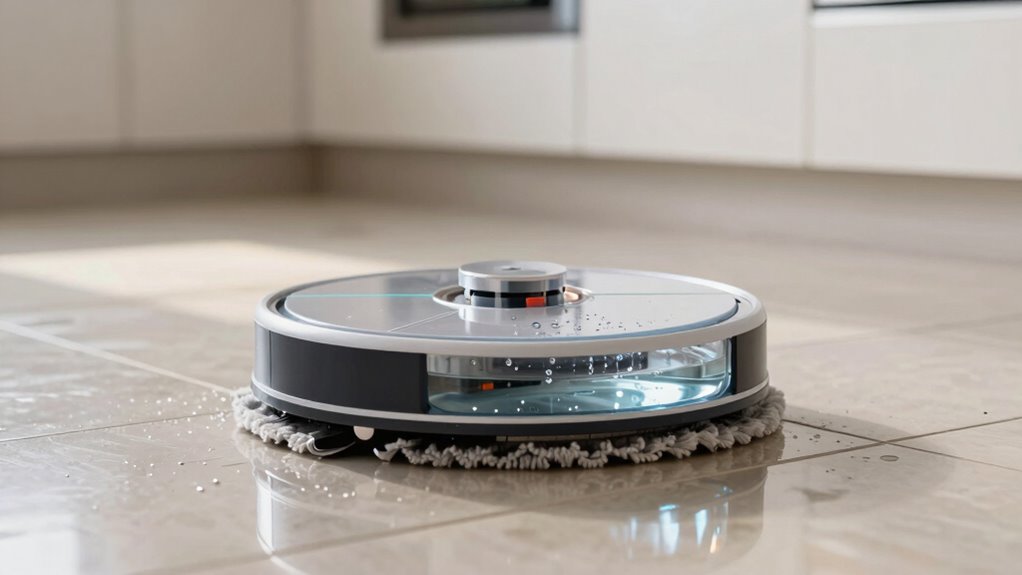
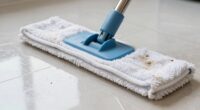
A robot mop typically uses between 100 and 300 ml of water per session, depending on your space size and cleaning needs. Smaller areas or quick cleans might only need around 100 ml, while larger or deeper cleans could require more water. Proper water levels help balance cleaning power and efficiency, preventing over- or under-wetting your floors. Stick to recommended amounts to get the best results, and you’ll find out how to optimize your cleaning further.

Get home appliances delivered free — and shop member deals
- Fast, free delivery on millions of items
- Access to Prime Big Deal Days deals on October 6–7
- Prime Video, Amazon Music and more included
Key Takeaways
- Most robot mops dispense between 100–300 ml of water per session, depending on the cleaning area.
- Overfilling the tank increases weight and drains the battery faster, reducing cleaning efficiency.
- Underfilling results in insufficient moisture, decreasing dirt removal effectiveness.
- Features like automatic water regulation help optimize water flow for better cleaning.
- Larger water tanks support longer cleaning cycles, but proper water use maintains device longevity.
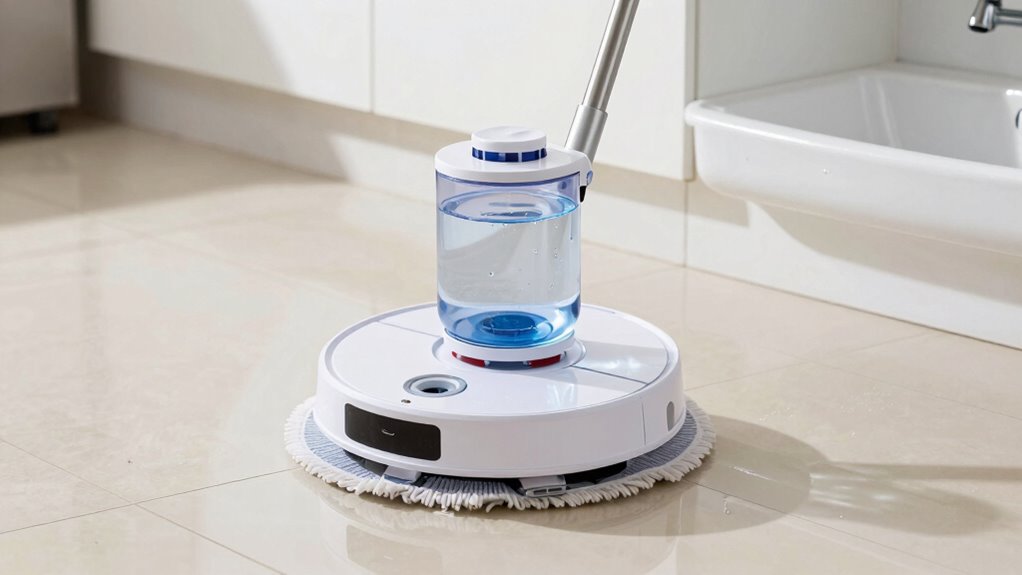
Have you ever wondered how much water your robot mop uses during each cleaning session? It’s a common question, especially since many models today aim to balance cleaning power with water conservation. The amount of water your robot uses directly impacts its cleaning efficiency and battery performance. Too little water, and your floors might not get thoroughly cleaned; too much, and you risk wasting water and overloading the mop’s tank, which can drain the battery faster and reduce overall effectiveness.
Most robot mops are designed to use a controlled amount of water to maximize cleaning without over-saturating the floor. On average, a typical robot mop dispenses between 150 to 300 milliliters per session, depending on the size of the area and the model’s settings. For smaller spaces or quick cleanings, the device might use as little as 100 milliliters. Larger areas or deep cleans usually require more water, but manufacturers often program the mops to limit water flow to maintain efficiency and prevent unnecessary battery drain. Using the right amount of water ensures the mop can glide smoothly over surfaces, picking up dirt and grime effectively without leaving excess water behind.
Most robot mops dispense 100–300 ml of water per session, balancing cleaning power and efficiency.
If you fill the water tank too much, it might seem like a good idea for extended cleaning, but it can actually hinder performance. Overloading the tank adds unnecessary weight, making the motor work harder and consuming more battery power. This can lead to shorter cleaning cycles and might cause the device to stop prematurely before completing its task. Conversely, if you underfill it, the mop may not have enough moisture to loosen dirt effectively, which impacts its cleaning efficiency. Proper water management is essential for maintaining optimal performance, and understanding how your specific model handles water flow can make a significant difference. Additionally, some models feature automatic water regulation, which helps optimize water use based on the cleaning task, further improving efficiency. It’s also worth noting that water flow control mechanisms can vary between models, influencing how much water is dispensed during each cleaning session.
Another important aspect is understanding how water tank capacity impacts the overall cleaning cycle, as larger tanks allow longer cleaning sessions without frequent refills. Remember, the goal isn’t just to use water sparingly but to use it wisely. Proper water use ensures your robot operates at peak efficiency, conserving energy and delivering spotless floors every time. So, next time you start a cleaning cycle, think about the water amount—striking that balance makes all the difference.
As an affiliate, we earn on qualifying purchases.
Frequently Asked Questions
How Does Water Amount Affect Cleaning Effectiveness?
Using the right amount of water directly impacts your robot mop’s cleaning effectiveness. Too much water can lead to excessive absorption by the floor, causing residue buildup and potential damage. Conversely, too little water may not effectively loosen dirt or remove residues. Finding a balanced water amount guarantees ideal residue removal and proper water absorption, leaving your floors clean without excess moisture or streaks. Always follow your mop’s recommendations for best results.
Can Using Too Much Water Damage Floors?
Using too much water can be a subtle pitfall in your robot mop maintenance. Overloading the water reservoir capacity may cause excess moisture, which can gently harm your floors over time. While a well-balanced water amount cleans effectively, too much can lead to warping or staining, especially on sensitive surfaces. To protect your floors, always follow the manufacturer’s recommendations, ensuring your robot mop operates within ideal water levels.
Do Different Floor Types Require Different Water Levels?
Yes, different floor types require different water levels. For example, smooth, non-porous floors like tile or laminate need less water, while textured or porous floors like hardwood or certain stone may absorb more water and need a gentle cleaning approach. Be mindful of floor textures and water absorption properties, adjusting the water level accordingly. Using too much water on delicate or porous floors can cause damage or warping.
How Often Should I Refill the Water Tank?
You should refill your robot mop’s water reservoir whenever it runs out, which depends on the size of the reservoir and your cleaning frequency. Typically, check the water reservoir after each use or when the mop indicates it’s empty. Regularly refilling guarantees your robot maintains peak cleaning performance. Adjust your refilling frequency based on the size of your space and how often you run the mop.
Are There Eco-Friendly Water Usage Options?
Yes, you can adopt eco-friendly cleaning options for your robot mop by choosing models that support sustainable water practices. Look for mops with adjustable water settings to minimize usage, and consider eco-friendly cleaning solutions that reduce chemical runoff. These features help conserve water and promote environmentally responsible cleaning. By making these choices, you guarantee your cleaning routine aligns with sustainable water practices and reduces your ecological footprint.
automatic water regulation robot mop
As an affiliate, we earn on qualifying purchases.
As an affiliate, we earn on qualifying purchases.
Conclusion
Remember, a little water goes a long way—it’s true for mops and life alike. Using just the right amount of water guarantees your robot mop cleans effectively without wasting resources. Don’t let excess water turn your floors into ponds or your energy bill into a nightmare. Keep it simple, keep it smart. As they say, “Less is more,” and when it comes to water use, that couldn’t be truer. Your floors—and the planet—will thank you.
As an affiliate, we earn on qualifying purchases.
robot mop with adjustable water flow
As an affiliate, we earn on qualifying purchases.
As an affiliate, we earn on qualifying purchases.
Fall yard work Picks
leaf blowers
As an affiliate, we earn on qualifying purchases.