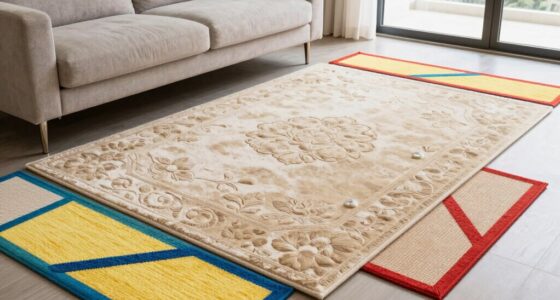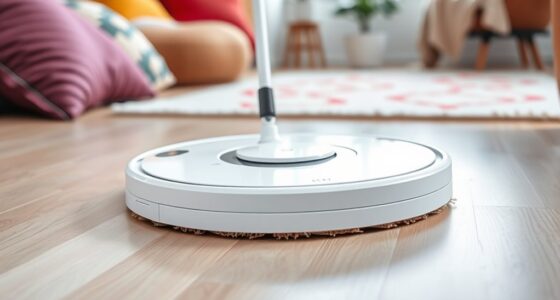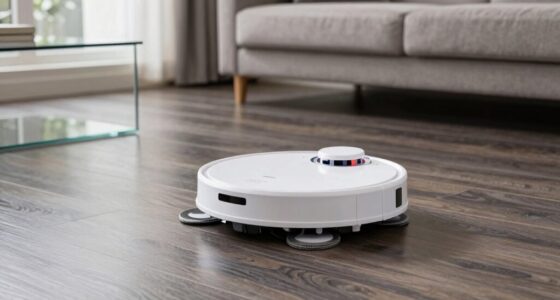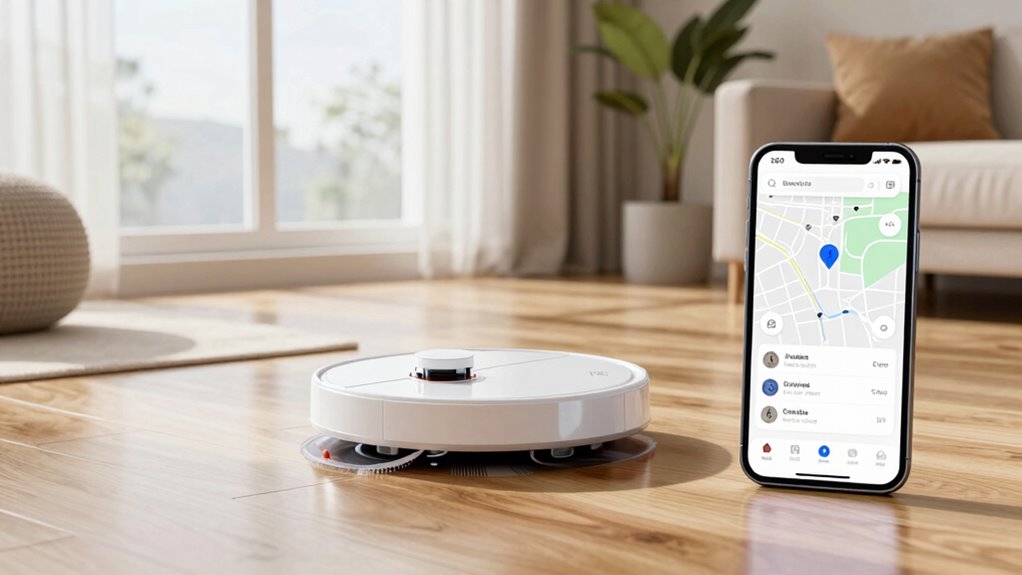
To build a smarter floor cleaning routine with a robot mop, establish a consistent schedule based on traffic and household needs, like daily for busy areas or weekly elsewhere. Regularly maintain the device by cleaning filters, brushes, and wheels to keep it running efficiently and extend its lifespan. Automate cleaning times through an app, and adjust frequency if you have pets or high debris. For more tips on optimizing your routine, keep exploring these strategies.
Open a free Amazon Business account
Business pricing, bulk buying and tax-exempt orders.
As an affiliate, we earn on qualifying purchases.
Key Takeaways
- Schedule automated cleaning sessions during low-traffic times for efficiency and minimal disruption.
- Regularly maintain and clean the robot mop’s components to ensure optimal performance.
- Adjust cleaning frequency based on household activity, pets, and floor conditions.
- Use app features to set recurring tasks and monitor cleaning progress remotely.
- Incorporate periodic deep cleans of mop pads and brushes to prevent dirt buildup and extend device lifespan.
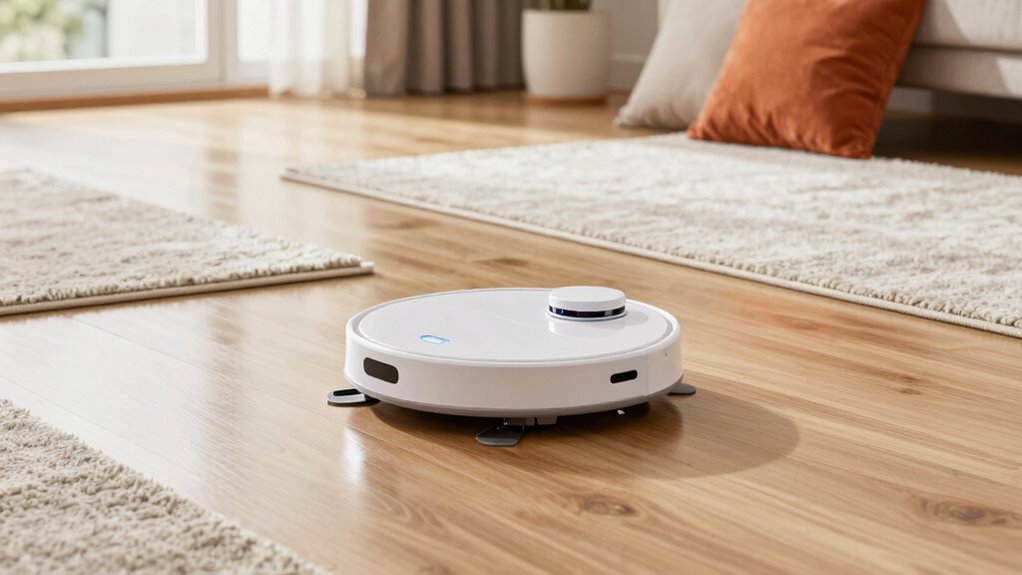
Maintaining clean floors can be a hassle, but with a robot mop, you can streamline your routine and save time. To get the most out of your device, you need to establish a solid cleaning schedule that fits your lifestyle. Decide how often your floors need attention—daily for high-traffic areas or a few times a week for less busy spaces. Once you set this schedule, your robot mop can handle regular maintenance, keeping your floors spotless without much effort on your part.
Create a cleaning schedule to keep your floors spotless with minimal effort.
A key part of assuring your robot mop works efficiently is understanding vacuum maintenance. Even though it’s a mop, many models incorporate vacuum functions for dry debris. Regularly check and clean the dustbin and filters to prevent clogs and maintain suction power. Clearing out hair, dust, and debris from brushes and wheels also helps your robot navigate smoothly and cleans more effectively. When your vacuum components are properly maintained, the robot can better follow its programmed route, reducing the chances of missed spots or repeated cleaning in the same area.
Integrating your robot mop into a consistent cleaning schedule is essential. If you keep the routine predictable—say, scheduling cleaning every morning or evening—you’ll never have to worry about missing spots or accumulated dirt. Many robot mops allow you to set recurring tasks via an app, so you can automate the process without lifting a finger. Be sure to also schedule periodic deep cleans of the mop pad and brushes to remove stubborn dirt and prevent odor buildup. This way, your device stays in top shape, and your floors stay consistently clean.
Adjust your cleaning schedule based on your home’s specific needs. For example, if you have pets, you might need more frequent cleanings and additional vacuum maintenance to handle pet hair. Conversely, if you live alone and have minimal foot traffic, a less frequent schedule might suffice. Keep an eye on how well your robot is performing—if you notice it struggling to pick up debris or moving slowly, it’s time for a maintenance check. Proper upkeep ensures your device operates at peak efficiency and prolongs its lifespan.
As an affiliate, we earn on qualifying purchases.
Frequently Asked Questions
How Long Does a Robot Mop’s Battery Typically Last?
A robot mop’s battery usually lasts between 60 to 120 minutes, depending on the model and cleaning area. The battery lifespan typically spans 1 to 2 years with proper care. Charging time varies from 2 to 4 hours, so you’ll need to plan your cleaning schedule accordingly. Keep an eye on the battery indicator to make certain your robot is ready for its next cleaning session without interruptions.
Can a Robot Mop Handle Uneven or Thick Carpets?
Most robot mops aren’t designed for thick carpets or uneven surfaces, so carpet compatibility is limited. They typically excel on hard floors but struggle with surface adaptability on plush or uneven carpets. If you want a robot cleaner for carpets, look for models specifically labeled for that purpose. Otherwise, stick to hard floors for best cleaning performance, as robot mops generally can’t handle the textured or thicker surfaces effectively.
Is It Safe to Leave a Robot Mop Unattended?
“Better safe than sorry” applies when leaving a robot mop unattended. While many models have safety features, there are still safety concerns, especially regarding child protection. You should always supervise the initial runs and guarantee the area is free of obstacles or hazards. If you’re confident in your robot mop’s safety measures, occasional unattended cleaning can be okay, but always stay cautious to prevent accidents.
How Often Should I Replace the Robot Mop’s Cleaning Pads?
You should replace your robot mop’s cleaning pads every 2 to 4 weeks, depending on usage and cleaning pad lifespan. Regular replacement guarantees peak cleaning performance and prevents bacteria buildup. Check the manufacturer’s recommendations for your specific model, as some pads may need more frequent changes if you have pets or high-traffic areas. Keep an eye on the pads’ condition and replace them promptly to maintain a fresh, effective cleaning routine.
Can a Robot Mop Detect and Avoid Pet Waste?
Yes, some robot mops feature pet waste detection and obstacle avoidance technologies. These mops can identify pet waste, preventing accidental spread or damage, and navigate around obstacles like furniture or cords effectively. To guarantee peak performance, look for models with advanced sensors designed specifically for pet waste detection and obstacle avoidance. Regular updates and maintenance also help your robot mop adapt to your home environment, keeping your floors clean and pet-safe.
As an affiliate, we earn on qualifying purchases.
Conclusion
By integrating a robot mop into your cleaning routine, you’re not just saving time—you’re making smarter choices for a cleaner home. The theory that automation leads to better efficiency holds true here; studies show robotic cleaners can maintain floors more consistently than manual efforts. So, trust in technology to handle the mess while you focus on what truly matters. Embrace this smarter routine and enjoy a spotless home with less effort on your part.
As an affiliate, we earn on qualifying purchases.
As an affiliate, we earn on qualifying purchases.
NFL season / tailgating Picks
team gear
As an affiliate, we earn on qualifying purchases.