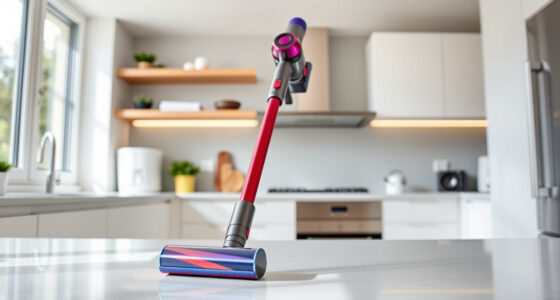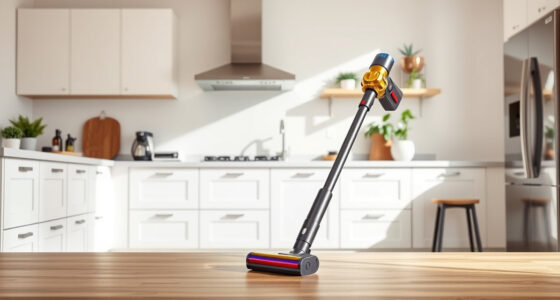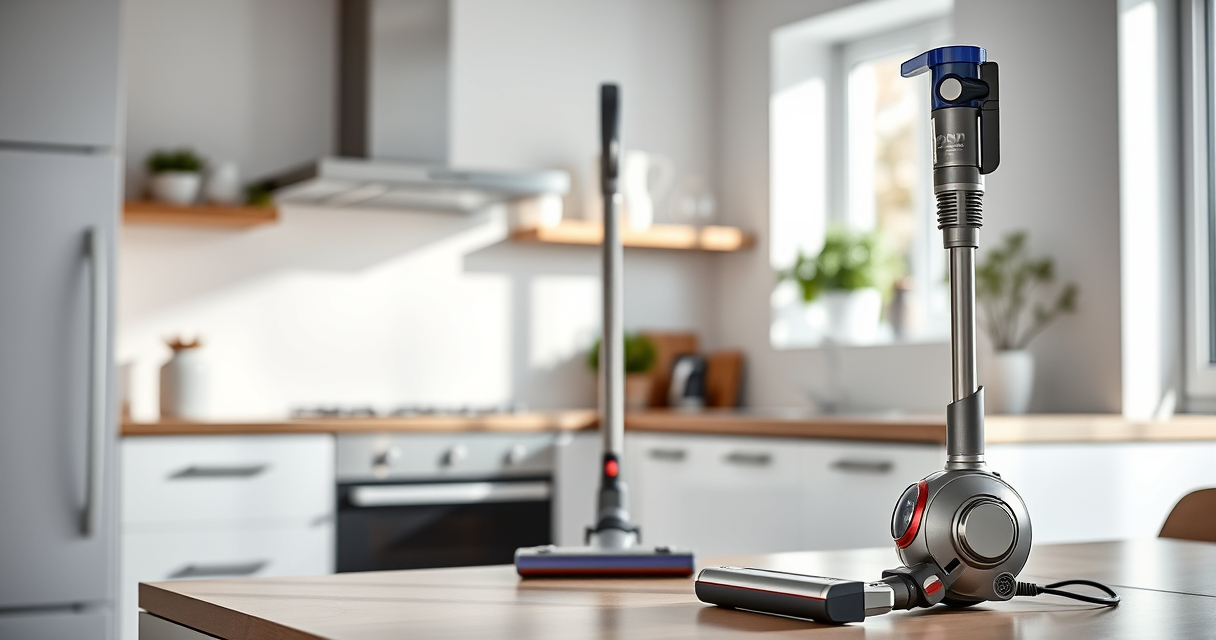
If your Dyson V15 Detect™ Origin Cordless Vacuum isn’t providing suction, it can be frustrating and hinder your cleaning. Often, simple maintenance or troubleshooting steps can restore its power.

Get home appliances delivered free with Prime
- Fast, free delivery on millions of items
- Prime Video, Amazon Music and more included
- Member-only deals all year
This guide walks you through common causes of suction loss and clear, safe solutions to fix them, ensuring your vacuum performs like new.
Key Takeaways
| Clogged Filters or Hose | Filters or hose may be blocked, reducing suction. |
| Full or Dirty Filters | Filters need regular cleaning or replacement. |
| Blocked Airflow Path | Obstructions in the airflow can cause suction loss. |
| Battery or Power Issues | Battery problems may affect vacuum performance. |
| Proper Maintenance Prevents Issues | Regular cleaning and checks keep it working optimally. |
Check for Blockages in the Hose and Cleaner Head
- Turn off and unplug your Dyson vacuum for safety.
- Detach the cleaner head and inspect the hose for debris or obstructions.
- Remove any visible blockages carefully to avoid damaging internal parts.
- Reassemble and test for suction.
Clean or Replace the Filters
- Remove the pre-filters and main filters from the vacuum.
- Wash the filters with water, ensuring they are completely dry before reinstalling.
- If filters are heavily soiled or damaged, replace them with compatible filters, such as the 3Pack Pre Filters or V10 Filters.
- Reinstall filters and run a test to see if suction improves.
Check for Airflow Obstructions
- Ensure the dustbin is emptied and properly seated.
- Inspect the filter housing and dustbin for debris or blockages.
- Clean any debris, then reassemble all parts securely.
- Test the vacuum for suction restoration.
Inspect and Maintain the Battery and Power Settings
- Make sure the battery is fully charged and properly connected.
- Check the LCD screen for any power alerts or error messages.
- Try switching power modes or resetting the vacuum if applicable.
- If issues persist, consider replacing the battery or contacting Dyson support.
Perform Routine Maintenance and Preventative Care
Regularly clean filters, empty the dustbin, and inspect for blockages. Follow the manufacturer’s maintenance schedule to keep your Dyson vacuum performing at its best.
The Products in This Guide

Dyson V15 Detect™ Origin Cordless Vacuum
- ✔ Battery Life: 60 mins
- ✔ Weight: 6.8 lbs
- ✔ Filter Type: HEPA and activated carbon

LANMU Crevice Tool Vacuum Attachments Compatible
- ✔ Length: Approx. 20 inches
- ✔ Material: Plastic
- ✔ Color: Black with flexible extension
Dyson V15 Detect™ Origin Cordless Vacuum
The Dyson V15 Detect™ Origin offers powerful suction and smart technology to detect and reveal invisible dust. Its advanced features include a LCD screen for real-time data, multiple cleaning heads, and a long-lasting battery. Regular maintenance ensures optimal performance.
Pros:
- Powerful suction with 100% more power¹
- Intelligent debris detection and adaption
- Long 60-minute runtime²
- Includes advanced cleaner heads for various floors
Cons:
- Can be heavy for extended use
- Requires regular filter cleaning
- Some parts may need replacement over time
Best for: Deep cleaning of entire homes, pet hair removal, hard floors and carpets
Not ideal for: Light, quick cleanups or for users seeking ultra-lightweight models
Bottom line: A powerful, intelligent vacuum ideal for comprehensive home cleaning.
LANMU Crevice Tool Vacuum Attachments Compatible
The LANMU Crevice Tool Vacuum Attachments are compatible with Dyson V15 and others, offering a narrow nozzle ideal for corners, edges, and tight spaces. Its slim design makes it perfect for detailed cleaning around your home or car.
Pros:
- Narrow, flexible nozzle
- Compatible with multiple Dyson models
- Easy to attach and use
- Effective for small or hard-to-reach areas
Cons:
- Limited to crevice cleaning
- Does not replace main cleaner heads
- Requires manual handling for precision
Best for: Cleaning corners, baseboards, car interiors, and tight spaces
Not ideal for: Large debris or deep carpet cleaning
Bottom line: A versatile attachment that enhances precision cleaning in tight spaces.
Frequently Asked Questions
Why does my Dyson vacuum have no suction?
Common causes include clogged filters or hose, full dustbin, blocked airflow, or battery issues. Follow the troubleshooting steps to identify and fix the problem.
How often should I clean or replace the filters?
Filters should be washed every 1-3 months and replaced every 6-12 months depending on usage. Using high-quality replacement filters can maintain suction.
Can I fix suction loss myself?
Yes, many issues like blockages or filter buildup are easy to resolve with routine maintenance. For electrical or battery problems, contact Dyson support.
What safety precautions should I take during troubleshooting?
Always unplug the vacuum before inspecting or cleaning internal parts. Avoid using harsh chemicals and ensure filters are dry before reassembly.
Restore Your Dyson’s Power with Simple Troubleshooting
By following these step-by-step tips, you can often resolve suction issues quickly and safely, ensuring your Dyson V15 Detect™ Origin remains a powerful cleaning tool. Regular maintenance and attentive care will keep your vacuum performing at its best for years to come.
Affiliate disclosure: As an Amazon Associate we earn from qualifying purchases. Prices and availability are accurate as of the time of publishing.
Fall yard work Picks
leaf blowers
As an affiliate, we earn on qualifying purchases.