Robot vacuums work by combining sensors, mapping tech, and smart navigation to clean your home efficiently. They detect dirt with dust sensors, avoid obstacles with infrared or ultrasonic sensors, and create detailed maps of your space using lidar or cameras. They follow planned or random paths, adjust movement in real time, and return to charging stations when needed. Keep exploring as you’ll discover more about how these clever devices make cleaning easier for you.
Key Takeaways
- Robot vacuums use sensors and advanced mapping technology like lidar and cameras to navigate and recognize home layouts.
- They detect dirt and debris with dust sensors, focusing cleaning on dirtier areas for efficiency.
- Voice control and app connectivity enable remote operation, scheduling, and real-time updates.
- Obstacle detection sensors prevent collisions and guide the vacuum around furniture and objects.
- Power management features automate recharging, prolong battery life, and maintain optimal cleaning performance.
The Core Components of Robot Vacuums
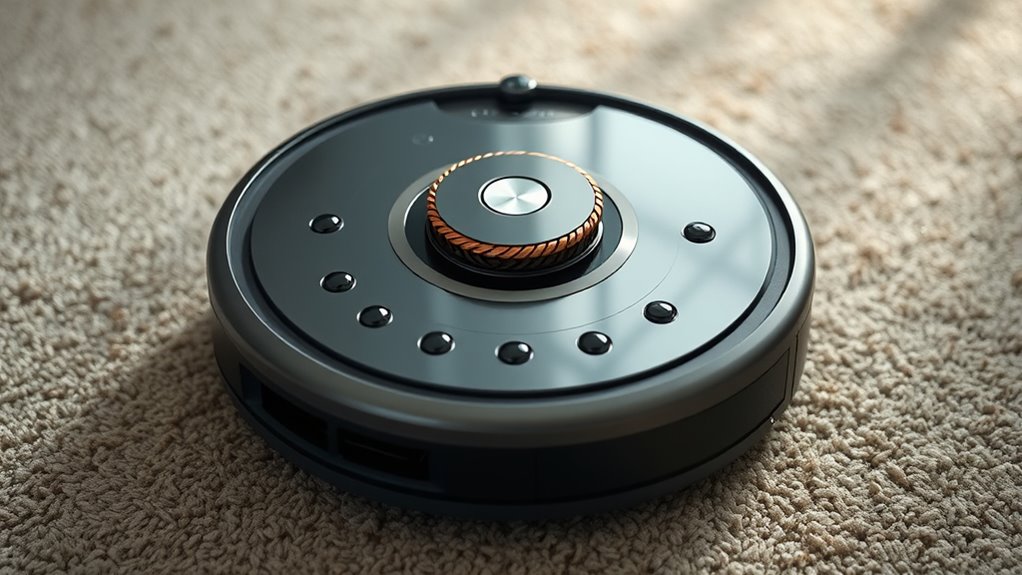
Understanding the core components of robot vacuums is essential to grasp how they clean efficiently. At the heart of these devices are dust sensors, which detect dirt and debris, helping the vacuum focus on dirtier areas for a thorough clean. These sensors ensure that your vacuum doesn’t waste time on already-clean spots. Voice control is another key component, allowing you to operate your vacuum hands-free through smart home systems like Alexa or Google Assistant. With voice commands, you can start, stop, or schedule cleaning sessions easily. These features work together to make your robot vacuum more effective and user-friendly. By understanding these core parts, you’ll see how modern robot vacuums deliver convenience and efficient cleaning with minimal effort on your part.
How Robot Vacuums Map Your Home
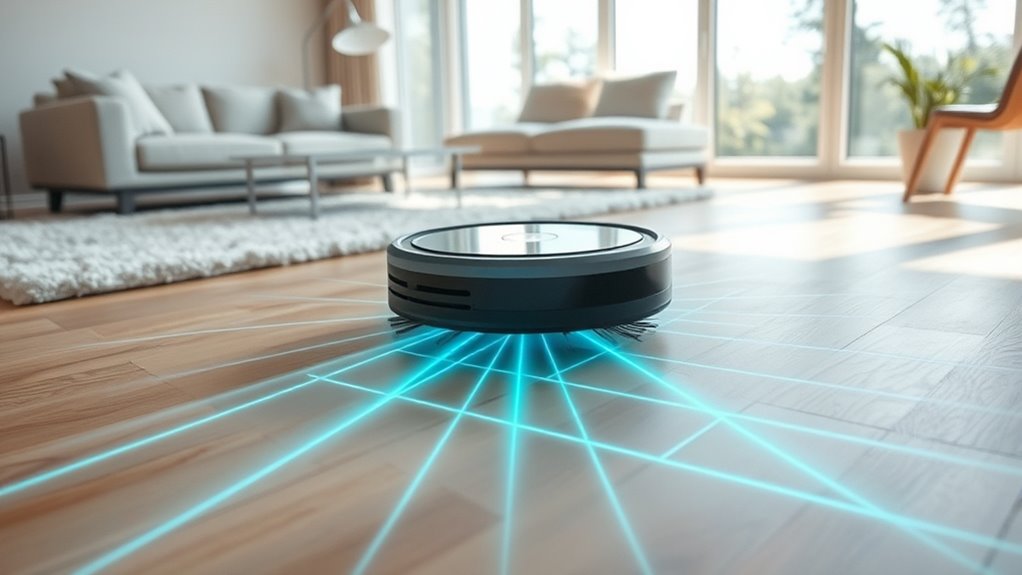
Robot vacuums use advanced mapping technologies like lidar and cameras to navigate your home. They recognize different room layouts and obstacles to create efficient cleaning paths. Understanding how they map helps you optimize their performance and coverage.
Mapping Technologies Employed
To navigate efficiently, robot vacuums rely on advanced mapping technologies that create a detailed blueprint of your home. These systems use various sensors and cameras to detect walls, furniture, and obstacles, ensuring thorough cleaning. Some models allow you to control your vacuum remotely via apps, giving you real-time updates. Voice commands make it even easier to start, stop, or pause cleaning sessions without touching a button.
Key mapping features include:
- LIDAR sensors for precise distance measurement
- Visual cameras for detailed room recognition
- SLAM algorithms for real-time map building
- Zone setting to target specific areas
- Obstacle detection to avoid collisions
Together, these technologies enable your robot vacuum to learn your home layout quickly and clean efficiently.
Home Layout Recognition
After mapping technologies gather data about your home, the vacuum’s next step is recognizing and interpreting your layout. It uses sensors and algorithms to analyze the mapped data, creating a detailed map of your home layout. This map helps the robot identify different rooms and obstacles, enabling efficient cleaning. Room identification allows the vacuum to customize cleaning routines for each space, such as focusing more on high-traffic areas or avoiding delicate items. Some models differentiate rooms by analyzing patterns or using visual cues, while others rely on predefined zones. Recognizing your home layout ensures thorough coverage and prevents the vacuum from missing spots or getting stuck. Ultimately, this process makes your cleaning smarter, more efficient, and tailored to your home’s unique design.
Navigation and Path Planning Techniques
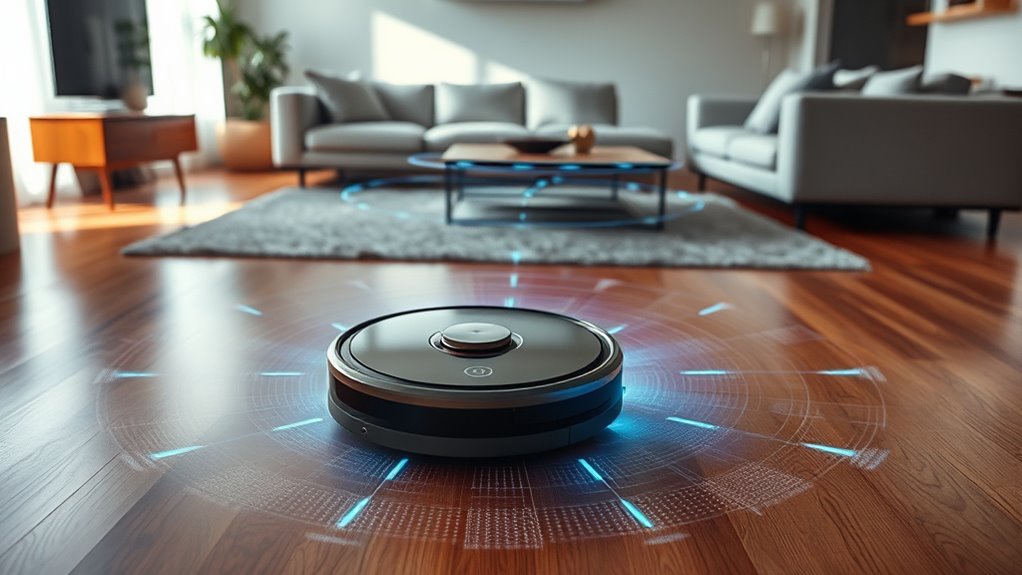
Navigation and path planning techniques are essential for ensuring your robot vacuum covers every inch of your floor efficiently. These methods use advanced mapping algorithms to create a digital layout of your space, improving navigation accuracy. With precise maps, your vacuum can plan ideal routes, avoiding missed spots and unnecessary overlaps. Key techniques include:
- Grid-based scanning for systematic coverage
- Random movement patterns for unpredictable layouts
- Hybrid approaches combining systematic and random paths
- Real-time route adjustments during cleaning
- Memory of previous cleaning sessions for efficiency
Sensors and Obstacle Detection
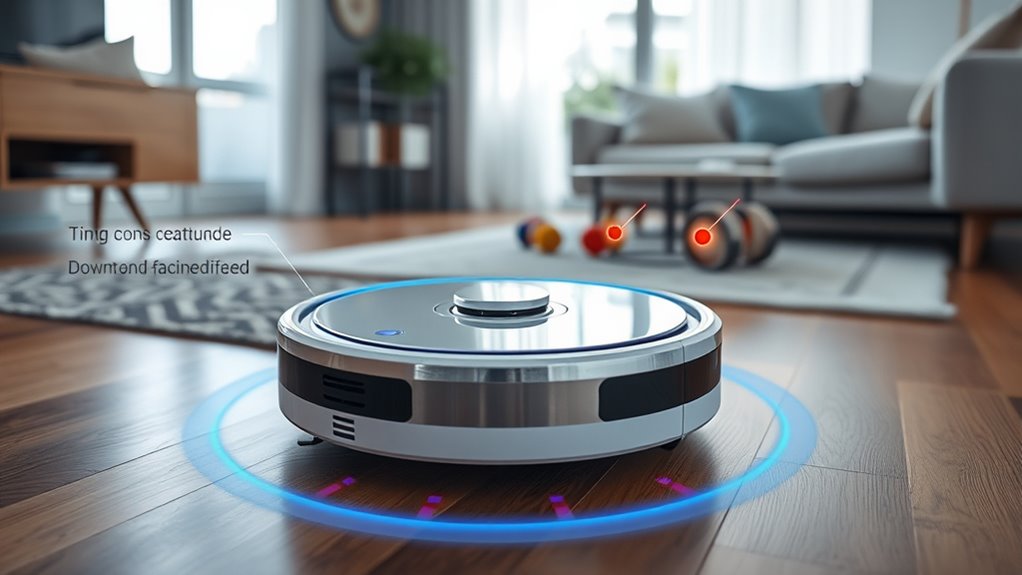
Sensors and obstacle detection are crucial components that enable your robot vacuum to navigate safely and efficiently. Proper sensor calibration ensures accurate readings, preventing false alarms or missed obstacles. These sensors include infrared, ultrasonic, and touch sensors, which work together to detect objects in your vacuum’s path. When an obstacle is identified, obstacle avoidance algorithms quickly process the data, helping your robot decide whether to turn, slow down, or change direction. This real-time response prevents collisions and keeps your vacuum moving smoothly across different surfaces. Without reliable sensors and well-calibrated systems, your robot might bump into furniture or miss dirt spots. In short, these features are necessary for a seamless cleaning experience, allowing your robot to adapt and operate autonomously with confidence.
Cleaning Mechanisms and Brush Systems

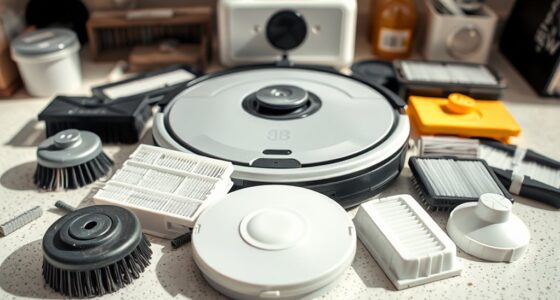
Cleaning mechanisms and brush systems are the core components that enable your robot vacuum to pick up dirt effectively. They work together to loosen, lift, and collect debris from various surfaces. The brushes sweep dust and dirt into the suction path, while dust collection systems trap particles for the best cleanliness. Modern models incorporate advanced filter technology to improve dust collection and prevent allergens from escaping back into your home. Features include:
- Multi-surface brush rolls for carpets and hard floors
- Side brushes for reaching edges and corners
- High-efficiency filters to trap tiny dust particles
- Adjustable brush height for different floor types
- Easy-to-clean brush systems for maintenance
These components ensure your robot efficiently captures dirt, keeping your space spotless with minimal effort.
Dirt Detection and Spot Cleaning Features
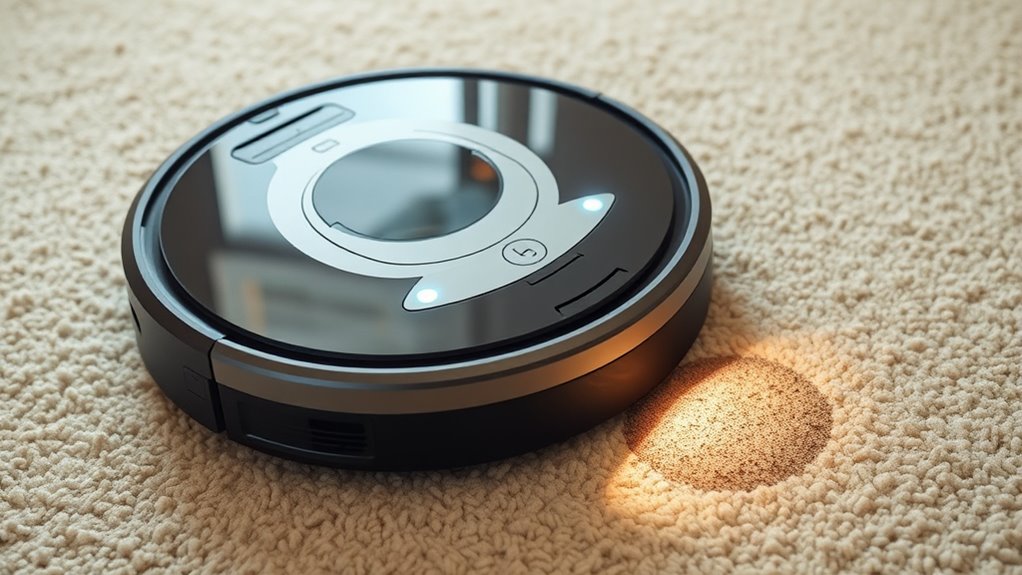
Dirt detection and spot cleaning features enable your robot vacuum to identify heavily soiled areas and focus cleaning efforts where they’re needed most. With dirt detection sensors, your vacuum can sense concentrated dirt, debris, or stains on the floor. When it detects a particularly dirty spot, it switches to spot cleaning mode, intensively scrubbing that area until it’s clean. This targeted approach ensures thorough cleaning without wasting time on already clean sections. Spot cleaning is especially useful for high-traffic zones, spills, or pet messes. These features help your robot work smarter, providing a more efficient and effective clean. By automatically adjusting cleaning intensity based on dirt detection, your vacuum maintains a higher standard of cleanliness in your home with minimal input.
Battery Life and Power Management
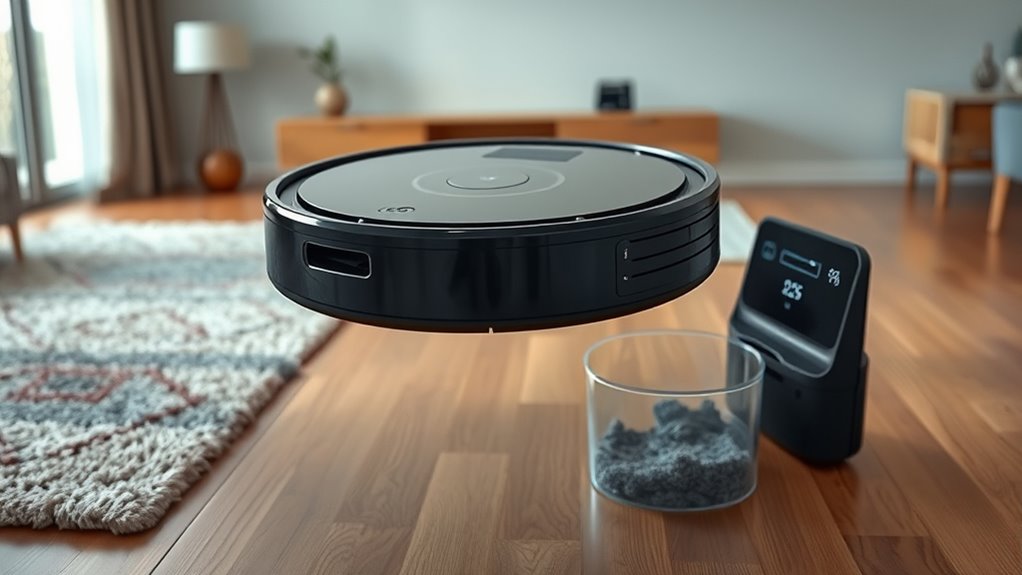
Your robot vacuum’s battery capacity determines how long it can clean before needing a recharge. Many models include power-saving features that extend runtime and optimize performance. Understanding charging cycles helps you keep the battery healthy and ready for your cleaning needs.
Battery Capacity and Runtime
Battery capacity directly impacts how long a robot vacuum can clean on a single charge, making it a crucial factor to take into account. A larger battery capacity generally means a longer runtime, allowing you to cover more area without interruption. Keep in mind:
- Higher battery capacity translates to extended cleaning sessions
- Runtimes vary from 30 minutes to over 2 hours
- Battery quality influences overall performance and longevity
- Some models automatically return to charge and resume cleaning
- Efficient power management helps maximize cleaning time
Choosing a robot vacuum with a suitable battery capacity ensures your home gets thoroughly cleaned without frequent recharging. Remember, better battery capacity and optimized power use give you longer, uninterrupted cleaning sessions.
Power-Saving Features Built-in
Many robot vacuums come equipped with power-saving features that help extend battery life and optimize cleaning efficiency. These devices often include energy conservation modes that reduce power consumption during operation. For example, some vacuums automatically enter standby modes when they finish a cleaning cycle or encounter obstacles, conserving energy until you send them out again. These features ensure your vacuum uses less power when idle, prolonging battery life and reducing the need for frequent recharges. Additionally, intelligent power management allows the vacuum to adjust its cleaning intensity based on the size of the space or dirt level, further saving energy. By integrating these power-saving features, your robot vacuum becomes more efficient and eco-friendly, helping you maintain a clean home without draining your battery quickly.
Charging and Recharge Cycles
Proper charging and recharge cycles are essential to maximizing your robot vacuum’s battery life. When your device returns to its charging station, it begins a recharge cycle that restores power for future cleaning sessions. To extend battery longevity, avoid letting the battery fully drain frequently, and try to keep it between 20-80% when possible. Here are key tips:
- Use the designated charging stations for idealpower transfer
- Avoid unplugging the vacuum during recharge cycles
- Schedule regular recharges to prevent overuse
- Keep the charging contacts clean for efficientcharging
- Monitor battery performance to detect early signs of wear
Understanding recharge cycles helps you maintain peakperformance and prolong your vacuum’s lifespan, ensuring it’s always ready to tackle messes when needed.
Connectivity and Smart Features
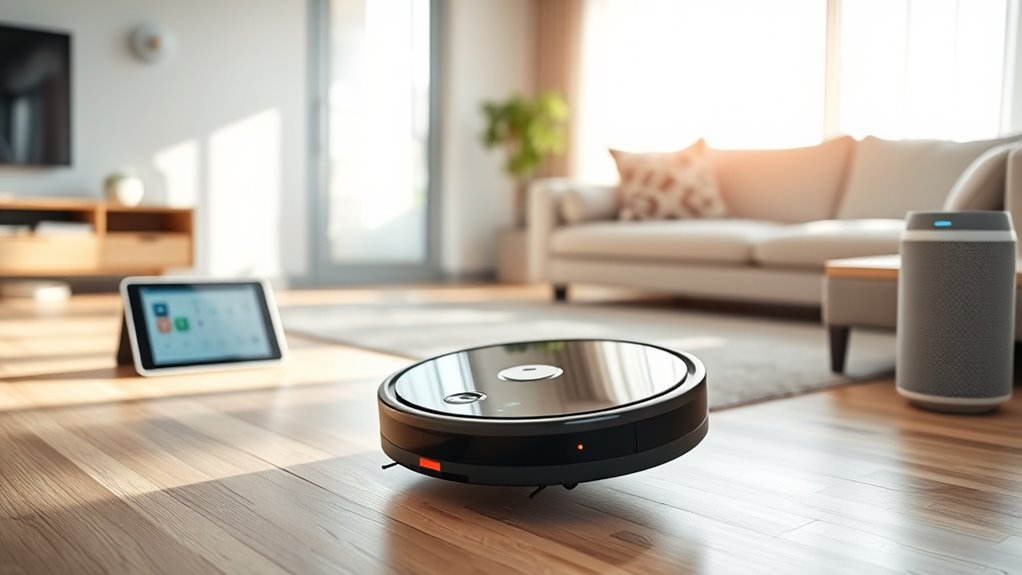
Connectivity and smart features have transformed robot vacuums into more convenient and efficient cleaning tools. With voice command integration, you can start, stop, or direct your vacuum using simple voice prompts, making cleaning even easier. App control features allow you to schedule cleanings, specify areas, and monitor progress remotely, giving you full control from your smartphone or tablet. These features enable you to customize your cleaning routines and respond quickly to spills or messes. Plus, many models offer real-time updates and alerts, so you stay informed about your vacuum’s status. Overall, connectivity and smart features enhance your experience, providing seamless operation and greater flexibility in maintaining a clean home.
Maintenance and Troubleshooting Tips
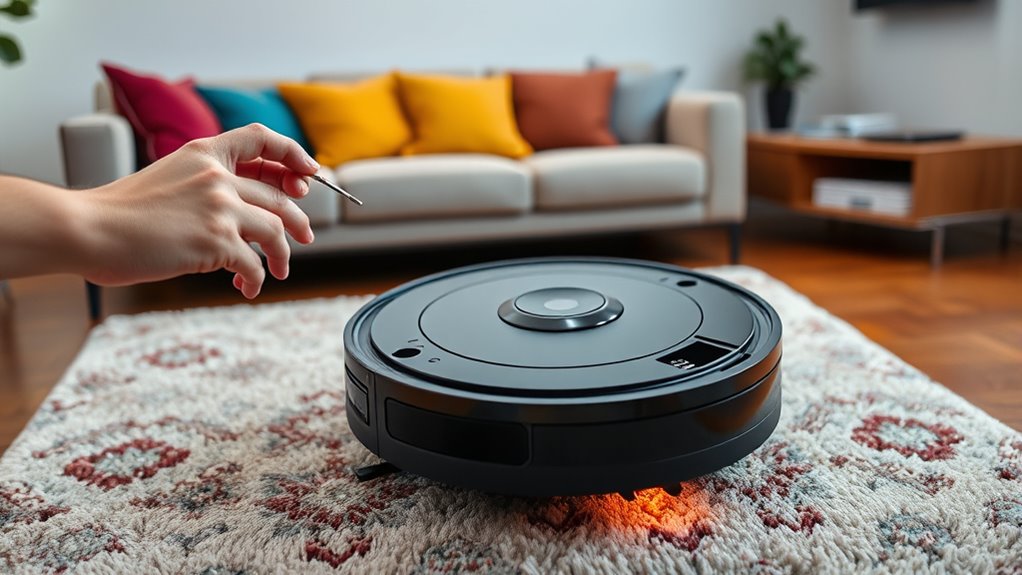
Keeping your robot vacuum in top shape means regularly cleaning the filters and caring for the battery. Neglecting these tasks can reduce cleaning effectiveness and shorten the device’s lifespan. Let’s explore simple tips to maintain your vacuum’s performance and troubleshoot common issues.
Regular Filter Cleaning
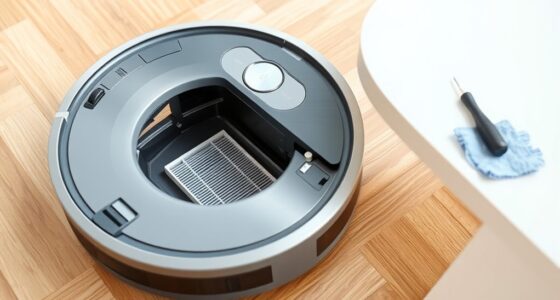
Regular filter cleaning is essential to guarantee your robot vacuum continues to perform at its best. Keeping the filter clean ensures ideal suction and prolongs the device’s lifespan. As part of your maintenance routines, you should check the filter regularly and clean it when it’s visibly dirty or clogged. Here are some tips to help:
- Remove the filter gently to avoid damage
- Tap out dust and debris over a trash bin
- Wash the filter with water if washable, and let it fully dry
- Replace disposable filters when they become too dirty or worn
- Schedule filter cleaning every 1-2 weeks, depending on usage
Following these simple steps maintains your vacuum’s efficiency, prevents blockages, and keeps your home spotless. Proper filter care is crucial for peak performance.
Battery Care Practices
To guarantee your robot vacuum’s battery remains healthy and delivers peak performance, it’s important to follow proper care practices. Maintaining good battery longevity depends on your charging habits. Always use the designated charging dock and avoid leaving the vacuum plugged in constantly, as overcharging can reduce battery life. Try to keep the battery between 20% and 80% charge for ideal health, rather than letting it drain completely or stay fully charged for extended periods. Regularly check for any signs of battery issues, like shorter run times or difficulty charging, and troubleshoot accordingly. Properly caring for the battery ensures your robot vacuum operates efficiently and extends its lifespan, saving you money and hassle in the long run.
Factors to Consider When Choosing a Robot Vacuum
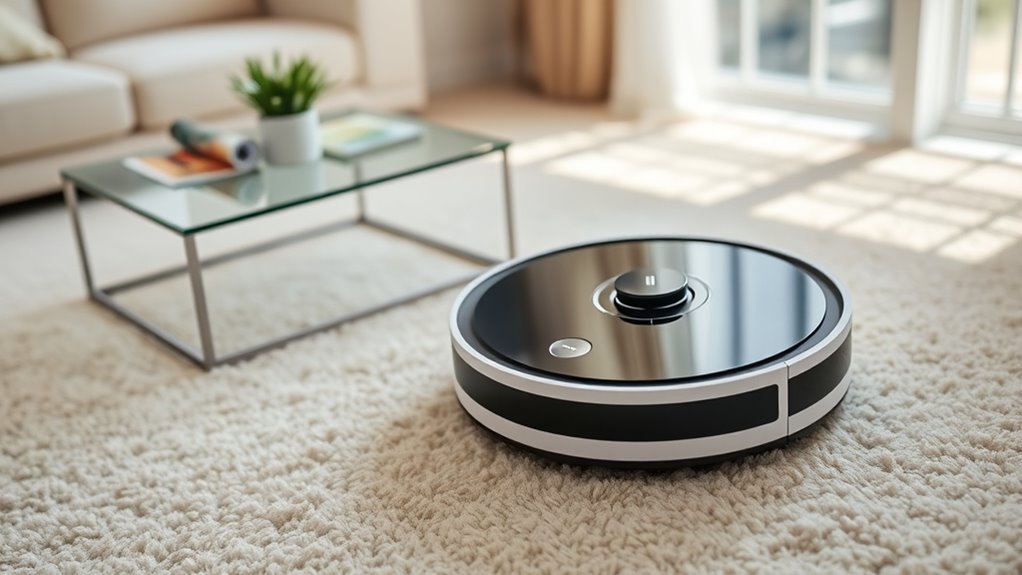
When choosing a robot vacuum, it’s essential to take into account the features that will best meet your cleaning needs and lifestyle. Consider factors like brand compatibility with your smart home devices, ensuring seamless integration. Noise levels matter if you prefer quiet operation, especially around pets or children. Pay attention to battery life for larger spaces, and look for models with effective navigation to avoid obstacles. Additionally, evaluate cleaning modes to customize your experience. Here are key considerations:
- Compatibility with your smart home ecosystem
- Noise levels during operation
- Battery life and recharge time
- Navigation and obstacle avoidance features
- Available cleaning modes and customization options
Focusing on these factors helps you select a vacuum that fits your home and preferences perfectly.
Frequently Asked Questions
How Do Robot Vacuums Handle Different Types of Flooring?
Oh, the robot vacuum’s grand ballet across your flooring! It smoothly navigates flooring shifts and detects rugs, thanks to smart sensors that know when to lift or adjust. No more getting stuck or playing a game of “Will it climb this?”—your robot handles different surfaces with finesse. With rug detection and passage awareness, it’s like having a tiny, sophisticated cleaning butler who knows exactly where to go (and where not to).
Can Robot Vacuums Detect and Avoid Pets?
Yes, many robot vacuums can detect and avoid pets thanks to advanced pet detection and obstacle avoidance features. When your pet moves, the vacuum senses their presence and adjusts its path to prevent collisions or disturbances. This technology helps keep both your pet safe and your floors clean. With smart sensors and real-time adjustments, you can trust your robot vacuum to navigate around pets seamlessly.
Are Robot Vacuums Safe for Homes With Stairs?
You might wonder if robot vacuums are safe for homes with stairs, and the answer is generally yes. They’re designed with stairs safety features like cliff sensors that prevent fall prevention accidents. These sensors detect edges and drop-offs, stopping the vacuum from tumbling down stairs. Always check your model’s safety features, and keep stairs clear of clutter to maximize fall prevention, ensuring your robot vacuum cleans safely without risking damage or injury.
How Do Robot Vacuums Deal With Long Hair and Debris?
Robot vacuums handle long hair and debris with specialized brush designs that prevent hair winding around the brushroll. Many models feature tangle-free or self-cleaning brushes, making it easier for you to maintain. The suction power also helps pick up larger debris efficiently. Regularly emptying the bin and checking for hair buildup guarantees peak performance, so your vacuum keeps cleaning without getting bogged down by long hair or stubborn debris.
Do Robot Vacuums Require Wi-Fi to Operate Effectively?
No, your robot vacuum doesn’t need Wi-Fi connectivity to clean effectively, but having it does offer advantages. With Wi-Fi, you can use app control to schedule cleanings, change settings, and monitor progress remotely. Without Wi-Fi, it still cleans well on its own, but you miss out on the convenience of remote control and customization. If you want smart features, Wi-Fi connectivity enhances your experience, but it’s not essential for basic cleaning.
Conclusion
Now that you know how robot vacuums work, you’re practically a cleaning superhero! With their smart mapping, obstacle detection, and powerful brushes, they can wipe out dirt faster than you can say “dirty floor.” Imagine never lifting a finger again—your home stays spotless while you relax or conquer the world. So go ahead, choose the perfect robot vacuum and let it revolutionize your cleaning game—your floors will thank you for it!