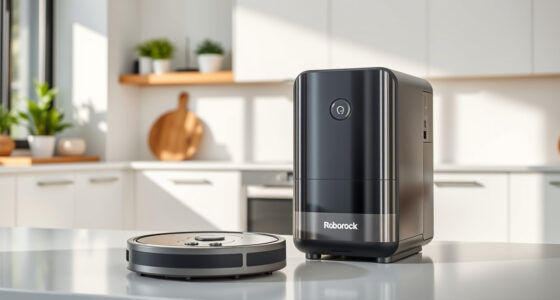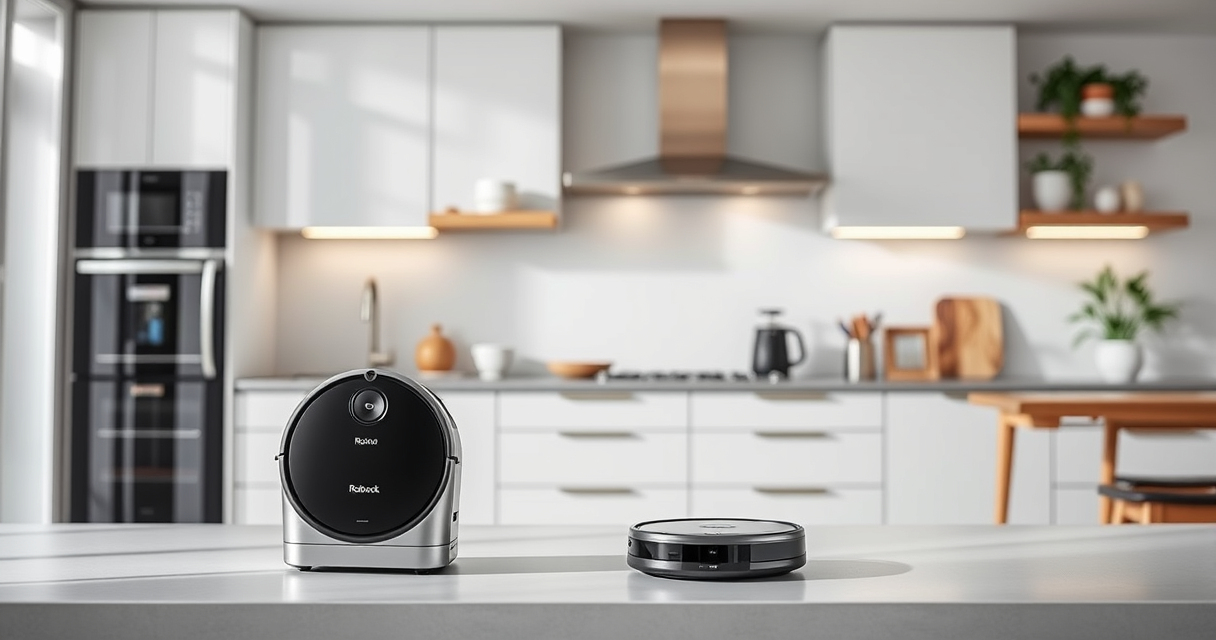
Maintaining your Roborock robot vacuum ensures optimal performance and longevity. Regular cleaning, filter replacement, and troubleshooting can prevent common issues and keep your home spotless. This guide provides clear, practical steps to help you care for your Roborock Q7 M5+ and similar models safely and effectively.

Get home appliances delivered free with Prime
- Fast, free delivery on millions of items
- Prime Video, Amazon Music and more included
- Member-only deals all year
Follow these instructions for routine upkeep, problem-solving, and extending the life of your device, so you can enjoy consistent, powerful cleaning with minimal hassle.
Key Takeaways
| Routine Cleaning | Regularly clean brushes and sensors to prevent tangles and blockages. |
| Filter Maintenance | Replace or wash filters every 1-3 months for optimal air quality. |
| Battery Care | Keep the battery charged and avoid complete discharges to extend lifespan. |
| Troubleshooting | Identify and resolve common issues like stuck brushes or navigation errors. |
Cleaning the Main Brush and Anti-Tangle System
- Turn off and unplug your robot vacuum.
- Remove the main brush from the bottom, following your model’s manual.
- Detach the Anti-Tangle system components if accessible.
- Use a cleaning brush or scissors to remove hair, pet fur, or debris from the brush and system.
- Reassemble and reinstall the components securely.
Replacing or Washing Filters
- Remove the dustbin and take out the filter.
- If washable, rinse the filter with water and let it dry completely before reinstalling.
- If replacing, install a new compatible HEPA filter, such as the 4 Pack Washable Filter.
Maintaining Sensors and Navigation
Wipe sensors gently with a soft, dry cloth to ensure accurate navigation. Avoid using liquids that could damage sensitive parts. Regular cleaning of sensors helps prevent navigation errors and improves cleaning efficiency.
Troubleshooting Common Issues
- If your vacuum gets stuck, check for tangled brushes or obstructions in wheels or sensors.
- For poor suction, clean the suction inlet and filters.
- If the robot doesn’t dock or charge, inspect the charging contacts and cable connections.
Tips and Warnings
- Always power off your robot before maintenance to prevent injury or damage.
- Use only recommended filters and parts to ensure proper fit and performance.
- Avoid using harsh chemicals on sensors or brushes.
- Regularly check for firmware updates via the app for optimal operation.
The Products in This Guide

roborock Q7 M5+ Robot Vacuum and Mop
- ✔ Battery Life: Long-lasting
- ✔ Filter Type: HEPA washable
- ✔ Compatibility: Q7 M5+ and similar models

4 Pack Washable Filter
- ✔ Filter Type: HEPA
- ✔ Washable: Yes
- ✔ Pack: 4 pieces
roborock Q7 M5+ Robot Vacuum and Mop
<p>The Roborock Q7 M5+ Robot Vacuum and Mop is a powerful, upgraded model with features like a 2.7L sealed dust bag and 10000Pa suction. Regular maintenance is key to keeping it performing at its best.</p>
Pros:
- Powerful suction
- Long-lasting self-emptying
- Dual anti-tangle system
- App control
Cons:
- Requires periodic filter replacement
- Can be complex to disassemble for beginners
Best for: Pet owners and households with high debris volume
Not ideal for: Users seeking minimal maintenance or budget options
Bottom line: Consistent maintenance ensures optimal cleaning with your Roborock Q7 M5+.
4 Pack Washable Filter
<p>This 4 Pack Washable Filter set is compatible with various Roborock models, including the Q7 and Q5 series. It offers effective filtration and easy maintenance.</p>
Pros:
- Effective HEPA filtration
- Reusable and washable
- Easy to install
- Cost-efficient
Cons:
- Must wash regularly
- Not OEM, but compatible
Best for: Maintaining air quality and filtration efficiency
Not ideal for: Users seeking OEM-certified filters only
Bottom line: A reliable, washable filter set to keep your vacuum performing well.
Frequently Asked Questions
How often should I clean the main brush?
It’s recommended to clean the main brush weekly or more frequently if you have pets or high debris.
Can I wash the filters?
Yes, the filters are washable. Rinse them with water and let dry completely before reinstalling.
Why does my Roborock get stuck?
Check for tangled hair, debris, or obstructions in the brushes, wheels, or sensors. Clearing these usually resolves the issue.
How do I update the robot’s firmware?
Use the Roborock app to check for and install firmware updates, ensuring your device runs smoothly.
Keeping Your Roborock in Peak Condition
Regular maintenance, including cleaning brushes, replacing filters, and troubleshooting issues, will keep your Roborock operating efficiently for years. Following these practical steps ensures your home stays clean and your device remains reliable, saving you time and effort in the long run.
Affiliate disclosure: As an Amazon Associate we earn from qualifying purchases. Prices and availability are accurate as of the time of publishing.
Fall Picks
fall essentials
As an affiliate, we earn on qualifying purchases.