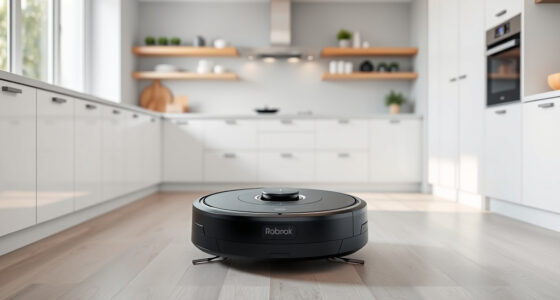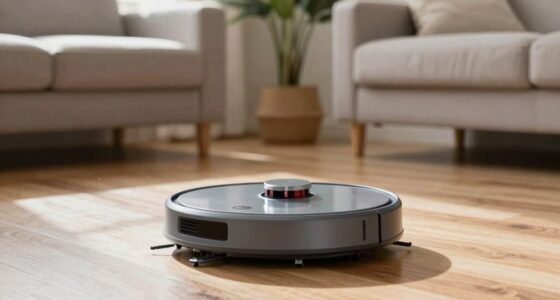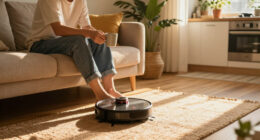
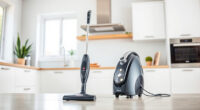
If your Roborock Q10 S5+ Robot Vacuum and Mop isn’t mopping as expected, it can be frustrating. While this model excels in both suction and sonic mopping, several issues can prevent it from performing the mopping function properly. Understanding the common causes and how to fix them is essential for maintaining your robot’s cleaning efficiency.

Get home appliances delivered free with Prime
- Fast, free delivery on millions of items
- Prime Video, Amazon Music and more included
- Member-only deals all year
In this guide, we’ll walk you through practical troubleshooting steps to resolve mopping issues safely and effectively, ensuring your floors stay spotless without unnecessary hassle.
Key Takeaways
| Check the water tank | Ensure the water tank is filled and properly installed. |
| Inspect the mop pad | Make sure the mop pad is clean, correctly attached, and not worn out. |
| Verify mopping settings | Confirm that mopping mode is enabled in the app or on the device. |
| Clean sensors and brushes | Remove any debris from sensors, brushes, and water outlet. |
| Update firmware | Keep your Roborock’s firmware updated for optimal performance. |
Check the Water Tank and Mopping Settings
- Start by inspecting the water tank. Remove it from the robot and ensure it’s filled with clean water. If the tank is empty or improperly seated, the robot won’t spray water for mopping.
- Reinstall the water tank securely, making sure it clicks into place.
- Open the Roborock app or control interface and verify that the mopping mode is enabled. Sometimes, the robot defaults to vacuum only if the mopping setting is turned off or not configured properly.
- Adjust the water flow level if your app allows, ensuring it’s set to a level suitable for your flooring type.
Addressing these basic setup issues often resolves common mopping failures.
Inspect and Clean the Mop Pad and Brush System
- Remove the mop pad and check for dirt, hair, or debris that could block water distribution or reduce mopping effectiveness.
- Wash the mop pad with mild detergent or replace it if it’s worn out or heavily soiled. The recommended reusable microfiber mop pads can be washed and reused, but should be replaced every 1-3 months for optimal performance.
- Check the main brush, side brushes, and water outlet for tangled hair or debris. Clean them with a brush or cloth, ensuring nothing obstructs water flow or movement.
- Inspect the water outlet for clogs or mineral deposits. Use a small brush or toothpick to clear any blockages.
Keeping these components clean ensures smooth mopping operation and prevents blockages that can halt water spray or movement.
Verify Proper Robot Positioning and Obstacles
- Place the robot on a flat, open floor free of obstacles, cords, or large debris that might interfere with mopping.
- Check if the robot’s sensors are clean. Wipe them gently with a soft cloth to ensure proper navigation and obstacle avoidance.
- Make sure the robot is not in a zone or restricted area that disables mopping functions.
- Run a test cleaning cycle to see if the robot begins mopping as scheduled.
Proper placement and clean sensors are crucial for the robot to perform both vacuuming and mopping efficiently.
Update Firmware and Reset if Necessary
- Ensure your Roborock device has the latest firmware installed. Check for updates via the app and follow prompts to update if available.
- If updates do not resolve the issue, perform a factory reset. Follow the manufacturer instructions for your model to reset settings and calibrate sensors.
- Reconfigure your cleaning preferences and test the mopping function again.
Firmware updates often fix bugs and improve mopping performance, while resetting can clear configuration issues that prevent water spray or movement.
Additional Tips and Important Warnings
- Always use recommended mop pads and water tanks to prevent leaks and damage.
- Regularly inspect and clean the water outlet and sensors to maintain performance.
- Avoid using harsh chemicals or abrasive cleaners on mop pads or water tanks.
- Be cautious when resetting the device; follow manufacturer instructions to avoid voiding warranties.
- If the problem persists, contact Roborock customer support for professional assistance.
Following these safety tips will prolong your robot’s lifespan and ensure safe operation.
The Products in This Guide

roborock Q10 S5+ Robot Vacuum and Mop
- ✔ Water Tank Capacity: Approx. 180ml
- ✔ Battery Life: Up to 150 minutes
- ✔ Dimensions: Approx. 13.8 x 13.8 x 3.8 inches

4 Pack Washable Filter
- ✔ Package Size: 4 filters
- ✔ Material: HEPA
- ✔ Washable: Yes
roborock Q10 S5+ Robot Vacuum and Mop
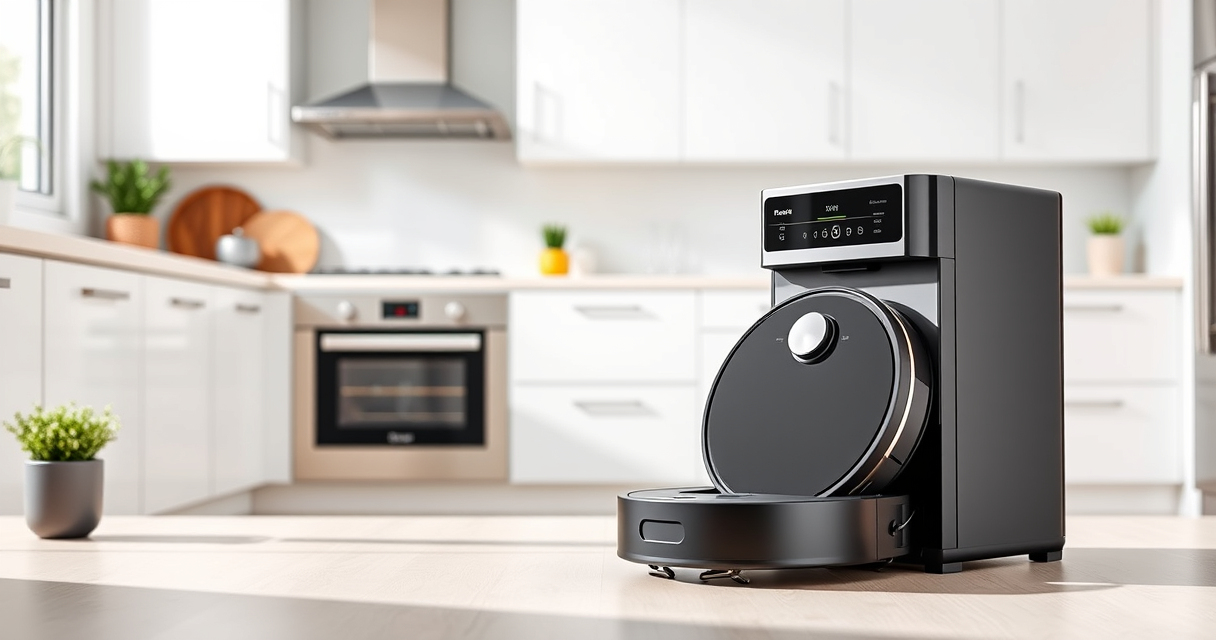
The Roborock Q10 S5+ offers powerful 10,000 Pa suction combined with Sonic Mopping for comprehensive cleaning. Its upgraded features from the Q8 Max+ include obstacle avoidance and a self-emptying station, making it ideal for busy, pet-friendly households.
Pros:
- Powerful 10,000 Pa suction
- Self-emptying station with 70 days capacity
- Obstacle avoidance technology
- Dual anti-tangle brushes
Cons:
- High initial cost
- Requires regular maintenance of water tank and mop pads
- Complex setup for new users
Best for: Large homes, pet owners, busy households needing hands-free cleaning
Not ideal for: Small apartments or users seeking only vacuuming without mopping
Bottom line: The Roborock Q10 S5+ is a versatile and powerful robot vacuum and mop, perfect for comprehensive cleaning with minimal maintenance.
4 Pack Washable Filter
These washable filters are compatible with multiple Roborock models, including the Q7, Q7 Max, Q5 Pro, and Q8 Max. They help maintain optimal suction and air quality, reducing the need for frequent replacements.
Pros:
- Cost-effective over time
- Easy to install
- Maintains suction power
- Washable and reusable
Cons:
- Requires regular cleaning
- Not OEM, but compatible
- Limited to specified models
Best for: Pet owners, allergy sufferers, budget-conscious users
Not ideal for: Models outside compatibility list or new filters required for maximum efficacy
Bottom line: These washable filters offer a cost-effective way to keep your Roborock performing at its best.
Frequently Asked Questions
Why isn’t my Roborock mopping properly?
Common causes include an empty or improperly installed water tank, dirty mop pads, blocked water outlets, or incorrect mopping settings. Follow the troubleshooting steps to identify and fix these issues.
How often should I replace the mop pads?
It’s recommended to replace or wash your microfiber mop pads every 1 to 3 months, depending on usage and dirt levels, to maintain optimal cleaning performance.
Can I use any water in the tank?
Use clean, room-temperature water in the tank. Avoid using harsh chemicals or cleaning agents, as they can damage the water outlet or sensors.
How do I update the firmware?
Connect your Roborock to the app, check for available firmware updates, and follow the prompts to install the latest version for improved performance and bug fixes.
What should I do if cleaning doesn’t resolve the problem?
If troubleshooting steps don’t fix the issue, contact Roborock customer support for assistance or consider professional servicing.
Keep Your Roborock Performing at Its Best
Regular maintenance, proper setup, and timely updates are key to ensuring your Roborock Q10 S5+ functions flawlessly, especially for mopping tasks. By following the troubleshooting tips outlined above, you can resolve most issues quickly and keep your floors spotless with minimal effort. Remember, a well-maintained robot means consistent, effective cleaning every time.
Affiliate disclosure: As an Amazon Associate we earn from qualifying purchases. Prices and availability are accurate as of the time of publishing.
NFL season / tailgating Picks
team gear
As an affiliate, we earn on qualifying purchases.