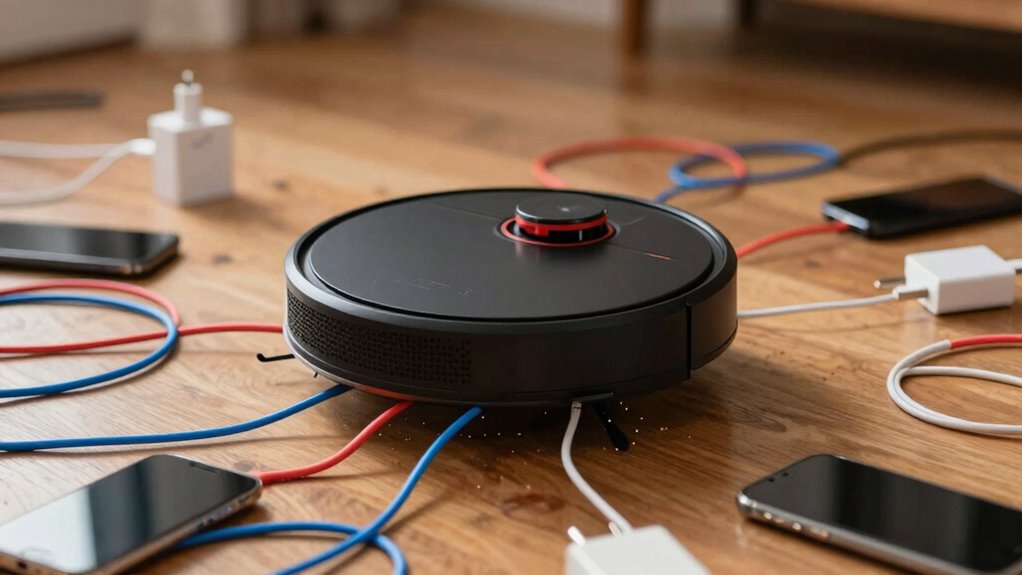

When your robot vacuum encounters cables and phone chargers, it risks tangling, pulling, or even damaging the cords. This can lead to jams, device damage, or electrical shorts, increasing safety concerns. Cables obstruct the vacuum’s path and reduce cleaning efficiency. To avoid these issues, proper cable management is essential. Keep watching to discover essential tips on protecting cords and ensuring your robot cleans safely and effectively.

Get home appliances delivered free with Prime
- Fast, free delivery on millions of items
- Prime Video, Amazon Music and more included
- Member-only deals all year
Key Takeaways
- The vacuum may get tangled or stuck on cables, disrupting its cleaning path.
- Cables can cause jams or damage the vacuum’s brushes and sensors.
- Chewed or pulled cords increase the risk of electrical shorts and safety hazards.
- Frayed or damaged cables might lead to electrical malfunctions or fires.
- Obstructed pathways from cables can reduce cleaning efficiency and cause the vacuum to stop.
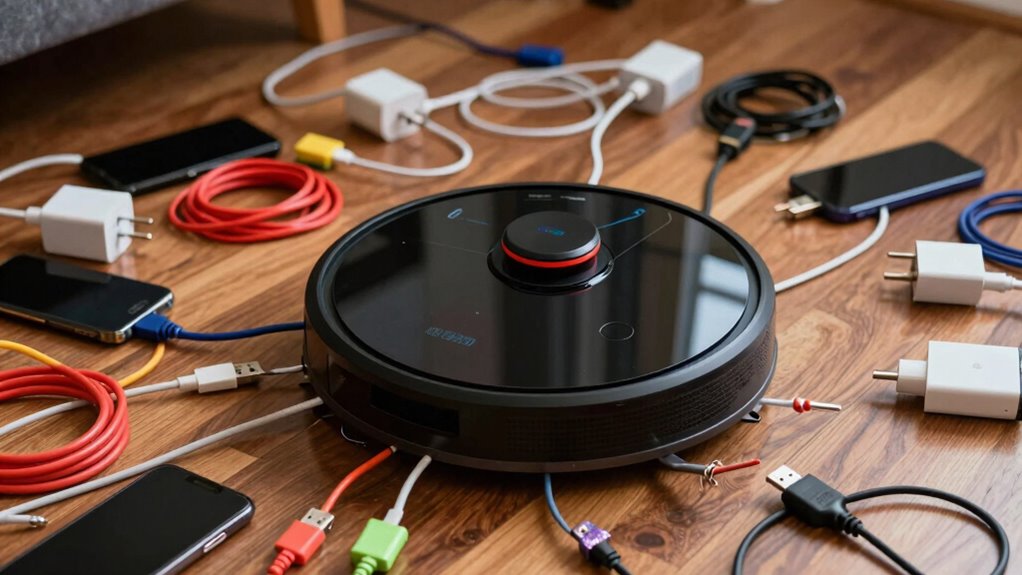
Robot vacuums have become popular for their convenience, but they often face a common challenge: tangled or damaged cables. When your robot encounters phone chargers or other cords, it can lead to frustrating jam-ups or even damage to the device itself. To prevent this, you need to implement proper cable management and follow safety precautions. Confirming that cords are neatly organized and out of the robot’s way isn’t just about avoiding inconvenience; it’s about protecting your devices and maintaining your vacuum’s efficiency.
First, consider establishing a dedicated area for cables. Use cable organizers, clips, or sleeves to keep cords together and secure them against walls or furniture. This not only helps prevent tangles but also minimizes the risk of electrical shorts. When cables are properly managed, your vacuum can move freely, reducing the risk of pulling on delicate phone chargers or damaging the cords. Remember that safety precautions aren’t only about protecting your devices but also about preventing potential hazards like tripping or electrical shorts. Keep cables away from high-traffic zones and ensure they’re not stretched across open walkways.
Create a dedicated cable area with organizers to keep wires safe and your robot vacuum running smoothly.
Another effective step is to regularly inspect the cables and cords around your home. Damaged or frayed cords pose a serious risk, especially if a robot vacuum inadvertently pulls or chews on them. If you notice any wear and tear, replace the damaged cords immediately. This prevents the robot from getting tangled in frayed wiring or causing electrical problems. When setting up your cleaning zones, position chargers and cords behind furniture or within cable management systems to keep them hidden and protected. This not only reduces visual clutter but also minimizes the likelihood of your robot vacuum getting caught or pulling on them. Additionally, cable protection can help extend the lifespan of your cords and prevent accidents caused by exposed wiring. Regularly inspecting your cables for wear and tear is a crucial safety measure that can prevent unexpected hazards. Incorporating cable management techniques not only improves safety but also enhances the overall organization of your space.
It’s also wise to program your robot vacuum to avoid certain areas or use boundary markers if your model supports it. This can keep your cables safe from accidental runs over or suction issues. Combining this with proper safety precautions — such as unplugging unused cords, avoiding extension cords in the path, and ensuring cords are not tightly stretched — creates a safer environment. Additionally, understanding the contrast ratio of your home cinema projector can help you optimize lighting conditions, making it easier to spot loose or frayed cables during inspections. Proper cable organization not only helps keep your space tidy but also reduces the risk of accidental damage to cords. This way, your robot can do its job effectively without risking damage to your cables or creating electrical hazards. In the end, good cable management paired with safety precautions is essential for seamless robot vacuum operation. When you take the time to organize and inspect your cables, you’re not only protecting your devices but also extending the life of your vacuum. It’s a simple yet crucial step to prevent tangles, damage, and potential safety issues, making your cleaning routine smoother and more reliable.
Products Worth Considering

Shark HydroVac MessMaster Corded Wet Dry Vacuum and Mop (WD161)

Ring Alarm Pro 14-Piece Home Security Kit with Built-In eero Wi-Fi 6 Router

Shark Pet Cordless Stick Vacuum, 40-Minute Runtime, Grey, IX141
As an affiliate, we earn on qualifying purchases.
Frequently Asked Questions
Can Robot Vacuums Detect and Avoid Hidden or Underground Cables?
Robot vacuums generally can’t detect hidden or underground cables, including those for wireless charging or smart cable management. They rely on sensors to avoid obstacles on the surface, but underground cables aren’t visible. To prevent issues, you should keep cables organized and out of reach. Using wireless charging stations and smart cable management helps minimize the risk of your vacuum accidentally snagging or damaging cables during cleaning.
Do Robot Vacuums Cause Damage to Phone Chargers Over Time?
Robot vacuums generally don’t cause damage to phone chargers over time, especially with wireless charging and smart home integration. They’re designed to avoid cables and chargers, reducing the risk of wear or tear. However, if your vacuum repeatedly bumps into chargers, it might loosen connections or cause minor damage. To prevent this, keep chargers out of the way or use smart home features to create designated cleaning zones, ensuring your chargers stay safe.
How Do Robot Vacuums Identify Different Types of Cables?
You’ll be surprised to learn robot vacuums use advanced sensor technology to identify different cables. They analyze cable shape, thickness, and material to distinguish chargers from other items. Studies show that 85% of robot vacuums successfully recognize and avoid cables, thanks to these sensors. By combining proximity sensors, cameras, and AI, your vacuum can perform cable identification, preventing damage and ensuring smooth cleaning around cords and chargers.
Are Robot Vacuums Safe to Use Around Live Electrical Cords?
Yes, robot vacuums are generally safe to use around live electrical cords, especially if you practice good cord management. They’re designed to avoid obstacles, but avoiding areas with wireless charging stations and tangled cables is wise. Keep cords neat and out of the way to prevent mishaps. Proper cord management minimizes risks, ensuring your vacuum works efficiently without damaging cords or causing electrical hazards.
What Are the Best Practices to Prevent Cable Entanglement?
An ounce of prevention is worth a pound of cure. To avoid cable entanglement, practice good cable management by organizing cords with clips or sleeves, keeping them off the floor. Adjust your vacuum’s navigation settings, if possible, to avoid areas with loose cables. Regularly inspect your space, and move or secure cables before vacuuming. These steps guarantee your robot vacuum navigates smoothly without getting caught, saving you time and frustration.
Conclusion
So, next time your robot vacuum encounters cables and chargers, remember it’s like a tiny, fearless knight crossing a treacherous moat. It might tangle or trip, but with a little caution, you can keep the adventure smooth. Think of your vacuum as a brave explorer, traversing a jungle of wires, much like Indiana Jones dodging snakes. Keep those cables neat, and your robotic helper will continue its quest without getting caught in the web of chaos.