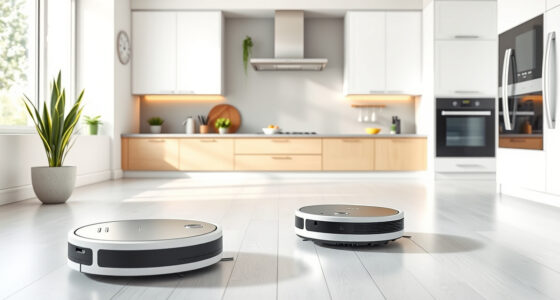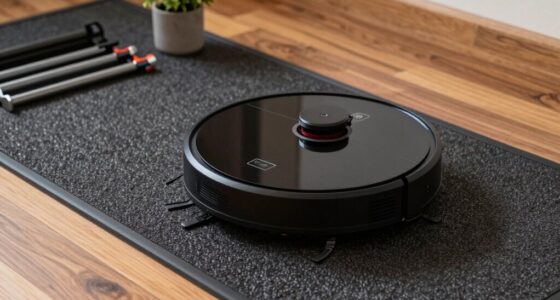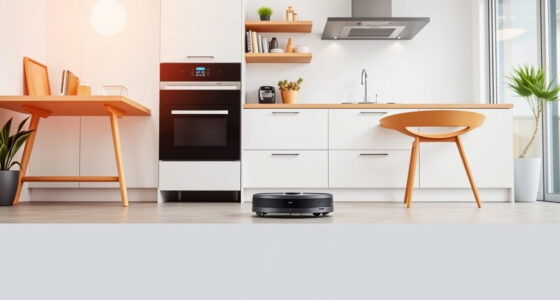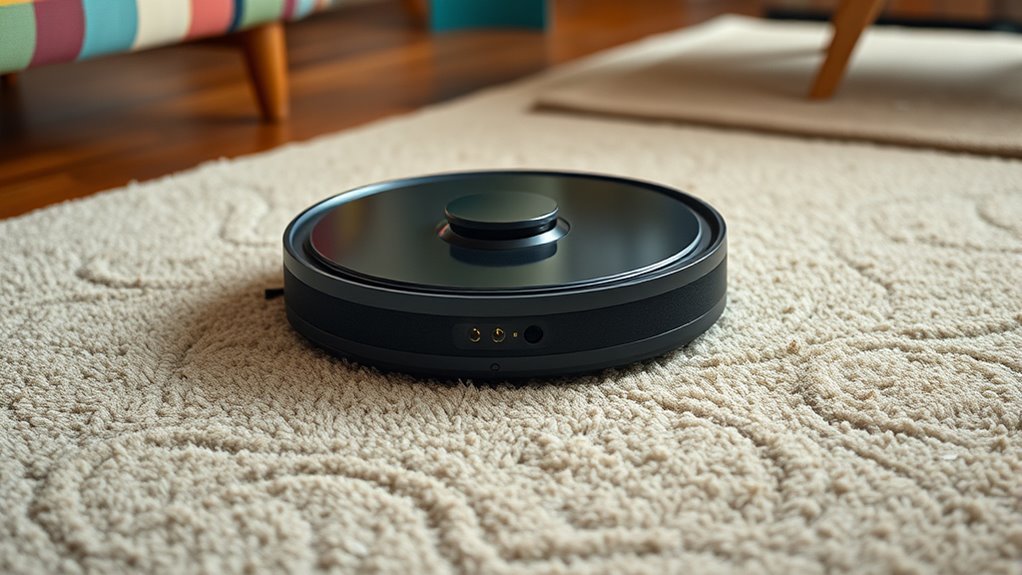

Your robot vacuum may miss spots because of sensor issues, map inaccuracies, or clutter that confuses its navigation. Dirty sensors, misplaced furniture, or reflective surfaces can cause blind spots or missed areas. Regularly clean sensors, update firmware, and clear clutter to improve its efficiency. Reposition furniture or add virtual barriers if needed. To learn more about optimizing your robot’s navigation and fixing common issues, keep exploring how to enhance its performance.
Get ready for Prime Big Deal Days — try Prime free
Exclusive member deals on October 6–7, plus fast free delivery. Cancel anytime.
As an affiliate, we earn on qualifying purchases.
Key Takeaways
- Dirty or misaligned sensors can impair obstacle detection, causing your robot to miss spots or bump into objects.
- Inaccurate maps from reflective surfaces or obstacles can lead to missed areas or repeated coverage.
- Clutter and small objects confuse sensors, resulting in uncleaned zones or avoidance of certain areas.
- Regular cleaning of sensors and updating firmware improve mapping accuracy and navigation performance.
- Rearranging furniture and setting virtual barriers help create clearer paths, reducing missed spots during cleaning.
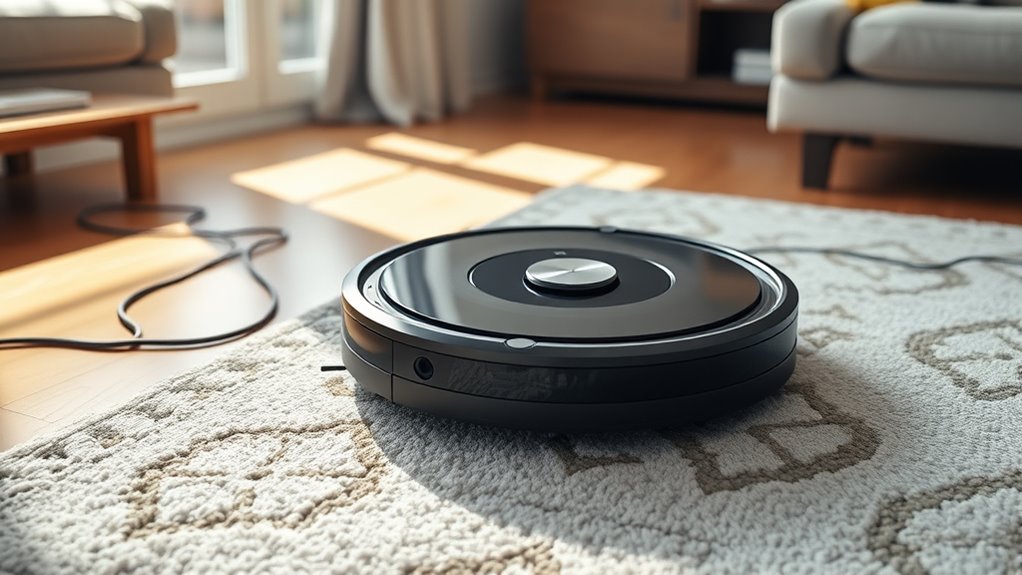
Robot vacuum navigation has revolutionized how you keep your home clean by enabling devices to move efficiently and effectively. However, despite their advanced technology, your robot can still miss spots or get stuck in certain areas. One common reason is mapping issues. When your vacuum’s navigation system struggles to create an accurate map of your space, it might overlook sections or repeatedly cover the same areas. This happens if the sensors are blocked or if the device encounters reflective surfaces like mirrors or shiny floors that confuse its sensors. Additionally, new furniture or temporary obstacles can disrupt the map, causing the robot to misjudge its path or avoid certain zones altogether.
Obstacle detection is another critical factor influencing your robot’s cleaning performance. Modern vacuums rely on sensors to identify and navigate around furniture, walls, and other objects. If these sensors are dirty, misaligned, or malfunctioning, the robot can fail to detect obstacles properly. As a result, it might bump into objects, miss cleaning behind furniture, or leave large areas untouched. Sometimes, the robot detects obstacles but then misinterprets their size or shape, leading to inefficient navigation and missed spots. For example, a cluttered room with cords, shoes, or small objects can confuse obstacle detection systems, causing the robot to avoid those areas altogether.
To fix mapping issues, start by ensuring your robot’s sensors are clean and unobstructed. Regularly wipe down the sensors with a soft cloth to prevent dirt or dust buildup. If your robot offers map editing features, use them to correct inaccuracies or redefine no-go zones. Updating the robot’s firmware can also improve its mapping capabilities by fixing bugs that affect navigation. When it comes to obstacle detection, check that all sensors are clean and functional. Clear the robot’s path of clutter and small objects that might mislead its sensors. You can also adjust the robot’s settings to increase obstacle avoidance sensitivity if your device allows it.
In some cases, physical modifications help—like placing barriers or using virtual walls to block off tricky areas. If the robot continues to miss spots despite these adjustments, consider repositioning charging stations or furniture to create clearer paths. You might also invest in a robot with better sensors or mapping technology, especially if your current device struggles with complex layouts. Remember, regular maintenance and thoughtful room arrangement go a long way in ensuring your robot navigates smoothly, detects obstacles accurately, and cleans every corner of your home. Being aware of sensor limitations can help you better troubleshoot and optimize your robot’s performance. By understanding and addressing these underlying issues, you’ll enhance your robot’s efficiency and keep your home truly spotless.
robot vacuum sensor cleaning kit
As an affiliate, we earn on qualifying purchases.
As an affiliate, we earn on qualifying purchases.
Frequently Asked Questions
How Often Should I Update My Robot Vacuum’s Firmware?
You should update your robot vacuum’s firmware whenever updates are available, ideally every 1 to 3 months. Firmware updates often include navigation improvements, helping your bot clean more thoroughly and avoid missing spots. Regular updates ensure your vacuum runs efficiently and adapts to new features. Check the manufacturer’s app or website frequently to stay current, and install updates promptly for maximum performance.
Can Pets Interfere With My Robot Vacuum’s Navigation?
Yes, pets can interfere with your robot vacuum’s navigation, especially if they’re curious or playful. Pet behavior like moving around or jumping can confuse obstacle detection sensors, causing missed spots or navigation errors. To fix this, try training your pets to stay clear during cleaning, or use virtual barriers. Regularly check sensor cleanliness, so your vacuum can better detect obstacles, including lively pets, ensuring thorough cleaning.
What’s the Best Way to Schedule Cleaning for Optimal Coverage?
To schedule your robot vacuum for ideal coverage, use timing strategies that align cleaning times with high-traffic periods, like mornings or evenings. Enable zone cleaning to target specific areas needing extra attention. Set recurring schedules to maintain consistent cleanliness, and consider dividing your space into zones for thorough, efficient coverage. This approach ensures your vacuum maximizes cleaning performance while fitting seamlessly into your daily routine.
How Do I Prevent My Robot From Getting Stuck Under Furniture?
Did you know that 60% of robot vacuum issues stem from furniture clearance problems? To prevent your bot from getting stuck, make sure there’s enough clearance under furniture—at least 3 inches. Use obstacle detection features and regularly check for low-hanging objects. Adjust the robot’s path settings if needed, and consider placing barriers or bumpers to guide it away from tight spots. This keeps it moving smoothly and avoids jams.
Are There Specific Floor Types That Challenge Robot Navigation More?
Hard floors and thick carpets can challenge your robot’s navigation. Hard floors may cause slipping or missed spots if sensors aren’t calibrated properly, while carpets with high pile can trap debris or block sensors, making navigation tricky. To improve performance, guarantee your robot has appropriate settings for different surfaces, clean sensors regularly, and consider boundary markers or virtual walls to guide it around tough areas.
As an affiliate, we earn on qualifying purchases.
Conclusion
Don’t let missed spots sabotage your spotless space. By understanding your robot vacuum’s navigation nuances, you can troubleshoot and tame tricky terrains. Regularly recalibrate, clear clutter, and keep sensors sparkling—these small steps make a significant difference. Stay savvy with your smart cleaner and see your space shine. Simple solutions, strategic steps, and steadfast support guarantee your bot’s cleaning spree stays smooth and spotless, leaving no nook or cranny unnoticed.
robot vacuum mapping correction tools
As an affiliate, we earn on qualifying purchases.
As an affiliate, we earn on qualifying purchases.
robot vacuum obstacle detection sensors
As an affiliate, we earn on qualifying purchases.
As an affiliate, we earn on qualifying purchases.
Fall yard work Picks
leaf blowers
As an affiliate, we earn on qualifying purchases.