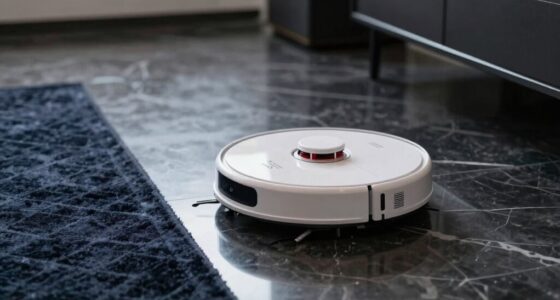

To store your robot vacuum for weeks, make sure the battery is charged to 50-60% and remove the removable battery for separate storage in a cool, dry place. Clean all dust, hair, and debris from brushes and sensors, and keep it in an upright position in a cool, dry location away from direct sunlight and heat. Avoid placing heavy objects on top. For more tips on extending your vacuum’s lifespan during storage, keep exploring.
Play games included with Prime
Start a Prime free trial and play with Amazon Luna on your devices.
As an affiliate, we earn on qualifying purchases.
Key Takeaways
- Charge the battery to 50-60% before storage and avoid overcharging or full depletion.
- Store the vacuum in a cool, dry, dust-free environment away from direct sunlight and heat sources.
- Clean brushes, sensors, and components thoroughly, ensuring the device is completely dry.
- Keep the vacuum upright and avoid placing heavy objects on top to prevent damage.
- Remove and store the battery separately in a cool, dry place for prolonged periods.
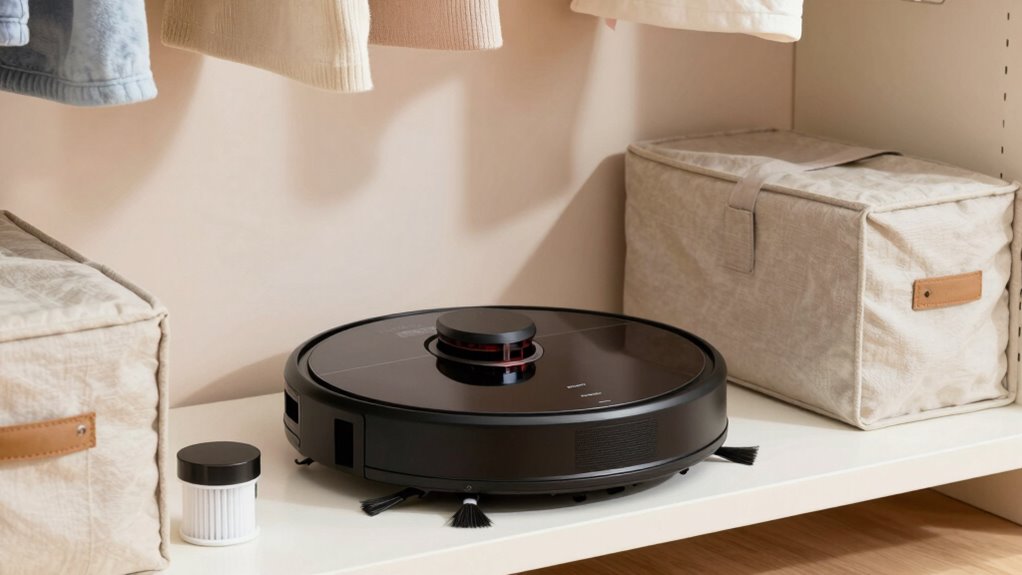
When you’re not using your robot vacuum for weeks, proper storage is essential to keep it in good condition. One of the most important aspects is battery maintenance. If you leave the battery fully charged or completely drained for an extended period, it can degrade and reduce the vacuum’s lifespan. To prevent this, charge the battery to around 50-60% before storing it. This level helps preserve the battery’s health and prevents it from becoming unusable over time. If your robot vacuum has a removable battery, consider taking it out and storing it separately in a cool, dry place. Otherwise, keep the vacuum plugged into a charger for a short period before storage, but avoid leaving it plugged in continuously, as overcharging can harm the battery.
Charge the battery to 50-60% before storage to preserve its health and extend your robot vacuum’s lifespan.
The storage location you choose plays a crucial role in maintaining your robot vacuum’s longevity. Find a cool, dry spot away from direct sunlight or heat sources. Extreme temperatures can damage internal components and affect the battery’s performance. Avoid damp areas where moisture could cause corrosion or short circuits. If possible, store the vacuum in a dedicated container or on a shelf where it won’t be knocked over or exposed to dust and debris. Keeping it in a clean, dust-free environment also prevents buildup that could interfere with sensors or moving parts. Proper storage practices help sustain the overall health of your device. Additionally, it’s helpful to understand battery care to ensure optimal performance over time.
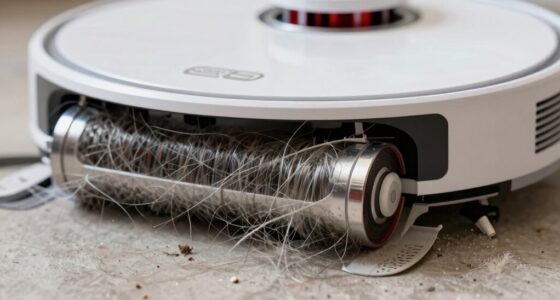
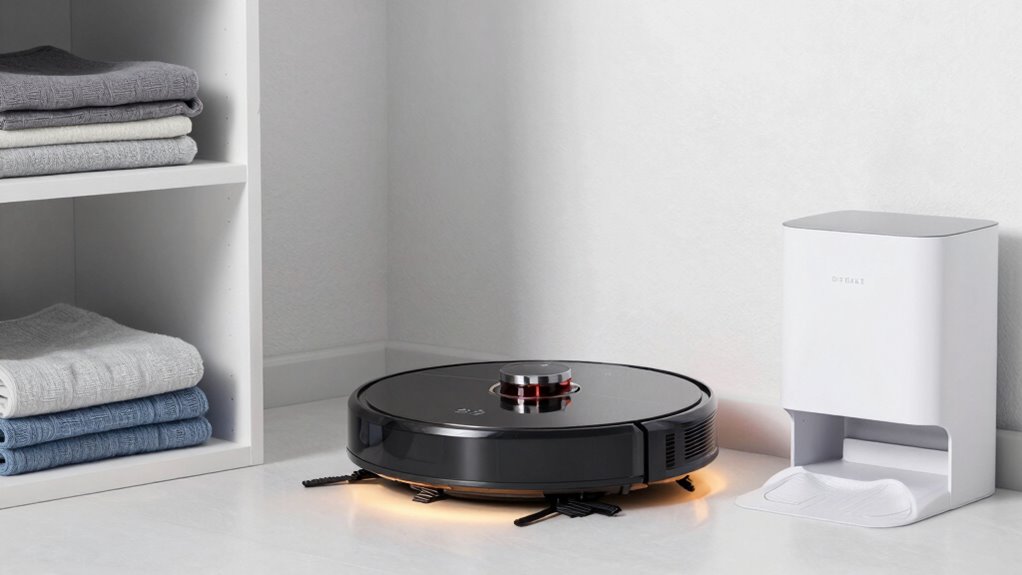
Before storing, make sure to clean the robot thoroughly. Remove any hair, dust, or debris from brushes and sensors to prevent buildup, which could lead to malfunctions or decreased performance when you start using it again. Also, ensure that the vacuum is completely dry before placing it in storage to avoid mold or corrosion. If your model has a docking station, unplug it and store it separately, especially if you won’t be using the vacuum for a long period.
When storing your robot vacuum, avoid placing heavy objects on top of it or in tight spaces that might crush or distort its shape. Keep it upright if possible, as this helps maintain the integrity of the brushes and wheels. Regularly check on it during extended storage periods, especially if you notice any signs of corrosion or battery swelling. Following these steps ensures your robot vacuum stays in optimal condition and is ready to clean when you need it again. Proper storage isn’t just about putting it away—it’s about caring for its components so it performs reliably for years to come.
As an affiliate, we earn on qualifying purchases.
Frequently Asked Questions
How Often Should I Fully Charge My Robot Vacuum Before Storage?
You should fully charge your robot vacuum before storage to guarantee proper battery calibration. Aim for a complete charge, then follow a regular charging schedule—about once a month—if not in use for several weeks. This prevents battery degradation and maintains peak performance. Avoid letting the battery completely drain, as it can damage the cells. Consistent charging helps keep the battery healthy and ready when you need it again.
Can I Store My Robot Vacuum in a Humid Environment?
Storing your robot vacuum in a humid environment is like leaving a sponge in water; it can cause damage. Humidity concerns are real, so avoid damp storage environments. Instead, choose a cool, dry place with low humidity to prevent internal components from rusting or molding. Proper storage protects your vacuum’s sensors and batteries, ensuring it remains functional when you need it again. Always store it in a well-ventilated area.
What Are the Signs of Battery Degradation After Long-Term Storage?
After long-term storage, signs of battery degradation include reduced runtime, slower charging, and difficulty holding a charge. To prevent this, you should perform proper battery maintenance and keep your storage environment cool and dry. If you notice these signs, consider replacing the battery. Regularly check the battery’s condition during storage and avoid exposing it to extreme temperatures, which can accelerate degradation and shorten its lifespan.
Should I Clean the Brushes Before Storing the Robot Vacuum?
Did you know that properly maintaining brushes can extend your robot vacuum’s lifespan by up to 30%? Before storage, you should clean the brushes to remove hair, dust, and debris, ensuring they stay in good condition. Choose a dry, cool storage location away from sunlight. Brush maintenance prevents damage, and a clean vacuum stores better, so your robot is ready to go when you need it again.
Is It Necessary to Update Firmware Before Storing the Device?
Yes, you should perform a firmware update before storing your robot vacuum. Updating the firmware guarantees your device has the latest features and security patches, which can help prevent issues during storage. Also, consider the storage environment; keep it in a cool, dry place away from direct sunlight. A firmware update combined with a proper storage environment maintains your vacuum’s performance, making it ready for use when you need it again.
robot vacuum cleaning brushes and sensors
As an affiliate, we earn on qualifying purchases.
As an affiliate, we earn on qualifying purchases.
Conclusion
Now that you know the essential steps to store your robot vacuum properly, imagine the peace of mind you’ll have knowing it’s ready to go when you need it most. But beware—neglecting proper storage might lead to surprises when you least expect them. Will your vacuum be waiting in perfect condition, or could hidden issues lurk beneath? The choice is yours, and the next time you power it up, you’ll see if your storage method really paid off.
As an affiliate, we earn on qualifying purchases.
removable battery for robot vacuum
As an affiliate, we earn on qualifying purchases.
As an affiliate, we earn on qualifying purchases.
Fall yard work Picks
leaf blowers
As an affiliate, we earn on qualifying purchases.