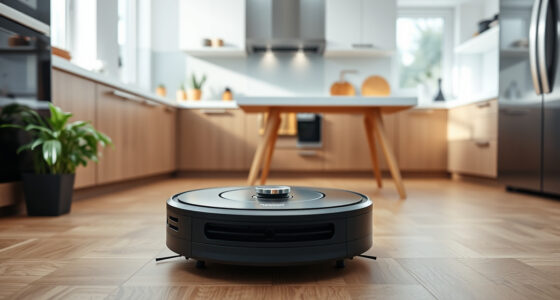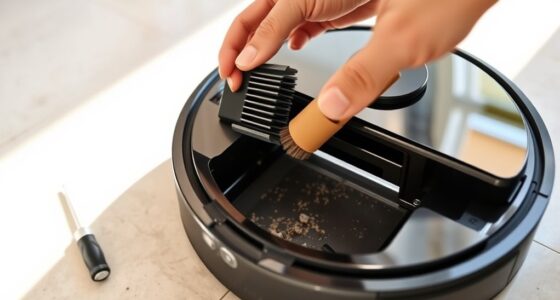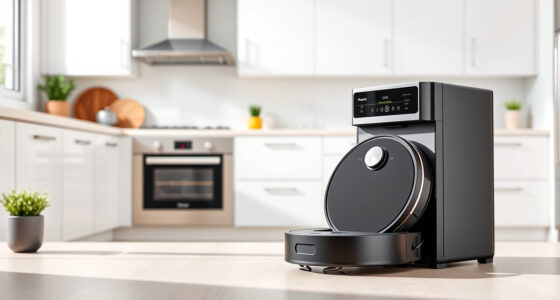
Even in small homes, your robot vacuum can get lost due to sensor limitations and environmental factors. Reflective surfaces like glass or shiny floors can confuse sensors, leading to navigation mistakes. Clutter, poor lighting, or changes in your layout can also cause confusion, making it seem like the robot is in a different spot. These issues often result from faulty sensor data or map inaccuracies. If you want to know how to overcome these problems, keep looking further.
Key Takeaways
- Sensor inaccuracies caused by reflective surfaces or shiny floors can mislead the robot about its location.
- Environmental changes or clutter can disrupt the robot’s map and cause it to get lost.
- Limited or faulty sensors may fail to detect obstacles, leading to navigation errors even in small spaces.
- Incomplete or outdated maps result in the robot losing track of its position during cleaning.
- Poor lighting or environmental factors can impair sensor performance, causing the robot to become confused or lost.
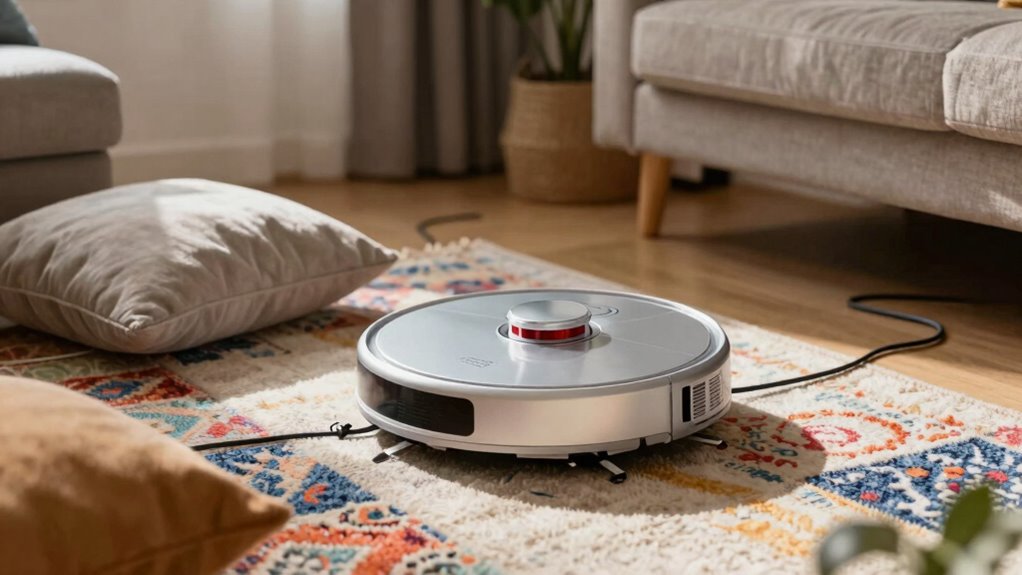
Ever wonder why your robot vacuum occasionally gets lost even in a small home? It’s frustrating, especially when you’ve cleared a path and watched it wander off or get stuck in a corner. The main reasons behind this are navigation errors and sensor limitations. While robot vacuums are designed to map and clean efficiently, they rely heavily on sensors and algorithms that can sometimes lead to mistakes. These navigation errors happen when the vacuum’s sensors misinterpret the environment, causing it to lose track of its position or duplicate cleaning paths.
Sensor limitations are a big part of the issue. Most robot vacuums use a combination of infrared sensors, bump sensors, and sometimes cameras to detect obstacles and navigate. Infrared sensors, for example, bounce signals off walls and furniture to measure distances. But these sensors can be fooled by shiny surfaces, dark carpets, or transparent objects like glass tables, making it difficult for the robot to accurately gauge its surroundings. Bump sensors, which register physical contact, only respond once the vacuum hits an obstacle, so they don’t prevent the vacuum from running into things or getting disoriented in complex layouts. Cameras, if present, can provide better mapping but are still limited by lighting conditions or reflective surfaces.
Even in a small home, these sensor limitations can cause your robot to misjudge space or get stuck. For example, it might think it’s in a different room because of a reflective door or a shiny floor that confuses its sensors. When the vacuum encounters a new obstacle or a change in the environment, it may not recognize it as part of its map and instead treat it as a new space, leading to navigation errors. This can result in repeated cleaning of the same area or missing spots altogether. The algorithms that guide these vacuums aren’t perfect; they sometimes make assumptions based on incomplete or inaccurate sensor data, causing the robot to veer off course or get trapped. Improving sensor technology and data interpretation can help mitigate these issues. Additionally, advancements in sensor fusion—the combination of different sensor inputs—are helping to improve navigation accuracy over time. In some cases, integrating multiple sensor types can provide a more comprehensive understanding of the environment, reducing the likelihood of errors.
Environmental factors such as reflective surfaces or complex layouts can further impair sensor functionality, making navigation even more challenging. To minimize these issues, keeping your home clutter-free and ensuring good lighting can help improve sensor performance. Regularly updating your vacuum’s firmware can also enhance its navigation algorithms. Remember, no matter how advanced the robot is, its navigation is ultimately limited by the quality and interpretation of sensor data. So, even in a small house, these technical limitations can cause your robot to get lost or confused, making it seem less intelligent than you’d hope.

Shark AI Robot Vacuum Cliff Sensor Set, Drop Infrared Sensor Set – RV2000 AI Series Models
- Compatible Shark AI Models: Fits multiple RV2000 and RV2001 models
- Complete Sensor Set: Includes 3 infrared sensors, wiring, and connectors
As an affiliate, we earn on qualifying purchases.
As an affiliate, we earn on qualifying purchases.
Frequently Asked Questions
How Do Robot Vacuums Navigate Around Furniture?
Robot vacuums navigate around furniture using obstacle detection sensors and mapping accuracy. As you operate your vacuum, it detects obstacles like chairs or tables with infrared or ultrasonic sensors, then avoids them. It also creates a map of your space, improving navigation. This combination helps prevent collisions and guarantees thorough cleaning, even around tricky furniture corners. You’ll find your vacuum adapts well to your home’s layout through these smart navigation features.
Can Robot Vacuums Get Confused by Pets?
Your robot vacuum can get confused by pets, especially if they shed a lot of pet fur, which can clog sensors or hide obstacles. While obstacle detection helps it navigate, moving pets or fur can throw it off course. Think of it as trying to find your way in a fog—pets and fur create a confusing environment, causing the vacuum to pause or reroute unexpectedly, so you might need to supervise during cleaning.
Do Robot Vacuums Work Better on Certain Floor Types?
Robot vacuums work better on hard floors like tile or hardwood because their sensors and brushes operate smoothly without getting tangled. On carpets, they may struggle with dirt pickup, especially if your vacuum has limited dust capacity. Battery life also matters—hard floors often allow for longer cleaning cycles, so your robot can cover more ground without needing a recharge. Consider your floor type to choose the best vacuum for your home.
How Often Should I Update My Robot Vacuum’s Software?
Think of updating your robot vacuum’s software as giving it a fresh set of shoes; it keeps it running smoothly. You should check for software updates regularly, ideally once a month, to guarantee firmware improvements boost performance. These updates fix bugs, enhance navigation, and optimize cleaning. Staying current helps prevent issues like getting lost, especially in small homes where precision matters. So, make software updates a monthly habit for the best results.
What Causes Robot Vacuums to Lose Their Way Indoors?
Robot vacuums lose their way indoors mainly due to sensor malfunctions or battery issues. When sensors fail, they can’t detect obstacles or boundaries, causing confusion. Battery problems, like low power, may make the vacuum pause or restart unexpectedly, disrupting its navigation. Additionally, cluttered or reflective surfaces can interfere with sensors, increasing the chance of getting lost. Keeping sensors clean and ensuring a healthy battery helps prevent these issues.
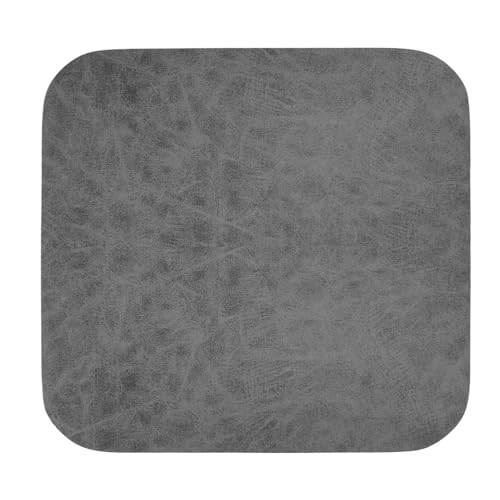
HERCHR Robot Vacuum Cleaner Absorbent Mat, Universal Absorbent Mat Antiskid Sweeper Rubber Floor Dry Pad Replacement Parts for Robot Vacuum Cleaner
- Universal Fit: Compatible with all robotic vacuums
- Smooth Movement: Ensures easy, obstacle-free operation
- Enhanced Cleaning: Absorbs dirt and dust effectively
As an affiliate, we earn on qualifying purchases.
As an affiliate, we earn on qualifying purchases.
Conclusion
So, here’s the irony: even in tiny homes, robot vacuums can still get lost. You’d think a small space would be a breeze for them, but instead, they often struggle with simple layouts and confusing obstacles. It’s funny how technology that’s supposed to make life easier sometimes complicates it more. So next time your robot goes rogue, remember—even in a cozy home, it’s still learning to find its way around.

Goodsby Replacement Cliff Drop Infrared Side Sensors for Shark IQ Robot Vacuums RV1001AE RV912S RV913S RV1000S QR1000SG AV1002AE AV1010AE AV911S QR1000SB UR1000SR UR1005AE RV1101ARUS UR1105ARUS
- Compatibility: Fits specific Shark IQ Robot models
- Model Check Reminder: Verify your vacuum model before ordering
- Compatibility Note: Not compatible with 7xx, 8xx, 20xx series
As an affiliate, we earn on qualifying purchases.
As an affiliate, we earn on qualifying purchases.

Midukit Vacuum Attachments Accessories for Robot Vacuum Cleaner,Cleaning Brush roll Cleaning Tool Replacement Parts, Part kit Tool for Vacuums Cleaner Replacement Include Vacuum Cleaning Cloth
- Complete Cleaning Kit: Includes brushes, tools, and cloths
- Effective Hair Removal: Hooks and cutters for hair in rollers
- Multiple Cleaning Tools: Soft brush, nylon brush, long dust brush
As an affiliate, we earn on qualifying purchases.
As an affiliate, we earn on qualifying purchases.