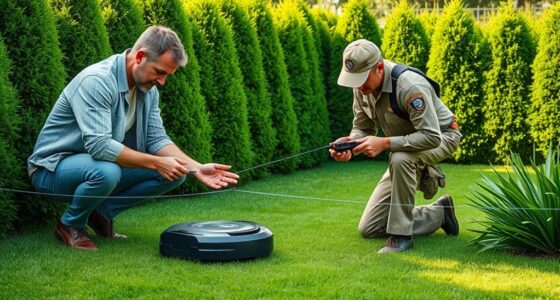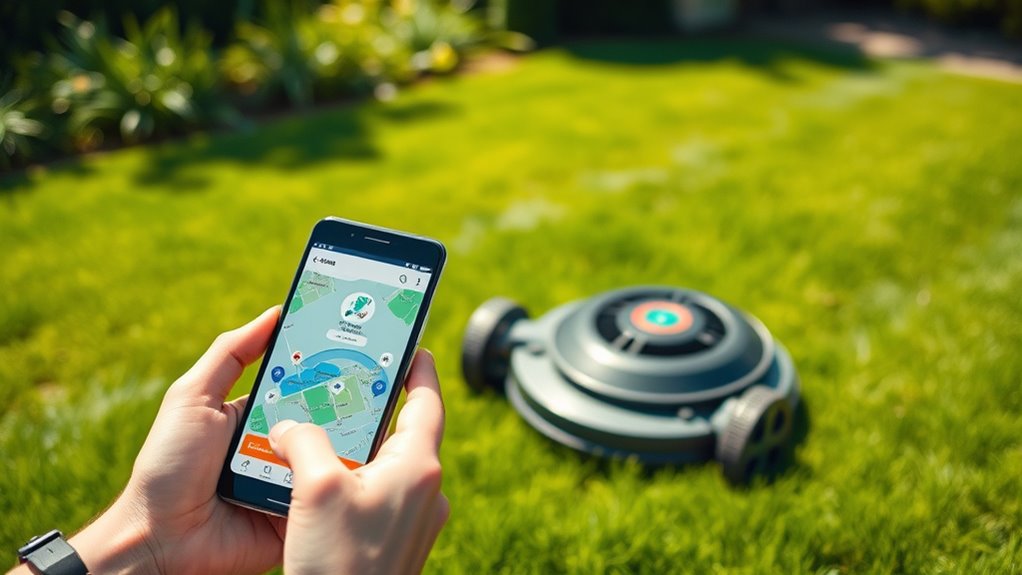

Using a smartphone app to control your robot mower lets you easily manage mowing tasks remotely, offering convenience and peace of mind. With intuitive controls, you can start, stop, or schedule sessions from anywhere, while safety features like geofences and obstacle alerts help prevent accidents. Compatibility with your mower model and smart home integration enhances safety and efficiency. To discover how to optimize your setup and enjoy seamless lawn care, explore more tips below.
Key Takeaways
- Use compatible smartphone apps to start, stop, and schedule mowing sessions remotely for convenient yard management.
- Ensure the app includes safety features like geofencing and obstacle detection to prevent accidents.
- Confirm the app supports your specific robot mower model and operating system (iOS or Android).
- Integrate your mower app with smart home systems for seamless automation and enhanced control.
- Maintain secure, reliable app connections to ensure safe, efficient remote operation of your robot mower.

Smartphone control has transformed the way you manage everyday tasks, allowing you to operate devices, access information, and automate routines with just a few taps. When it comes to robot mowers, this convenience means you can oversee lawn care from anywhere, ensuring your yard looks perfect without manual effort. Using an app, you can start, stop, and schedule mowing sessions, giving you flexibility and peace of mind. But as you embrace this technology, it’s essential to consider factors like robot safety and app compatibility. These elements ensure your experience is not only seamless but also secure.
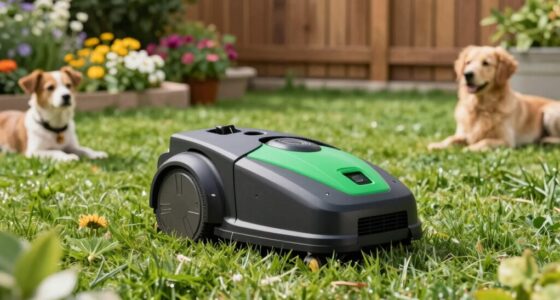
Robot safety is a top priority when controlling your mower remotely. Modern apps are equipped with safety features designed to prevent accidents. You might find options to set geofences, which keep the mower within designated boundaries, or enable obstacle detection alerts that stop the machine if something’s in its path. These safety measures help you avoid mishaps and protect children, pets, and your property. When selecting an app, verify that it offers robust safety controls, so you’re confident that your mower reacts appropriately in various situations. Compatibility with safety standards ensures your device responds reliably, giving you peace of mind during remote operation.
Robot safety features like geofences and obstacle alerts ensure secure remote mower control.
App compatibility is another critical factor to take into account. Not all smartphone apps work with every robot mower, so you need to ensure the app you choose is compatible with your specific model. Compatibility extends beyond just the device brand; it also includes your phone’s operating system—whether iOS or Android. An app that’s compatible with your device guarantees a smooth connection, quick updates, and reliable performance. Look for apps that are regularly updated, as this indicates ongoing support and improvements, including new features that enhance safety and usability. The app should also be user-friendly, with intuitive controls and clear instructions, making it easy for you to manage your mower from your phone. Additionally, ensuring your mower has safety features can further enhance your remote control experience.
In addition, a compatible app often offers integration with other smart home devices, allowing you to create routines that automate your lawn care seamlessly. This integration can include weather sensors or voice commands, further simplifying your outdoor maintenance. Ensuring the app’s compatibility with your existing tech ecosystem means you can control your mower alongside other smart devices effortlessly.
Ultimately, the combination of strong robot safety features and reliable app compatibility creates a smarter, safer mowing experience. You get the convenience of remote operation without compromising safety or functionality. By choosing an app that aligns with your mower’s specifications and supports safety protocols, you’re making sure your remote control experience is efficient, secure, and enjoyable. This way, you can keep your lawn pristine while feeling confident that your technology is working for you, not against you.
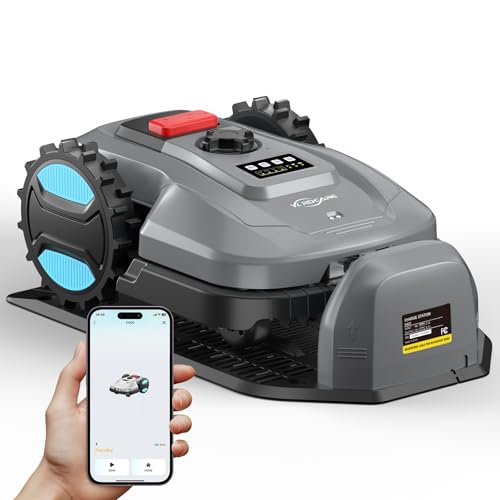
Robot Lawn Mower with App Control – Adjustable Cutting Height, Auto-Charging, Obstacle Detection & Smart Scheduling – Ideal for Lawns up to 1/8 Acre
- App Control & Brushless Motor: Manage mowing via mobile app with quiet motor
- Collision Detection System: Automatically avoids obstacles for safe operation
- Auto Charging & Weatherproof: Returns to dock when low or rainy, IPX5 rated
As an affiliate, we earn on qualifying purchases.
As an affiliate, we earn on qualifying purchases.
Frequently Asked Questions
Can I Control Multiple Robot Mowers With a Single App?
Yes, you can control multiple robot mowers with a single app if it supports multi mower management. Most modern apps allow for seamless app synchronization, enabling you to easily switch between mowers or manage them simultaneously. Just make sure your mowers are compatible with the app, and you follow the setup instructions. This makes managing your lawn effortless, giving you centralized control over all your mowers from one convenient interface.
What Security Measures Protect Remote Access to My Mower?
You’re protected by robust security measures like encryption protocols that secure your data during remote access, preventing unauthorized interception. User authentication ensures only you can control your mower, requiring secure login credentials or multi-factor authentication. Regular firmware updates also patch vulnerabilities, keeping your system safe. Always use strong, unique passwords and avoid public Wi-Fi to bolster security. These steps help safeguard your mower from potential cyber threats.
Is There a Battery Life Indicator in the App?
Think of your app as your mower’s personal health monitor. Yes, it shows a battery life indicator, keeping you in the loop like a trusted friend. You’ll receive app notifications when the battery status drops, so you can recharge before any trouble. This keeps your mower humming smoothly and guarantees you’re always aware of its power levels, giving you peace of mind while managing it remotely.
How Does the App Handle Firmware Updates?
When you need a firmware update, the app sends you notifications about available updates and guides you through the process. You simply tap the update button, and the app handles the firmware update process seamlessly, ensuring your mower stays current with the latest features and fixes. This straightforward approach keeps your robot mower running smoothly and securely, minimizing downtime and maximizing convenience for you.
Can I Set Custom Mowing Schedules via the App?
Yes, you can set custom mowing schedules via the app. It allows you to easily create and modify your preferred mowing times, giving you full control over your robot mower’s routine. With app scheduling, you can customize mowing sessions to fit your lifestyle, ensuring your lawn stays tidy without manual intervention. Simply open the app, navigate to the scheduling section, and set your desired times for peak mowing flexibility.

Neobitat N500 AI Vision Robot Lawn Mower, No Wire No RTK Robot Mower with Auto Mapping & AI Obstacle Avoidance, Smart App Control, 42% Slope, Robotic Lawn Mower for Small Lawns
- No Wires or RTK Needed: Automatic setup for small lawns up to 500 sqm
- Advanced AI Navigation: Identifies 300+ obstacles with HDR camera
- Real-Time Obstacle Avoidance: Effortlessly avoids toys, pets, and garden items
As an affiliate, we earn on qualifying purchases.
As an affiliate, we earn on qualifying purchases.
Conclusion
With smartphone control, you can effortlessly steer your robot mower from anywhere, making lawn care more convenient than ever. Imagine never worrying about missed patches or uneven trimming again—your device puts the power right in your hands. Isn’t it time you embraced the future of gardening? By simply tapping your screen, you gain precision and peace of mind. So, why not take control and transform your lawn routine today?
Neobitat N500 AI Vision Robot Lawn Mower, No Wire No RTK Robot Mower with Auto Mapping & AI Obstacle Avoidance, Smart App Control, 42% Slope, Robotic Lawn Mower for Small Lawns
- No Wires or RTK Needed: Automatic setup for small lawns up to 500 sqm
- Advanced AI Navigation: Identifies 300+ obstacles with HDR camera
- Real-Time Obstacle Avoidance: Effortlessly avoids toys, pets, and garden items
As an affiliate, we earn on qualifying purchases.
As an affiliate, we earn on qualifying purchases.

Shock Alert PRO
- Product Name: Shock Alert PRO
- Function: Electrical Voltage Detector for Pools and Lakes
As an affiliate, we earn on qualifying purchases.
As an affiliate, we earn on qualifying purchases.