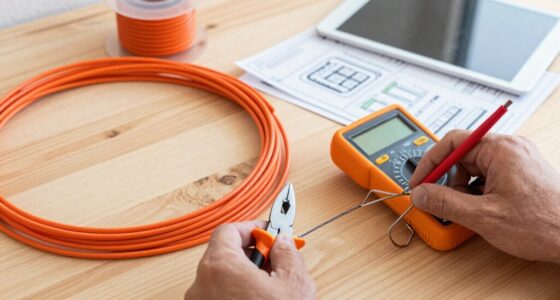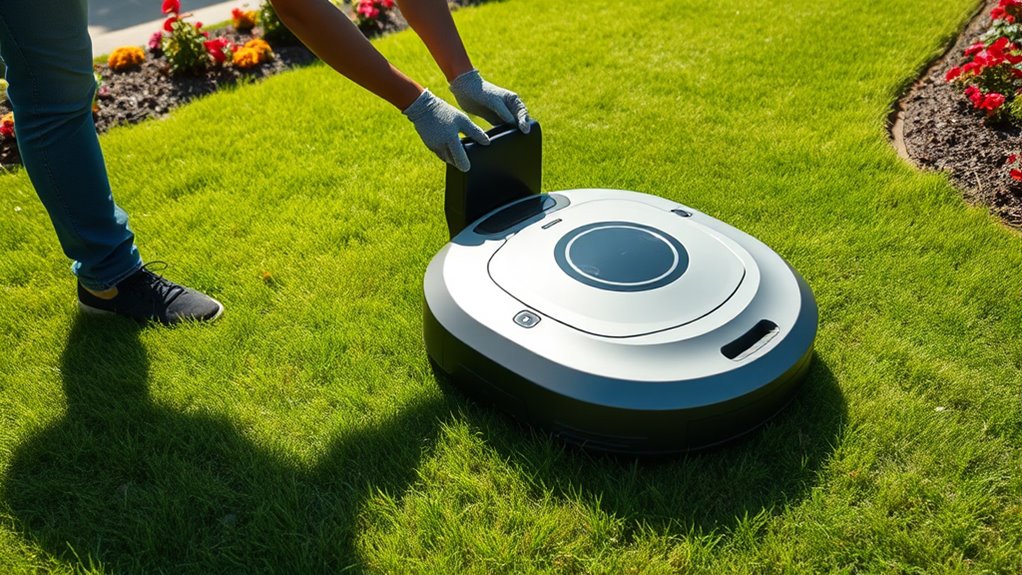

To set up your robotic lawn mower, start by unboxing it, reading the manual, and ensuring all parts are intact. Clear your lawn of debris, obstacles, and toys, then install boundary wires around the perimeter and any obstacle zones. Connect the mower to Wi-Fi or the app for configuration, calibrate its sensors, and run a test to verify proper navigation and safety features. If you plan to continue, you’ll find detailed steps to make setup smooth and effective.
Prime for Young Adults — start your free trial
Fast free delivery, streaming and member deals for eligible 18–24 year olds.
As an affiliate, we earn on qualifying purchases.
Key Takeaways
- Unbox components, read the manual, and handle parts carefully for proper initial setup.
- Prepare the lawn by clearing obstacles, trimming grass, and marking boundaries with wires or flags.
- Install boundary wires around the lawn perimeter and obstacle zones, securing them properly.
- Connect the mower to Wi-Fi, pair via app, and test boundary signals and safety features.
- Adjust mowing schedules, monitor initial operation, and refine settings for optimal performance.
robotic lawn mower boundary wire kit
As an affiliate, we earn on qualifying purchases.
As an affiliate, we earn on qualifying purchases.
Unboxing and Reading the User Manual
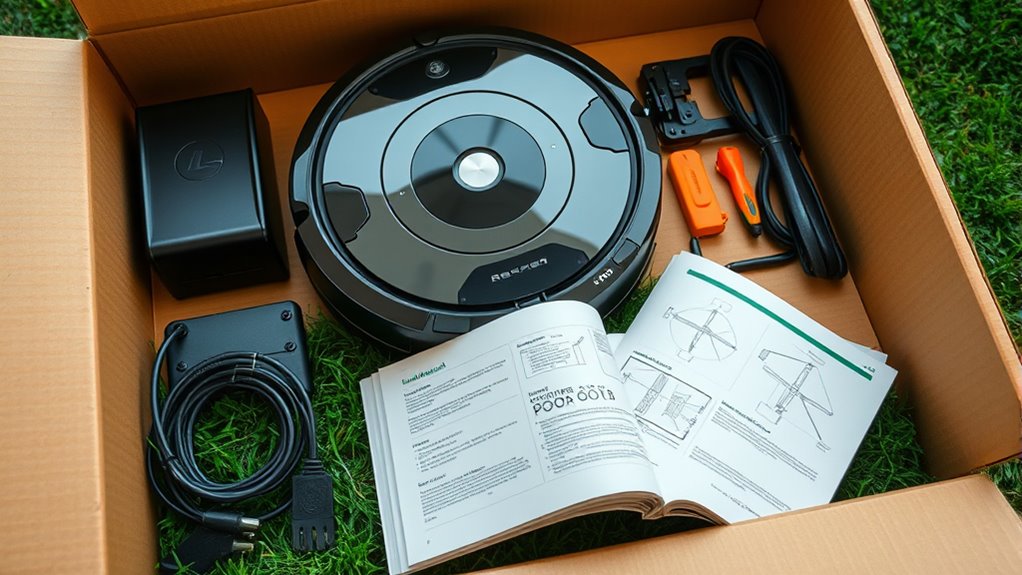
When you unbox your robotic lawn mower, take a moment to carefully examine everything inside the package. Check the robotic mower features, such as safety sensors, blade protection, and navigation systems, to familiarize yourself with its capabilities. Before proceeding, read the user manual tips thoroughly—these instructions will help you understand proper setup and operation. Pay attention to safety warnings, recommended maintenance, and troubleshooting advice. Handling the components with care ensures longevity and peak performance. Make sure all parts, like charging stations or boundary wires, are present and undamaged. Taking these initial steps ensures you’re well-prepared to correctly set up your mower and maximize its efficiency from the start. Clear understanding now saves time during installation later.
automatic lawn mower app controller
As an affiliate, we earn on qualifying purchases.
As an affiliate, we earn on qualifying purchases.
Preparing Your Lawn for Setup
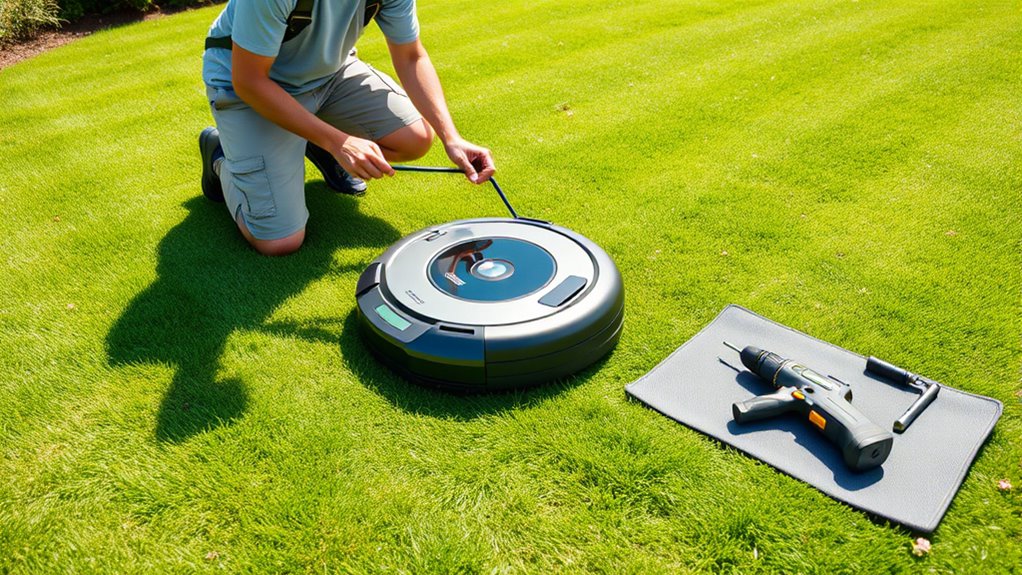
Before setting up your robotic mower, you need to prepare your lawn to make certain of smooth operation. Start by clearing the mowing area of debris and tall grass, then mark the boundaries to keep the mower within your yard. Finally, check for any obstacles like garden furniture or uneven patches that could interfere with its movement.
Clear the Mowing Area
Clearing the mowing area is essential to guarantee your robotic lawn mower operates efficiently and safely. Start by examining your garden layout and removing any debris, toys, or obstacles that could interfere with mowing. Trim tall grass to a consistent mowing height, ensuring the mower can handle the terrain smoothly. Clear away rocks, sticks, and pet waste that might damage the blades or cause jams. It’s also helpful to prune low-hanging branches or plants that could block the mower’s path. A tidy, obstacle-free lawn allows the mower to work more effectively, reducing the risk of errors or damage. Taking these steps before setup guarantees your robotic mower will maintain your lawn properly without interruption.
Mark Lawn Boundaries
Marking your lawn boundaries clearly is the next step to make certain your robotic mower stays within the designated area. Proper boundary fencing or markers help define your lawn segmentation, preventing accidental trips onto flower beds or driveways. You can use physical boundary wire, flags, or existing fencing to create clear limits. Consider the following options:
| Boundary Fencing Options | Advantages |
|---|---|
| Physical boundary wire | Invisible, neat, customizable |
| Garden edging or fencing | Visible, easy to install |
| Temporary flags | Flexible, portable |
Choose the method that best fits your lawn size and layout. This step guarantees your mower stays within its designated zone, making setup smoother and more effective.
Check for Obstacles
To guarantee your robotic mower operates smoothly, you need to identify and remove any obstacles in its path. Begin by inspecting your lawn for objects like rocks, sticks, or garden tools that could interfere with obstacle detection. Clear these items to prevent the mower from getting stuck or misjudging distances. Next, check the sensor calibration on your mower; properly calibrated sensors improve obstacle detection accuracy. Test the sensors by placing small objects around the mowing area and observing if the mower stops or navigates around them correctly. Adjust the calibration if needed, following your mower’s instructions. Ensuring sensors are functioning properly and the path is obstacle-free helps your mower operate efficiently and safely, avoiding damage and ensuring a clean, even cut.
As an affiliate, we earn on qualifying purchases.
Installing the Boundary Wire
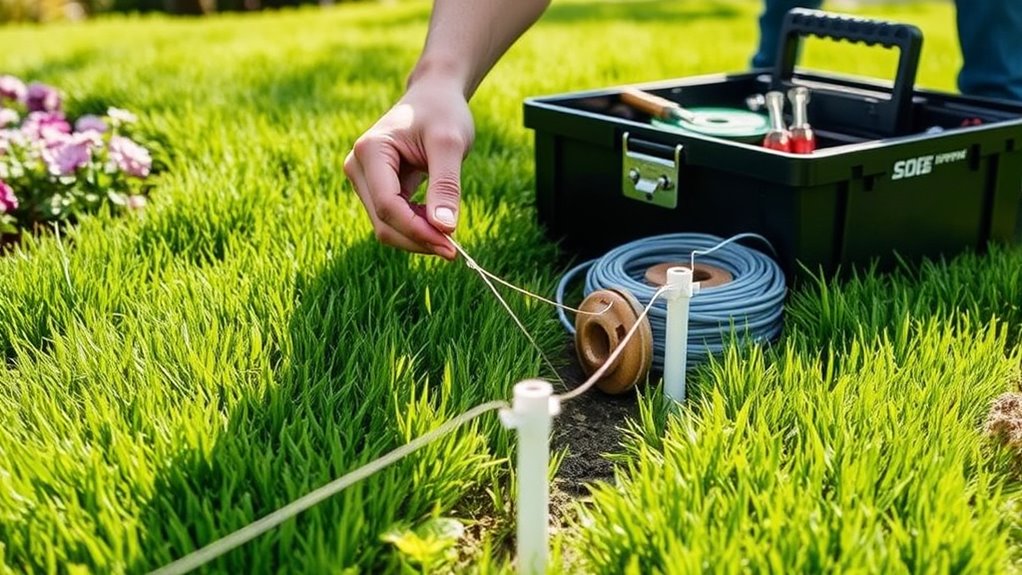
First, you’ll need to map out your mowing area to guarantee full coverage. Then, lay the boundary wire around the perimeter and any obstacles, making sure it follows your plan. Finally, connect the wire to your mower unit so it can keep within the designated boundaries.
Map the Mowing Area
Before installing the boundary wire, you need to carefully plan the mowing area to make certain your robotic lawn mower stays within the designated zone. Mapping your yard ensures effective robotic lawn care and maximizes your mower’s technology. Visualize the space clearly, considering obstacles and landscaping features. A well-mapped area prevents gaps or overlaps, keeping your lawn uniform. Think about the most efficient layout to minimize wire length and installation effort. Proper planning gives you peace of mind, knowing your mower will operate smoothly.
- Feel confident knowing your mower covers every inch of your yard.
- Avoid frustrating rework by planning the most logical paths.
- Maximize your mower’s efficiency with precise boundary mapping.
- Enjoy a lush, well-maintained lawn with smarter robotic lawn care.
Lay Out Boundary Wire
Laying out the boundary wire is a crucial step to define your mower’s designated area. This wire creates the lawn layout, ensuring your mower stays within the desired zone. Start by outlining the perimeter, running the boundary wire along the edges of your lawn. Use stakes to secure it, avoiding obstacles and tight corners. Keep the wire taut for a clean boundary. Refer to the table below to understand key lawn layout tips:
| Lawn Shape | Boundary Wire Placement | Important Tip |
|---|---|---|
| Rectangular | Along the perimeter | Keep wire straight |
| Irregular | Follow natural edges | Use stakes regularly |
| Sloped | Cross slopes carefully | Avoid crossing wires |
| Flower beds | Bypass with loops | Prevent mower intrusion |
| Obstacles | Circumvent with loops | Maintain clear zones |
Connect to Mower Unit
Once you’ve laid out and secured the boundary wire around your lawn, the next step is to connect it to your mower unit. This connection is vital for maintaining your garden’s aesthetics and ensuring your mower operates smoothly. Properly attaching the wire ensures consistent boundary recognition, reducing the risk of mishaps. As you connect the wire, think about how this small step keeps your lawn pristine and beautifully maintained. It’s a satisfying feeling to see your setup come together, knowing your mower will perform at its best. Plus, a secure connection minimizes future mower maintenance and troubleshooting. Take your time during this step to double-check all connections, so your robotic mower can confidently navigate and care for your lawn every time.
lawn boundary flags for robotic mower
As an affiliate, we earn on qualifying purchases.
As an affiliate, we earn on qualifying purchases.
Configuring the Base Station or Charging Dock
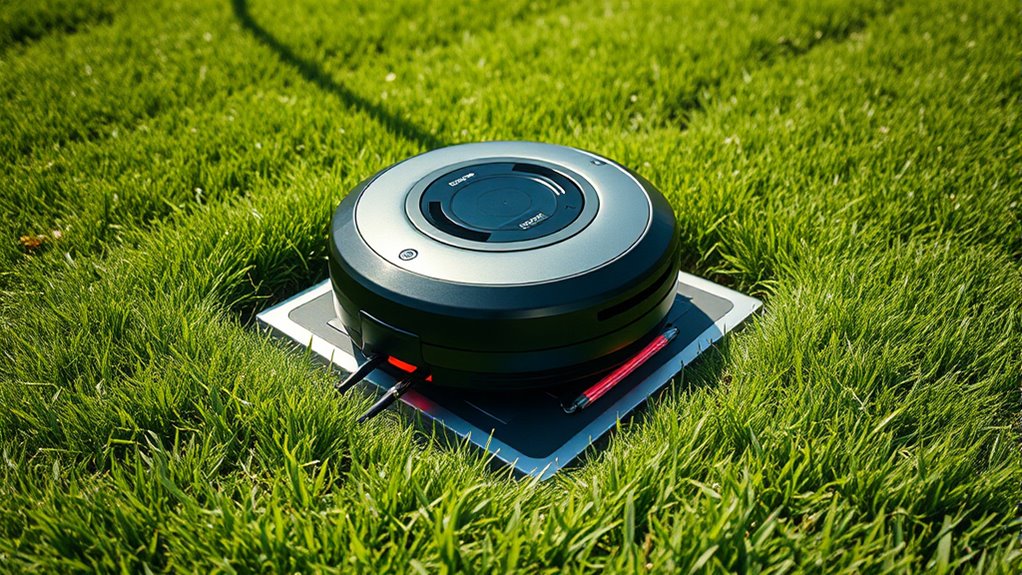
Setting up the base station or charging dock is a crucial step to guarantee your robotic lawn mower operates efficiently. Start by choosing an ideal charging station placement, ensuring it’s in a sheltered, flat area with good drainage. Keep the dock away from obstacles like tall grass, garden tools, or thick shrubbery to prevent interference. Proper base station connectivity is essential; position it close enough to your home’s power outlet and ensure the connection is stable. Confirm there’s sufficient clearance around the dock, typically a few feet on each side, for easy access and smooth docking. Secure the dock firmly to the ground to prevent shifting. With the charging station correctly placed and connected, your mower will reliably return for charging and operate smoothly.
Connecting the Robotic Mower to Wi-Fi or App
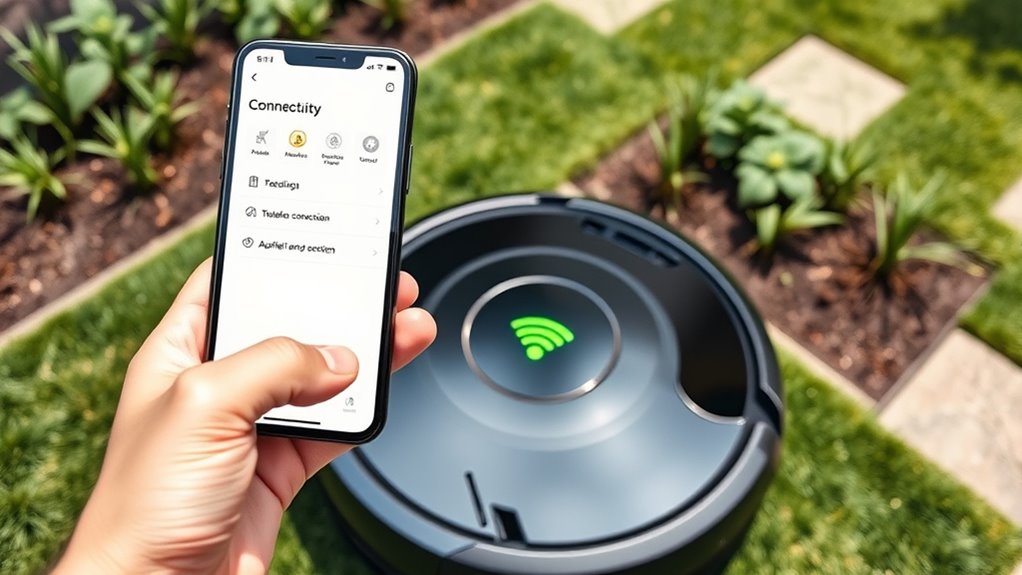
Connecting your robotic mower to Wi-Fi or the dedicated app is a straightforward process that guarantees you can monitor and control your mower remotely. Achieving reliable Wi Fi connectivity allows you to receive updates, adjust settings, and track mowing progress from anywhere. App synchronization ensures your mower stays seamlessly linked to your smartphone, giving you peace of mind and convenience.
To do this, you’ll typically need to:
- Turn on Wi Fi on your mower and connect it to your home network
- Download and install the official app for your model
- Follow prompts to pair the mower with your device
- Confirm successful connection through app status indicators
Once connected, you’ll enjoy effortless control and real-time insights, making lawn care easier than ever.
Setting Up the Mowing Schedule and Preferences
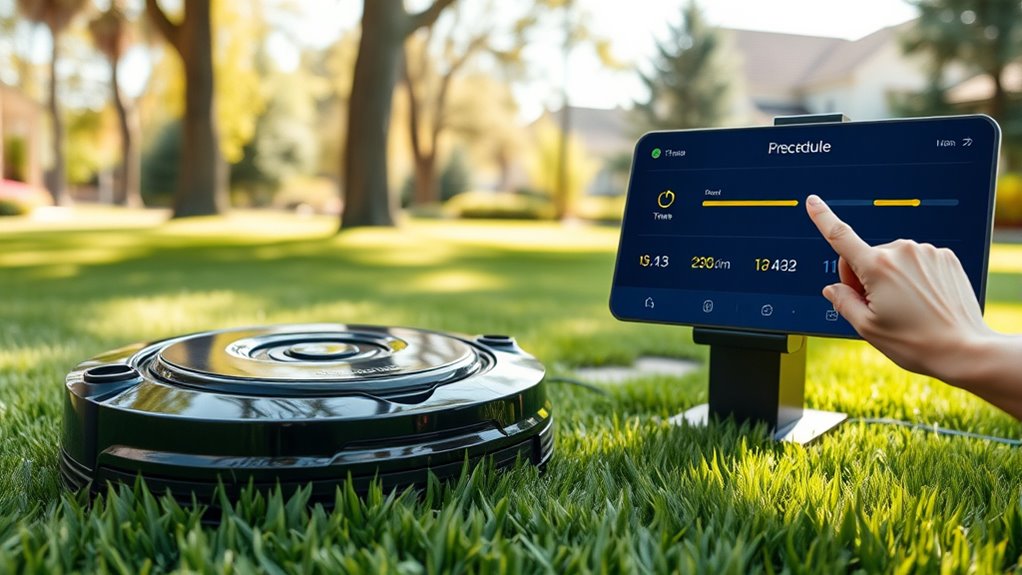
After successfully linking your mower to Wi-Fi and the app, you can customize its operation by setting up a mowing schedule and preferences. Decide how often you want the mower to cut the grass by adjusting the mowing frequency—daily, every few days, or weekly. Next, set the desired grass height to ensure the mower trims your lawn to your preferred length, promoting healthy growth. Most apps allow you to specify different schedules for various areas of your yard, giving you flexibility. Be mindful of the grass’s growth rate; faster-growing lawns may need more frequent mowing. Once your preferences are set, save the schedule, and your robotic mower will follow these guidelines automatically, keeping your lawn well-maintained without manual intervention.
Testing the Boundary and Navigation System
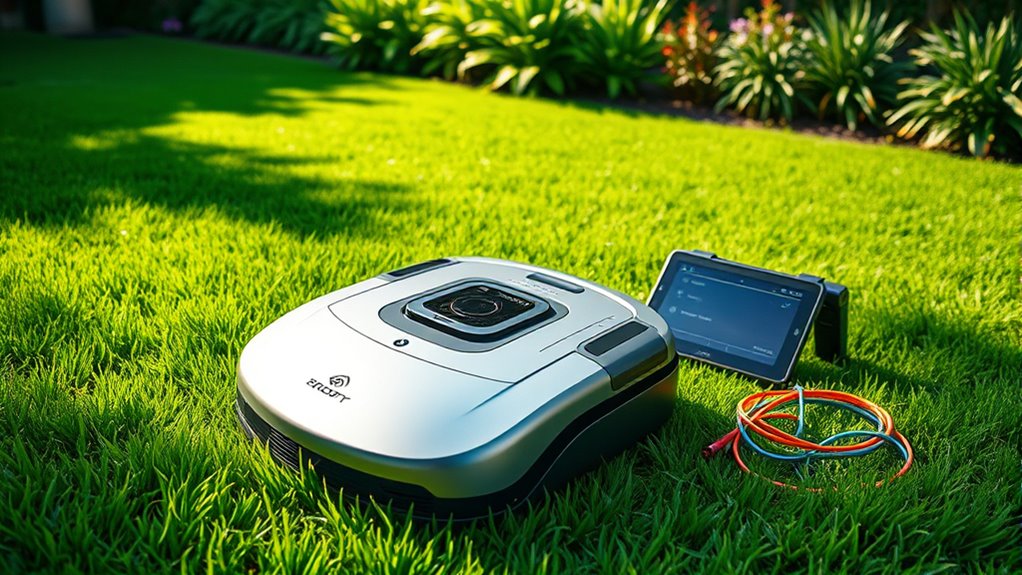
Now, you should check that the boundary wire is working properly by observing if the mower stays within the designated area. Next, verify the navigation system’s accuracy by guiding the mower through a test run and watching for any deviations. Ensuring these systems function correctly will help your mower operate smoothly and avoid accidents.
Boundary Wire Functionality
How can you guarantee your boundary wire correctly defines the mowing area? First, ensure the boundary wire is properly laid out around the perimeter of your yard. Then, test the system to confirm the boundary is clear and consistent. Properly functioning boundary wire keeps your mower within the designated area and prevents accidents.
To verify this, check for:
- Clear signals along the entire boundary wire, avoiding breaks or overlaps
- The mower’s response when approaching the boundary, ensuring it turns back
- Consistent boundary detection, even in challenging spots like narrow corners
- The mower staying within the designated mowing area during initial runs
These checks help you avoid costly errors and ensure your robotic mower works flawlessly within its defined space. Proper boundary wire functionality guarantees a smooth, worry-free mowing experience.
Navigation Accuracy Verification
To make certain your robotic mower navigates accurately within its designated area, you need to verify that the boundary and navigation systems are functioning correctly. Start by checking GPS accuracy if your mower relies on satellite signals; ensure it can pinpoint its position precisely. Conduct a test run in a small section of your yard, observing how well it follows the boundary lines and avoids obstacles. Pay attention to obstacle detection features—make sure it recognizes and navigates around objects smoothly. If the mower struggles with GPS signals or hits obstacles, recalibrate the navigation system or update firmware. Proper verification guarantees the mower stays within boundaries, avoids hazards, and performs efficiently, providing a well-manicured lawn without constant supervision.
Calibrating the Mower and Safety Features
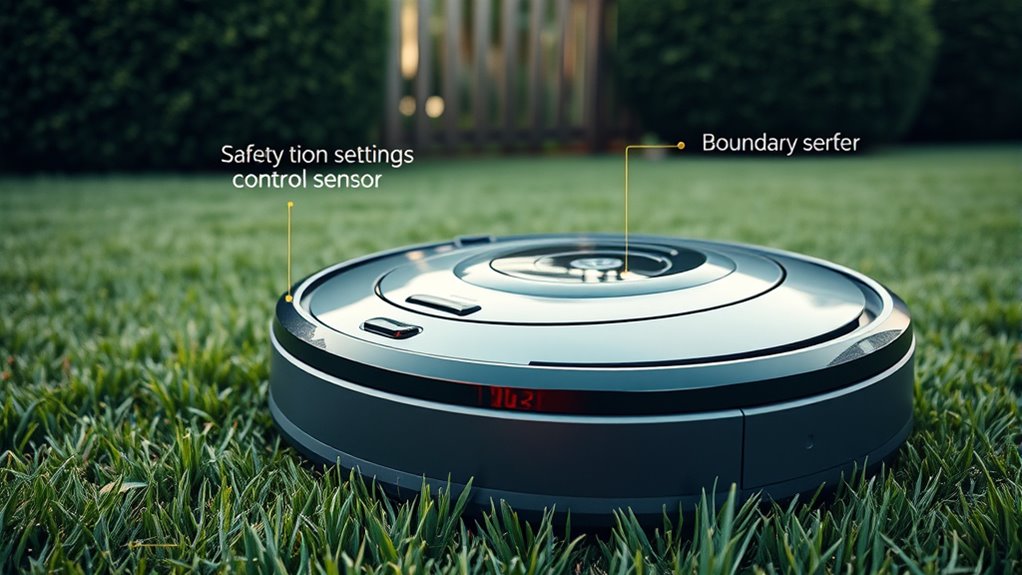
Before operating your robotic lawn mower, it’s essential to calibrate its settings and verify safety features to guarantee peak performance and prevent accidents. Proper sensor calibration ensures the mower detects boundaries and obstacles accurately, reducing the risk of damage or injury. Checking safety features like emergency stop buttons, blade sensors, and anti-theft alarms keeps you protected and gives peace of mind. Take a moment to test these systems thoroughly before your first mow.
- Feel confident knowing your safety features are reliable in any situation
- Experience the satisfaction of perfectly calibrated sensors working seamlessly
- Gain peace of mind with every cut, knowing accidents are minimized
- Enjoy the freedom of letting your mower work safely and efficiently
Performing a Trial Run and Monitoring Performance
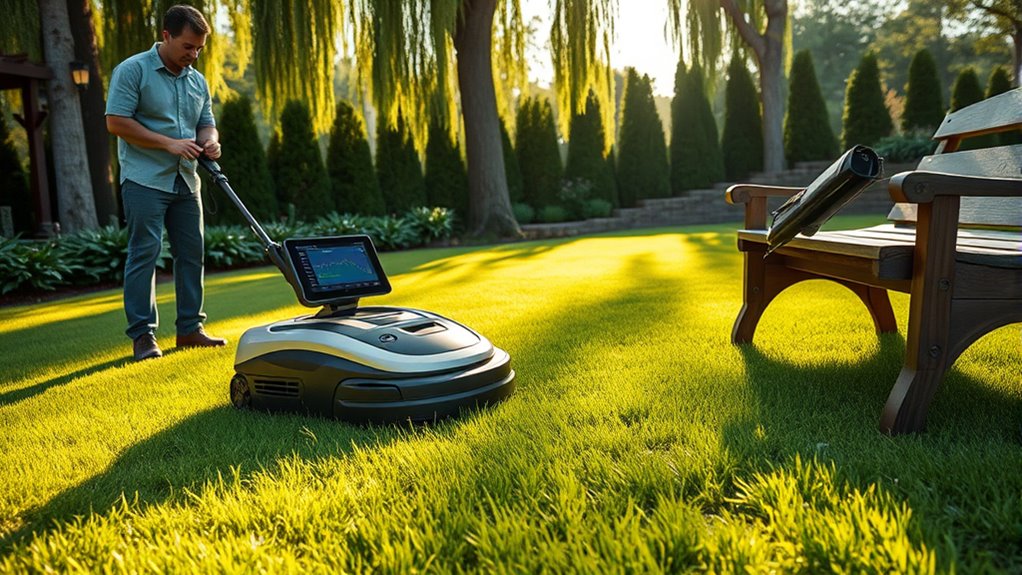
Performing a trial run allows you to see how your robotic lawn mower operates in real conditions and identify any issues early on. During this test, observe how it navigates your lawn, paying attention to battery life—guaranteeing it lasts through the entire session without draining prematurely. Check its weather resistance by monitoring performance if it encounters light rain or damp conditions; this helps confirm the mower’s durability and reliability. Keep an eye on how smoothly it moves, whether it avoids obstacles, and if it returns to its charging station properly. Monitoring these factors helps you optimize settings, adjust boundaries if needed, and ensure your mower performs efficiently over time, giving you peace of mind that your lawn will stay tidy without frequent manual intervention.
Maintaining and Troubleshooting Your Robotic Mower
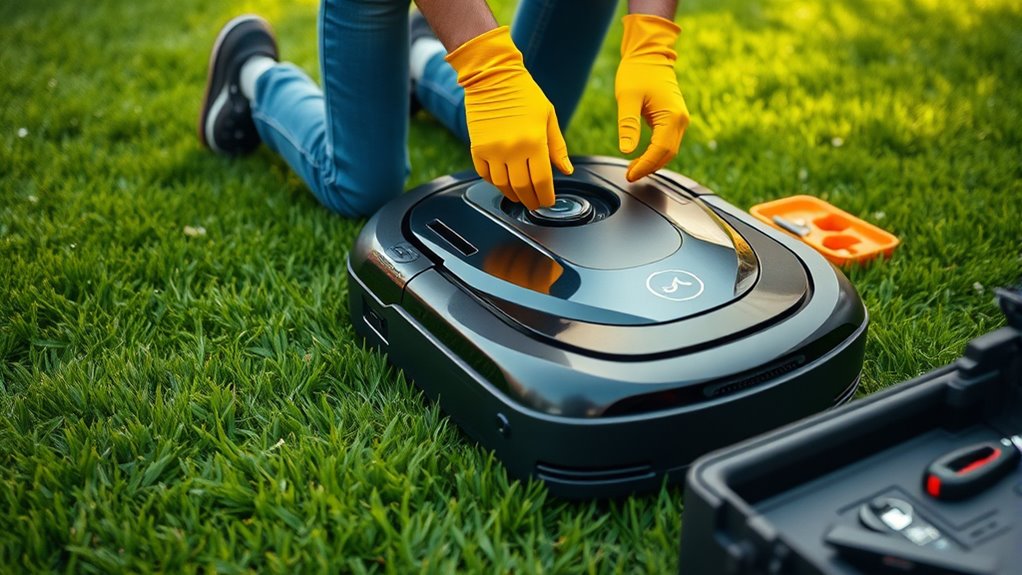
After your trial run, regular maintenance is key to keeping your robotic mower running smoothly and efficiently. Staying on top of lawn care and understanding your mower’s features will help prevent issues and extend its lifespan. Check the blades frequently for sharpness to ensure clean cuts and healthy grass. Keep the mower’s sensors and charging contacts clean to maintain superior performance. Troubleshoot common problems like uneven cutting or the mower getting stuck by inspecting the blades, wheels, and boundary wires. Properly updating the software and reviewing the manufacturer’s troubleshooting guides can resolve many issues quickly.
Regular maintenance keeps your robotic mower performing at its best and prolongs its lifespan.
- Feel confident knowing you’re giving your mower the care it needs to excel
- Enjoy lush, healthy grass, thanks to attentive lawn care
- Experience peace of mind with fewer breakdowns and repairs
- Take pride in mastering your mower’s advanced features
Frequently Asked Questions
How Do I Update the Mower’s Firmware or Software?
To update your mower’s firmware or software, first access its control panel or mobile app. Check for firmware updates or software installation options, then follow the prompts to download and install the latest version. Make sure your mower is connected to Wi-Fi during this process. Updating firmware guarantees your mower runs smoothly and has the latest features, so it’s a good idea to check regularly for updates.
What Should I Do if the Mower Gets Stuck or Stuck in a Loop?
Think of your mower as a restless traveler needing direction. When it gets stuck or loops, troubleshoot jams by clearing debris or adjusting the blades. If that doesn’t work, reset the mower—like giving it a fresh start—and check for obstacles blocking its path. Regularly updating firmware helps prevent these issues. Resetting the mower often resolves minor glitches, ensuring it resumes its smooth, efficient mowing journey without getting lost or stuck again.
How Do I Replace or Repair Damaged Boundary Wires?
When replacing or repairing damaged boundary wires, start with boundary wire troubleshooting by inspecting the entire length for cuts, frays, or breaks. Use a wire connector or splice kit for minor damage, ensuring a secure connection. For extensive damage, cut out the damaged section and reconnect the wires using waterproof connectors. Always test the circuit with a multimeter first to confirm continuity before re-installing the wire, ensuring your mower’s boundary system stays reliable.
Can I Manually Override the Mower’s Operation if Needed?
Yes, you can manually override the mower’s operation if needed. Most models have a manual override feature that lets you temporarily take control, often via a remote or app. Additionally, you should activate the emergency stop button or switch in urgent situations to immediately halt the mower. Always consult your mower’s manual for specific instructions on manual override and emergency stop procedures to guarantee safe operation.
What Safety Precautions Should I Follow During Maintenance?
During maintenance, you should always wear safety gear like gloves and safety glasses to protect against sharp blades and debris. Guarantee the mower is unplugged or powered off to prevent accidental activation, emphasizing electrical safety. Keep the area clear of children and pets, and work in a well-lit, dry environment. Following these precautions minimizes risks and keeps you safe while maintaining your robotic lawn mower.
Conclusion
Once you’ve finished setting up your robotic lawn mower, you’re ready to conquer your yard like a gardening superhero. With everything calibrated and running smoothly, you’ll enjoy a perfectly manicured lawn without lifting a finger—it’s practically magic! Keep an eye on it during those first few runs to catch any hiccups early. Before long, you’ll wonder how you ever managed your yard without this tiny, unstoppable mowing marvel—truly a game-changer!
NFL season / tailgating Picks
team gear
As an affiliate, we earn on qualifying purchases.