
To improve your robot vacuum’s mapping accuracy, regularly clean and calibrate sensors using app-guided tools, ensuring they’re dust-free and properly aligned. Control environmental factors like lighting, reflective surfaces, and clutter to prevent sensor interference. Adjust obstacle detection sensitivity to suit your space, and position the charging dock in an unobstructed area. Keeping floors tidy and updating firmware also help. If you want even better results, keep exploring how to optimize your setup and settings.
Key Takeaways
- Regularly calibrate sensors and keep them clean to ensure accurate data collection.
- Optimize environment setup by reducing clutter, reflective surfaces, and controlling lighting conditions.
- Adjust obstacle detection sensitivity for balanced navigation and obstacle avoidance.
- Properly position and maintain the charging dock for consistent navigation and mapping.
- Keep floors clean and free of debris to improve sensor performance and mapping precision.
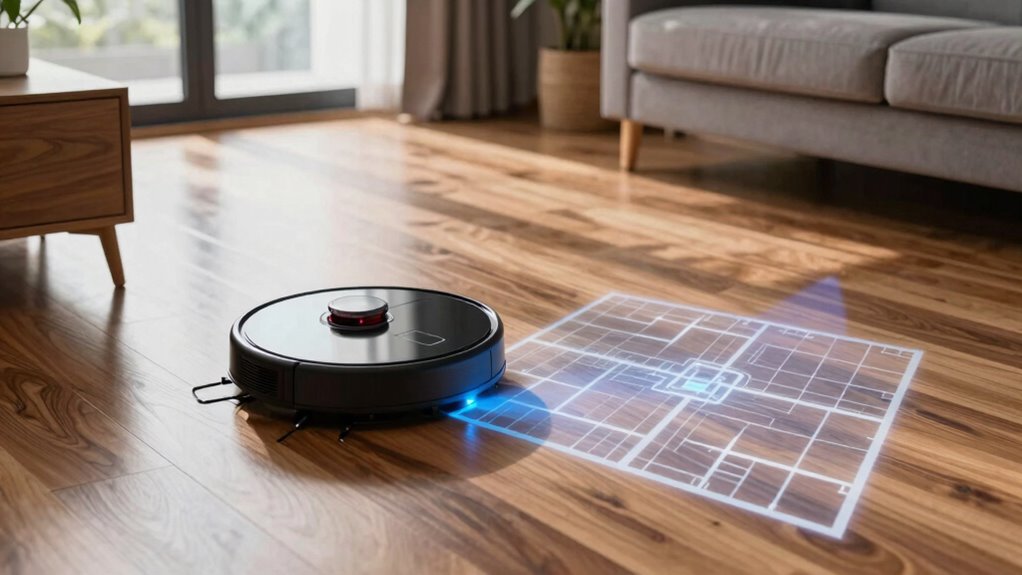
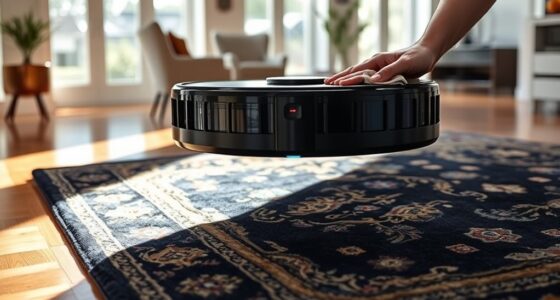
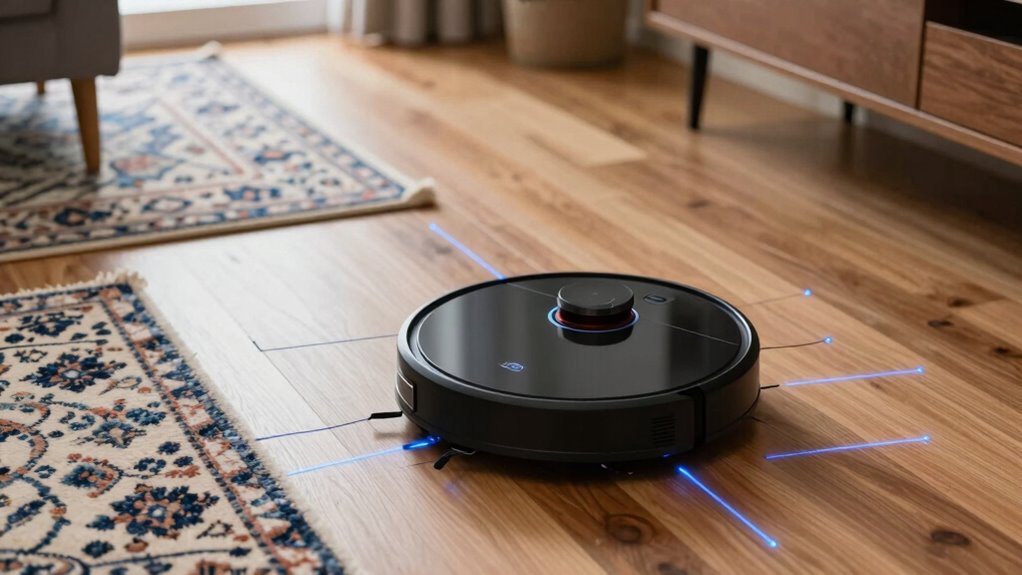
Getting your robot vacuum to map your home accurately can greatly improve its cleaning efficiency. When it comes to achieving precise mapping, understanding how to optimize its sensor performance is key. Proper robot sensor calibration is essential because even small misalignments or dirt on sensors can cause inaccurate readings, leading to flawed maps and missed spots. Regularly check and clean the sensors, making sure they’re free of dust, debris, or smudges. Some models even allow calibration through the app, guiding you through the process step-by-step. Accurate sensor calibration helps your vacuum better interpret its environment, making the mapping process more reliable and reducing the chances of navigation errors. Additionally, sensor performance can be affected by environmental factors such as lighting or reflective surfaces, which underscores the importance of controlling these conditions for better accuracy. A thorough understanding of sensor technology can also help you troubleshoot issues more effectively. Beyond sensor calibration, implementing effective obstacle detection strategies plays a vital role in improving map accuracy. Your robot relies on sensors like infrared, ultrasonic, or lidar to identify obstacles and navigate around furniture, walls, or other objects. To enhance its obstacle detection, make sure your environment is as clear as possible during initial runs. Remove clutter, loose cords, or objects that could confuse the sensors. Positioning furniture in a way that provides clear paths allows the robot to gather cleaner data, which translates into more accurate maps. Some vacuums learn over time, but you can expedite this process by manually guiding the device through different rooms, helping it to better recognize and record obstacles. Optimizing sensor placement within your space can also improve the quality of data the robot gathers. Adjusting the obstacle detection settings through the app or device controls can also improve mapping. Many models let you modify the sensitivity of sensors—setting it too high might cause the vacuum to avoid areas unnecessarily, while too low could result in collisions or missed obstacles. Finding the right balance ensures your robot accurately perceives its surroundings without being overly cautious or reckless. Additionally, updating your vacuum’s firmware regularly can improve obstacle detection strategies, as manufacturers often release enhancements that optimize sensor performance and navigation algorithms. Furthermore, sensor calibration can be influenced by environmental conditions like lighting or reflective surfaces, which underscores the importance of controlling these factors for better accuracy. Finally, consider the placement of your charging dock and the cleanliness of your environment. A well-placed dock in an open, unobstructed area ensures the robot can find and return to it without confusion, aiding in consistent mapping and navigation. Keeping floors free of debris and reflective surfaces that can interfere with sensors helps your vacuum create a more detailed map. By combining diligent sensor calibration, strategic obstacle detection adjustments, and a tidy environment, you’ll markedly boost your robot vacuum’s mapping accuracy, resulting in a more efficient and thorough cleaning experience.

Robot Vacuum Cleaning Kit, Cleaning Tool with Brush, Cloth, Hair Cutter
- Complete Cleaning Kit: Includes brushes, tools, and cloths
- Effective Hair Removal: Hooks and cutters for hair in rollers
- Multiple Cleaning Tools: Soft brush, nylon brush, long dust brush
As an affiliate, we earn on qualifying purchases.
As an affiliate, we earn on qualifying purchases.
Frequently Asked Questions
Do Different Flooring Types Affect Mapping Accuracy?
Different flooring types can affect your robot vacuum’s mapping accuracy because flooring interference may disrupt sensor calibration. Hard floors like tile or hardwood usually provide clearer signals, helping sensors map more accurately. However, carpets and rugs can interfere with sensor readings, leading to less precise maps. To improve accuracy, make sure your sensors are calibrated correctly and consider adjusting settings for different flooring types to minimize interference.
How Often Should I Update the Robot’s Firmware?
You should update your robot vacuum’s firmware as soon as updates become available, ideally every few months, to maintain best mapping precision. Firmware updates often include bug fixes, new features, and improvements that enhance the robot’s ability to navigate and map accurately. Regular updates ensure your device stays current with the latest technology, helping you achieve the highest mapping results and efficient cleaning performance.
Can Adding Virtual Barriers Improve Mapping?
Sure, adding virtual barriers can indeed boost your robot vacuum’s mapping precision—because who wouldn’t want a little digital gatekeeping? These virtual fences help prevent your vacuum from wandering into chaos, ensuring it maps accurately and avoids trouble spots. With virtual barriers in place, you’re effectively telling your robot where to go and what to ignore, making your cleaning routine smarter and your home’s map clearer.
Does Robot Vacuum Battery Life Impact Mapping?
Yes, your robot vacuum’s battery life impacts mapping. When the battery is low, the vacuum may stop mid-mapping, leading to incomplete or inaccurate maps. To prevent this, prioritize battery maintenance by keeping the battery charged and replacing it when needed. Power optimization strategies, like scheduling cleaning sessions when the battery is full, help guarantee your vacuum completes thorough mapping without interruptions, improving overall accuracy.
Are There Specific Cleaning Modes Better for Mapping?
Imagine your robot vacuum as a keen explorer, maneuvering your home with precision. Using the right cleaning modes, especially those that focus on thorough coverage, helps it gather better data. To improve mapping, guarantee sensor calibration is accurate, and choose modes that prioritize detailed navigation. Advanced mapping algorithms then process this info, creating a more accurate map of your space, so your vacuum cleans smarter and more efficiently.

Pressure Calibrator for Pressure and Vacuum Gauge Calibration Accuracy/Bench Top Pressure and Vacuum Calibrator (Range: 0-200 kg/cm²) for Calibration Pharmaceuticals, Petrochemicals Model: AI-PCAL1
- Operation Type: Oil or Water Operated
- Design: User-Friendly and Lightweight
- Leakage: Zero Leakage
As an affiliate, we earn on qualifying purchases.
As an affiliate, we earn on qualifying purchases.
Conclusion
By fine-tuning your robot vacuum’s mapping settings, you’re fundamentally giving it a GPS upgrade, guiding it through your home with the precision of a seasoned explorer. Regular updates and strategic placement act as breadcrumbs, helping your device navigate confidently. Think of your vacuum as a trusty scout, mapping uncharted territory with every sweep. With these tips, you’ll turn your cleaning robot into a master cartographer, ensuring every nook and cranny gets the royal treatment.

Goodsby Replacement Cliff Drop Infrared Side Sensors for Shark IQ Robot Vacuums RV1001AE RV912S RV913S RV1000S QR1000SG AV1002AE AV1010AE AV911S QR1000SB UR1000SR UR1005AE RV1101ARUS UR1105ARUS
- Compatibility: Fits specific Shark IQ Robot models
- Model Check Reminder: Verify your vacuum model before ordering
- Compatibility Note: Not compatible with 7xx, 8xx, 20xx series
As an affiliate, we earn on qualifying purchases.
As an affiliate, we earn on qualifying purchases.

roborock Saros 20 Robot Vacuum, 36000 Pa, AI Obstacle Avoidance, 3.14" Slim
- Obstacle Crossing Power: Crosses thresholds up to 3.46 inches
- Advanced Navigation System: Real-time mapping with obstacle detection
- Slim Design: Only 3.14 inches tall for tight spaces
As an affiliate, we earn on qualifying purchases.
As an affiliate, we earn on qualifying purchases.