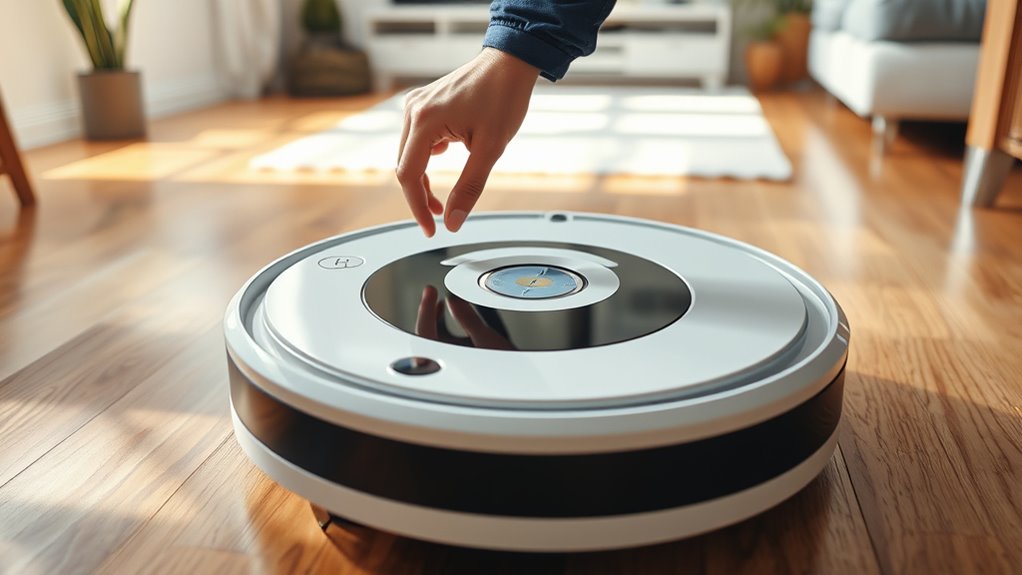

If your Braava Jet M6 isn’t working properly, start by cleaning its dirt detection sensors with a soft, dry cloth to guarantee accurate detection. Check for obstacles or debris that could interfere with navigation, and reset the robot if needed. Keep the cleaning pad dust-free and confirm the area is suitable for calibration—flat, well-lit, and free of shiny surfaces. Regular maintenance and firmware updates can prevent issues, and more detailed solutions await if you keep exploring.
Key Takeaways
- Regularly clean dirt detection sensors and the robot body to ensure accurate dirt detection and navigation.
- Clear obstacles, cords, and clutter from the cleaning area to prevent navigation errors.
- Recalibrate the device on a flat, open surface and keep the environment well-lit and free of reflective surfaces.
- Reset the robot or restore factory settings if persistent issues occur, and keep firmware updated.
- Contact customer support for hardware or software malfunctions that cannot be resolved through cleaning or recalibration.
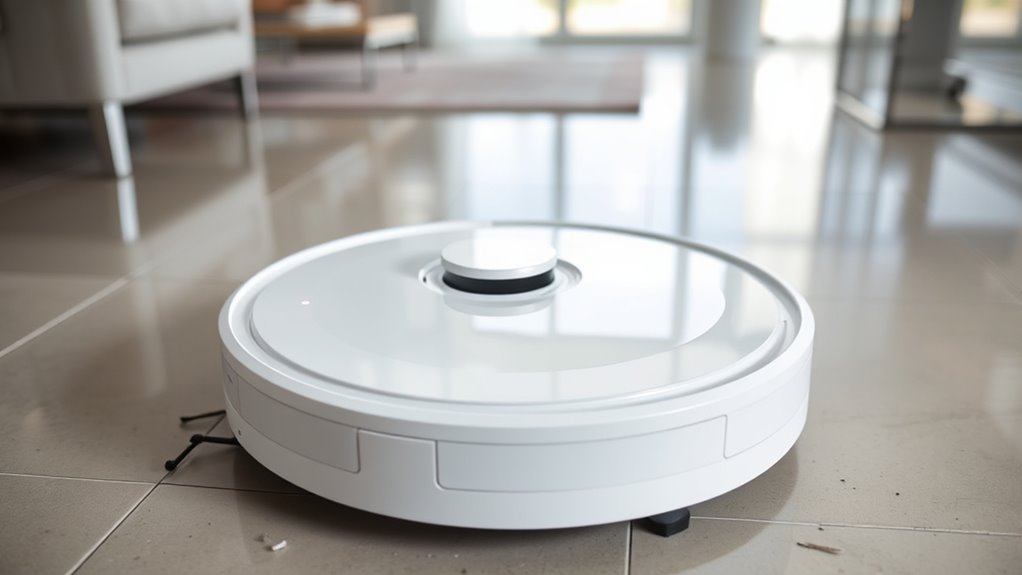
If your Braava Jet M6 isn’t working properly, troubleshooting can help you quickly identify and fix common issues. One of the most frequent problems involves dirt detection, which can cause the robot to miss spots or stop prematurely. If your Braava isn’t effectively cleaning, it might be because the dirt detection sensors are dirty or obstructed. Confirm the sensors are clean by gently wiping them with a soft, dry cloth. Dirt or debris on these sensors can interfere with their ability to detect dirty areas accurately, leading the device to skip over spots that need cleaning. Additionally, check for excessive dust or grime on the cleaning pad or robot body, as this can impair dirt detection and navigation.
Clean dirt detection sensors regularly with a soft, dry cloth for optimal performance.
Navigation errors are another typical obstacle that can hinder your Braava Jet M6’s performance. If it seems to be moving erratically, getting stuck, or not following its designated cleaning path, the issue may lie in navigation errors. First, verify that the cleaning area is free of obstacles, cords, or clutter that could confuse the robot’s sensors. Sometimes, small objects or uneven surfaces can cause the device to misjudge its environment. Resetting the robot can also help recalibrate its navigation. To do this, turn off the device, remove the dock, and then restart it after a few seconds. Ensure the charging contacts and dock are clean and unobstructed, as poor contact can lead to navigation glitches.
Furthermore, calibration issues can sometimes cause navigation errors. If your Braava Jet M6 is not moving correctly or is constantly rerouting, try recalibrating it by placing it on a flat, open surface and running a short cleaning cycle. This helps the sensors read the environment more accurately. Keep the area well-lit and free of reflective surfaces, as bright or shiny objects can confuse the sensors, leading to navigation errors. Also, check for firmware updates via the app, as manufacturers often release updates that improve navigation algorithms and dirt detection capabilities. Understanding the importance of color accuracy and proper calibration can significantly enhance your device’s performance.
Finally, if dirt detection and navigation issues persist despite cleaning sensors and recalibrating, consider resetting the device to factory settings or contacting customer support. Sometimes, software glitches or hardware malfunctions require professional diagnosis. Regularly cleaning sensors, clearing obstacles, and updating firmware will help maintain peak performance, reducing the likelihood of dirt detection problems and navigation errors over time.

caSino187 Original Replacement Tank for Braava Jet m6 Robot Mop M6012 M6112
For Jet M6 Series (6110) (6012) (6112) (6113) Ultimate Robot Cleaners.
As an affiliate, we earn on qualifying purchases.
As an affiliate, we earn on qualifying purchases.
Frequently Asked Questions
Can Braava Jet M6 Operate on Uneven or Textured Surfaces?
Yes, the Braava Jet M6 can handle uneven surface cleaning and textured floor challenges, but its effectiveness depends on the severity of the surface irregularities. You should verify the robot’s sensors are clean and the cleaning pads are properly attached. For best results, avoid overly rough or heavily textured areas that might impede the robot’s navigation, and consider using specific cleaning modes designed for more challenging surfaces.
How Long Does the Battery Typically Last Before Needing a Replacement?
Surprisingly, your Braava Jet M6’s battery lifespan is roughly 3 to 4 hours of active cleaning, but don’t get too comfortable—replacement timing varies with usage. When it starts running out of juice quickly or shows signs of diminished power, it’s time to think about a replacement. Keep an eye on battery performance; once it’s no longer reliable, swapping it out ensures your robot keeps buzzing along efficiently.
Is It Safe to Use Chemical Cleaning Solutions With the Braava Jet M6?
Using chemical cleaners with your Braava Jet M6 isn’t recommended, as it can pose safety concerns. These cleaners may damage the device or leave residues that could harm surfaces or clog the system. To keep your device safe and functioning properly, stick to the manufacturer-approved cleaning solutions. Always read the labels for safety instructions, and avoid mixing chemicals to prevent potential hazards.
Can Braava Jet M6 Be Used to Clean Outdoor Patios or Decks?
You might find it tempting to use your Braava Jet M6 for outdoor cleaning, but it’s not designed for that purpose. The device is best suited for indoor surfaces like hardwood, tile, and sealed stone. Using it on outdoor patios or decks could damage the robot or surface. For outdoor cleaning, stick to tools specifically made for those surfaces, ensuring safe and effective cleaning without risking your device or outdoor area.
What Should I Do if the Wi-Fi Connection Drops Frequently During Operation?
If your Wi-Fi connection drops frequently during operation, first check your Wi-Fi signal stability. Move your router closer to your Braava Jet M6 or eliminate obstacles that might interfere with the signal. Confirm your firmware is updated, and restart both your router and the robot. If issues persist, consider resetting your Wi-Fi settings on the device. Maintaining a strong, stable Wi-Fi connection helps ensure smooth operation.

Thames & Kosmos Dusty Robot Vacuum Cleaner STEM Kit | Build a Desktop Robotic Vacuum with Sensors, Explore Robotics, Engineering & Mechanical Devices, Fun Gift for Ages 8+ or Adults
CONSTRUCTION PROJECT MAKES CLEANING FUN! Assemble this robotic desktop vacuum cleaner that actually works to pick up dust,…
As an affiliate, we earn on qualifying purchases.
As an affiliate, we earn on qualifying purchases.
Conclusion
Now that you know how to tackle the most common Braava Jet M6 issues, you’re ready to keep your floors spotless. But what if a problem you haven’t seen before suddenly appears? Don’t worry—staying calm and following these troubleshooting tips will help you stay one step ahead. Keep your eyes open for unexpected glitches, because sometimes, the solution is just around the corner. With a little patience, you’ll have your robot cleaning smoothly again in no time.

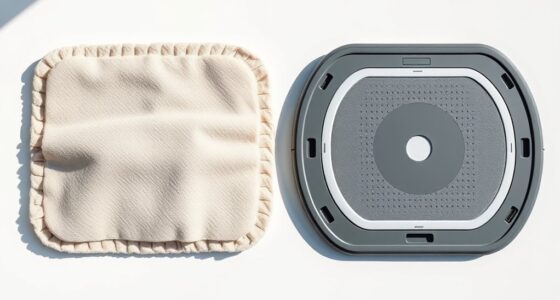
iRobot Braava Jet Authentic Replacement Parts – m6 Washable Pads Multi-Pack, 1 Wet & 1 Dry Pad
1 Washable Wet Mopping Pad
As an affiliate, we earn on qualifying purchases.
As an affiliate, we earn on qualifying purchases.

ROPVACNIC Robot Vacuum Cleaner Robot Vacuum and Mop Combo with 5200Pa Suction, Personalized Cleaning Adjustments, Self-Charging Robotic Vacuum Cleaner, Advanced Obstacle Avoidance
【2-in-1 Mopping and Vacuuming】 The ROPVACNIC Robot S1 integrates advanced electronically controlled mopping technology, significantly enhancing both cleaning…
As an affiliate, we earn on qualifying purchases.
As an affiliate, we earn on qualifying purchases.