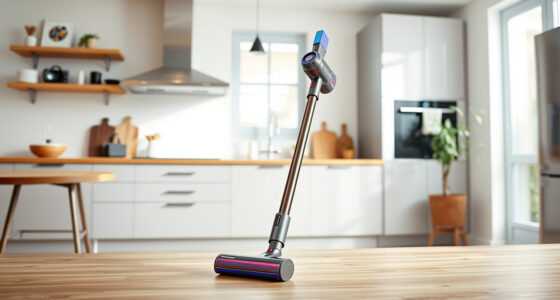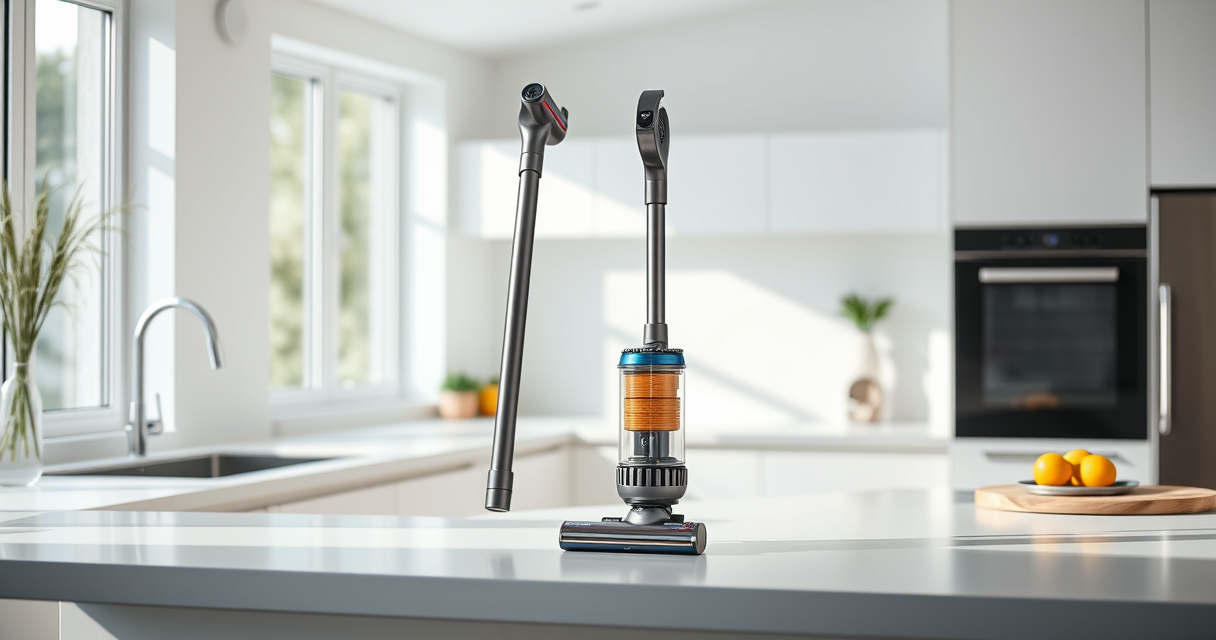

Maintaining your Dyson V12 Detect is essential for optimal performance and longevity. Regular cleaning ensures it continues to pick up dust and debris effectively, especially since it features advanced technology like invisible dust detection and intelligent power adaptation.

Get home appliances delivered free — and shop member deals
- Fast, free delivery on millions of items
- Access to Prime Big Deal Days deals on October 6–7
- Prime Video, Amazon Music and more included
Follow these straightforward steps for a safe and thorough cleaning process, and keep your vacuum in top shape for your next deep clean.
Key Takeaways
| Regular Filter Maintenance | Clean filters every 2-3 months to maintain suction. |
| Brush and Nozzle Care | Remove tangled hair and debris from brushes and nozzles. |
| Empty the Bin Properly | Empty the dust bin after each use to prevent clogging. |
| Check for Blockages | Inspect for obstructions in the wand and attachments. |
| Use Recommended Attachments | Utilize compatible tools like crevice attachments for hard-to-reach spots. |
Step 1: Turn Off and Unplug
Ensure your Dyson V12 Detect is turned off and unplugged from the charging station or power source before beginning any cleaning or maintenance procedures.
Step 2: Remove and Empty the Dust Bin
- Hold the vacuum over a trash bin.
- Press the release button to detach the dust bin.
- Press the bin’s bottom lid to empty the contents.
Step 3: Clean the Filter
- Remove the pre-filter from the vacuum.
- Rinse it under cold water until clear; do not use detergents.
- Allow it to air dry completely, usually 24 hours, before reinserting.
Step 4: Check for Blockages
Inspect the wand, brush bar, and attachments for any debris or obstructions. Use a cloth or a small brush to clean out hair or dirt buildup.
Step 5: Clean Attachments and Nozzles
- Detach any attachments, such as the crevice tool or stiff-bristled brush.
- Wash with warm, soapy water if needed, and let dry thoroughly.
The Products in This Guide
Dyson V15 Detect Total Clean Extra
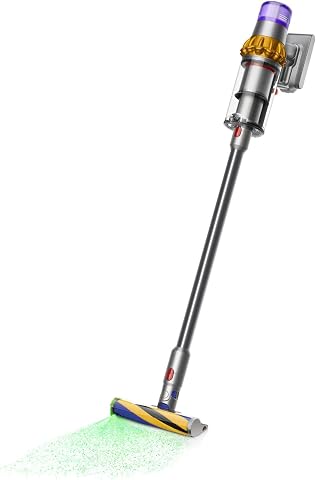
The Dyson V15 Detect Total Clean Extra offers powerful suction, intelligent dust detection, and a convenient LCD screen to monitor your cleaning progress. It’s refurbished by experts and meets high standards for performance and durability.
Pros:
- Powerful suction with 100% more power
- Intelligent dust detection technology
- Long-lasting 60-minute runtime
- LCD display shows real-time data
Cons:
- Refurbished unit might show minor signs of use
- Heavier than some handheld models
- Requires regular filter cleaning
Best for: Whole-home deep cleaning, especially for homes with pets or high dust levels
Not ideal for: Light, quick cleans or for users preferring ultra-lightweight models
Bottom line: A powerful, intelligent vacuum ideal for comprehensive home cleaning.
LANMU Crevice Tool Vacuum Attachments Compatible

The LANMU Crevice Tool Vacuum Attachments are compatible with Dyson V12 and V15 models, offering a narrow nozzle for precise cleaning in tight spaces like corners and between furniture.
Pros:
- Narrow, flexible design
- Easy to attach and use
- Great for car interiors and tight corners
- Durable construction
Cons:
- Not compatible with older Dyson models
- Requires careful handling to avoid damage
Best for: Cleaning corners, upholstery, car interiors
Not ideal for: General surface cleaning or large debris
Bottom line: A handy attachment for detailed, hard-to-reach cleaning tasks.
Frequently Asked Questions
How often should I clean the filters on my Dyson V12 Detect?
It’s recommended to rinse and clean the filters every 2-3 months to maintain optimal suction and performance.
Can I wash all parts of my Dyson V12 Detect?
Most parts like filters and attachments can be washed with water, but avoid immersing the motor or electronic components. Always dry thoroughly before reassembling.
What should I do if my vacuum isn’t picking up debris effectively?
Check and clean the filters, empty the dust bin, and inspect for blockages in the wand and attachments. Replacing filters if they are old or clogged can also help.
Is it safe to use cleaning products on my Dyson?
Only use water and mild soap for cleaning removable parts. Avoid harsh chemicals that can damage the components or affect the vacuum’s performance.
Keep Your Dyson V12 Detect in Peak Condition
Regular maintenance, including cleaning filters, emptying the dust bin, and inspecting attachments, will ensure your Dyson V12 Detect remains powerful and efficient. Follow these simple steps and tips to prolong the life of your vacuum and enjoy spotless cleaning results every time.
Affiliate disclosure: As an Amazon Associate we earn from qualifying purchases. Prices and availability are accurate as of the time of publishing.
NFL season / tailgating Picks
team gear
As an affiliate, we earn on qualifying purchases.