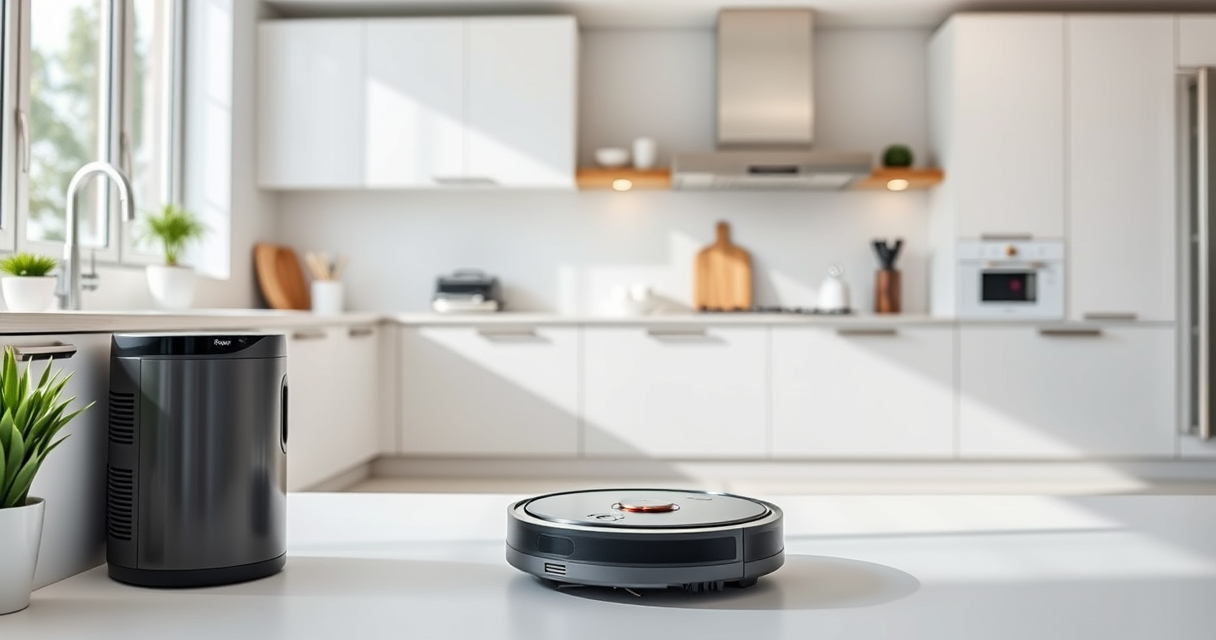

If your Roborock Q7 M5+ Robot Vacuum is frequently getting stuck during cleaning, it can be frustrating and reduce its effectiveness. Understanding common causes and knowing how to fix them can save you time and keep your home spotless. This guide offers clear, safe, and practical troubleshooting steps.
From navigating obstacles to maintenance tips, follow these instructions to resolve getting-stuck issues and optimize your robot’s performance.
Key Takeaways
| Obstacle interference | Objects or clutter block the vacuum’s path. |
| Dirty sensors | Sensor buildup impairs navigation. |
| Worn brushes or wheels | Mechanical parts hinder movement. |
| Flooring or rug issues | High-pile carpets or uneven surfaces cause problems. |

roborock Q7 M5+ Robot Vacuum and Mop, Up to 7-9 Weeks Self-Empty, 10000Pa
- Long-Lasting Cleaning Cycles: Up to 7-9 weeks with large dust bag
- Powerful Suction: 10000Pa for deep cleaning
- Tangle-Resistant Brushes: Dual anti-tangle design for pet hair
As an affiliate, we earn on qualifying purchases.
Check for Obstacles and Clutter
- Inspect the cleaning area for objects, cables, or clutter that might block the vacuum’s path.
- Remove small items, loose cords, or rugs that could cause the vacuum to get stuck.
- Ensure the floor is clear of debris or loose materials that might impede movement.
Clean Sensors and Wheels
- Turn off the robot and gently wipe the sensors with a soft, dry cloth to remove dust or smudges.
- Check the wheels and brushes for hair, dust, or debris entangling them; clean thoroughly.
- Ensure wheels spin freely and are not obstructed by dirt or hair.
Inspect and Maintain Mechanical Parts
- Examine the main brush and side brushes for tangles or damage; clean or replace if necessary.
- Check the wheels for wear and ensure they are properly attached and spinning smoothly.
- Replace worn brushes or worn wheels to ensure smooth mobility.
Adjust Floor Settings and Navigation
If your vacuum struggles on certain surfaces, consider adjusting the cleaning mode or setting up virtual barriers to guide the robot away from problematic areas.
Ensure the robot is not attempting to climb excessively high rugs or thresholds that exceed its capabilities.
Update Software and Reset
- Check for firmware updates via the app to ensure optimal navigation and bug fixes.
- If problems persist, perform a factory reset following the user manual instructions, then reconfigure the robot.
The Products in This Guide

roborock Q7 M5+ Robot Vacuum and Mop
- ✔ Battery Life: Long-lasting
- ✔ Dust Capacity: 2.7L
- ✔ Compatibility: Smart app control

4 Pack Washable Filter
- ✔ Filter Size: Standard
- ✔ Material: HEPA
- ✔ Compatibility: Multiple models
roborock Q7 M5+ Robot Vacuum and Mop
The Roborock Q7 M5+ Robot Vacuum and Mop offers up to 7-9 weeks of self-emptying, with strong 10000Pa suction and advanced PreciSense LiDAR navigation. It’s designed to handle pet hair and carpets effectively.
Pros:
- Powerful suction
- Self-emptying dust bag
- Dual anti-tangle system
- App control
Cons:
- Higher price point
- Requires regular maintenance
- Navigation can be hindered by very cluttered floors
Best for: Homes with pets and multiple floor types seeking long-lasting cleaning
Not ideal for: Very cluttered or obstacle-heavy environments without pre-cleaning
Bottom line: A powerful, feature-rich robot ideal for pet owners and busy households.
4 Pack Washable Filter
This 4-pack washable HEPA filters fit several Roborock models, including the Q7 and Q5 series, ensuring your vacuum maintains peak filtration and performance.
Pros:
- Effective filtration
- Washable and reusable
- Easy to install
- Keeps your vacuum running efficiently
Cons:
- Not OEM, so may vary slightly in fit
- Requires regular cleaning for best performance
- Limited to compatible models
Best for: Maintaining optimal air quality and filtration
Not ideal for: For models outside the specified compatibility list
Bottom line: A cost-effective way to keep your vacuum’s filtration system in top shape.
Frequently Asked Questions
Why does my Roborock get stuck on certain areas?
It may be due to obstacles, high-pile rugs, or uneven surfaces. Clearing clutter and adjusting settings can help.
How often should I clean the sensors?
Clean the sensors weekly with a soft cloth to ensure accurate navigation and prevent getting stuck.
Can I reset the robot if it continues to get stuck?
Yes, performing a factory reset can resolve software glitches. Follow the user manual for proper reset procedures.
What maintenance helps prevent getting stuck?
Regularly clean brushes, wheels, and sensors, and check for obstructions to keep the robot moving smoothly.
Keep Your Roborock Moving Smoothly
By following these troubleshooting steps, you can significantly reduce the chances of your Roborock getting stuck and ensure it performs optimally. Regular maintenance, obstacle management, and software updates are key to a hassle-free cleaning experience. With proper care, your robot will continue to keep your home spotless without interruptions.
Affiliate disclosure: As an Amazon Associate we earn from qualifying purchases. Prices and availability are accurate as of the time of publishing.