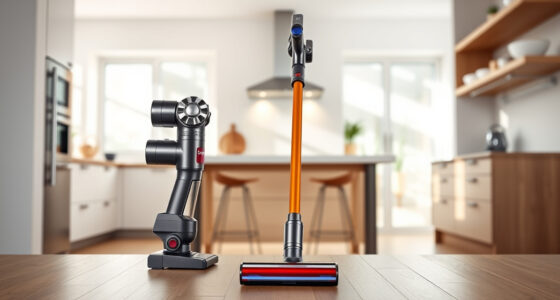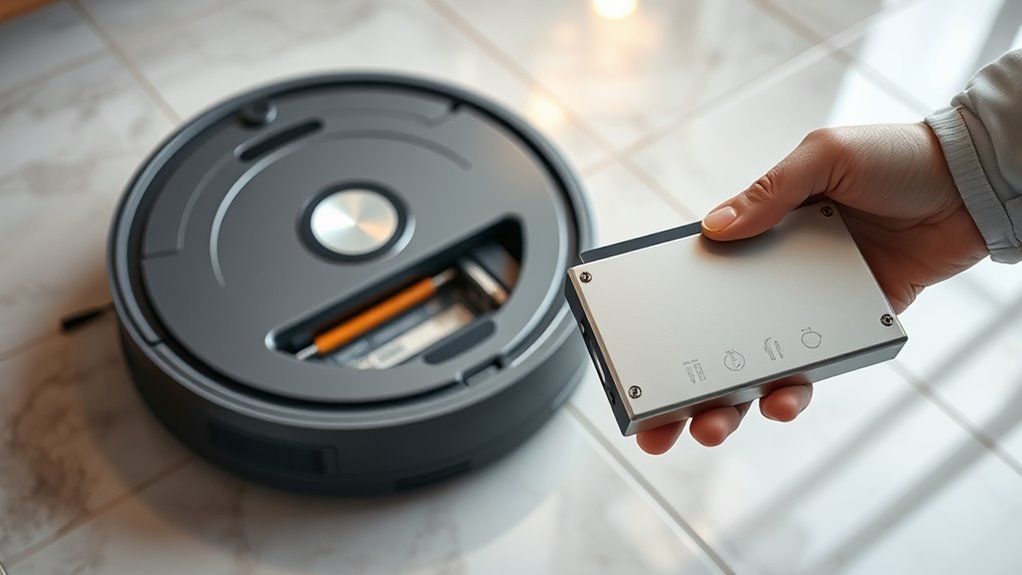

Yes, you can upgrade your robot vacuum’s battery to extend its runtime. First, make certain you select a compatible replacement that matches your model’s voltage and shape. Carefully remove the old battery and install the new one following the manufacturer’s instructions. Proper installation can boost cleaning time and overall performance. If you want to learn about choosing the right battery and the installation process, keep exploring for helpful tips.

Get home appliances delivered free with Prime
- Fast, free delivery on millions of items
- Prime Video, Amazon Music and more included
- Member-only deals all year
Key Takeaways
- Yes, upgrading the battery can extend your robot vacuum’s runtime if compatible replacements are available.
- Verify the model number and voltage requirements to ensure the new battery fits and functions properly.
- Follow manufacturer instructions carefully when replacing the battery to prevent damage or voiding warranties.
- Upgrading to a higher-capacity battery may improve run time but ensure it matches the shape and connector type.
- Consult support resources or professional technicians if unsure about compatibility or installation procedures.
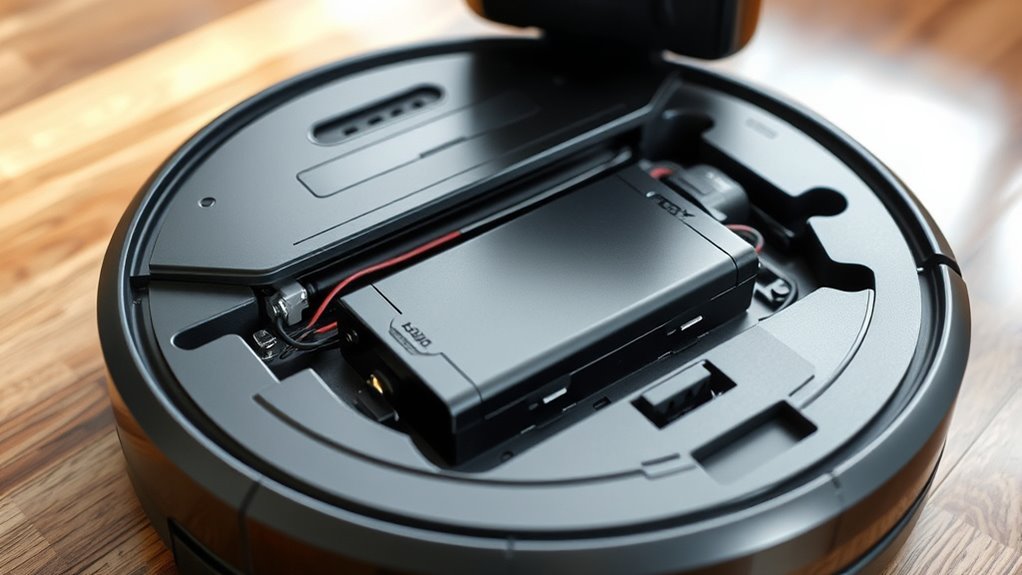
If your robot vacuum isn’t cleaning as efficiently as it used to, upgrading its battery can restore its performance. Over time, batteries lose capacity, leading to shorter run times and less effective cleaning sessions. The key to a successful upgrade is understanding battery compatibility and knowing the replacement process. Not all batteries are created equal, so you need to ensure you select one that matches your vacuum’s specifications precisely. Using an incompatible battery can cause operational issues or even damage your device, so double-check the model number and voltage requirements before purchasing a new battery.
Upgrade your robot vacuum’s battery to restore efficiency and ensure compatibility for optimal performance.
The first step in upgrading your robot vacuum’s battery is to identify the correct replacement. Most robot vacuums use lithium-ion batteries, but the shape, size, and connector type vary widely among brands and models. Check your user manual or manufacturer’s website for detailed information on compatible batteries. Many brands also list compatible replacements online, making it easier to find a suitable match. Once you’ve confirmed the right battery, the replacement process usually involves removing the vacuum’s bottom panel or a battery compartment cover. Carefully disconnect the old battery, making note of how it’s connected, then detach and remove it from the device.
Installing the new battery typically requires aligning the connectors properly and securing the battery in its compartment. It’s important to follow the manufacturer’s instructions closely, as improper installation can lead to poor performance or safety hazards. After installing the new battery, test your robot vacuum by turning it on and observing its operation. If it powers up and runs longer than before, you’ve successfully completed the upgrade.
The process of replacing the battery isn’t overly complicated, but it does require some attention to detail. If you’re unsure about the compatibility or the replacement process, consulting the manufacturer’s support resources or seeking professional help can be beneficial. Some advanced models may have proprietary batteries or specific removal techniques, so taking extra care ensures you don’t accidentally damage the device. Additionally, understanding how battery capacity impacts runtime can help you choose the best upgrade for your needs.
robot vacuum replacement battery
As an affiliate, we earn on qualifying purchases.
As an affiliate, we earn on qualifying purchases.
Frequently Asked Questions
Will Upgrading the Battery Void My Robot Vacuum’s Warranty?
Upgrading your robot vacuum’s battery might void your warranty because it can affect the battery safety and the warranty policy. Manufacturers often specify that only original or approved batteries should be used, and any modifications could be seen as unauthorized repairs. To avoid losing coverage, check your warranty details and consider professional upgrades if available. This way, you protect your warranty while potentially extending your vacuum’s run time.
How Do I Know if My Robot Vacuum’s Battery Is Replaceable?
You can find out if your robot vacuum’s battery is replaceable by checking the user manual or manufacturer’s website. Look for details on battery lifespan and replacement instructions. Many models have accessible batteries, indicated by removable panels or charging indicators that show battery health. If you’re unsure, contact customer support for guidance. Replacing a replaceable battery can extend your vacuum’s lifespan and improve its performance.
Are Third-Party Batteries Safe and Compatible With My Vacuum Model?
Think of third-party batteries as new crew members joining your robot vacuum’s team. While they might seem compatible, battery safety and third-party compatibility aren’t always assured. Some third-party options can fit perfectly, but others might cause issues or even damage your device. Always check reviews, verify they meet your vacuum’s specifications, and prioritize brands known for quality. This way, your vacuum stays safe and performs like new.
What Tools Are Needed to Upgrade My Robot Vacuum’s Battery?
To upgrade your robot vacuum’s battery, you’ll need a screwdriver set to remove the screws securing the battery. Carefully perform a battery removal, making sure not to damage any connectors or internal parts. Once the old battery is out, insert the new one securely, reconnecting all cables. Having the right screwdriver set guarantees a smooth process, preventing damage and making the upgrade easier and more efficient.
Can I Upgrade to a Higher Capacity Battery for Longer Cleaning Cycles?
Think of your robot vacuum as a hungry traveler, craving more fuel for a longer journey. Upgrading to a higher capacity battery can give your device a boost, extending its cleaning efficiency and letting it cover more ground without pause. Just verify the new battery matches your model’s specifications; otherwise, you risk disrupting the harmony of its performance. A higher capacity battery can truly turn your vacuum into a tireless cleaning companion.
compatible lithium-ion robot vacuum battery
As an affiliate, we earn on qualifying purchases.
As an affiliate, we earn on qualifying purchases.
Conclusion
Thinking about upgrading your robot vacuum’s battery? It’s a smart move that could give you longer cleaning sessions and fewer interruptions. But before you delve in, ask yourself—what else could be improved? Could a simple upgrade open a whole new level of performance you never expected? The next step might surprise you. Stay tuned, because once you explore your options, you might just discover the secret to truly unstoppable cleaning power. Are you ready to find out?
robot vacuum battery upgrade kit
As an affiliate, we earn on qualifying purchases.
As an affiliate, we earn on qualifying purchases.
high capacity robot vacuum battery
As an affiliate, we earn on qualifying purchases.
As an affiliate, we earn on qualifying purchases.
Fall Picks
fall essentials
As an affiliate, we earn on qualifying purchases.