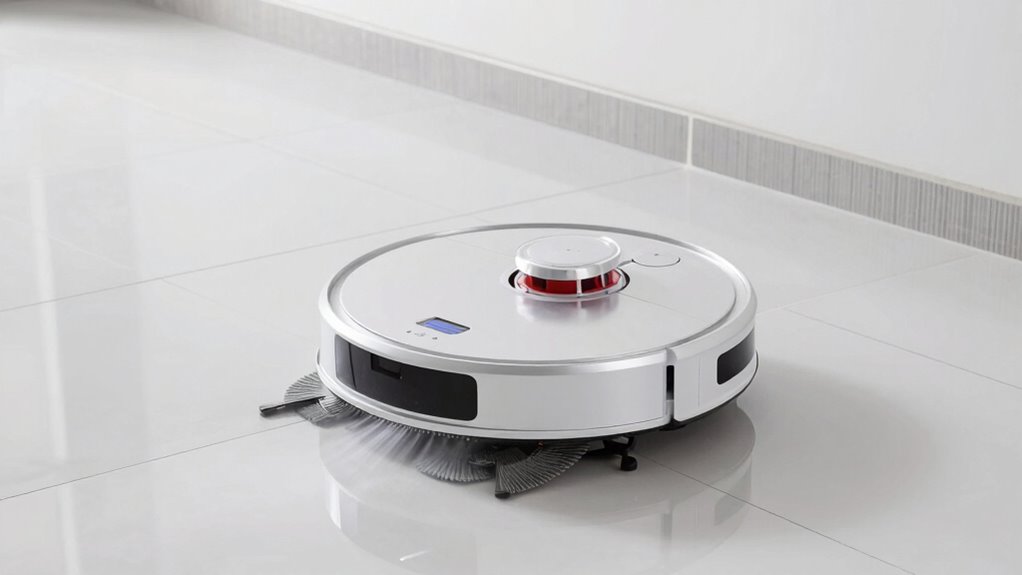
To improve your robot mop’s performance on tile floors, regularly maintain it by cleaning sensors, brushes, and water tanks, and replace worn parts. Prepare your floor by sweeping or vacuuming and removing obstacles. Choose the right cleaning mode and focus on tough stains with higher pressure settings. Updating the device’s software and using suitable pads also boost efficiency. Keep an eye on maintenance tips to guarantee your robot keeps cleaning like new—more helpful hints lie ahead.

Get home appliances delivered free with Prime
- Fast, free delivery on millions of items
- Prime Video, Amazon Music and more included
- Member-only deals all year
Key Takeaways
- Regularly clean and replace brushes, pads, and sensors to maintain optimal mopping and navigation performance.
- Clear the area of loose objects, cords, and rugs before mopping to ensure smooth operation.
- Use appropriate cleaning modes and pressure settings tailored for stubborn stains or high-traffic areas.
- Keep the water tank and dustbin clean to prevent buildup and ensure effective cleaning.
- Update the robot’s software and perform routine maintenance for improved efficiency on tile surfaces.
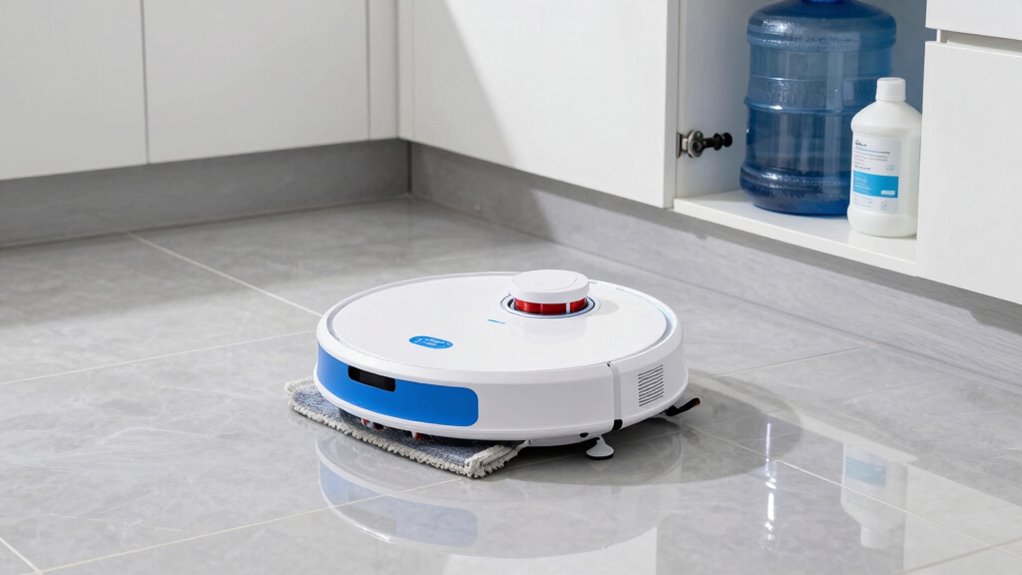
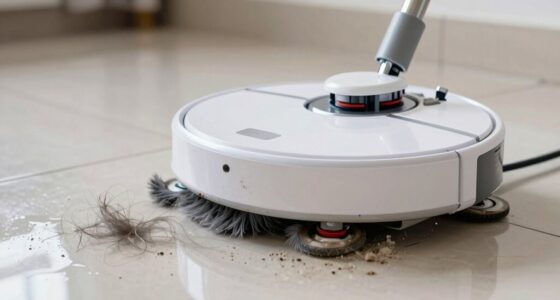
If your robot mop isn’t cleaning your tile floors as effectively as you’d like, there are simple steps you can take to improve its performance. The key is to focus on proper robot mop maintenance and thorough tile floor preparation. Regularly maintaining your robot mop ensures it functions at its best, from cleaning brushes to sensors. Start by checking the brushes and rollers, removing any hair or debris wrapped around them. Worn-out or clogged brushes reduce cleaning efficiency, so replace them as needed. Also, clean the sensors and charging contacts to guarantee the robot navigates properly and stays powered up during its cleaning cycle. Don’t forget to empty the dustbin or water tank after each use, and wash them periodically to prevent buildup that could hinder performance.
Tile floor preparation is equally important. Before you start your robot mopping session, clear the area of loose objects, rugs, and cords that might obstruct its path. Sweep or vacuum the floor beforehand to remove loose dirt and debris that can’t be picked up by the robot mop’s pads or brushes. This prevents the mop from pushing dirt around or missing spots. If your tile has grout lines that are particularly dirty or stained, consider pre-treating them with a gentle cleaning solution to loosen grime. Ensuring the tile surface is free of dust and loose particles helps the robot mop glide smoothly and increases its effectiveness. Additionally, understanding robot mop navigation can help you optimize its path and cleaning patterns for better results.
Adjust the mop’s settings for ideal results on tile. Many robot mops come with different cleaning modes—such as light, normal, or deep clean. For tile floors, especially if they’re heavily soiled, selecting the deep clean mode can enhance results. Also, if your device has adjustable mopping pressure, set it to a higher level for stubborn stains or sticky spots. Use the appropriate cleaning pads or cloths designed for tile surfaces, as some pads are better at trapping dirt and handling moisture without damaging the tile or grout.
Finally, keep an eye on your robot mop’s performance over time. If you notice it’s not cleaning as thoroughly as before, it might be time for routine maintenance or a replacement part. Regularly updating the software, if applicable, can also enhance its cleaning capabilities. With consistent robot mop maintenance and careful tile floor preparation, you’ll maximize its efficiency, leaving your tile floors cleaner and brighter with less effort on your part.
Products Worth Considering

Philips Hue Secure Starter Kit with Contact Sensors, Motion Sensor, Bridge, and Color Smart Bulbs

Dyson W1 PencilWash Cordless Wet and Dry Floor Cleaner with Dock

Ring Alarm 14-Piece Kit
As an affiliate, we earn on qualifying purchases.
Frequently Asked Questions
Can Robot Mops Handle Uneven or Textured Tile Surfaces?
Robot mops can struggle with uneven surfaces and textured tiles. You need to choose models with advanced sensors and adjustable settings to handle these challenging surfaces effectively. Make sure your robot mop has strong suction and flexible brushes to adapt to textured tiles. Regularly clean the mop’s brushes and sensors, and consider elevating uneven areas or using a different cleaning method for the most thorough results on textured or uneven tiles.
How Often Should I Replace the Robot Mop’s Cleaning Pads?
Think of your robot mop’s cleaning pad as the heart of its cleaning prowess; it needs proper care to beat strongly. You should replace the cleaning pad regularly, ideally every 2-3 months, depending on usage and cleaning conditions. Keep an eye on its cleaning pad lifespan and replacement frequency, as worn-out pads won’t clean effectively. Regular replacement guarantees your robot functions at its best, keeping your tile floors spotless and fresh.
Are There Specific Cleaning Solutions Recommended for Robot Mops?
You should choose cleaning solution options that are safe for your robot mop and compatible with tile floors. Check your mop’s manual for chemical compatibility to prevent damage. Many recommend using plain water or a mild, non-abrasive cleaning solution. Avoid harsh chemicals like bleach or ammonia, which can harm the mop’s components. Always dilute cleaning solutions properly and test a small area first to make sure it doesn’t cause any issues.
How Do I Troubleshoot if My Robot Mop Gets Stuck Frequently?
If your robot mop gets stuck frequently, start troubleshooting by checking its battery life; low power can cause navigation issues. Confirm the floor is free of obstacles and the sensors are clean, which improves navigation accuracy. Update the firmware if available, and reset the device if needed. Regularly inspecting wheels and brushes prevents jams. These steps help your robot move smoothly, reducing getting stuck and maintaining efficient cleaning.
Can Robot Mops Effectively Clean Grout Lines Between Tiles?
Robot mops can effectively clean grout lines if you focus on grout cleaning and guarantee surface compatibility. You should choose a mop with specialized attachments or brushes designed for detailed cleaning, and verify it’s suitable for your tile surface. Regularly inspect and maintain the cleaning components, and consider spot cleaning stubborn grout lines manually if needed. With proper care, your robot mop can keep grout lines looking fresh and clean.
Conclusion
By following these tips, your robot mop will clean your tile floors more effectively. Don’t worry if it seems like it’s not working perfectly at first; with a little tweaking, you’ll see great results. Remember, regular maintenance and proper setup make a big difference. So go ahead, give these tricks a try—your sparkling clean floors are just a few steps away. You’ll be surprised how much easier and more efficient your cleaning routine becomes!