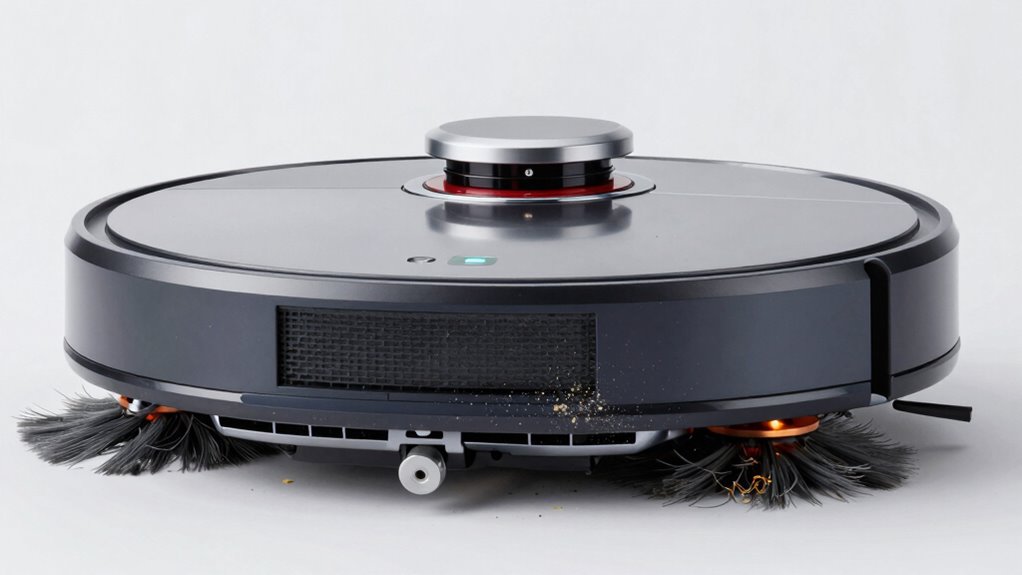
Many owners forget that maintaining their robot vacuum involves more than just emptying the bin. You should regularly check and replace the battery, clean or replace filters, and calibrate sensors for accurate navigation. Don’t neglect wheels and brushes—hair and debris can cause wear and tear. Firmware updates are also essential for peak performance and security. Staying on top of these tasks will keep your vacuum running smoothly and prolong its lifespan; discover more tips below.
Key Takeaways
- Regularly check and replace the battery to maintain optimal cleaning performance.
- Calibrate sensors periodically to ensure accurate navigation and mapping.
- Remove hair and debris from wheels and brushes to prevent motor strain.
- Inspect and replace filters to sustain strong suction power.
- Keep firmware and software updated to improve performance and security.
Keeping your robot vacuum running smoothly requires regular maintenance. Many owners focus on emptying the dustbin and cleaning the brushes but overlook some essential tasks that keep the device functioning at its best. One of the most overlooked yet necessary tasks is making sure the battery remains in good condition. Over time, the battery’s capacity decreases, leading to shorter cleaning cycles and reduced efficiency. If you notice your vacuum isn’t holding a charge like it used to, it might be time for a battery replacement. Replacing the battery can restore performance without the expense of a new vacuum. Always use the manufacturer-recommended battery to avoid compatibility issues and potential damage. Regularly inspecting the battery for swelling or corrosion is also important, as these are signs it’s nearing the end of its lifespan. Proper battery maintenance can extend the overall life of your vacuum and ensure it continues to perform optimally. Additionally, understanding the importance of technology compatibility can help you select the right replacement parts and accessories for your device. Ensuring your vacuum’s firmware is compatible with your current app and device system also plays a crucial role in its overall performance. Maintaining the correct software updates can help prevent security vulnerabilities and ensure smooth operation.
Regularly check and replace your robot vacuum’s battery to maintain optimal performance and extend its lifespan.
Sensor calibration is another maintenance task that often gets skipped. Your robot vacuum relies heavily on sensors to navigate and avoid obstacles, drops, or tight spaces. If your vacuum starts bumping into furniture more often or missing areas, it’s probably time to calibrate its sensors. Many models have a simple calibration process you can follow through the app or manual instructions. Proper calibration ensures your vacuum can map your home accurately, cleaning efficiently without getting stuck or missing spots. Neglecting sensor calibration can lead to more frequent errors, increased wear and tear, and ultimately, a shorter lifespan for your device.
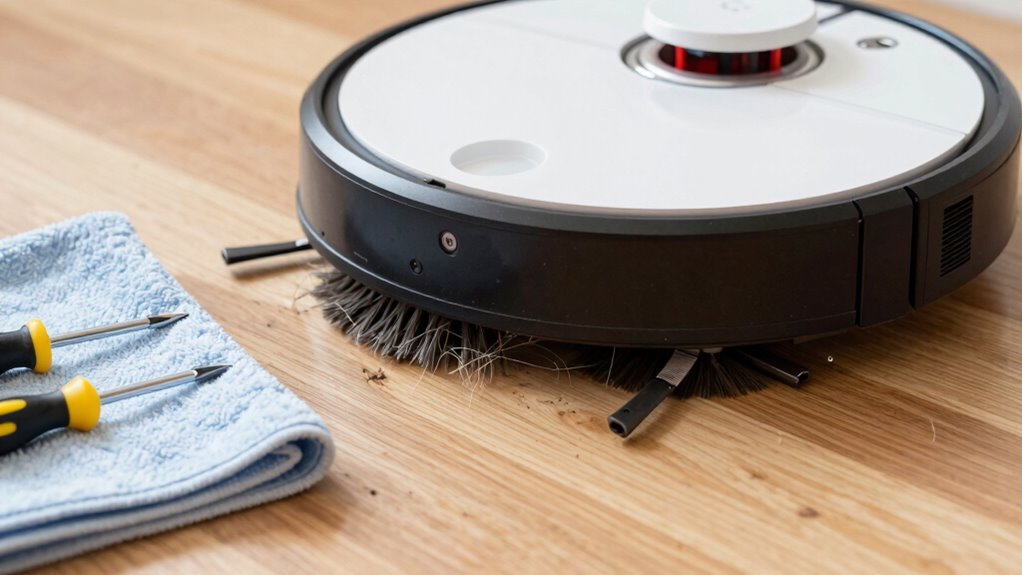
Aside from battery replacement and sensor calibration, it’s also wise to periodically check the wheels and brushes. Debris buildup or hair wrapping around the rollers can hinder movement and cleaning performance. Removing hair or string from the brushes and ensuring the wheels spin freely prevents unnecessary strain on the motor. Additionally, inspecting the filters and replacing them when dirty keeps suction power at its best and prolongs the life of the vacuum’s motor.
Finally, don’t forget to update the firmware whenever prompted. Firmware updates often include bug fixes, performance improvements, and new features that can extend your vacuum’s life and efficiency. Keeping your device’s software current is a simple yet often overlooked step that can make a significant difference in its longevity. Regular software updates also enhance device security and ensure compatibility with new app features.

Upgraded 4000mAh N79 14.4V Battery for Eufy RoboVac 11 11S 30 15C 25C 35C Robot Vacuum Cleaner for Ecovacs Deebot N79 N79S Deebot 500 600 DN622, Goovi F007C D380 Robot Vacuum Cleaner Battery
- High Capacity Battery: 4000mAh for extended runtime
- Long Battery Life: Up to 180 minutes per charge
- Wide Compatibility: Fits various Eufy and Deebot models
As an affiliate, we earn on qualifying purchases.
As an affiliate, we earn on qualifying purchases.
Frequently Asked Questions
How Often Should I Replace My Robot Vacuum’s Filters?
You should replace your robot vacuum’s filters every 2 to 3 months to maintain ideal dust capacity and battery life. As filters clog with dust and debris, the vacuum works harder, reducing efficiency and battery longevity. Regular filter changes ensure your device cleans effectively and prolongs its lifespan. Keep an eye on dust buildup, and change filters promptly to keep your robot vacuum running smoothly and efficiently.
Can I Use Regular Cleaning Products on My Robot Vacuum?
You shouldn’t use regular cleaning products on your robot vacuum because they often aren’t compatible and can damage the device. Instead, focus on maintaining the cleaning frequency of filters and brushes with gentle, manufacturer-approved cleaning methods. Always check product compatibility before using any cleaning agents. Using the right cleaning techniques ensures your vacuum stays in top shape, extends its lifespan, and maintains best performance.
What’s the Best Way to Clean the Vacuum’s Sensors?
To clean your vacuum’s sensors, gently wipe them with a soft, dry cloth—think of it as dust removal for delicate eyes. Avoid harsh chemicals to prevent sensor damage. Regularly check sensor alignment to guarantee proper navigation. Dust buildup can hinder performance, so keep sensors clear. This simple step keeps your robot vacuum running smoothly, helping it avoid obstacles and clean more efficiently, just like a well-rested, alert helper.
How Do I Troubleshoot if My Vacuum Gets Stuck Frequently?
If your robot vacuum gets stuck frequently, start troubleshooting by checking its navigation system for obstructions or dirt on sensors. Make certain the wheels and brushes are clean and move freely. Also, consider the battery lifespan, as a weak battery can affect movement. Recalibrate the sensors if needed, and clear clutter from the vacuum’s path, which helps improve navigation and reduces getting stuck. Regular maintenance keeps your vacuum functioning smoothly.
Is It Necessary to Update the Robot’s Software Regularly?
Yes, regular software updates are necessary to keep your robot vacuum functioning at its best. They often include bug fixes, new features, and performance improvements. By staying current with software updates, you guarantee your device follows the latest maintenance schedules and runs smoothly. Neglecting updates might lead to issues like getting stuck or reduced cleaning efficiency. So, make it a habit to check for updates periodically and keep your robot in top shape.

Shark AI Robot Vacuum Cliff Sensor Set, Drop Infrared Sensor Set – RV2000 AI Series Models
- Compatible Shark AI Models: Fits multiple RV2000 and RV2001 models
- Complete Sensor Set: Includes 3 infrared sensors, wiring, and connectors
As an affiliate, we earn on qualifying purchases.
As an affiliate, we earn on qualifying purchases.
Conclusion
To keep your robot vacuum running smoothly, don’t forget these often overlooked maintenance tasks. Regularly cleaning filters, brushes, and sensors is like tending to a garden—you’ll reap the benefits of spotless floors and fewer malfunctions. Think of your vacuum as a trusted assistant that needs your care to perform at its best. By staying proactive with these small tasks, you guarantee your cleaning companion remains a loyal, tireless worker—your secret weapon against dirt.

Tweruna 4 PCS Handheld Vacuum Cleaner Brush, Universal Dust Brush, 2 in 1 Vacuum Roller Cleaning Tool for Sweeping Robot
- Package Includes: 4 handheld vacuum brushes in 2 styles
- Premium Materials: Soft nylon bristles and durable ABS handle
- Deep Crevice Cleaning: Reaches deep to remove hair and dust
As an affiliate, we earn on qualifying purchases.
As an affiliate, we earn on qualifying purchases.

Tikom Robot Vacuum and Mop Combo, 5000Pa Robotic Vacuum Cleaner, 150 Min Max, App & Remote Control, Ideal for Hard Floor, Carpet, Pet Hair, Self-Charge(G8000 Max)
- Strong Suction Power: 5000Pa for deep cleaning
- Vacuum & Mop Combo: Simultaneous cleaning in one pass
- Large Dustbin & Water Tank: 450ml dustbin and 300ml water tank
As an affiliate, we earn on qualifying purchases.
As an affiliate, we earn on qualifying purchases.