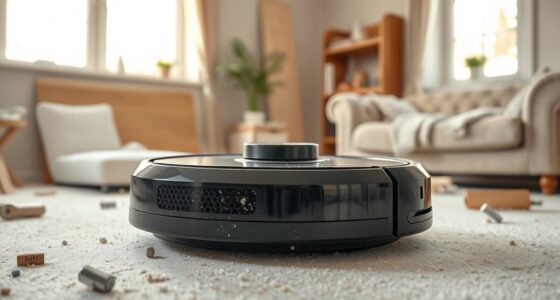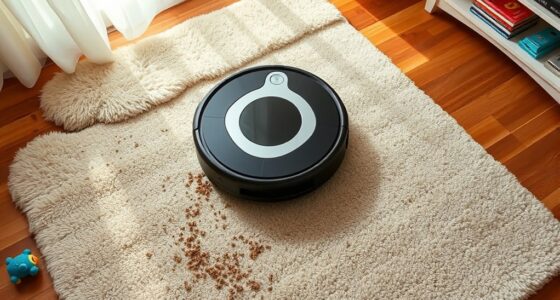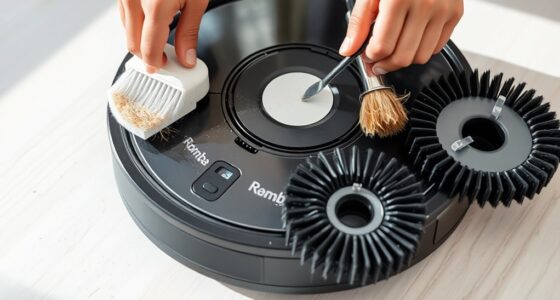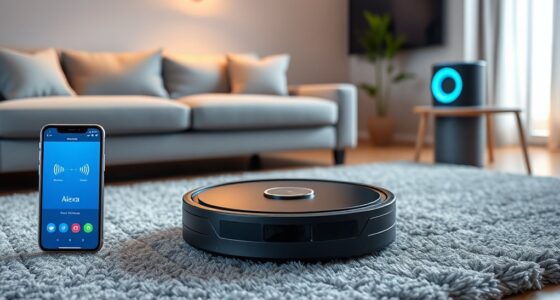

If your robot vacuum keeps going in circles, it’s often caused by sensor issues, such as dirt or miscalibration, which confuse its navigation system. Obstructions like loose cables or cluttered corners can also block its path and trigger repeated movements. Firmware glitches or low batteries may disrupt its programming, leading to erratic behavior. To fix the problem, make sure sensors are clean, clear your space, and keep the software updated. Discover more tips to stop the circling pattern.
Key Takeaways
- Faulty or uncalibrated sensors can misinterpret obstacles, causing the vacuum to circle repeatedly.
- Obstructions like cables, toys, or cluttered furniture edges can confuse sensors and lead to looping.
- Software glitches or outdated firmware may cause erratic navigation and circular movements.
- Battery issues or inconsistent power supply can disrupt movement, making the vacuum spin in circles.
- Regular cleaning, sensor calibration, firmware updates, and removing obstacles improve navigation accuracy.
Common Sensor Issues That Cause Circular Movements
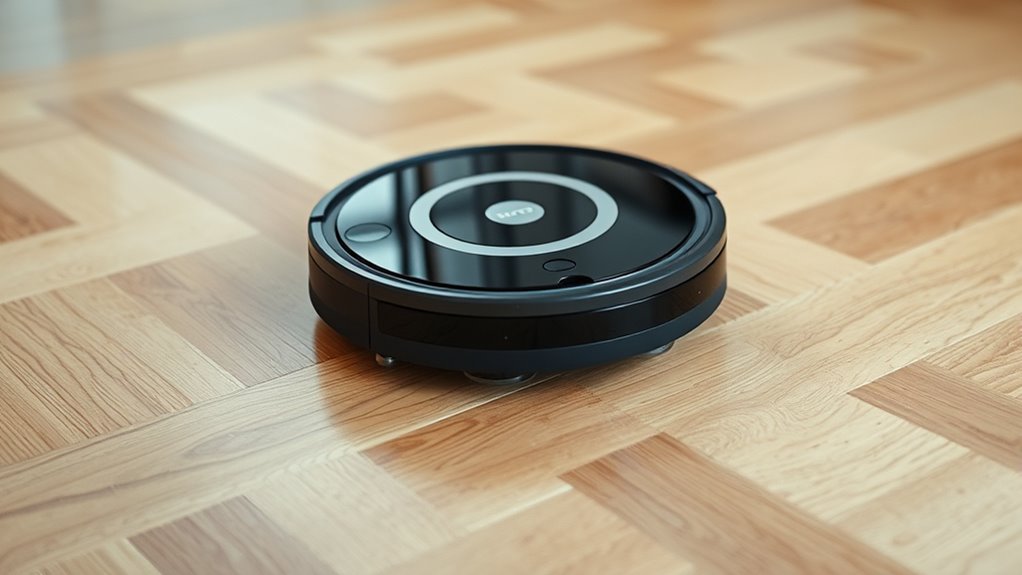
One common reason a robot vacuum might go in circles is due to sensor issues, especially with its obstacle detection systems. If your vacuum’s sensors aren’t properly calibrated, it can misinterpret its environment, causing erratic movements. Poor sensor calibration leads to inaccurate data, which confuses the navigation algorithms that plot its route. When these algorithms receive faulty or inconsistent signals, the vacuum struggles to recognize walls, furniture, or open spaces, prompting it to circle around the same spot repeatedly. Regularly checking and recalibrating your vacuum’s sensors can help guarantee accurate obstacle detection. Additionally, updating or resetting its navigation algorithms can improve performance. Keeping sensors clean and free of dust or debris also prevents false readings, helping your robot vacuum move smoothly without unnecessary circling.
How Obstructions and Clutter Disrupt Pathfinding
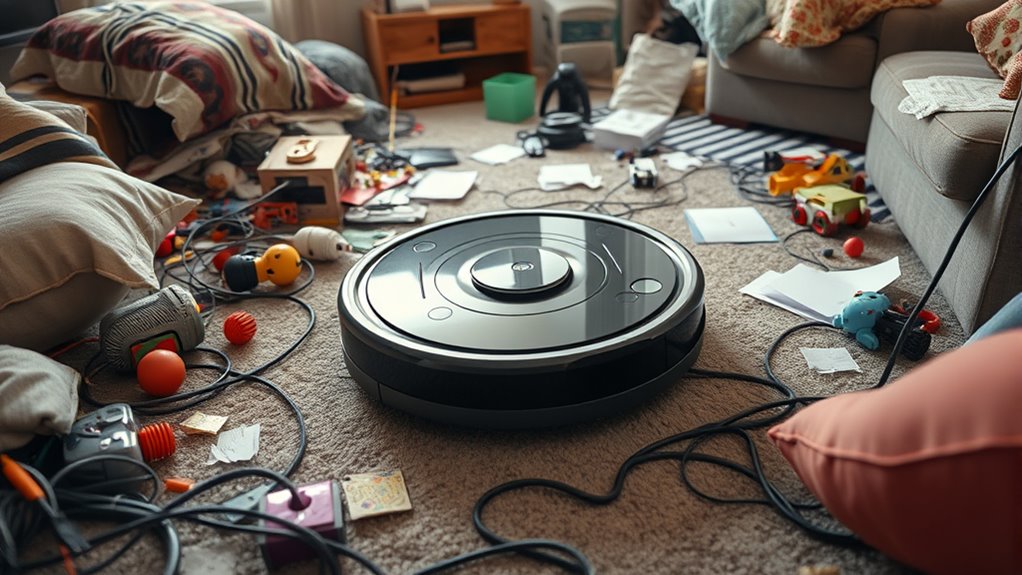
Have you noticed your robot vacuum getting stuck or going in circles in cluttered areas? Obstructions and clutter can interfere with its pathfinding, confusing sensors and causing repeated movements. When clutter interferes, the vacuum’s obstruction detection may fail to recognize obstacles, leading it to circle around the same spot. Items like cables, shoes, or toys create barriers that disrupt navigation algorithms. To better understand this, consider the following:
| Obstruction Type | Effect on Pathfinding | Recommended Action |
|---|---|---|
| Loose cables | Confuses sensors | Tidy up before cleaning |
| Small toys | Blocks navigation | Remove clutter |
| Furniture edges | Triggers false alarms | Clear surrounding area |
| Cluttered corners | Disrupts mapping | Declutter corners |
Clear clutter and secure cables to improve obstruction detection and prevent endless circling.
Firmware and Software Glitches Affecting Navigation

Firmware and software glitches can cause your robot vacuum to behave unpredictably, disrupting its navigation system. These issues often stem from errors in the device’s navigation algorithms, which guide its movements and obstacle avoidance. When the software malfunctions, your vacuum might get stuck in loops or go in circles instead of cleaning efficiently. Regular firmware updates are essential because they fix bugs, improve navigation algorithms, and enhance overall performance. If your vacuum keeps circling, check if a firmware update is available and install it according to the manufacturer’s instructions. Sometimes, a simple update can resolve glitches that interfere with proper navigation. Keeping your device’s firmware current helps guarantee smoother operation and reduces the chances of erratic behavior caused by software issues.
Battery or Power-Related Problems Impacting Performance

If your robot vacuum suddenly stops or struggles to complete its cleaning cycle, battery or power issues might be to blame. A battery drain can cause the vacuum to lose power unexpectedly, leading to erratic movement or it going in circles. Power fluctuations, caused by a faulty charging dock or worn-out battery, can disrupt stable operation. When the battery doesn’t hold a charge properly, the vacuum may frequently pause or change direction to conserve energy. Similarly, inconsistent power supply can cause it to behave unpredictably. Regularly check the battery’s condition and ensure the charging contacts are clean. Replacing an aging battery or fixing power supply issues can restore smooth navigation and prevent those frustrating circular patterns.
Tips for Troubleshooting and Preventing Circular Cleaning Patterns

Wondering how to stop your robot vacuum from going in circles? The key is optimizing its navigation algorithms and obstacle detection. First, verify the brushes and sensors are clean; dirt hampers obstacle detection. Second, update your vacuum’s firmware to improve navigation algorithms and prevent repetitive paths. Third, map out the space and set virtual boundaries if possible, guiding your robot away from trouble spots. Fourth, check for loose or damaged wheels that can affect movement and cause circular patterns. By maintaining these elements, you help your vacuum navigate more accurately, avoiding the tendency to spin in circles. Proper obstacle detection and updated algorithms are vital in promoting efficient, straight-line cleaning and preventing frustrating repetitive patterns.
Frequently Asked Questions
How Do I Reset My Robot Vacuum’s Navigation System?
To reset your robot vacuum’s navigation system, follow the reset procedures outlined in your user manual. Usually, you need to press and hold specific buttons or access the app to initiate a reset. This clears the current navigation data, allowing your vacuum to create a new map. Make sure the vacuum is on a flat surface and fully charged before resetting to guarantee the process goes smoothly.
Can Changing the Cleaning Schedule Fix Circular Movement Issues?
Changing the cleaning schedule can sometimes help fix navigation issues, like a captain adjusting course to avoid storms. By updating your schedule, you give your robot vacuum a fresh routine and reduce the chances of it circling. This small change can improve its navigation, preventing repetitive loops. Experiment with different times to see if a new schedule helps your vacuum navigate more efficiently and stops those frustrating circles.
Are There Specific Brands More Prone to Circling Problems?
Some brands are more prone to circling problems because of their sensor sensitivity and brand compatibility issues. For example, cheaper models or those with less advanced sensors might struggle to detect obstacles properly, causing them to go in circles. You should check if your robot vacuum’s sensors are clean and functioning correctly. Upgrading to a more compatible brand with better sensor technology can reduce these issues and improve navigation.
How Often Should I Update the Firmware to Prevent Navigation Errors?
You should update your robot vacuum’s firmware as soon as updates are available, regularly checking for improvements. Firmware updates boost navigation accuracy, fix bugs, and enhance overall performance. By staying current, you help prevent navigation errors and circling issues. Make it a habit to update every few months or whenever the manufacturer releases new firmware. This proactive approach keeps your vacuum running smoothly and accurately, saving you time and frustration.
What Is the Average Lifespan of Robot Vacuum Sensors?
The lifespan of robot vacuum sensors typically ranges from 2 to 5 years, depending on sensor durability and usage. You might notice sensors gradually lose accuracy over time, impacting navigation. To extend their lifespan, keep sensors clean and free of dust or debris. Regular maintenance helps guarantee peak performance, and replacing sensors when they show signs of failure can restore your vacuum’s navigation efficiency.
Conclusion
Just like a compass spinning aimlessly, your robot vacuum’s circular movements can be frustrating. But with a little troubleshooting, you can get it back on track. Check sensors, clear obstructions, and update software to help it navigate smoothly. Think of it as giving your vacuum a new sense of direction, turning chaos into a purposeful clean. With patience and some simple fixes, you’ll soon have your robot working efficiently again.