If your robot vacuum keeps resetting its map, verify your firmware is up to date, as outdated software can cause this issue. Keep your environment stable and free of clutter during mapping, and clean sensors for better accuracy. Make sure your Wi-Fi connection is strong and stable to prevent connectivity issues that can lead to map resets. Factory resetting and reinitializing the map may help, but further tips can help you save your maps longer—so, stay tuned.
Key Takeaways
- Regularly update your robot vacuum’s firmware to fix bugs that cause map resets.
- Perform factory resets and re-map your space in a stable, clutter-free environment.
- Keep sensors and lenses clean for accurate mapping and navigation.
- Ensure a strong, stable Wi-Fi connection to prevent data loss during map storage.
- Minimize environmental changes and interference to maintain consistent, reliable maps.
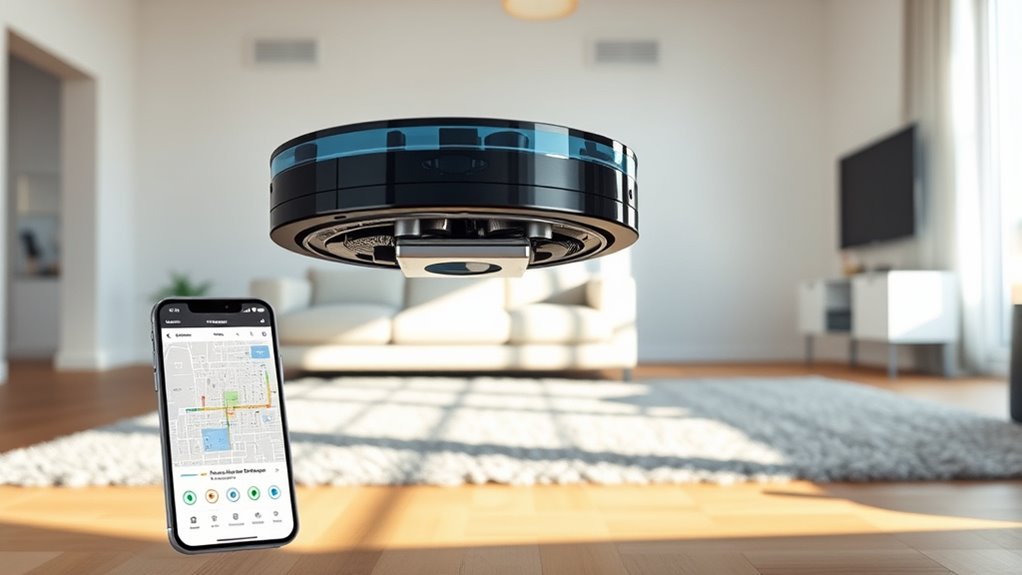
If your robot vacuum keeps resetting its map, it can be frustrating to rely on a device that can’t remember your home layout. This recurring problem often stems from underlying mapping issues that prevent your vacuum from maintaining a consistent map. When your device struggles to hold onto its mapped data, it forces itself to re-learn your space repeatedly, which not only wastes time but also hampers efficiency. One common culprit behind these mapping issues is outdated or problematic software updates. Manufacturers frequently release updates to improve performance, fix bugs, or enhance mapping capabilities. If you haven’t installed the latest firmware, your robot might encounter glitches that cause it to forget its previous map.
To address this, start by checking if your robot vacuum’s software is current. Visit the manufacturer’s app or website and verify whether there’s an update available. Installing the latest software often resolves known bugs affecting mapping stability, helping your device remember your layout better. Sometimes, after a software update, your vacuum may require a reset or recalibration to fully integrate the new features or fixes. Make sure to follow the manufacturer’s instructions carefully during this process, as incorrect updates or interruptions can cause more issues.
If your robot continues to reset its map despite updates, consider performing a full factory reset. This can clear any corrupted data or software conflicts that might be causing mapping issues. Keep in mind, however, that a reset will erase saved maps and cleaning preferences, so you’ll need to set up the device again. Once reset, run the initial mapping process again, ensuring the environment is clear of obstacles and that the device has enough time to create an accurate map. Proper mapping setup can significantly improve the stability of your robot’s navigation.
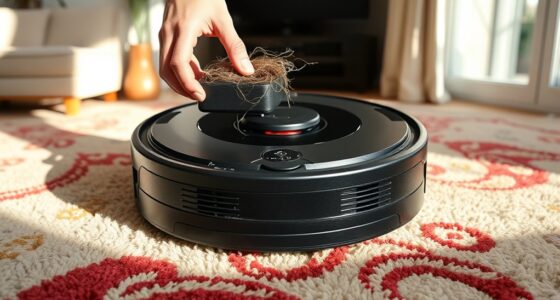
Another key step is to ensure your home environment remains consistent. Frequent rearrangements of furniture or adding new items can confuse the robot’s sensors and cause mapping errors. Try to keep the area as stable as possible during the mapping phase. If your robot uses visual or lidar sensors, cleaning their lenses and ensuring they’re unobstructed can improve mapping accuracy.
In some cases, excessive wireless interference can disrupt the communication between your robot and its app or server, leading to mapping issues. Make sure your Wi-Fi signal is strong and that there aren’t many competing signals nearby. Ensuring a stable connection can help your device upload and store maps correctly, preventing resets caused by connectivity problems.
Frequently Asked Questions
Can I Prevent My Robot Vacuum From Forgetting the Map?
Yes, you can prevent your robot vacuum from forgetting the map. Regularly update the map through map editing to guarantee accuracy, and avoid resetting it. Use the app to set cleaning zones, which helps preserve your map’s details. Additionally, keep the vacuum’s firmware updated, as this reduces the chances of map loss. Properly maintaining the device ensures your map stays intact, making future cleaning more efficient.
Do All Robot Vacuums Have Map Saving Features?
Many robot vacuums do have map saving features, but not all. Imagine your vacuum creating a detailed blueprint of your home, but limited storage capacity can cause mapping issues, leading to resets. Without proper map storage, your device may forget its layout. To avoid this, check if your model supports map saving, and consider ones with expandable memory, ensuring your vacuum remembers your home’s layout for efficient cleaning every time.
How Often Should I Reset My Robot Vacuum’s Map?
You should reset your robot vacuum’s map only when necessary, such as after major home changes or persistent mapping errors. Typically, avoid frequent map resetings to maintain your cleaning schedule’s efficiency. Keep an eye on your map reset frequency, and reset it sparingly to prevent losing your saved layouts. Regularly updating and maintaining your vacuum’s software can also help keep the map stable, ensuring consistent and thorough cleaning.
Will Firmware Updates Affect My Saved Maps?
Firmware updates can sometimes affect your saved maps, especially if the update changes firmware compatibility or update procedures. If your vacuum’s manufacturer releases a firmware update, it might reset or alter your maps. To prevent this, check the update notes beforehand and follow the recommended procedures carefully. Back up your maps if possible, and after updating, verify that your maps are intact to avoid losing your customizations.
Is It Possible to Recover Lost Maps After a Reset?
Yes, you can often recover lost maps after a reset through map recovery and data restoration options. Check your robot vacuum’s app or settings for backup features or cloud storage, which may allow you to restore your previous maps. If these aren’t available, contact customer support for assistance. Act quickly, as some data restoration processes might be limited or require specific tools to retrieve your saved maps.
Conclusion
To prevent your robot vacuum map from constantly resetting, make sure to update its firmware and keep the software stable. Regularly check for obstructions or interference that might cause resets, like Wi-Fi issues or obstacles in its path. Think of it like maintaining your trusty steed—without proper care, even the best tech can falter. With these tips, you’ll keep your maps safe, ensuring your vacuum’s performance stays as reliable as a knight’s sword in the age of chivalry.