
You should change your robot mop’s water regularly to keep it working efficiently and prevent bacteria or mold from forming. Typically, it’s best to do this after each cleaning session or whenever the water looks murky or debris-laden. Factors like floor dirtiness, traffic, and tank size influence how often you need to refill. Staying on top of water changes helps your robot perform better and lasts longer—continue to discover more ways to optimize your cleaning routine.
Key Takeaways
- Change the water after each cleaning session if it appears murky or debris-filled.
- Replace water more frequently in high-traffic or heavily soiled areas.
- Monitor water clarity and refill when it starts to look dirty or cloudy.
- Follow manufacturer guidelines for recommended water change intervals.
- Regularly rinse and clean the tank to prevent residue buildup and maintain cleaning efficiency.
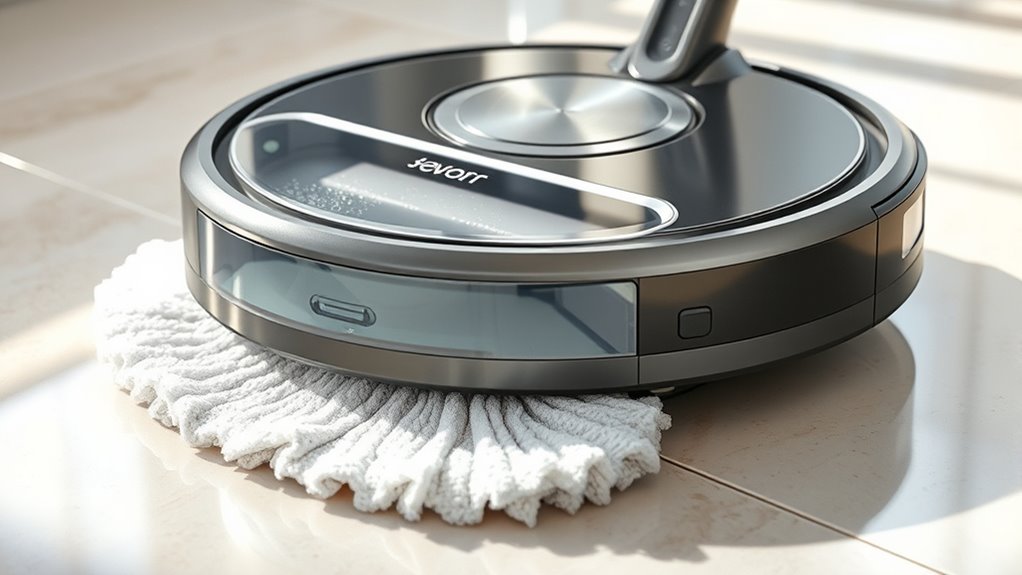
If you want your robot mop to clean effectively, you need to change the water regularly. Over time, the mop water lifespan diminishes as dirt, debris, and bacteria build up, reducing cleaning efficiency and potentially spreading grime rather than removing it. When water sits stagnant in the tank, especially after multiple cleaning sessions, it becomes less effective at lifting dirt. This is why monitoring how often you refresh the water is essential to maintaining ideal performance.
Changing your robot mop’s water regularly ensures optimal cleaning and prevents dirt buildup.
The frequency with which you change the water depends on several factors, including the size of your cleaning area and how dirty the floors are. If you’re cleaning a heavily trafficked or messy space, you’ll need to replace the water more often, perhaps after every few rooms or every few uses. Conversely, if your floors are relatively clean, you might get away with changing the water less frequently—say, after several cleaning cycles. Always pay attention to the clarity of the water; if it looks murky or contains visible debris, it’s time for a change. Old, dirty water not only hampers cleaning but can also cause streaks or spots on your floors.
The cleaning solution frequency also plays a role in how often you should swap out the water. Many robot mops use a mixture of water and a cleaning solution to enhance dirt removal. If you’re using a cleaning solution, follow the manufacturer’s guidelines on how often to add more or replace it. Some solutions can diminish the mop’s ability to work effectively if left in the tank for too long, especially if they dry out or become contaminated. Regularly emptying and rinsing the tank prevents buildup of residue and ensures the cleaning solution remains effective. Additionally, tank hygiene is crucial for preventing bacteria and mold growth that can develop in stagnant water.
Maintaining a clean tank isn’t just about good hygiene; it’s about guaranteeing your robot mop performs at its best. Dirty water can clog the brushes, reduce suction, and cause the machine to work harder, which can shorten its lifespan. To maximize your robot mop’s efficiency and lifespan, develop a routine to check the water tank after each cleaning session. If the water looks cloudy or dirty, it’s time to empty and refill it. Also, adhere to the recommended cleaning solution frequency, as overusing or underusing it can compromise cleaning quality.
Frequently Asked Questions
Can I Reuse Dirty Robot Mop Water for Multiple Cleaning Sessions?
You shouldn’t reuse dirty robot mop water for multiple cleaning sessions because water contamination builds up quickly, reducing cleaning efficiency. Dirty water can spread dirt and bacteria, making your floors less clean over time. To keep your robot mop working effectively, change the water frequently, especially after each room or every few uses. This guarantees ideal cleaning results and prevents the spread of germs, keeping your home healthier and spotless.
Does Water Type (Tap vs. Distilled) Affect How Often I Should Change It?
Did you know tap water contains an average of 10-15 times more minerals than distilled water? This mineralization affects how often you should change your robot mop’s water. Tap water, with its mineral content, can cause buildup and clog filters faster, so you might need to change it more frequently. Using water filtration can reduce mineral deposits, extending the time between changes and keeping your robot mop running smoothly.
How Does Water Change Frequency Impact Robot Mop Battery Life?
Changing the water frequently helps protect your robot mop’s battery life by preventing water contamination, which can cause buildup and damage internal components. Regular water changes improve battery maintenance, ensuring the device runs efficiently and lasts longer. If you neglect to change the water often enough, you risk corrosion and reduced battery performance. So, keeping water fresh is key to maintaining peak battery health and extending your robot mop’s lifespan.
Is It Necessary to Change Water More Frequently in Homes With Pets?
You probably think changing water more often isn’t necessary, but if you have pets, it’s a must. Pet hair and odors build up quickly in the water, making your robot mop less effective. Frequent changes help with odor control and make certain your floors stay spotless. So, don’t skimp—your furry friends’ messes demand fresh water more often to keep your home smelling clean and looking great.
Can Infrequent Water Changes Damage the Robot Mop’s Cleaning Performance?
Infrequent water changes can harm your robot mop’s cleaning efficiency because dirty water reduces its ability to clean effectively. Over time, poor water quality causes buildup and clogs, which may strain the motor and diminish performance. To keep your robot working at its best, change the water regularly, especially if you have pets or high foot traffic, ensuring consistent cleaning quality and prolonging its lifespan.
Conclusion
Remember, changing your robot mop’s water every 1-2 uses guarantees it working efficiently and helps prevent bacteria buildup. Did you know that a dirty mop water reservoir can harbor more bacteria than a toilet seat? By staying on top of water changes, you not only ensure a cleaner mop but also maintain a healthier home environment. Keep your robot in top shape, and your floors will thank you for it!