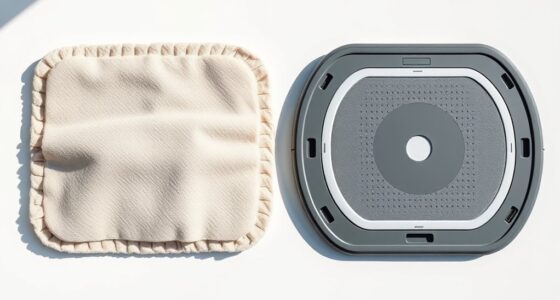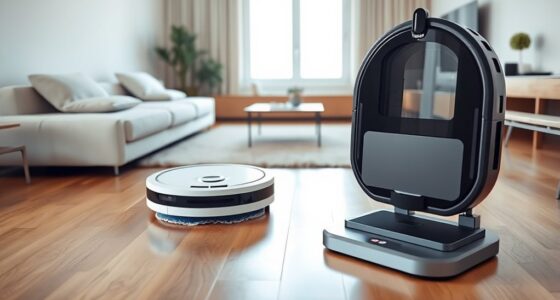
To get sparkling floors every time, start by sweeping or vacuuming to clear loose dirt and remove obstacles like toys or cords. Adjust your robot mop’s settings based on your floor type—use stronger modes for tile and hardwood, gentle for rugs. Regularly clean and maintain your device, including sensors and filters, to keep it working efficiently. Schedule cleanings during off-hours and troubleshoot issues promptly to guarantee consistent, spotless results. If you follow these tips, you’ll discover even more ways to perfect your floors.
Key Takeaways
- Clear floors of toys, cords, and loose rugs to prevent obstacles and ensure smooth robot movement.
- Adjust cleaning settings based on surface type (tile, hardwood, rug) for optimal results.
- Regularly clean sensors, brushes, and filters to maintain the robot’s performance and longevity.
- Schedule cleanings during household downtime and fully charge the robot before use.
- Troubleshoot sensor issues and keep the water tank refilled for consistent, sparkling floors every time.
Prepare Your Floors Before Starting the Robot Mop
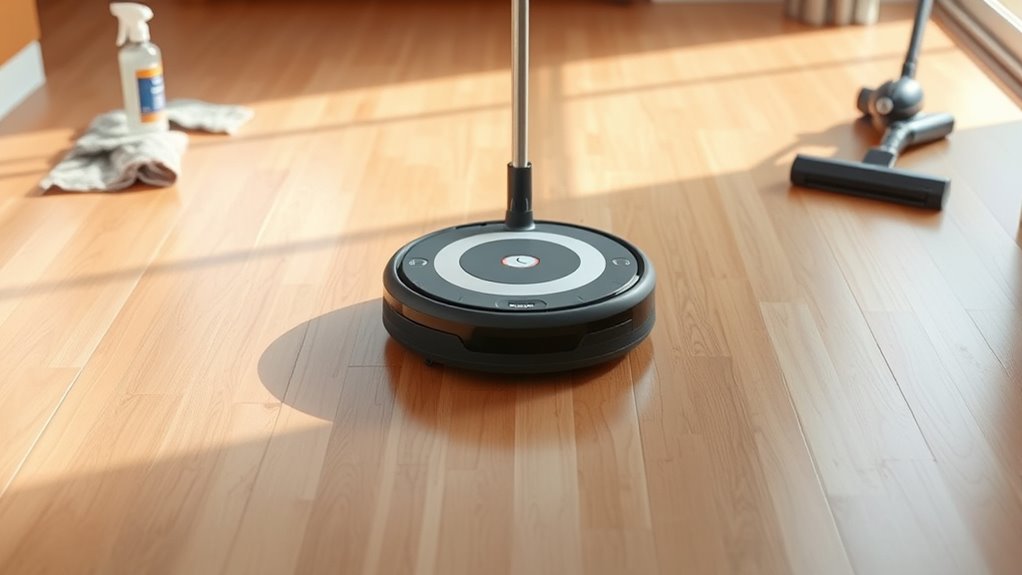
Before you start your robot mop, it’s important to prepare your floors to guarantee the best cleaning results. Begin with floor prep by sweeping or vacuuming to remove loose dirt, dust, and debris. This step ensures your robot isn’t pushing around particles or missing spots. Check for obstacle removal—small objects like toys, cords, or rugs that could hinder the mop’s movement. Clearing the area helps prevent the robot from getting stuck or damaging your belongings. Also, inspect the floor surface for any sticky spots or spills that need extra attention. Taking these quick steps makes sure your robot operates smoothly and cleans more effectively. Proper preparation saves you time and improves the overall cleanliness of your floors.
Clear the Path and Remove Obstacles
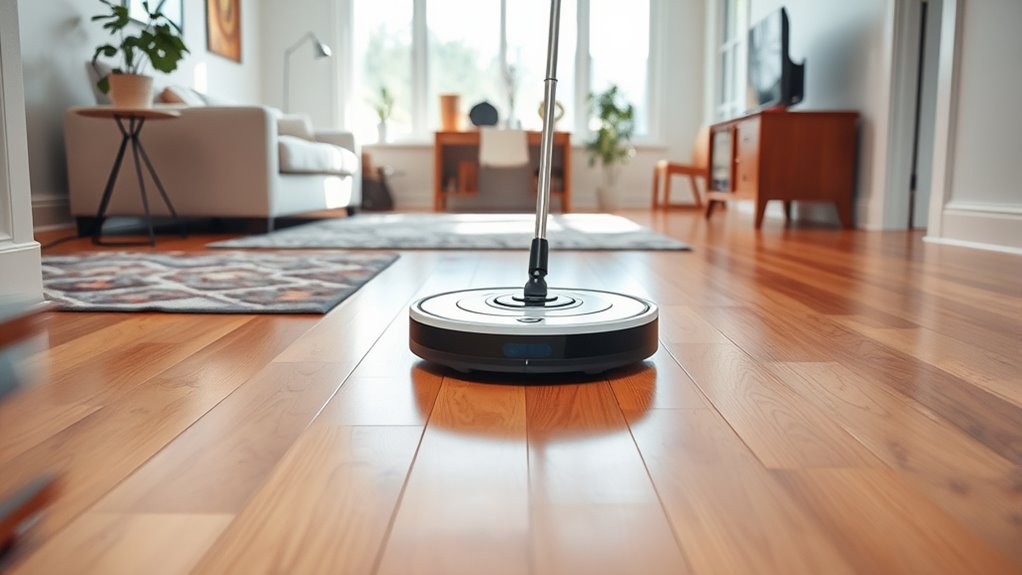
To guarantee your robot mop can clean efficiently, you need to clear the path by removing obstacles from the floor. Obstacle removal and pathway clearance are essential for thorough cleaning and preventing the robot from getting stuck. Take a moment to pick up toys, cords, and loose rugs that might obstruct its movement. Ensuring a clear path not only improves cleaning performance but also lengthens your robot’s lifespan.
| Obstacle to Remove | Why It Matters |
|---|---|
| Toys and clutter | Block movement, reduce efficiency |
| Cords and cables | Can entangle the mop |
| Area rugs | Cause slipping or trapping |
Removing these obstacles guarantees a smoother, more effective cleaning session, leaving your floors sparkling every time.
Use the Correct Cleaning Settings for Different Surfaces
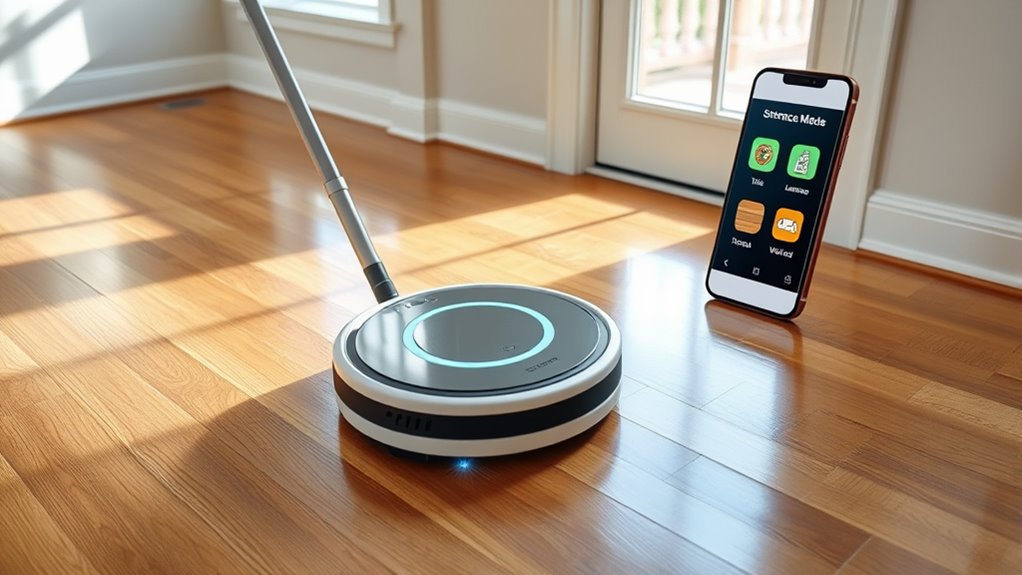
Make sure to adjust your robot mop’s settings based on the surface you’re cleaning. Use stronger settings for tile and hardwood to get rid of stubborn dirt, but switch to gentle for rugs to avoid damage. Choosing the right setting helps your floors stay clean without risking harm.
Adjust for Tile & Hardwood
Different surfaces require different cleaning settings to guarantee effective and safe results. For tiles, use a setting that focuses on thorough cleaning without excessive moisture—tile tips include adjusting the mop’s water flow and choosing a gentle scrubbing mode to prevent grout damage. Hardwood tricks involve lowering the humidity and using a delicate, low-suction mode to avoid warping or scratches. Always check your robot mop’s options to match these surfaces accurately. For tiles, a slightly wetter clean can help loosen dirt, while hardwood benefits from a light touch with minimal water. Customizing your mop’s settings ensures you get sparkling floors without risking damage, making your cleaning routine more effective and preserving your floors’ beauty long-term.
Use Gentle for Rugs
When cleaning rugs with a robot mop, selecting a gentle setting is vital to prevent damage and guarantee effective cleaning. Rug protection depends on using the right cleaning approach, especially with delicate fibers. Opt for a gentle cleaning mode to avoid fraying or discoloration. Here’s a quick guide to help you choose the best setting:
| Surface Type | Recommended Setting | Purpose |
|---|---|---|
| Rugs | Gentle | Protect fibers, avoid damage |
| Hardwood | Standard | Effective cleaning, no harm |
| Tile | Deep clean | Remove grime thoroughly |
| Carpet | Soft sweep | Lift dirt gently |
Using the correct setting ensures rug protection and keeps your floors looking fresh without risking wear and tear.
Regularly Maintain and Clean Your Robot Mop
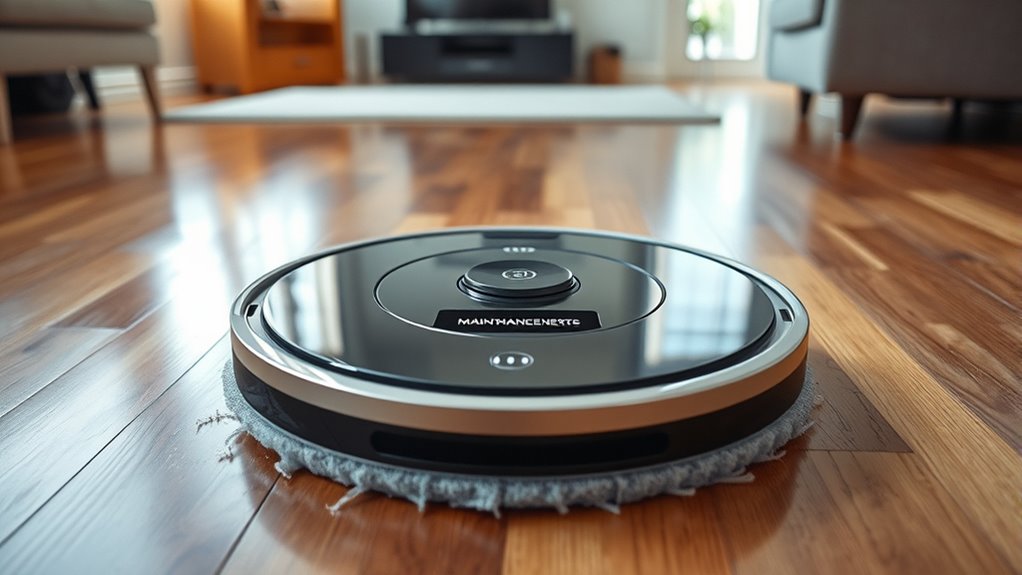
Regular maintenance and cleaning are essential to keep your robot mop functioning efficiently. Over time, dust buildup can clog sensors and affect performance, so it’s important to regularly remove debris from brushes and wheels. Additionally, make sure to clean or replace the filter as recommended by the manufacturer; a clean filter guarantees maximum suction and mopping results. Check for any tangled hair or dirt wrapped around the brushes, and remove it promptly. Keep the water tank clean and refill it with fresh water to prevent odors and maintain cleaning effectiveness. By staying on top of these tasks, you’ll extend your robot mop’s lifespan and ensure it consistently delivers sparkling floors every time you use it.
Optimize Battery Life for Longer Cleaning Sessions

To maximize your robot mop’s cleaning time, maintaining its battery life is vital. Focus on battery conservation by avoiding unnecessary trips or overloading the device with frequent, short cleaning cycles. Implement effective charging strategies by always allowing the battery to fully charge before use and unplugging it once fully powered. Keep the battery healthy by storing it in a cool, dry place when not in use for extended periods. Regularly check for software updates that optimize power consumption. Additionally, reduce the mop’s cleaning intensity or limit the number of cleaning sessions per charge to extend runtime. By adopting these tips, you’ll guarantee your robot mop operates efficiently, prolonging battery life and enabling longer, more effective cleaning sessions.
Schedule Cleanings During Optimal Times
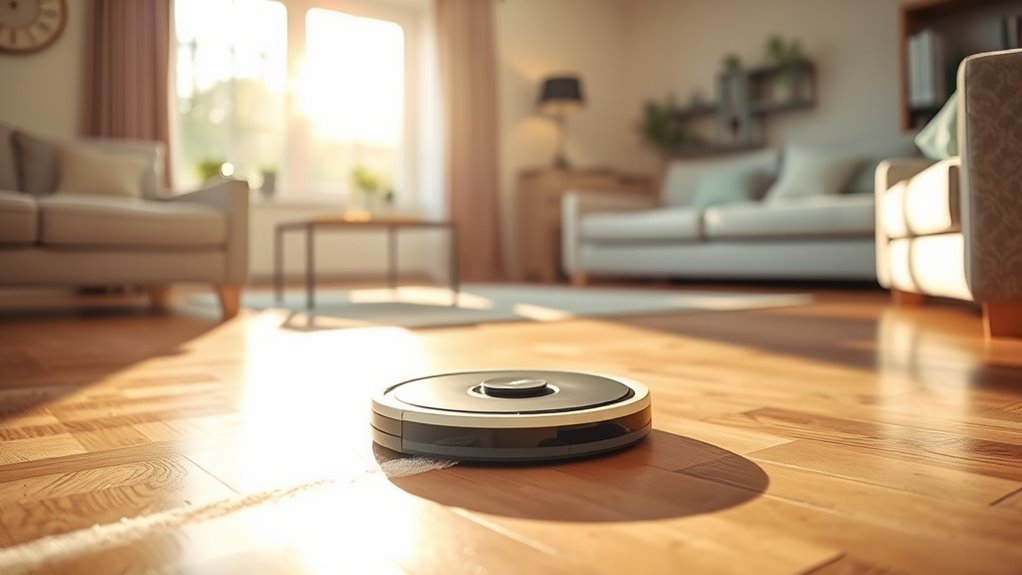
Scheduling your robot mop during off-peak hours can help it operate more efficiently without interrupting your day. Set weekly reminders to keep your cleaning routine consistent, and align it with your household’s routine for convenience. Choosing the right times guarantees your floors stay clean without hassle.
Choose Off-Peak Hours
Choosing the right time to run your robot mop can make a big difference in its efficiency and your convenience. To get the best results, schedule your cleaning during off-peak times when your household is less active. During peak hours, your robot may encounter more obstacles or need to pause frequently, reducing its effectiveness. Running it during off-peak times ensures fewer interruptions and a smoother clean. Plus, you’ll avoid conflicts with family members or pets who might be moving around. By choosing these quieter periods, you maximize your robot’s performance and free up your time.
- Schedule early mornings or late nights when fewer people are home
- Avoid busy weekend afternoons and evenings
- Pick times with minimal household activity for ideal cleaning
Set Weekly Reminders
Setting weekly reminders for your robot mop guarantees it cleans during the most effective times without you having to think about it constantly. By establishing a consistent cleaning schedule, you ensure your floors stay spotless without daily effort. Use your phone or smart home app to set these weekly reminders so the robot mops automatically at designated times. This helps avoid missed cleanings or overlaps with busy periods. Regularly scheduled cleanings also keep dust, dirt, and allergens at bay, maintaining a healthier environment. Adjust your reminders if your routine changes, ensuring your robot mop always works when you need it most. Consistent scheduling makes floor maintenance effortless and frees up your time for more important things.
Align With Household Routine
To maximize the efficiency of your robot mop, coordinate its cleaning times with your household’s daily routine. Scheduling cleanings during low-traffic periods helps guarantee better floor polishing and stain removal. Choose times when your floors are less likely to be disturbed, such as early mornings or late evenings. This prevents unnecessary interruptions and allows the robot to work more effectively. Regularly aligning cleaning sessions with your routine also keeps floors consistently spotless and reduces buildup of dirt and grime. Additionally, scheduling during off-peak hours minimizes noise disruptions and ensures your robot can focus on deep cleaning tasks without interference. By syncing your robot mop with your household schedule, you’ll achieve cleaner floors and extend the life of your appliance.
Troubleshoot Common Issues for Consistent Results
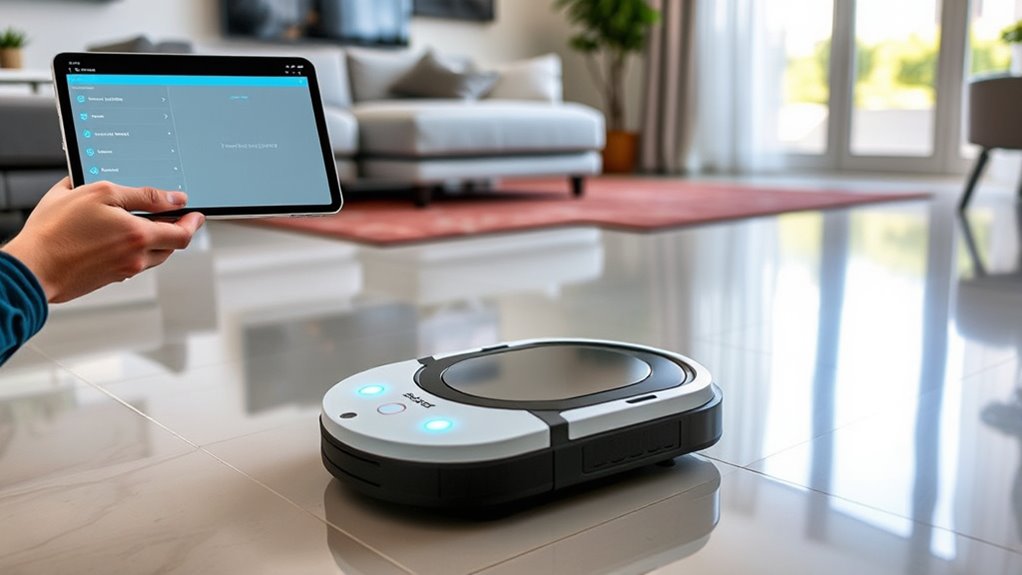
Even the most advanced robot mops can encounter issues that disrupt their performance, but many problems are easy to troubleshoot with a few simple steps. If your robot isn’t cleaning effectively, start by checking sensor calibration—dust or debris on sensors can cause navigation errors. Regularly clean and recalibrate sensors to ensure accurate mapping and obstacle avoidance. Additionally, ensure your water tank is properly refilled; a low water level can diminish cleaning effectiveness. If your mop seems stuck or isn’t covering the entire area, verify that the water tank is seated correctly and filled to the recommended level. Performing these quick checks can restore consistent results, keeping your floors sparkling without hassle.
Frequently Asked Questions
How Often Should I Replace the Robot Mop’s Cleaning Pads?
You should replace your robot mop’s cleaning pads every 2 to 4 weeks, depending on your cleaning frequency and pad longevity. If you notice the pads are worn, frayed, or no longer absorb well, it’s time for a new one. Regularly changing pads guarantees peak cleaning performance and prevents dirt transfer. Keep an eye on their condition, especially if you mop frequently, to maintain sparkling floors every time.
Can I Use the Robot Mop on Hardwood and Tile Floors?
Yes, you can use your robot mop on hardwood and tile floors. Check the flooring compatibility of your specific model first, as some robot mops are designed for certain surfaces. When used correctly, it guarantees cleaning effectiveness without damaging your floors. Make sure to adjust settings if needed, and avoid excessive water on hardwood to prevent warping. Regularly clean the pads to maintain ideal performance across different flooring types.
What Should I Do if the Robot Mop Gets Stuck Frequently?
When your robot mop keeps getting stuck like a stubborn mule, try obstacle removal first—clear away cords, rugs, or clutter. Then, perform navigation calibration to help it learn your floors better. Regularly update its software and check sensors for dirt or obstructions. These steps help your robot navigate smoothly, ensuring sparkling floors every time without getting caught up in messes.
Is It Safe to Leave the Robot Mop Charging Unattended?
Yes, it’s safe to leave your robot mop charging unattended, provided you follow proper charging safety guidelines. Make sure you use the original charger and place the device on a flat, stable surface away from water or flammable materials. Avoid leaving it charging overnight or in extreme temperatures. Regularly inspect the charging cord and station for damage, and unplug the charger if you notice any issues.
How Do I Update the Robot Mop’s Firmware or App Software?
To update your robot mop’s firmware or app software, start by opening the dedicated app on your device. Check for firmware updates or app compatibility alerts within the app’s settings or updates section. If an update is available, follow the prompts to download and install it. Make sure your device remains connected to Wi-Fi during the process to guarantee a smooth update, keeping your robot mop working efficiently.
Conclusion
By preparing your floors, clearing your path, choosing the right settings, maintaining your robot mop, optimizing its battery, scheduling smartly, and troubleshooting effectively, you’ll achieve consistently sparkling floors. Follow these tips to enhance performance, extend your device’s lifespan, and enjoy hassle-free cleaning. Embrace these simple steps for cleaner, brighter, and more beautiful floors every time. Because with the right approach, your robot mop becomes your ultimate cleaning companion, transforming your space effortlessly and efficiently.