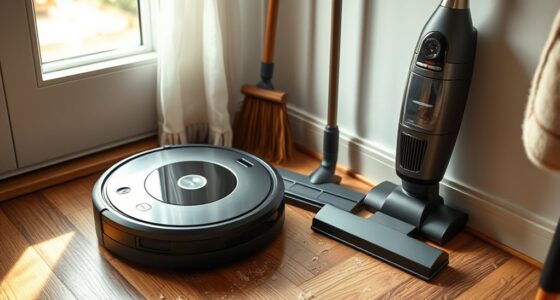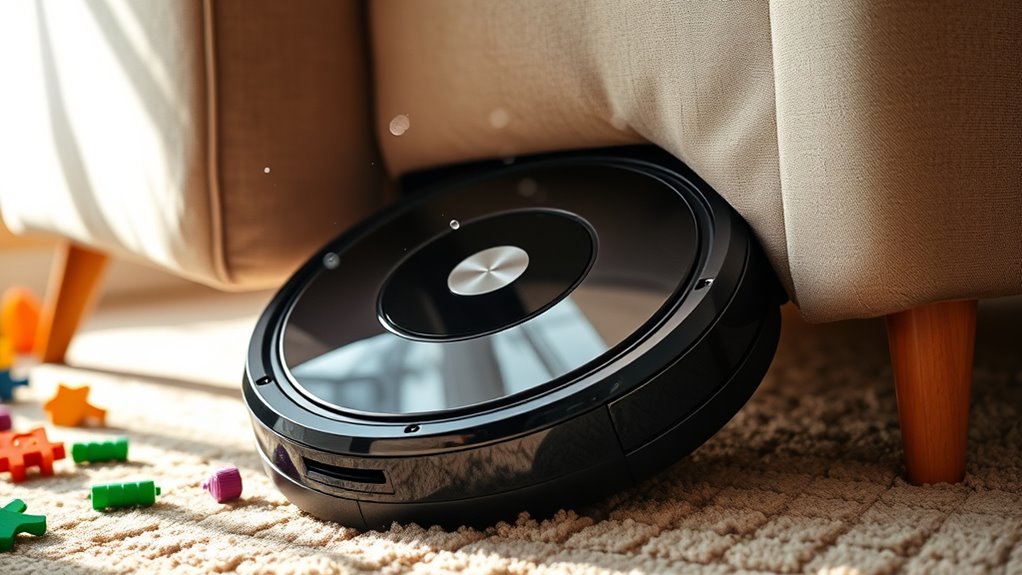
To prevent your robot vacuum from getting stuck under furniture, regularly update and reset its mapping data, marking no-go zones with virtual boundaries to block tight spaces. Keep sensors clean and calibrated to improve obstacle detection. Elevate furniture on risers or move low-clearance pieces away from main paths. Adjust navigation settings via the app for better control, and create clear pathways in your room. Following these tips can greatly reduce entrapments—discover more solutions ahead.
Key Takeaways
- Regularly update and re-map your vacuum’s layout, marking no-go zones and virtual barriers to prevent it from entering tight spaces.
- Keep sensors clean and calibrated to improve obstacle detection and avoid bumping into furniture legs.
- Elevate low-clearance furniture with risers or coasters to increase clearance and prevent entrapment.
- Adjust navigation settings and virtual barriers via the app to restrict access to problematic areas.
- Reorganize room layouts to create clear pathways and reposition furniture to reduce areas where the vacuum may get stuck.
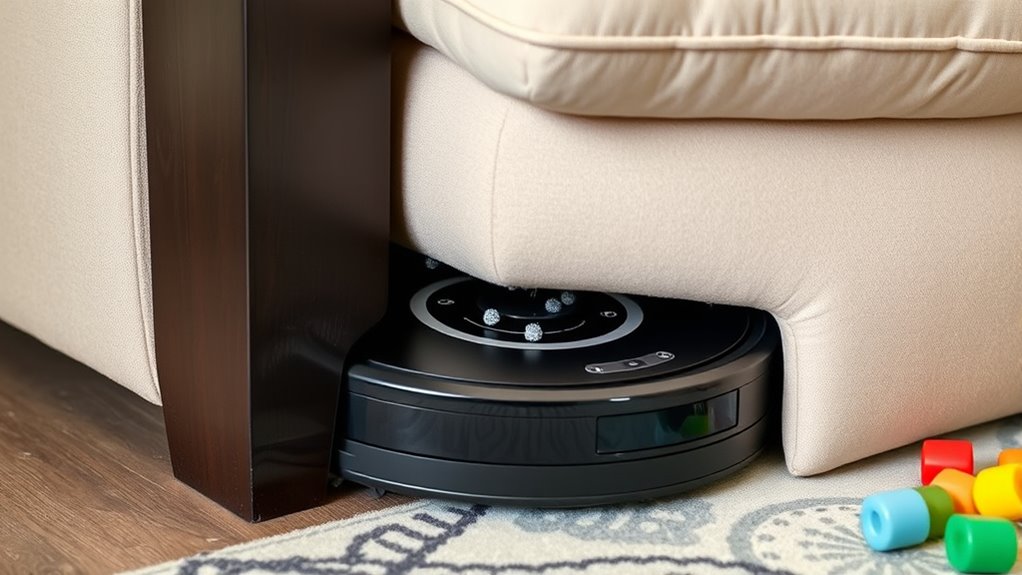
If your robot vacuum keeps getting stuck under furniture, it can be frustrating and disrupt your cleaning schedule. One common reason for this is mapping issues. When your vacuum’s navigation system doesn’t correctly interpret your home’s layout, it might not recognize certain low-clearance areas or might misjudge the space around furniture legs. As a result, it could repeatedly attempt to go under items that are just too low, leading to frequent blockages and potential damage. To prevent this, consider resetting or updating your vacuum’s mapping data. Many models allow you to re-map your space or mark no-go zones, which helps the device understand where it should and shouldn’t go. Using your app or control interface, you can often draw virtual barriers around furniture legs or low-hanging objects to keep the vacuum from attempting to navigate into tight spots it can’t clear.
Reset or update your vacuum’s mapping data to prevent it from trying to go under low-clearance furniture.
Obstacle detection also plays an essential role in avoiding getting stuck under furniture. Modern robot vacuums rely heavily on sensors to detect obstacles and navigate around them. If these sensors are dirty, misaligned, or malfunctioning, your device might fail to recognize furniture legs or low-clearance objects, causing it to bump into or try to go under pieces it shouldn’t. Regularly inspecting and cleaning the sensors is a good habit. Wipe them gently with a soft cloth to ensure they’re free of dust and debris. If your vacuum has obstacle detection settings, make sure they’re enabled and calibrated correctly, as sometimes these features can be turned off or require updates for peak performance. Additionally, sensor calibration can significantly improve obstacle detection accuracy.
Another tip is to evaluate the furniture placement. If certain pieces tend to trap your vacuum repeatedly, rearranging or elevating them slightly can help. For example, placing furniture on small risers or coasters can give your vacuum more clearance, reducing the chances of it getting stuck. Additionally, consider using boundary strips or virtual walls through your app to create physical or digital barriers around problematic areas. These barriers guide your vacuum away from tight spots or low-clearance zones where it’s prone to becoming lodged.
In essence, preventing your robot vacuum from getting stuck under furniture involves a combination of proper mapping, sensor maintenance, and strategic room setup. Regularly updating the device’s mapping data, ensuring obstacle detection is functioning correctly, and adjusting furniture placement can considerably reduce the chances of unwanted snags. By actively managing these factors, you’ll keep your vacuum running smoothly and maintain a cleaner home without the interruptions caused by frequent entrapments.
Frequently Asked Questions
How Do I Reset My Robot Vacuum After It Gets Stuck?
To reset your robot vacuum after it gets stuck, first turn it off and remove the power source if possible. Check your vacuum’s user manual for specific reset instructions, often involving pressing and holding certain buttons. Regular vacuum maintenance and proper cleaning routines help prevent future issues. Once reset, confirm your furniture is positioned to avoid obstructions, and perform a quick cleaning routine to keep your vacuum running smoothly.
Can I Modify Furniture to Prevent Vacuum Entrapment?
Think of your furniture as a maze for your robot vacuum, and modifications are your map. You can remove or elevate furniture legs, add sweeping strips, or use obstacle prevention barriers to guide it smoothly. These furniture modifications create clear pathways, preventing your vacuum from getting stuck. By customizing your space, you make certain obstacle prevention, allowing your robot to navigate freely and clean efficiently without getting caught under furniture.
What Are the Signs My Robot Vacuum Is Struggling?
You’ll notice your robot vacuum struggling when it repeatedly hits the same spots or seems to move slowly, indicating guidance issues. Battery alerts may pop up if it’s working harder than usual or running out of power quickly. You might also hear it bump into furniture more often or stop unexpectedly. These signs show it’s having trouble steering smoothly, possibly due to obstacles or tight spaces, so check for potential issues regularly.
Is There a Way to Remotely Control or Manually Free My Vacuum?
Yes, you can remotely control your robot vacuum or manually intervene if it gets stuck. Most models come with a remote control or companion app, allowing you to pause, stop, or direct the vacuum to a specific spot. If it’s trapped under furniture, use the app or remote to pause cleaning, then gently free it. Manual intervention helps you manage tricky areas and prevents future jams.
How Often Should I Check for Obstacles Under Furniture?
You should check for obstacles like pet hair and carpet edges under furniture weekly to prevent your vacuum from getting stuck. Regularly removing pet hair buildup and trimming carpet edges helps guarantee smooth navigation. By staying proactive and inspecting these areas often, you reduce the chances of your robot vacuum getting trapped, saving you time and frustration. Keep an eye on tricky spots to maintain an efficient cleaning routine.
Conclusion
By taking these simple steps, you’re giving your robot vacuum a clear path to glide smoothly through your home, like a dancer mastering every move. When you prevent it from getting stuck, you’re not just saving time—you’re creating a seamless rhythm of clean floors and peace of mind. Think of your vacuum as a loyal explorer, enthusiastic to conquer clutter, but only if you clear the way. With a little preparation, your home becomes a well-choreographed symphony of cleanliness.